AI Bathroom Design That Keeps Your Layout

Upload a photo of your bathroom and try new tile, vanities, fixtures and colors in seconds. The toilet, tub and window stay exactly where they are, so what you see is something you could actually build.

  • Free, no sign-up
  • Keeps your layout, or it is free
  • 2 designs in about 30 seconds

Upload a photo of your space

Drag it here, or choose a file. JPG, PNG, WebP or iPhone HEIC.

Space
Style

Uses 2 images · free to try, no sign-up

Before and after examples

Drag the slider on each photo. Same room, same windows, new look.

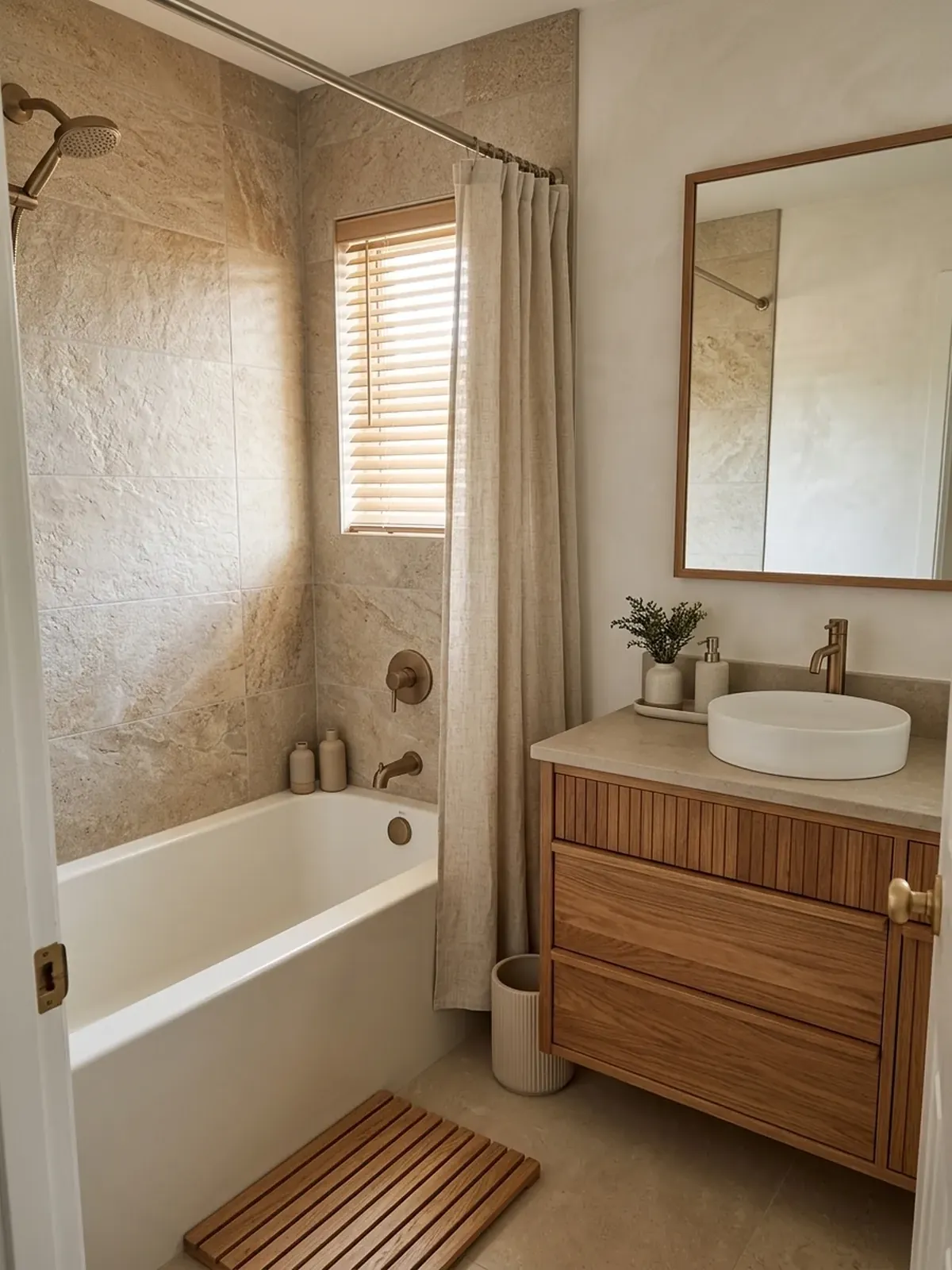
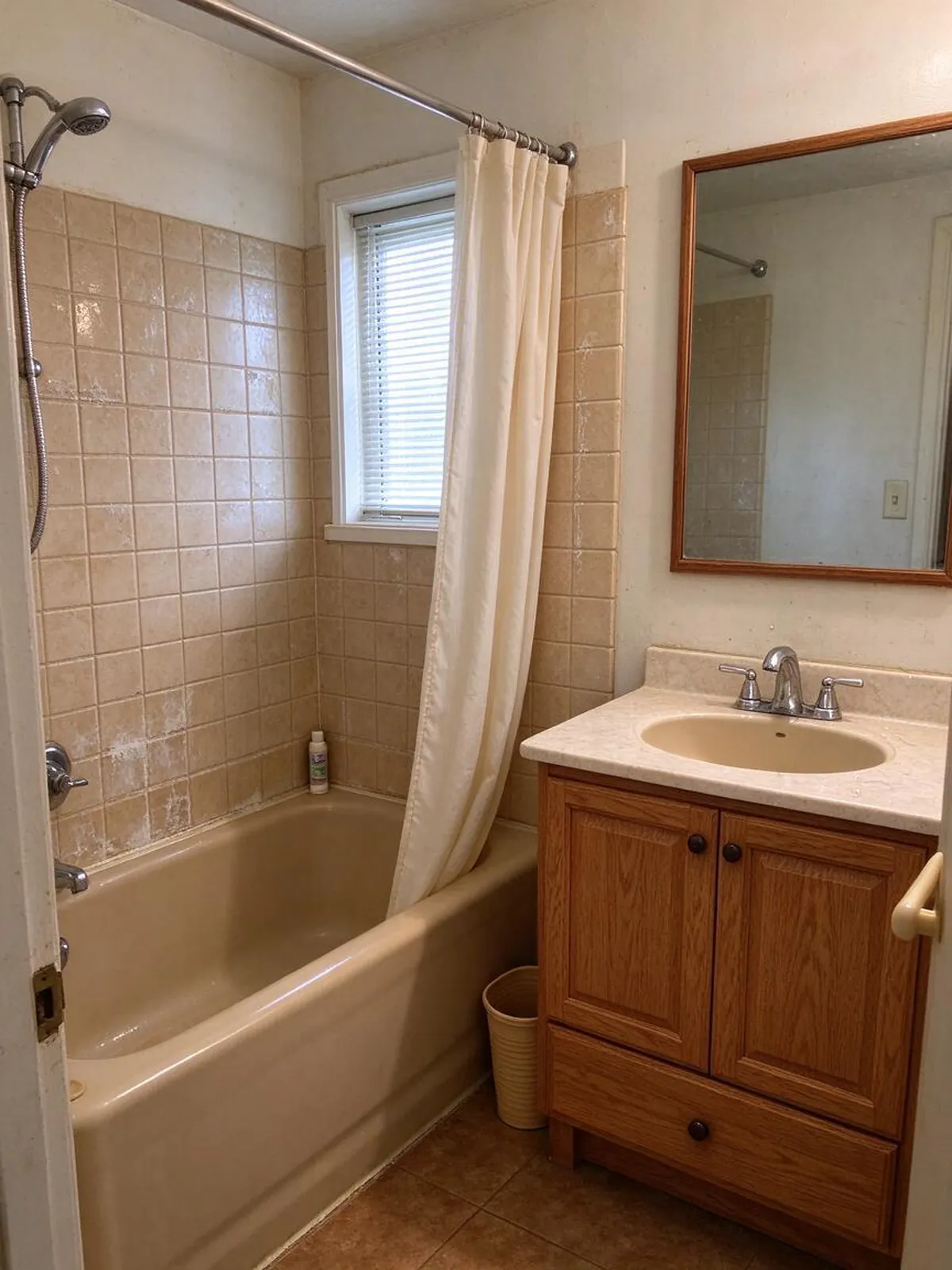
Japandi spa – AfterJapandi spa – BeforeBeforeAfter
Japandi spa
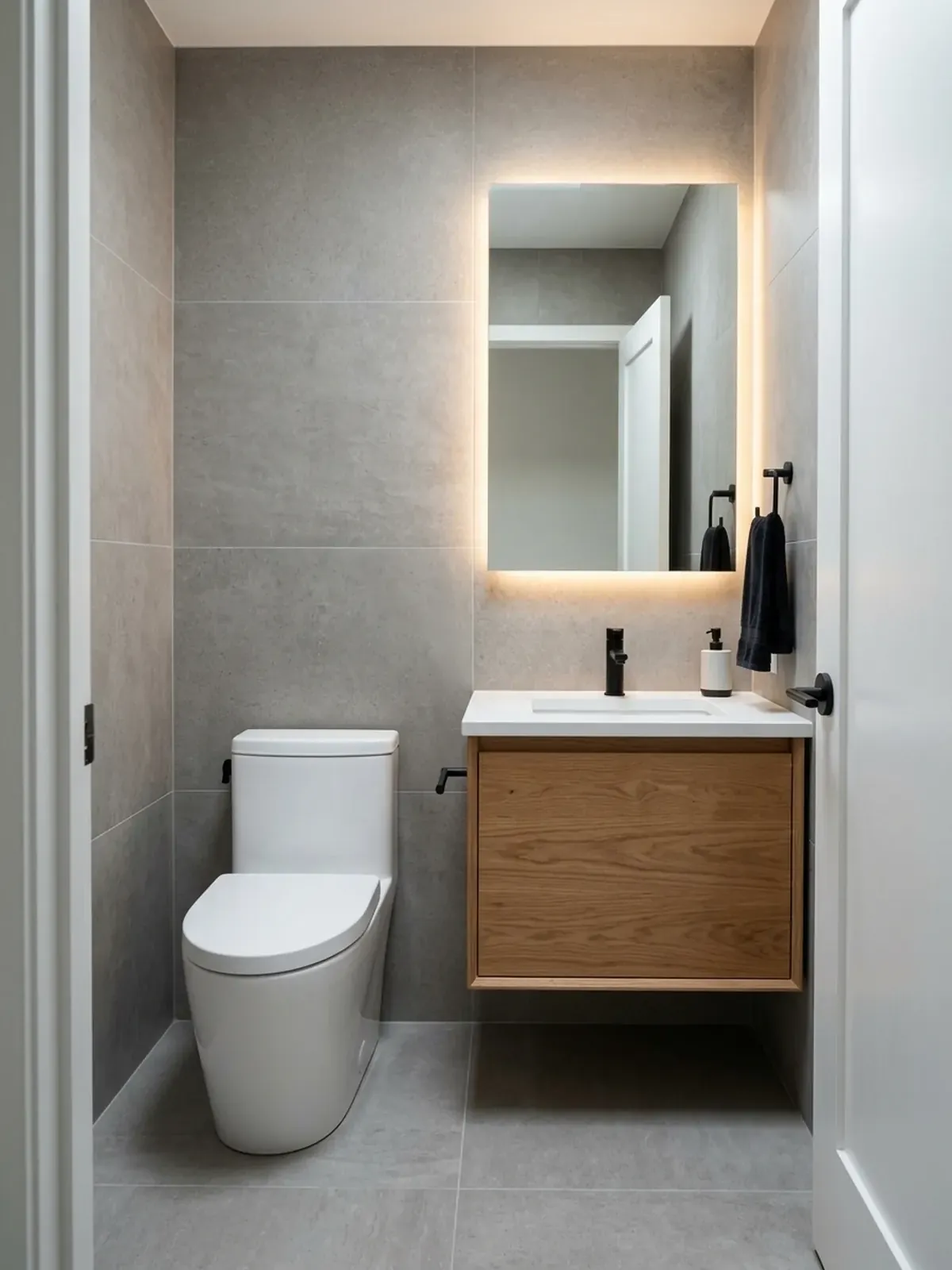
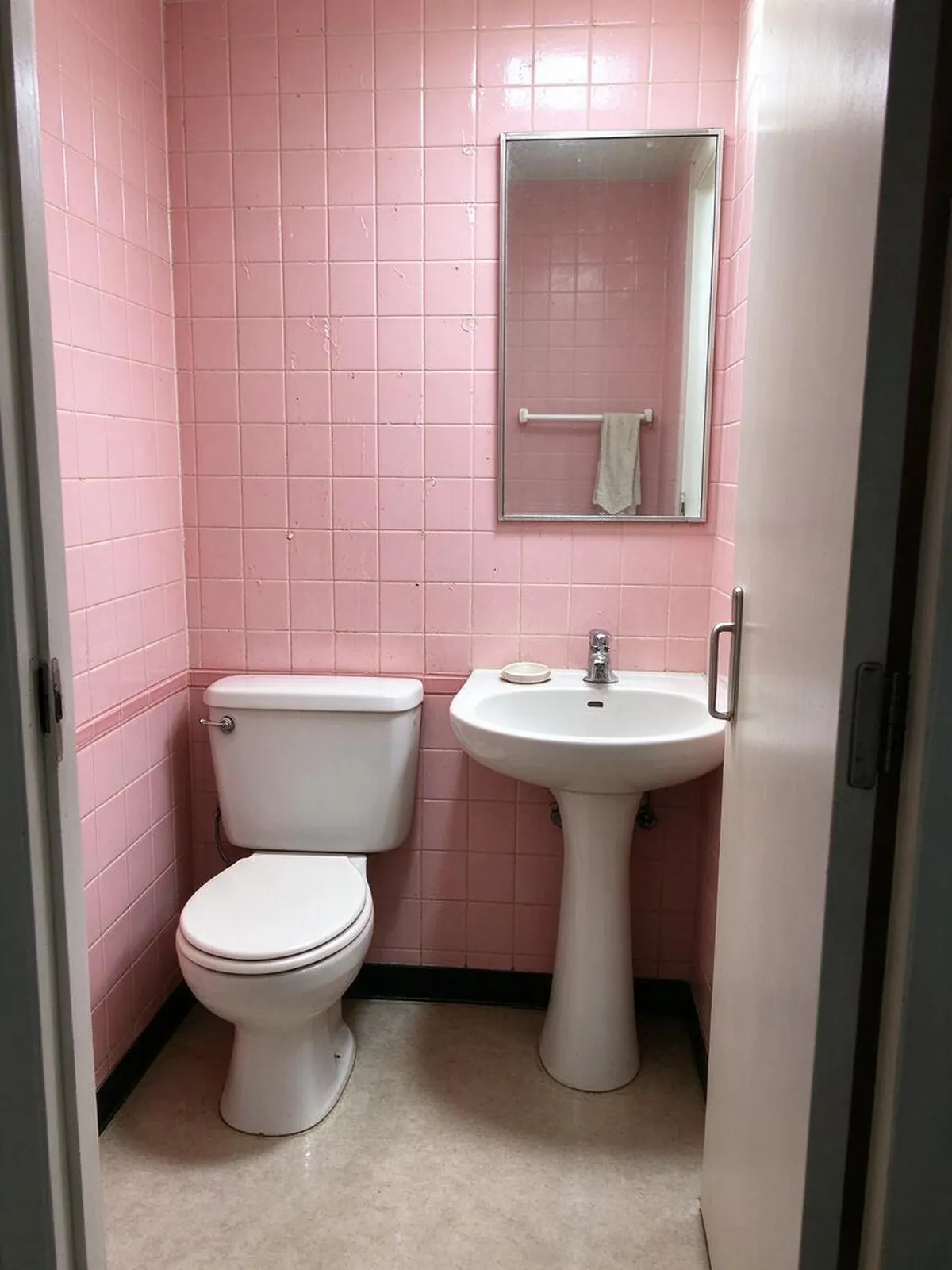
Modern – AfterModern – BeforeBeforeAfter
Modern
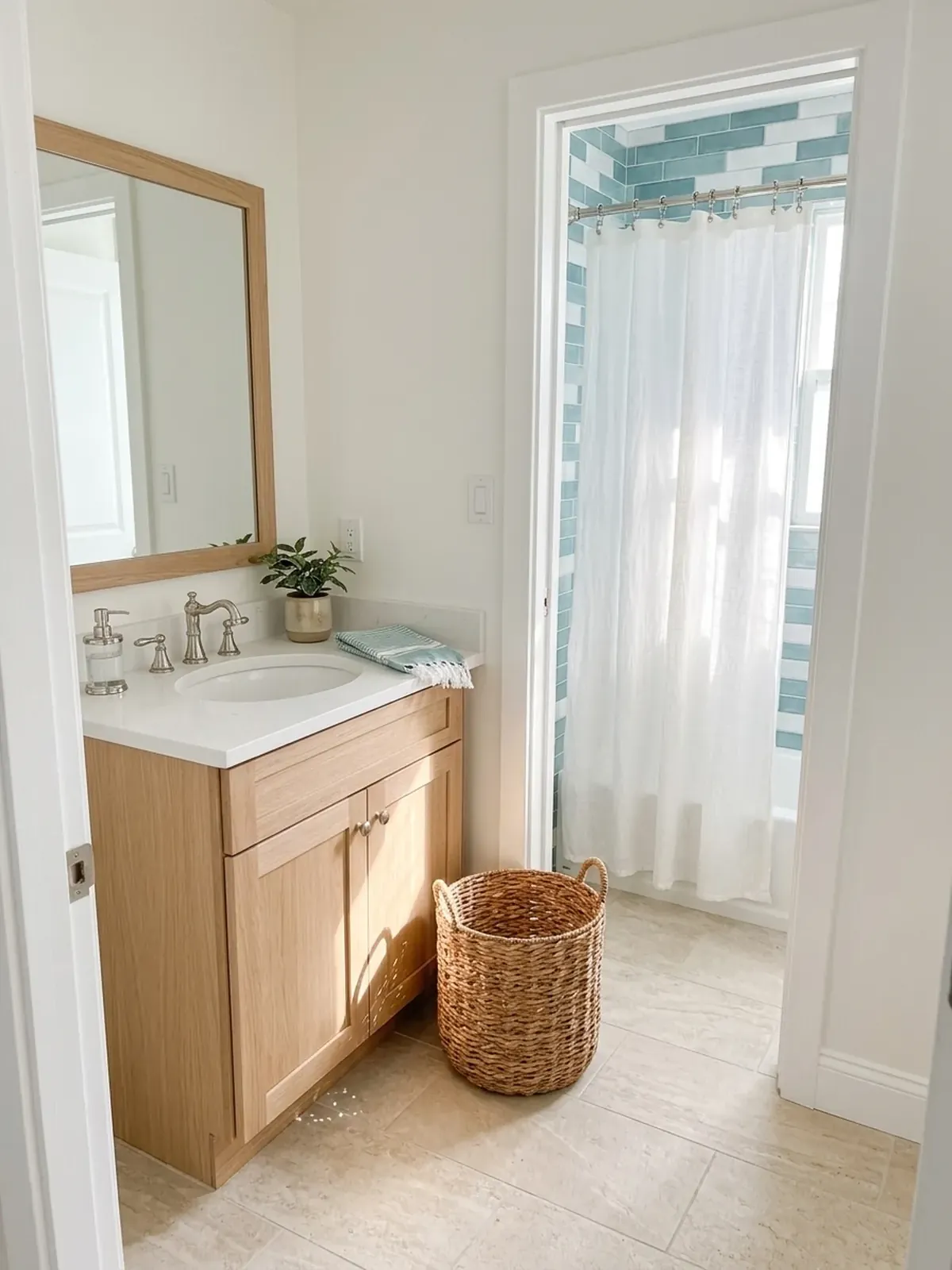
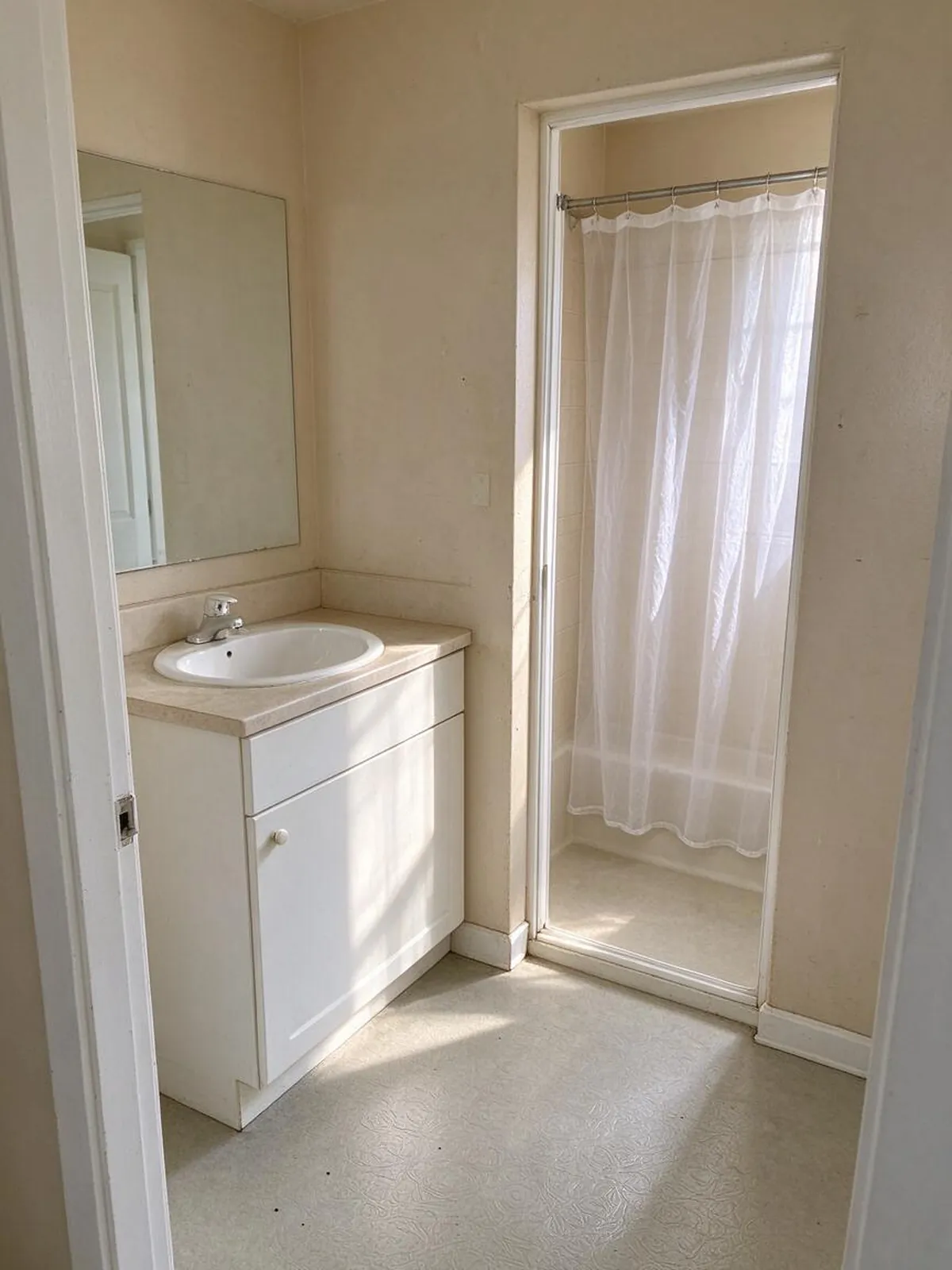
Coastal – AfterCoastal – BeforeBeforeAfter
Coastal
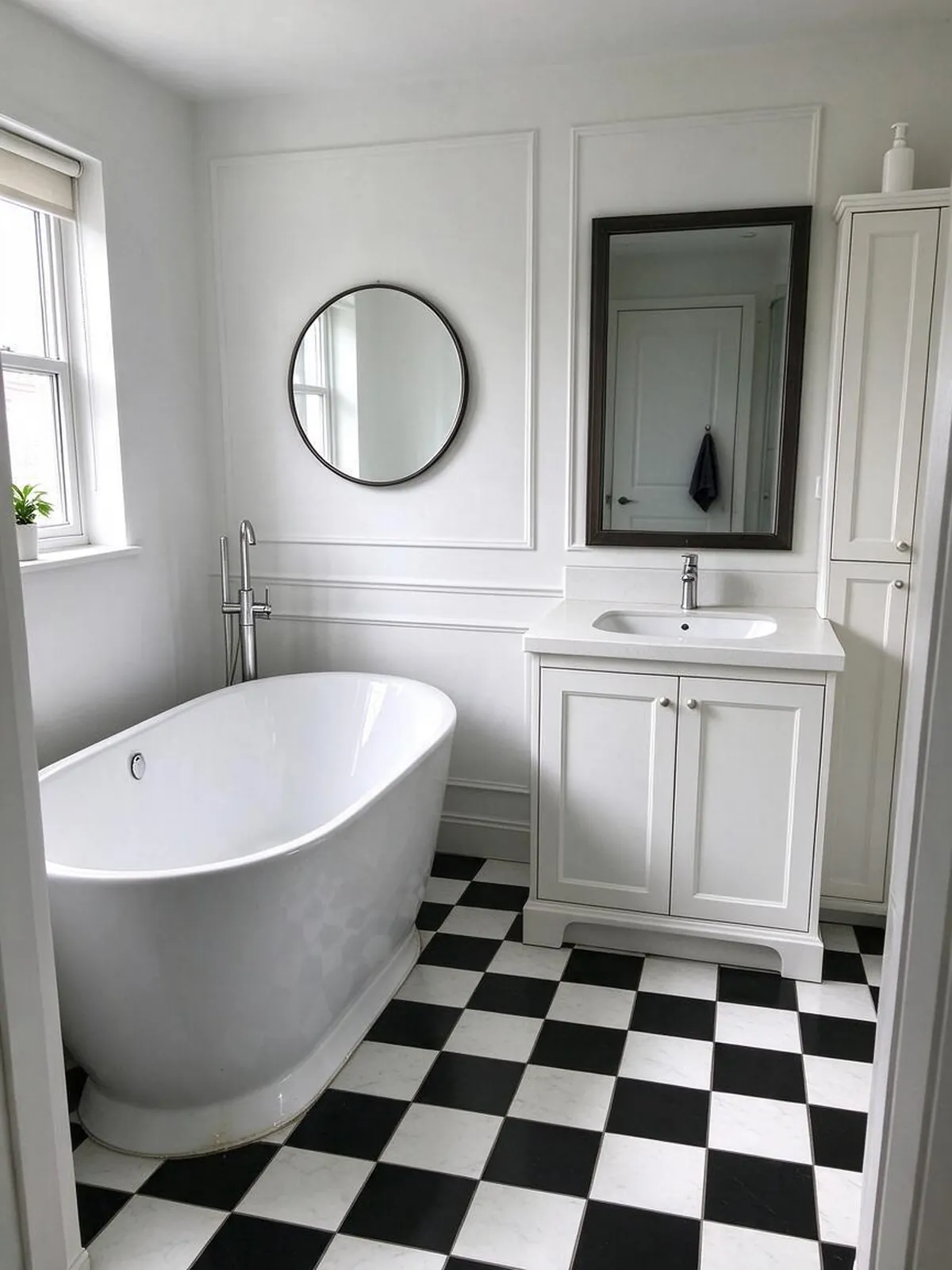
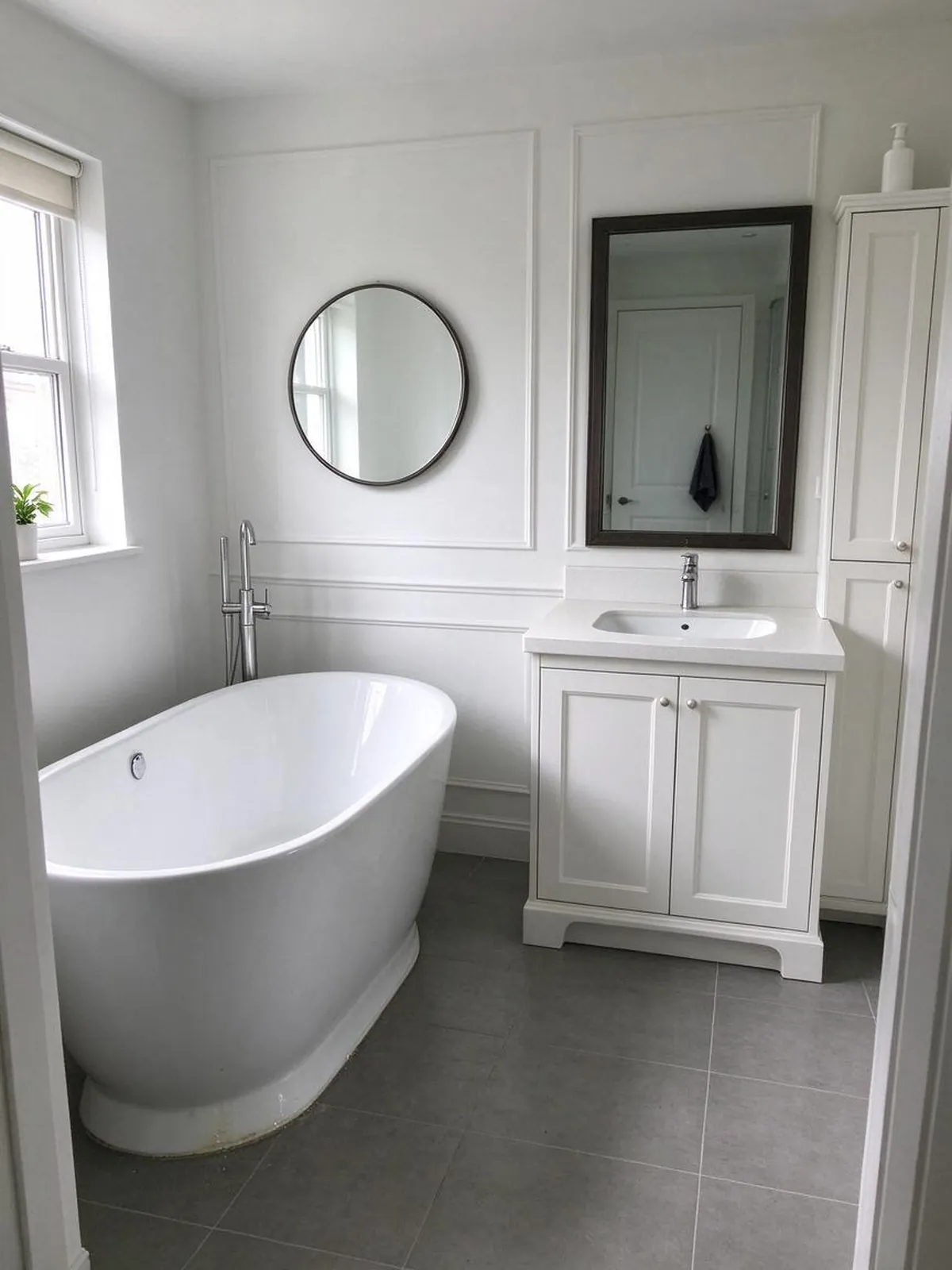
New floor only – AfterNew floor only – BeforeBeforeAfter
New floor only

How to use it in 3 steps

  1. 1

    Snap your bathroom

    Stand in the doorway or the corner opposite the vanity and take one level photo with the lights on.

  2. 2

    Choose a look

    Pick a style such as Spa-like Japandi or Modern, or fine-tune tile, floor and fixture finish.

  3. 3

    Compare and save

    Slide between before and after, download your favorite, and make a design card to send to your tiler or plumber.

What makes it different

  • Your layout stays put

    Walls, windows, doors and camera angle are kept. If the AI moves them, that image is refunded and redone.

  • Try before you sign up

    Your first two designs need no account and no card.

  • No subscription traps

    One-time packs never renew. Monthly plans cancel in one click.

  • Exact materials and colors

    Pick cabinets, counters, floors and paint, or change one thing at a time.

  • Ready for your contractor

    Download a before/after design card with your choices listed.

A bathroom remodel you can see first

Bathrooms are small, so every choice shows: the tile size, the grout color, the finish of the faucet, the color of the vanity. It is hard to picture how a large-format porcelain floor will look next to your existing tub, or whether matte black fixtures will feel too heavy in a narrow room. AI bathroom design answers that with your own room in the picture.

Upload one photo and you get two complete redesigns that keep the plumbing layout. Keep the one you like, then change single details until it is right. It is a fast, low-stakes way to make decisions that are expensive to undo once tile is on the wall.

Bathroom styles to explore

Modern: a floating vanity, big tiles, a frameless glass shower and a backlit mirror. Clean and easy to clean.

Scandinavian: white tile, light oak and soft textiles. Bright and simple, ideal for small family bathrooms.

Japandi: warm wood, textured stone-look tile and a calm neutral palette that feels like a spa.

Industrial: concrete-look surfaces, black framed glass and exposed-pipe fixtures for a bold, urban room.

Rustic Farmhouse: beadboard or shiplap, a wood vanity, subway tile and brushed brass.

Minimalist, Coastal and Mid-Century cover seamless white rooms, sea-glass blues, and retro tile with walnut.

Plumbing stays put

Moving a toilet or a drain is where bathroom budgets explode. That is why every design here keeps the toilet, vanity, tub and shower in their current positions, along with the window and door. You are looking at finishes and fixtures you could swap without rerouting pipes. If the AI does move something structural, report it under the image and that image is refunded and redone with stricter rules.

Fine-tune tile, fixtures and color

Open "Fine-tune materials & colors" to steer the result: choose a floor such as terrazzo or natural slate, pick a fixture finish like brushed brass or polished chrome, and set a vanity color and wall color from the palette or with any custom color. Prefer to keep most of the room? Use "Change one thing" to repaint only the walls or replace only the floor.

Getting a good bathroom photo

Bathrooms are tight, so use your phone's 0.5x lens if it has one, but keep the phone level so vertical lines stay straight. Close the toilet lid, move towels and bottles out of sight, and turn on every light. A photo that shows the vanity plus part of the shower or tub gives the AI the most to work with.

Good for homeowners, renters and pros

Homeowners use it to choose between a quick refresh and a full remodel. Renters test paint and accessories that are easy to undo. Contractors and designers on the Studio plan use 2K images and a commercial license in client proposals.

Keep in mind that these are visual concepts. The tool does not check waterproofing, ventilation, slope or code requirements, and it does not price materials. Use your favorite image as a reference when you talk to a professional.

Frequently asked questions

Is this AI bathroom design tool free?+

Yes, you can try it without paying or signing up. Your first try creates two redesigns of your own photo, marked with a small watermark. Sign in with Google and you get three more images free. After that, a one-time pack starts at $9.99 for 50 images and never expires, so you only pay when you actually have a project.

Will it move my toilet or shower?+

No, the AI is told to keep the toilet, vanity, tub, shower, window and door where they are and to change only finishes, tile, fixtures, lighting and decor. If a result does move one of them, use the link under the image to get that image back for free and a stricter redo.

Can I see just new tile or a new vanity color?+

Yes. Use "Change one thing" to change only the floor or the wall color, or open the fine-tune panel in a full redesign to set the floor, the fixture finish and the vanity color. You can also keep editing any result one detail at a time until it matches what you have in mind.

Does it work for small bathrooms and powder rooms?+

Yes. Small rooms are where it helps most, because a wrong tile or a dark color shows immediately. Take the photo from the doorway with a wide lens if you have one and keep the phone level. Styles like Scandinavian and Minimalist are good starting points for making a small bathroom feel larger.

How is this different from asking ChatGPT or Gemini?+

General chat tools can edit photos, but you have to write long prompts and they often shift windows, change the camera angle or invent a different room. Here the layout rules are built in, styles and materials are one click, you get two options side by side with a before-and-after slider, and you can keep editing one detail at a time. If it does drift, you get the image back.

Can I use the images for my business?+

The Studio plan includes a commercial license, so designers, contractors and real estate agents can use the images in proposals, listings and marketing. Studio also unlocks sharp 2K downloads. Other plans are for personal use, such as planning your own remodel and sharing ideas with your family or your contractor.

Is my photo private?+

Your photos and designs are private to your account. Nobody else can see them unless you create a share link yourself, and you can delete any design from your history at any time. We use your photo only to create the images you ask for and never sell it or use it in public galleries. Please avoid uploading photos with people in them.