AI Landscape Design for Your Own Yard

Turn a photo of your front yard, backyard or patio into two realistic garden designs. Your house, fence line and slope stay exactly as they are, so you are only planning the planting, paving and features.

  • Free, no sign-up
  • Keeps your layout, or it is free
  • 2 designs in about 30 seconds

Upload a photo of your space

Drag it here, or choose a file. JPG, PNG, WebP or iPhone HEIC.

Space
Style

Uses 2 images · free to try, no sign-up

Before and after examples

Drag the slider on each photo. Same room, same windows, new look.

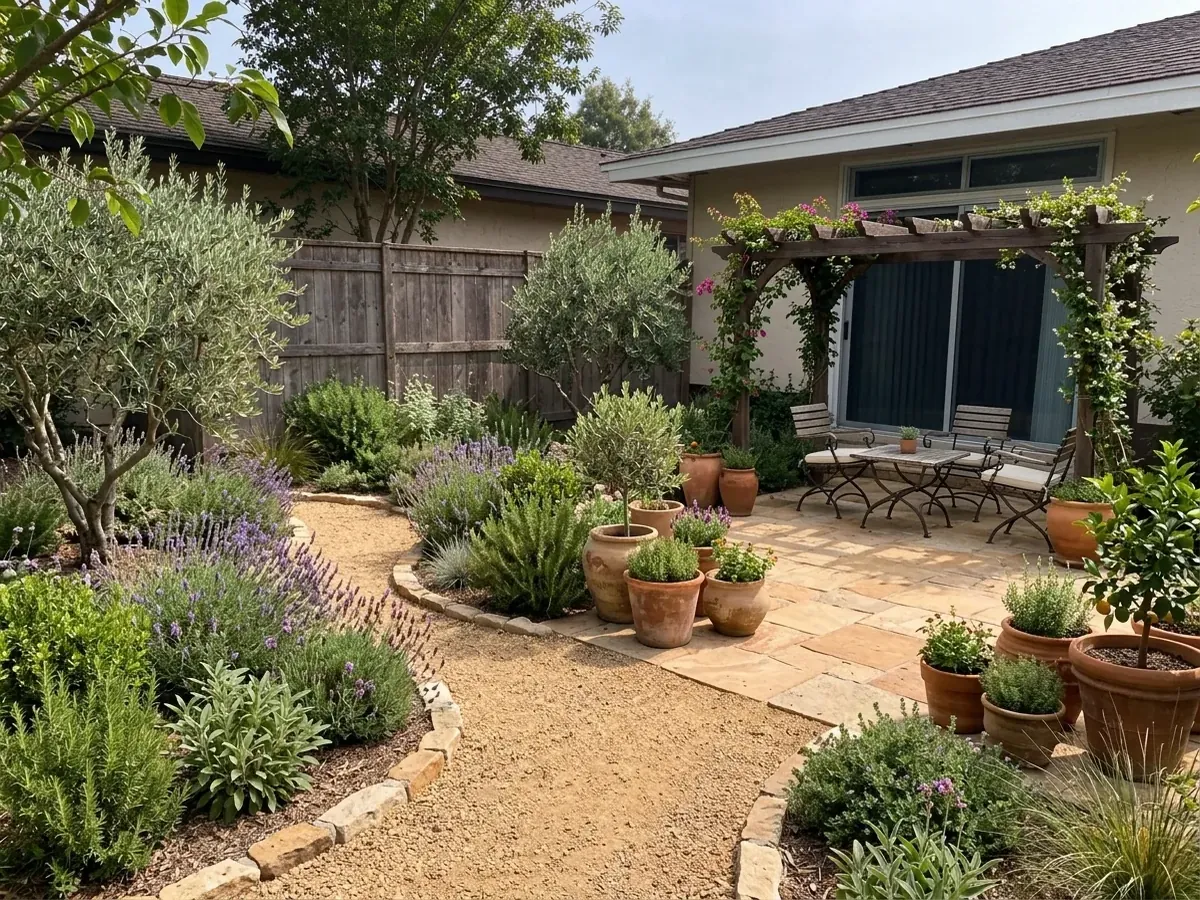
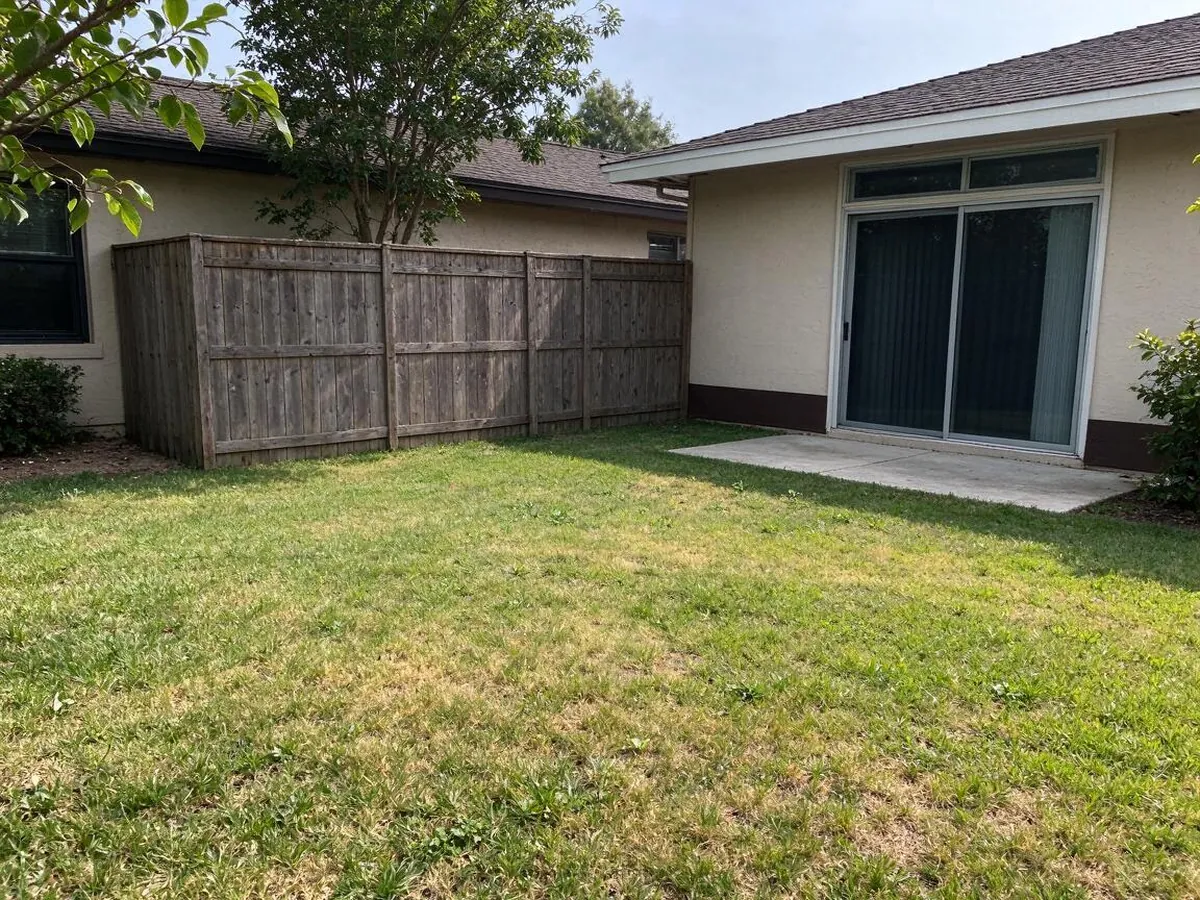
Mediterranean – AfterMediterranean – BeforeBeforeAfter
Mediterranean
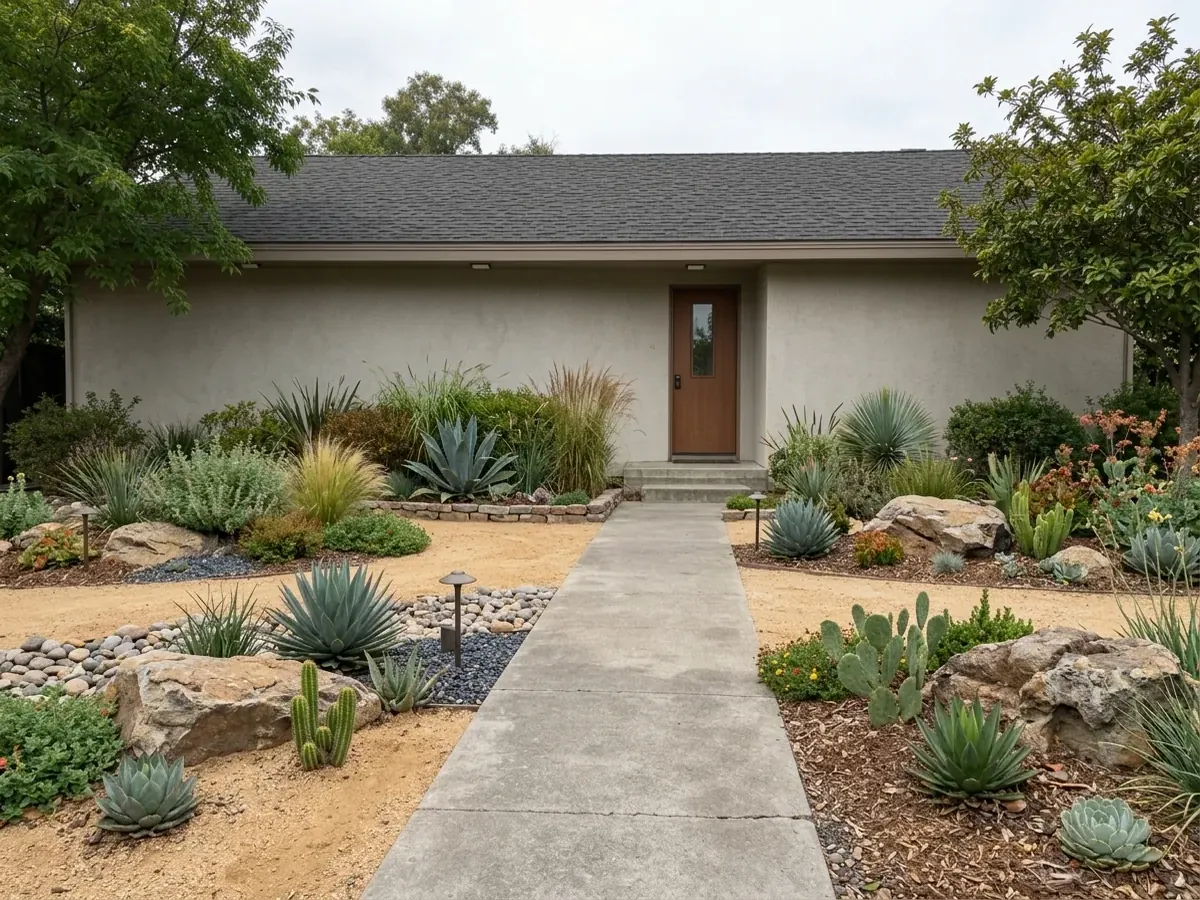
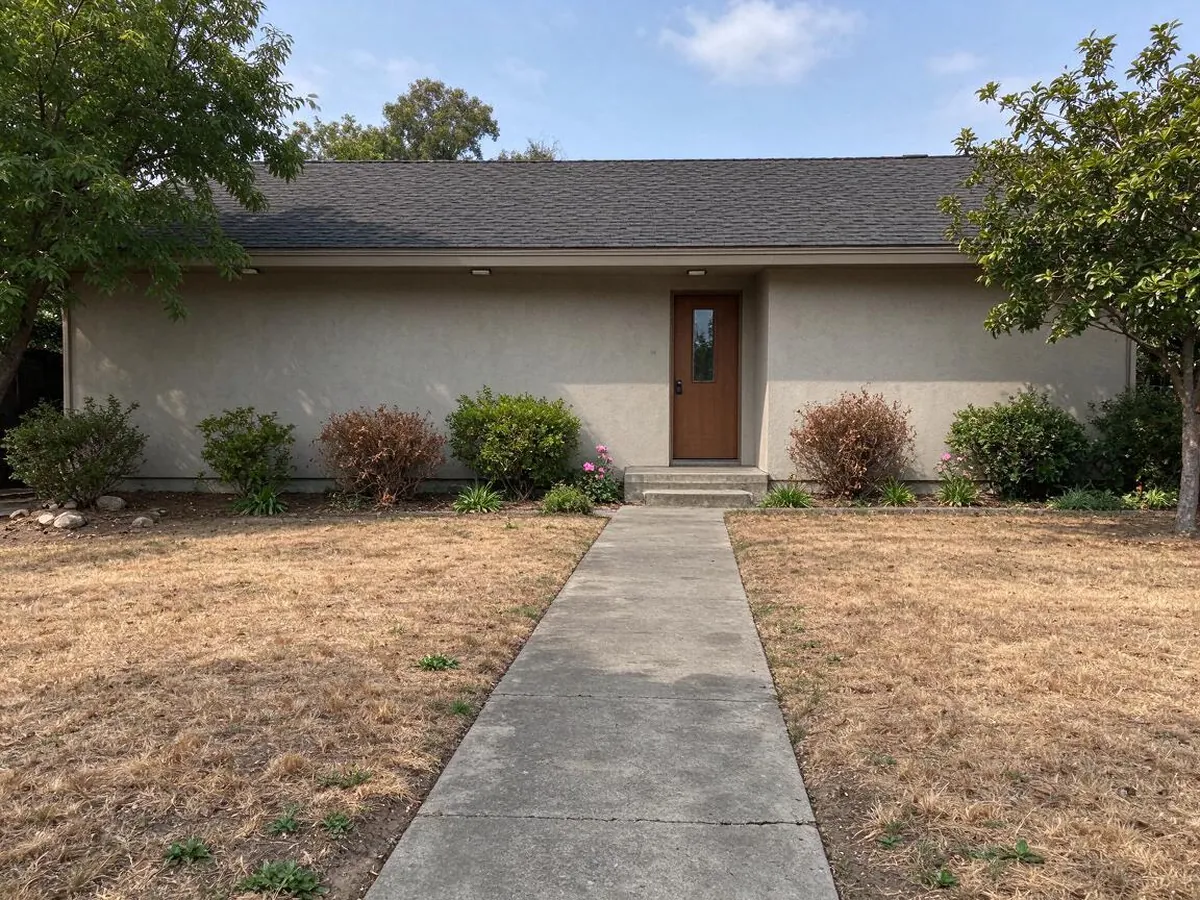
Drought-Tolerant – AfterDrought-Tolerant – BeforeBeforeAfter
Drought-Tolerant
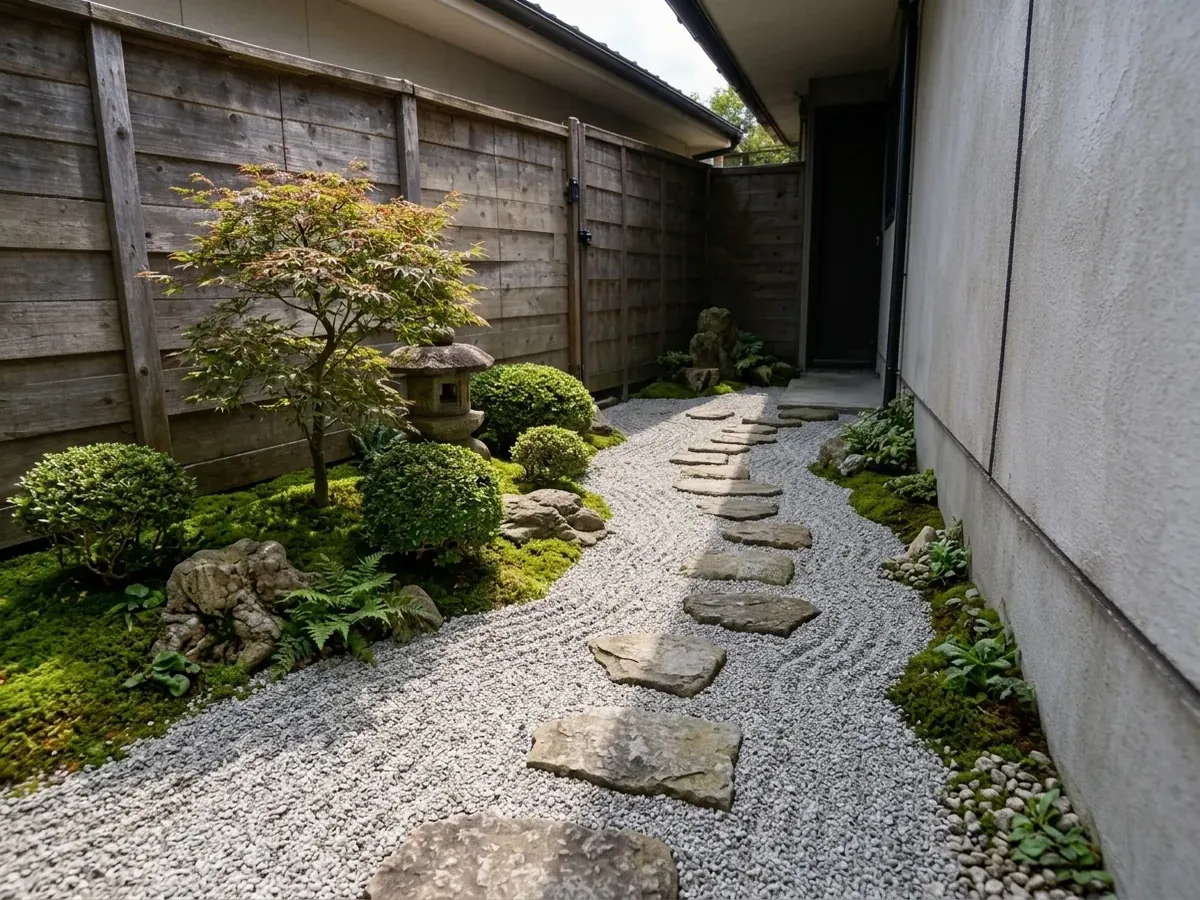
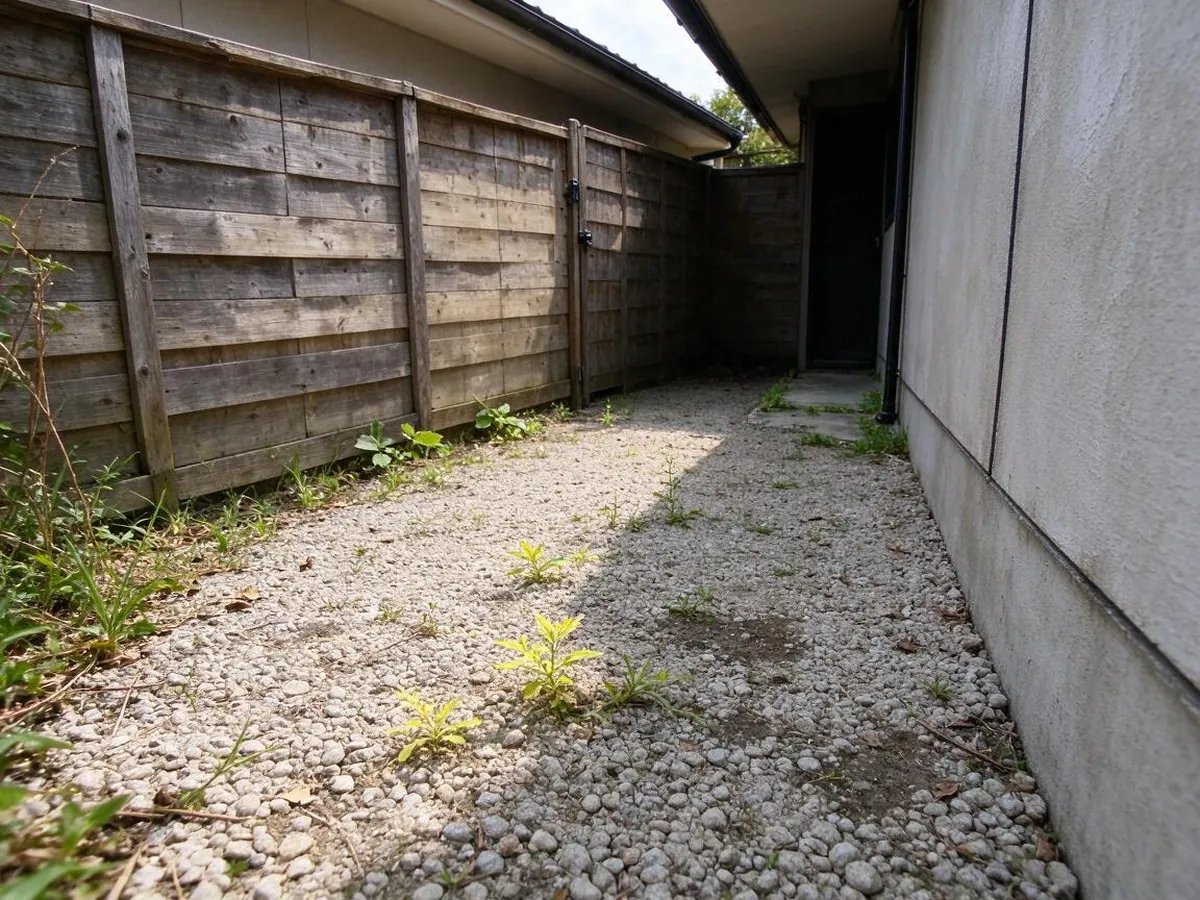
Japanese Zen – AfterJapanese Zen – BeforeBeforeAfter
Japanese Zen
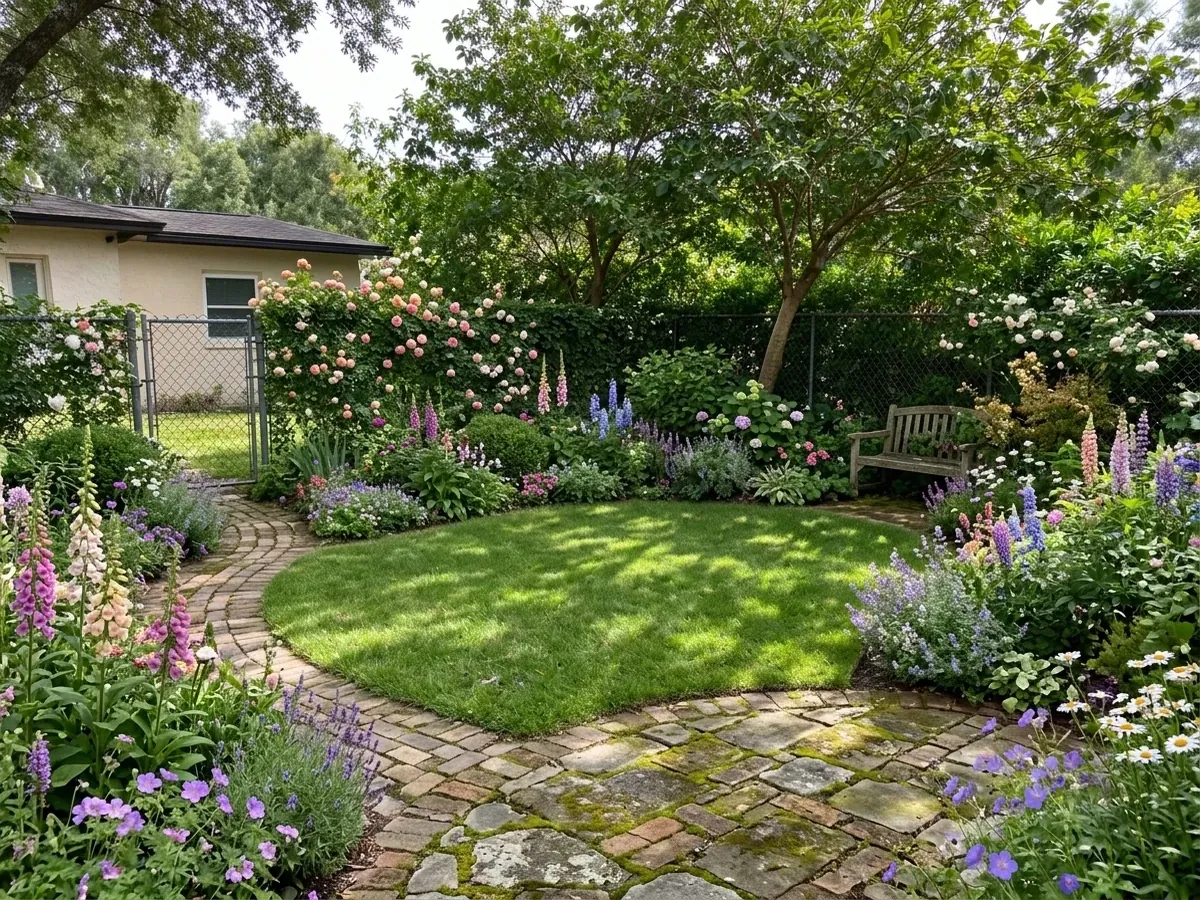
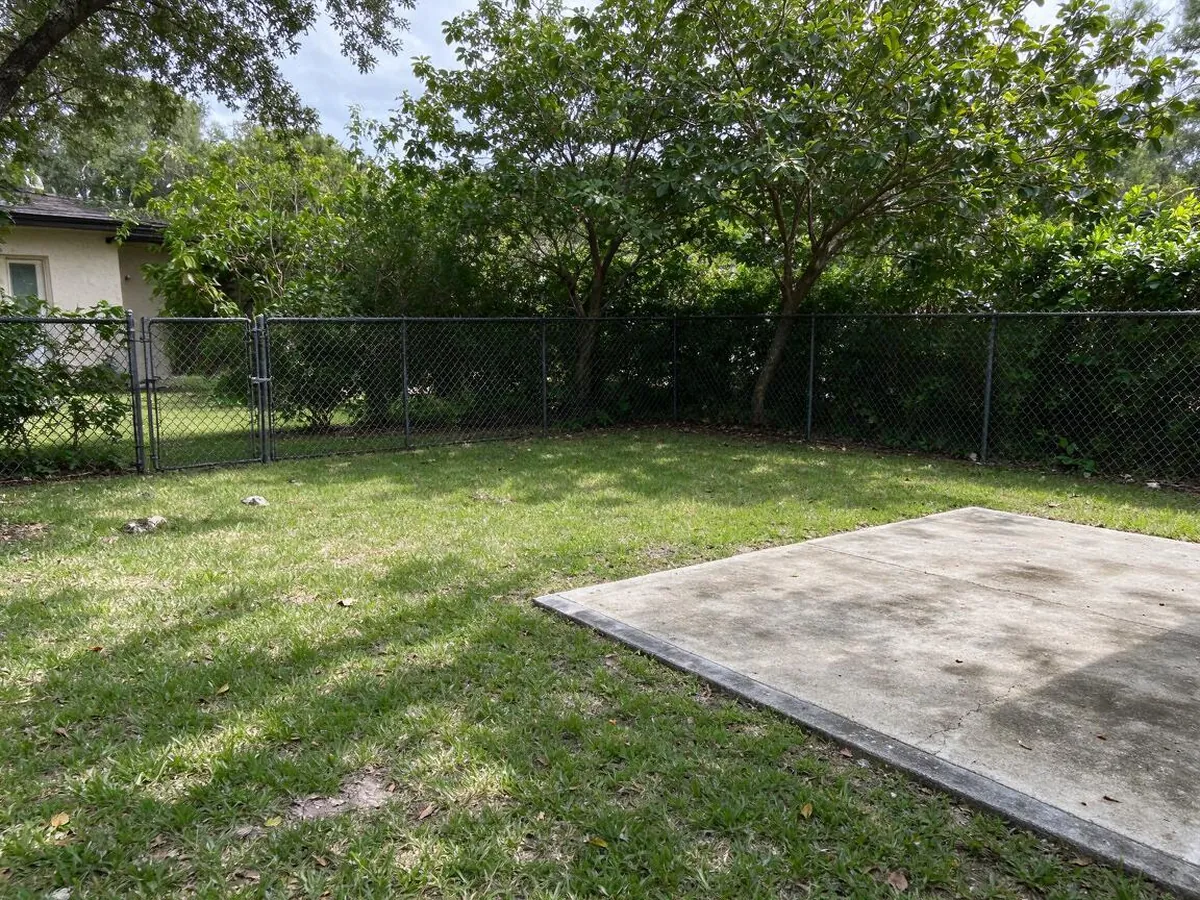
English Cottage – AfterEnglish Cottage – BeforeBeforeAfter
English Cottage

How to use it in 3 steps

  1. 1

    Photograph your yard

    Stand at the edge of the yard or on the porch and take one wide, level photo in daylight.

  2. 2

    Pick a garden style

    Try Modern, Japanese Zen, Mediterranean, English Cottage, Drought-Tolerant, Tropical and more.

  3. 3

    Compare and plan

    Slide between before and after, save the design you like, and share it with your landscaper.

What makes it different

  • Your layout stays put

    Walls, windows, doors and camera angle are kept. If the AI moves them, that image is refunded and redone.

  • Try before you sign up

    Your first two designs need no account and no card.

  • No subscription traps

    One-time packs never renew. Monthly plans cancel in one click.

  • Exact materials and colors

    Pick cabinets, counters, floors and paint, or change one thing at a time.

  • Ready for your contractor

    Download a before/after design card with your choices listed.

Plan your garden around what is already there

Most landscape inspiration shows huge, perfectly flat lots. Your yard has a specific slope, a fence on one side, a driveway that is not going anywhere, and a house with windows you look out of every day. AI landscape design here starts from your photo and keeps all of that, then redesigns the planting, lawn, paths, paving, lighting and outdoor furniture around it.

Each run gives you two options, which makes it easy to compare a low-maintenance look with a lush one, or a formal layout with a natural one, before you buy a single plant.

Garden and yard styles

Modern: clean geometric beds, large pavers, ornamental grasses and warm path lighting.

Japanese Zen: raked gravel, moss, stepping stones, maples and a stone lantern for a calm, balanced space.

Mediterranean: olive trees, lavender, rosemary, terracotta pots and warm stone. Loves sun and copes with dry summers.

English Cottage: overflowing flower borders, climbing roses, curved lawn edges and brick paths.

Drought-Tolerant: succulents, agave, native grasses, gravel and boulders, with no thirsty lawn. Popular in the West and Southwest.

Tropical, Rustic Farmhouse and Minimalist add lush palms and big leaves, raised vegetable beds and pergolas, or a simple lawn with a few sculptural trees.

Your house and property lines stay put

Every design keeps the house walls, windows, doors and roofline, the fences and property edges, the slope of the ground and the camera angle. The AI only changes what a landscaper would change. If a result moves your house or fence, tap the link under the image for an instant refund and a stricter redo.

Front yards, backyards, patios and side yards

Front yards benefit from curb appeal ideas: a defined path to the door, layered planting along the foundation and better lighting. Backyards are about how you use them, so try a patio with seating, a play lawn, a vegetable corner or a low-water design. Small side yards and courtyards often look best in Japanese Zen or Minimalist styles. Use the notes box to say things like "keep the big tree" or "add a fire pit".

Tips for a good yard photo

Shoot on an overcast day or in soft morning light so shadows do not hide the ground. Stand back far enough to include the whole area you want to change and a bit of the house for scale. Hold the phone level. Mow and move hoses, bins and toys out of the frame if you can; the AI treats them as part of the scene.

Who it is for, and its limits

Homeowners use it to decide what to ask a landscaper for. New buyers use it to picture a bare yard finished. Landscape designers and real estate agents use the Studio plan for client concepts and listings.

The images are visual concepts. The AI does not know your soil, climate zone, sun hours, drainage or local rules, and it does not plan irrigation or measure areas. Check plant choices with a local nursery or landscaper before you buy.

Frequently asked questions

Is this AI landscape design tool free?+

Yes, you can try it without paying or signing up. Your first try creates two redesigns of your own photo, marked with a small watermark. Sign in with Google and you get three more images free. After that, a one-time pack starts at $9.99 for 50 images and never expires, so you only pay when you actually have a project.

Will it change my house or fence?+

No. The AI is told to keep the house walls, windows, doors, roofline, fences, property edges, terrain slope and camera angle, and to change only plants, lawn, paving, paths, lighting and outdoor furniture. If any image changes something structural, report it under the image for a free redo and an instant refund.

Can it design a low-water or drought-tolerant yard?+

Yes. Choose the Drought-Tolerant style for succulents, native grasses, gravel and boulders with little or no lawn, or Mediterranean for olive trees, lavender and stone. You can add notes such as "no lawn" or "native plants only". Always confirm the exact plants with a local nursery for your climate.

Does it work for front yards and small patios?+

It works for front yards, backyards, side yards, patios and courtyards. Take a level photo that shows the whole area and a bit of the house for scale. For small spaces, Japanese Zen and Minimalist styles usually give the cleanest results, and you can describe extras like a bench or planters in the notes.

How is this different from asking ChatGPT or Gemini?+

General chat tools can edit photos, but you have to write long prompts and they often shift windows, change the camera angle or invent a different room. Here the layout rules are built in, styles and materials are one click, you get two options side by side with a before-and-after slider, and you can keep editing one detail at a time. If it does drift, you get the image back.

Can I use the images for my business?+

The Studio plan includes a commercial license, so designers, contractors and real estate agents can use the images in proposals, listings and marketing. Studio also unlocks sharp 2K downloads. Other plans are for personal use, such as planning your own remodel and sharing ideas with your family or your contractor.

Is my photo private?+

Your photos and designs are private to your account. Nobody else can see them unless you create a share link yourself, and you can delete any design from your history at any time. We use your photo only to create the images you ask for and never sell it or use it in public galleries. Please avoid uploading photos with people in them.