Show me my kitchen with black cabinets
Short answer: Upload a daylight photo of your kitchen, choose cabinets in "Change one thing", and type the black you want, such as "matte black flat-panel cabinets" or "soft charcoal shaker cabinets with brass pulls". You get your own kitchen with only the cabinets changed in about 30 seconds, which shows whether your counters, floor and light can carry black.
What to know
Black is where previews help most
Black is hard to imagine from a swatch because it changes the whole room. Seeing it on all your cabinets shows if it reads crisp or heavy in your light.
Try black and charcoal
Run one version in true matte black and one in charcoal. In small or dim kitchens the charcoal version often looks better.
Watch the counter
If your counter is dark granite, the preview shows quickly whether black cabinets plus dark stone are too much.
Test lowers only
Prompt "black lower cabinets and island, white upper cabinets" to see the partial version side by side with full black.
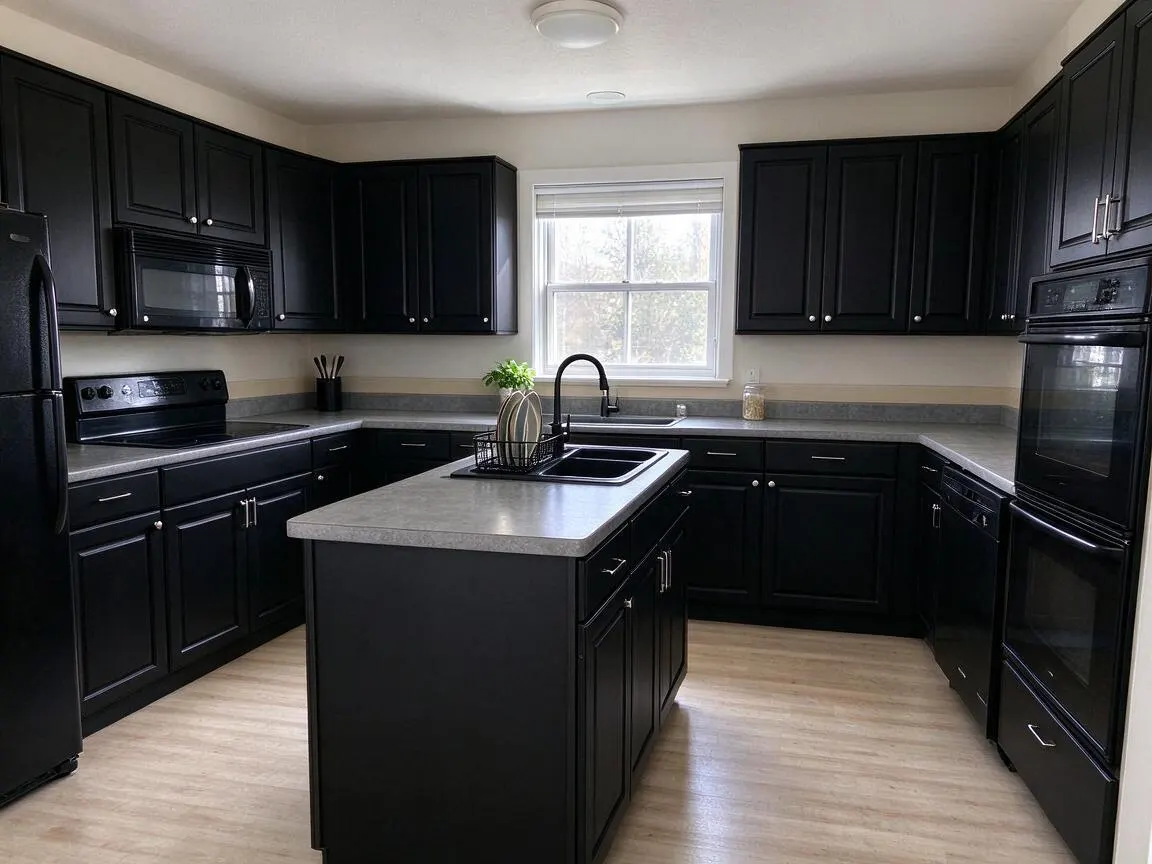
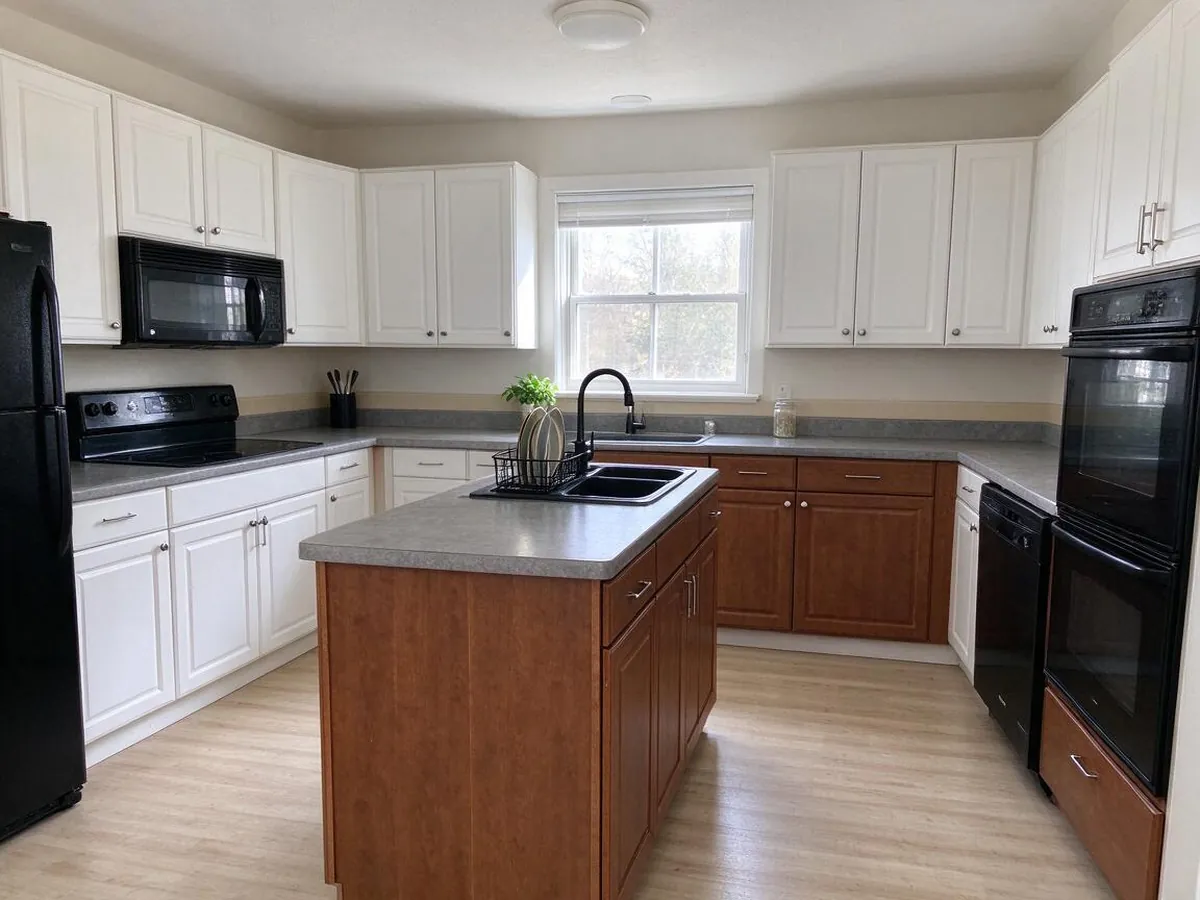 BeforeAfter
Getting a useful black cabinet preview
Turn on all the kitchen lights, including under-cabinet lights, and take the photo during the day. A dark photo will make black cabinets look worse than they would in real life.
Name the finish and door: matte black slab, black shaker, or black with wood grain showing through. Mention the hardware too, because on black cabinets it is very visible.
The first 3 images are free after Google sign-in. Use it on full black first, since that is the version most people are unsure about, then compare against charcoal or two-tone if you go on.
If your counter is dark, run one more version at the Remodel level and ask for white quartz counters as well. That shows whether black cabinets need a lighter counter to work in your kitchen before you plan the paint.
How to see it on your own kitchen
- Take a straight photo of your kitchen in daylight from the doorway or a corner, then upload it below (iPhone photos work as they are).
- The tool opens on "Change one thing" with cabinets selected. Pick a preset or type the exact cabinets you have in mind.
- Sign in with Google: the first 3 images are free, no credit card. Plans start at $14 a month for 25 images.
- In about 30 seconds you get the same kitchen with only the cabinets changed. Drag the slider to compare before and after, then download the one you like or keep editing one detail at a time.