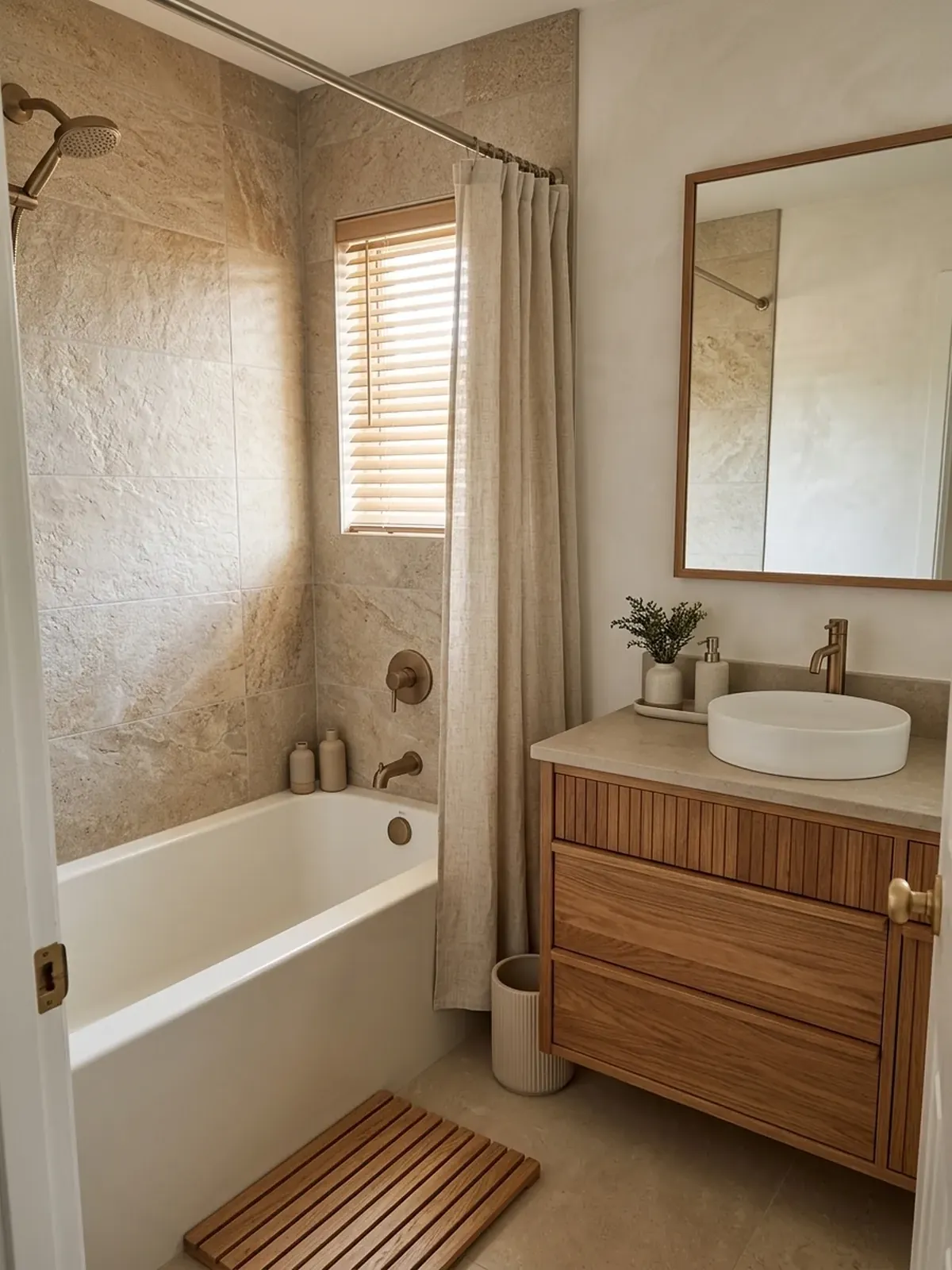
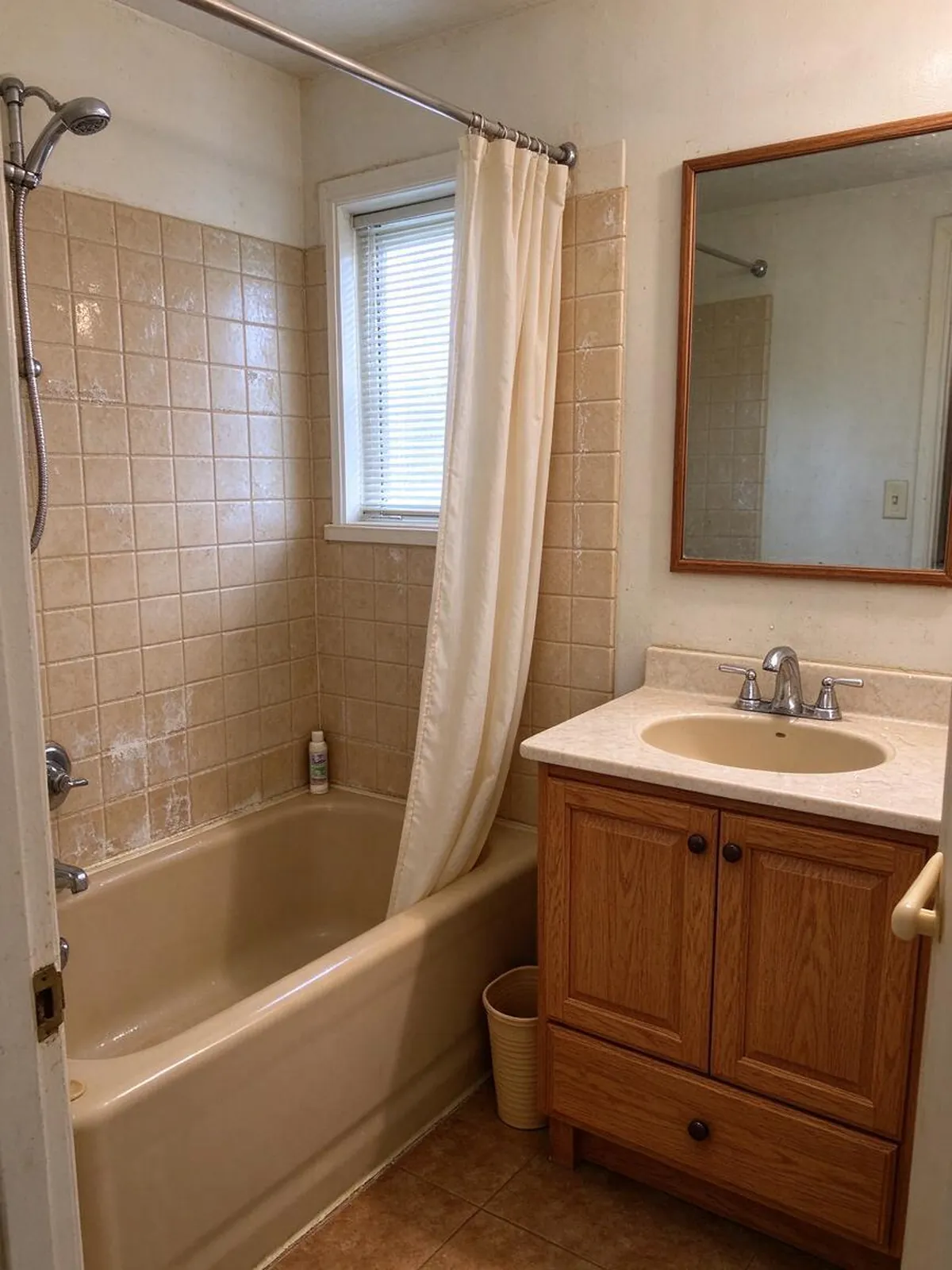
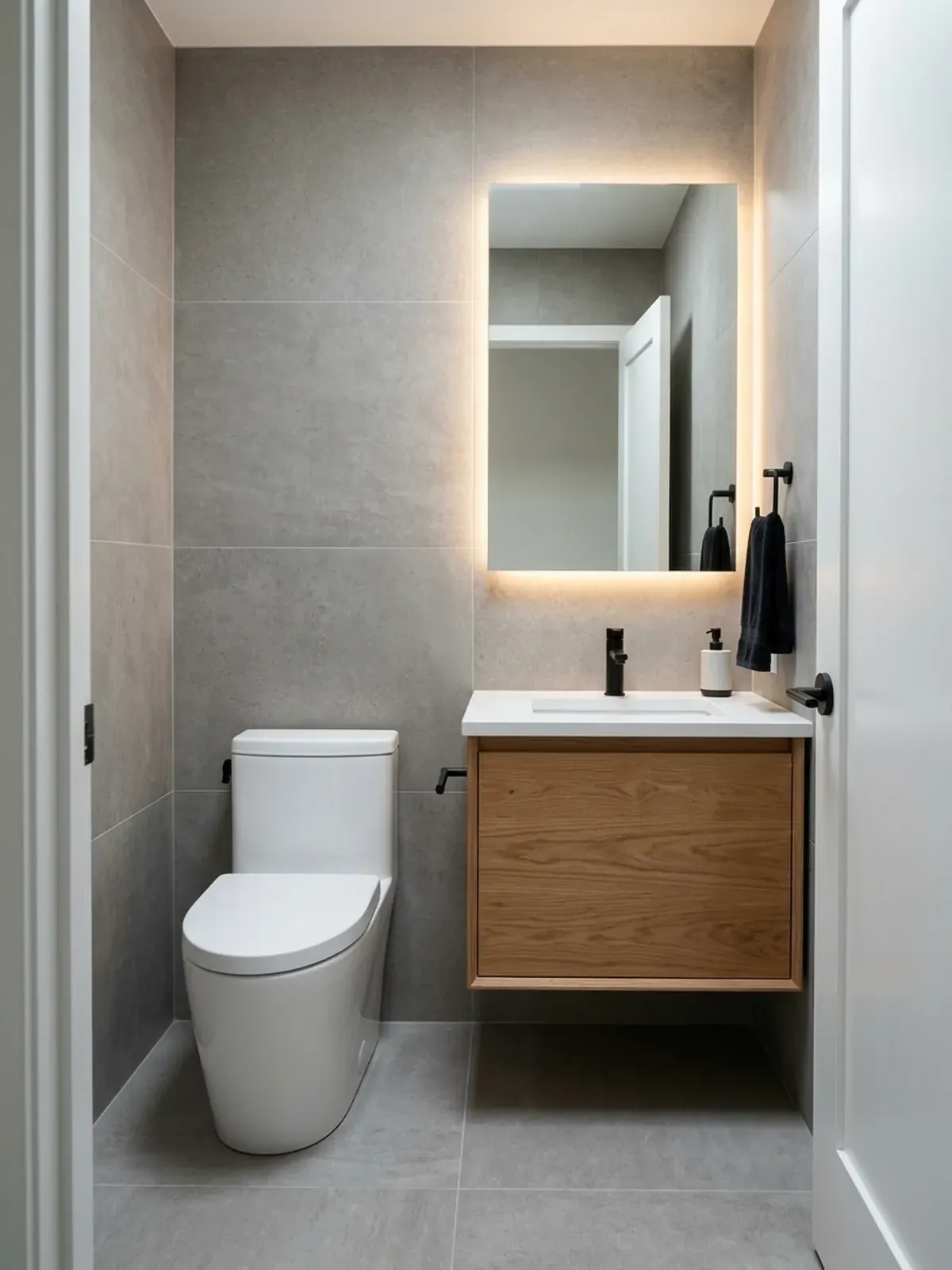
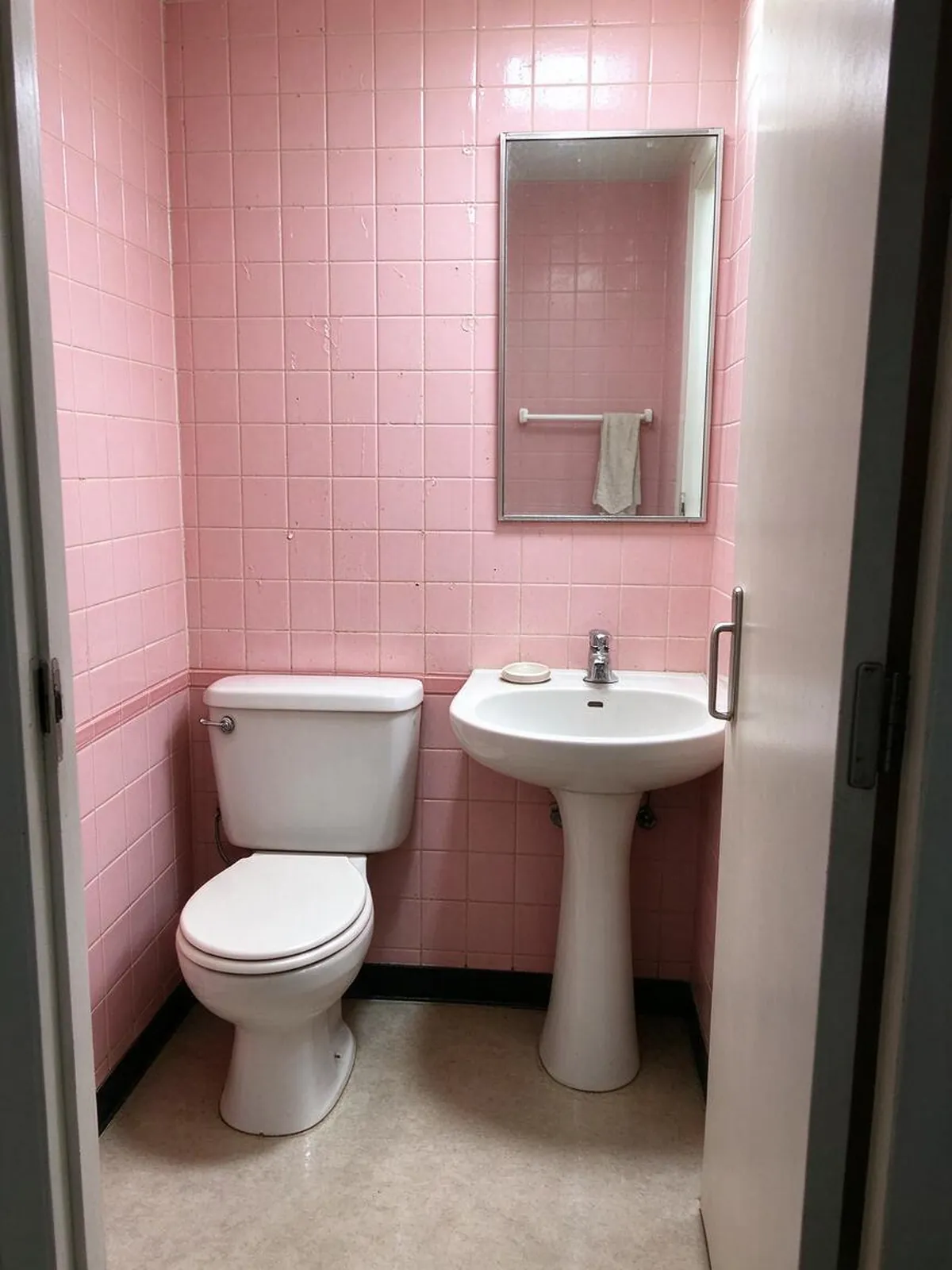
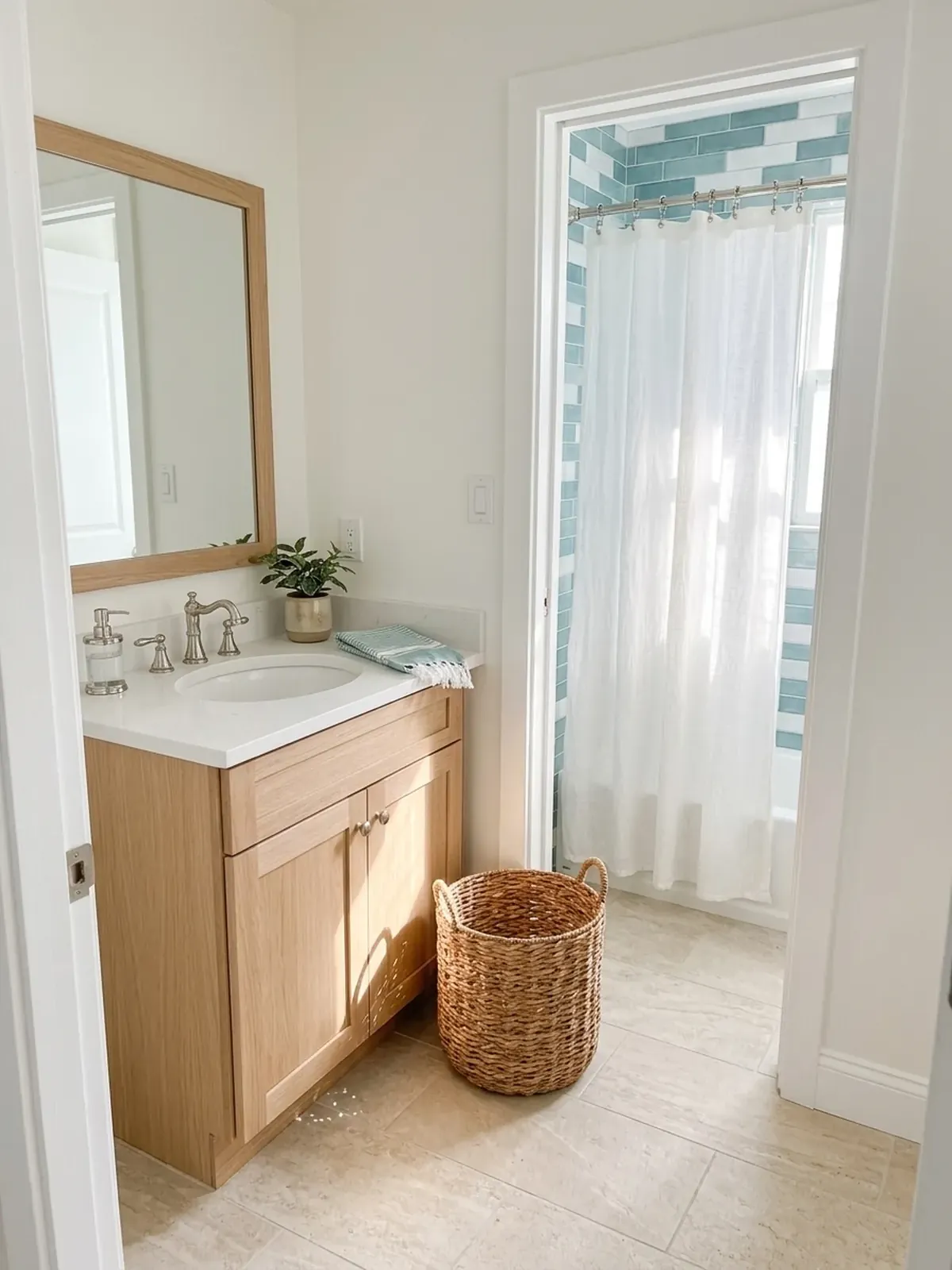
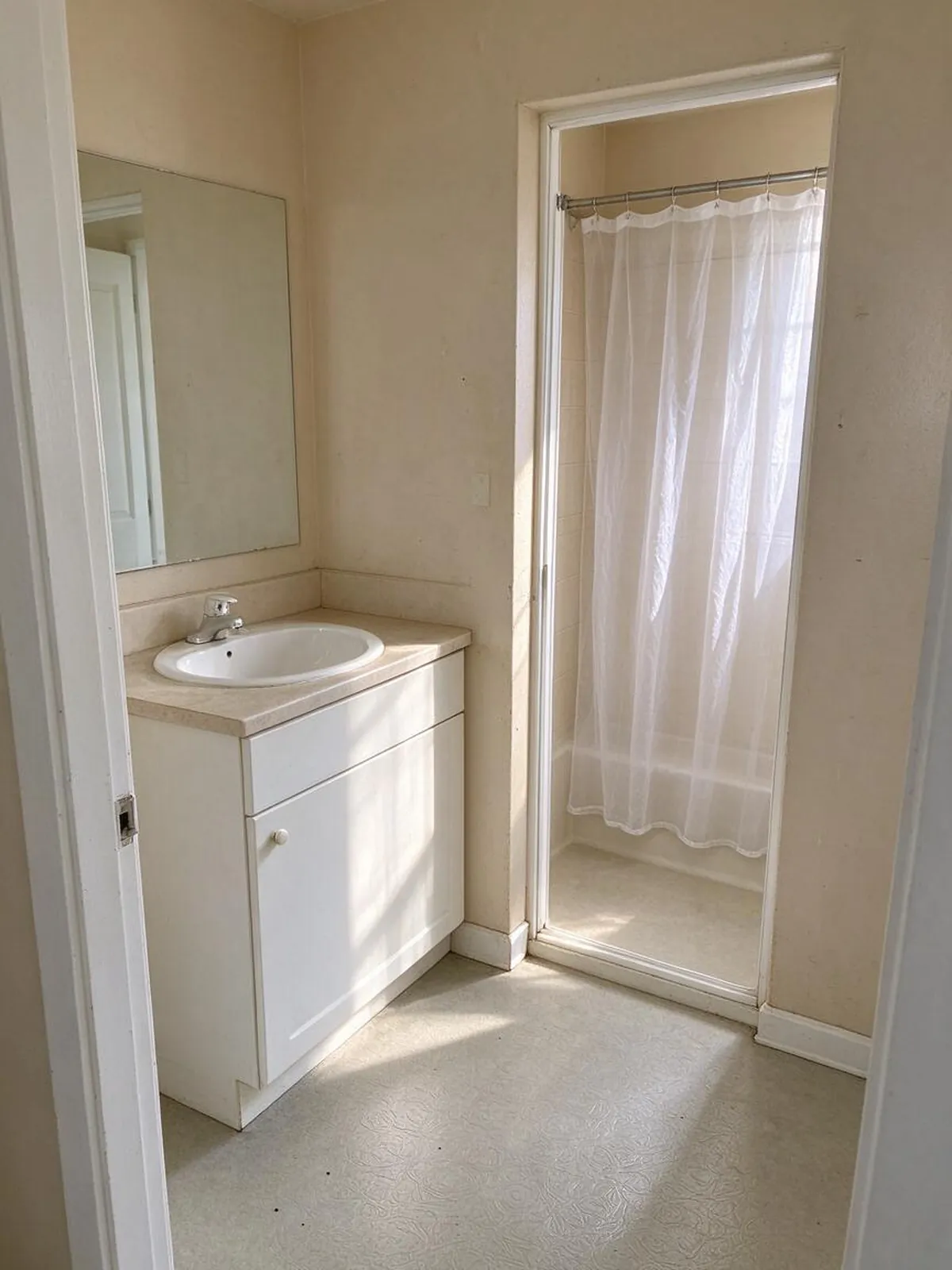
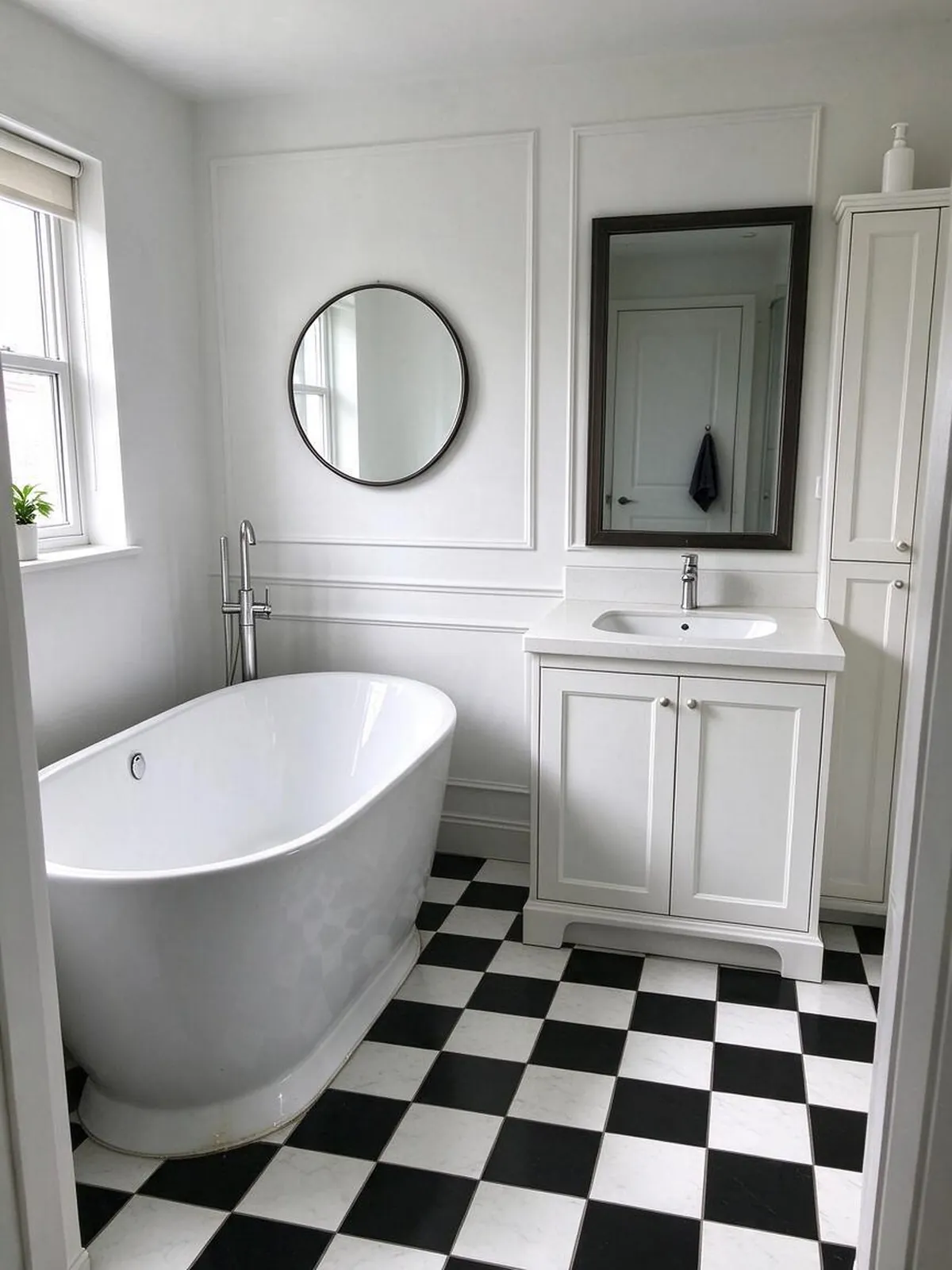
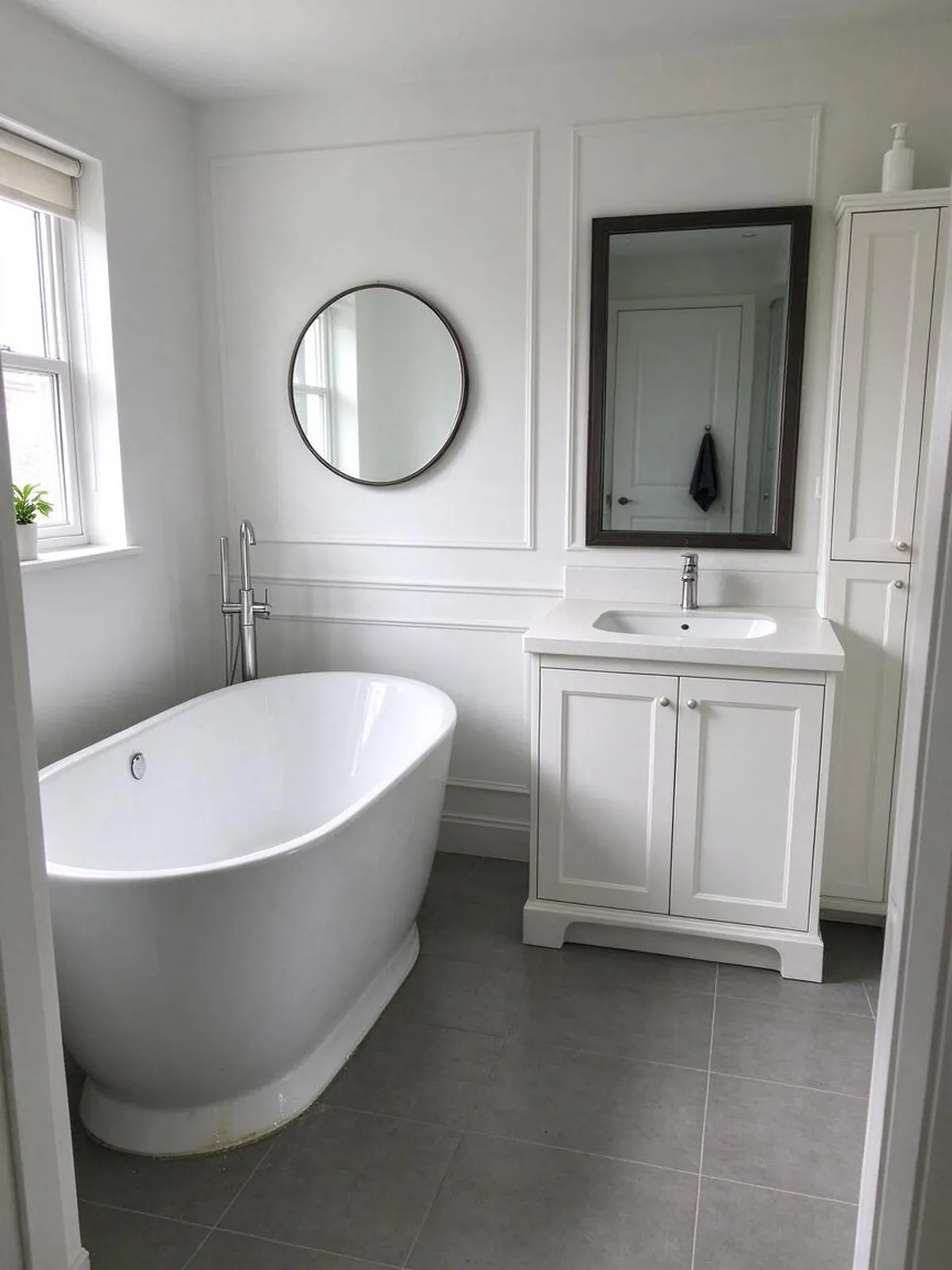
Quick answer: A bathroom visualizer shows what your bathroom could look like after a remodel. On AI Kitchen Redesign you upload a photo of your own bathroom and get two realistic redesigns in about 30 seconds, with the toilet, tub, shower and window kept in place. It runs in the browser, and your first 3 images are free after Google sign-in, no credit card.
Why visualize a bathroom before remodeling?
In the 2025 U.S. Houzz & Home Study, the median spend on a major remodel of a small primary bathroom was $17,000, and $25,000 for a large one [1]. Tile, vanity and fixture choices are hard to undo once installed.
A preview on your own photo shows how the pieces work together before anyone starts demolition.
What can I change in my bathroom?
A full redesign updates tile, vanity, fixtures, lighting, paint and styling in one of eight styles, including Modern, Japandi, Coastal and Rustic Farmhouse. Change one thing keeps everything else and swaps only the floor or the wall color.
Will the plumbing stay in place?
Yes. The toilet, tub, shower and window are kept where they are, so the result does not assume you are moving plumbing. If a result moves them, you can claim the image back and get a stricter redo.
Tips for a good bathroom photo
Bathrooms are small, so stand in the doorway or a corner, turn on every light, close the toilet lid and move towels and bottles out of the shot.
How do I use it? 3 simple steps
- 1
Snap your bathroom
Stand in the doorway with the lights on and take one level photo.
- 2
Pick a style or one change
Choose a full style, or switch to "Change one thing" to try only the floor or the wall color.
- 3
Compare and save
Slide between before and after, then download your favorite or share it with your tiler.
Frequently asked questions
Is this bathroom visualizer tool free?
Yes, you can try it without paying. Sign in with Google and you get 3 free redesign images of your own photo, marked with a small watermark. No credit card is needed. It is one time and does not refresh every day. Beyond that, plans start at $14 a month for 25 images (or $144 a year), with no watermark, and you can cancel anytime from the billing page.
Can I use my own bathroom photo?
Yes. Upload a phone photo of your bathroom and the redesign is drawn on your real room.
Will it keep my layout, walls and windows?
That is the whole point. Every request tells the AI to keep the original layout, walls, windows, doors and camera angle, and to change only surfaces, colors, fixtures and furniture. AI is not perfect, so we back it up: if a result moves a wall or window, tap "AI moved my walls or windows" under the image. We refund that image right away and redo it with stricter rules.
How is this different from asking ChatGPT or Gemini?
General chat tools can edit photos, but you have to write long prompts and they often shift windows, change the camera angle or invent a different room. Here the layout rules are built in, styles and materials are one click, you get two options side by side with a before-and-after slider, and you can keep editing one detail at a time. If it does drift, you get the image back.
Is my photo private?
Your photos and designs are private to your account. Nobody else can see them unless you create a share link yourself, and you can delete any design from your history at any time. We use your photo only to create the images you ask for and never sell it or use it in public galleries. Please avoid uploading photos with people in them.