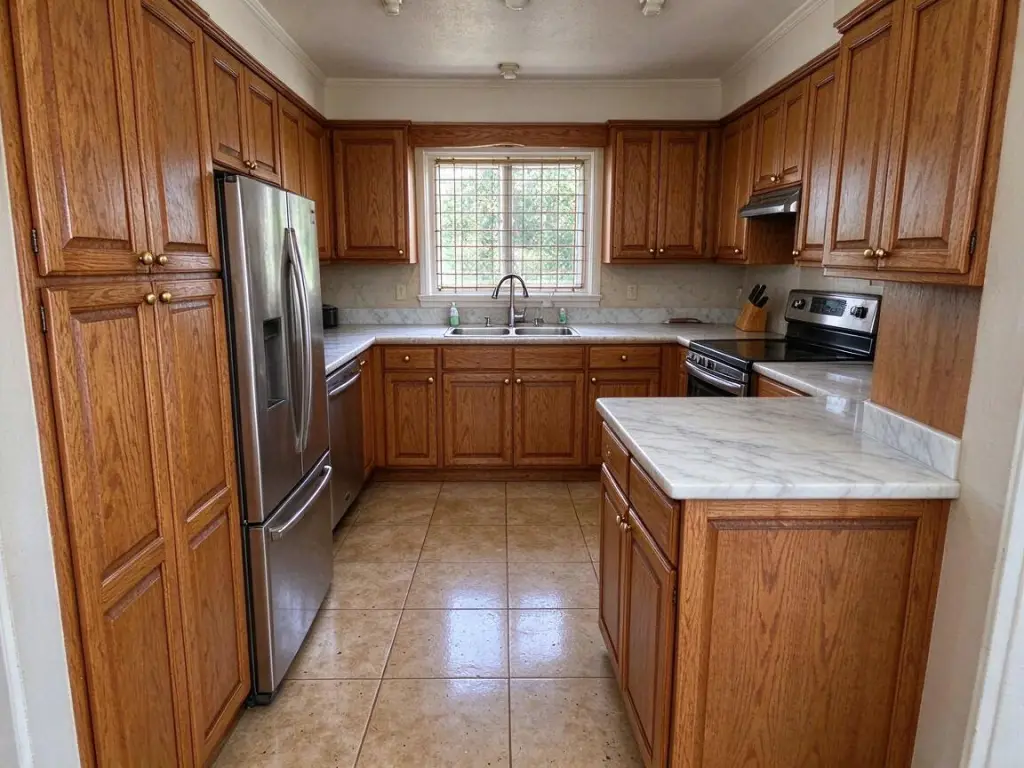
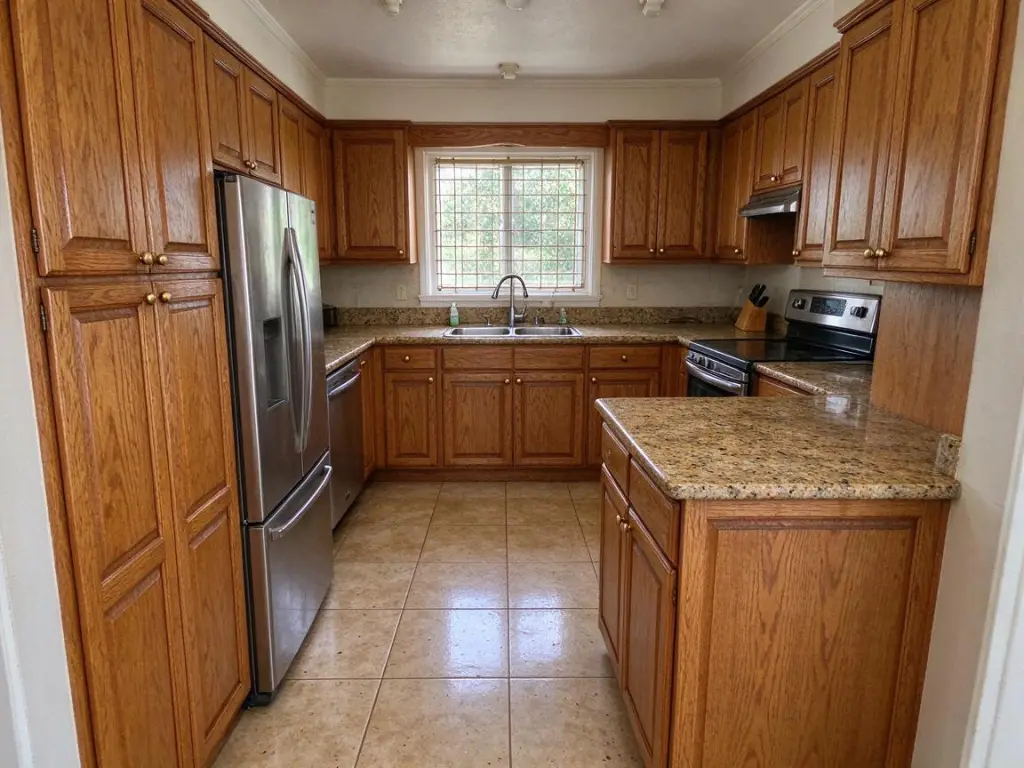
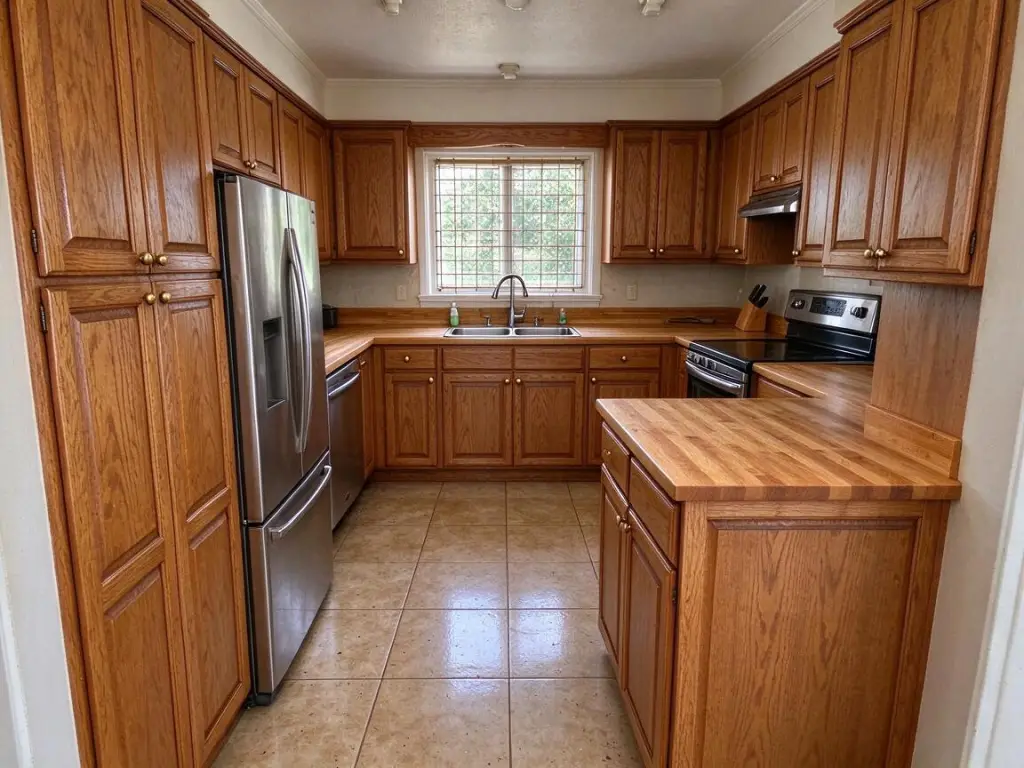
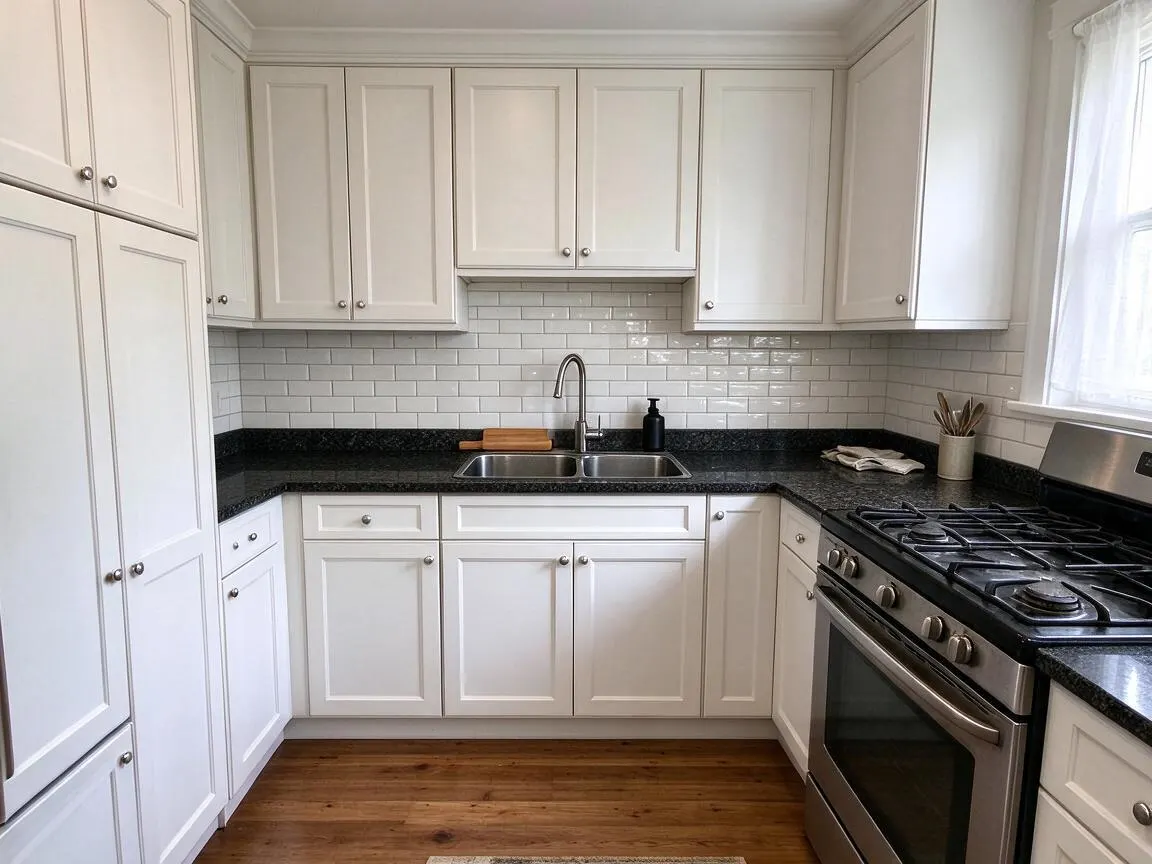
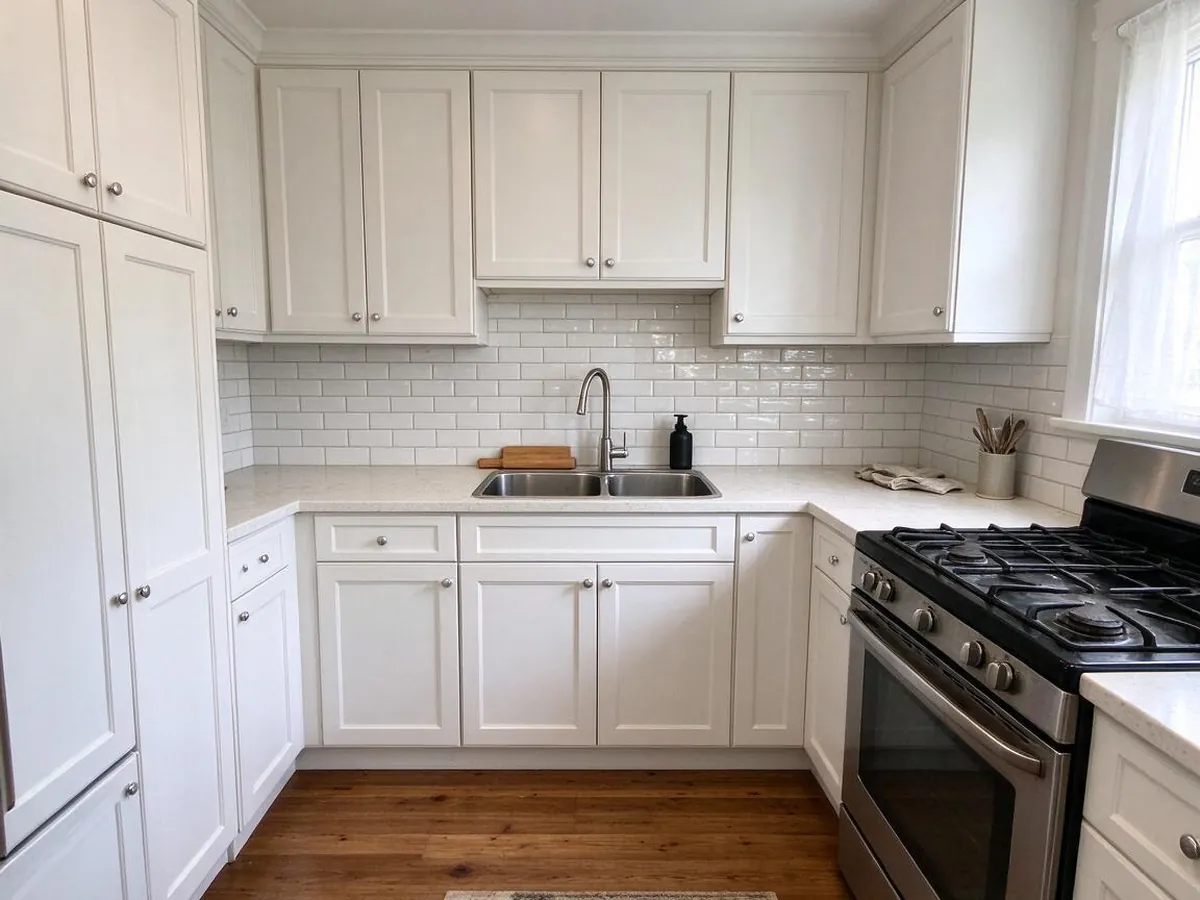
Quick answer: A countertop visualizer shows a new countertop material on a photo of your own kitchen. On AI Kitchen Redesign the tool opens on "Change one thing → Countertop": upload a photo, pick white quartz, Carrara marble, black granite, butcher block or polished concrete, and only the counters change. Each preview uses one image, and the first one is free after Google sign-in.
Why preview a countertop before ordering a slab?
Counters are hard to change once installed, and a slab that looks great in the yard can clash with your cabinets and floor at home. NerdWallet, citing Hanley Wood data, puts kitchen remodels at around $28,500 for a minor refresh and over $160,000 for a major upscale one [1].
Seeing the material on your own cabinets and in your own light first takes about a minute.
Which countertops can I try?
Presets include white quartz, Carrara marble, black granite, butcher block wood and polished concrete. You can also describe a specific look, such as "honed soapstone" or "warm white quartz with gray veining".
Does it change my cabinets or backsplash?
No. Only the countertops change, so you can see how a new slab works with the cabinets and backsplash you are keeping. To test those too, use the cabinet color or backsplash visualizer on the same photo.
Tips for a realistic countertop preview
Clear the counters, include the island, and shoot in daylight. Veining and color depend on lighting, so treat the result as a guide and check a real sample or slab before you buy.
How do I use it? 3 simple steps
- 1
Upload a kitchen photo
Make sure the counters and the island are in frame and clear of clutter.
- 2
Pick a countertop
Choose white quartz, Carrara marble, black granite, butcher block or polished concrete, or describe the slab you are considering.
- 3
Compare before you order
Slide between before and after, then try another material on the same photo.
Frequently asked questions
Is this countertop visualizer tool free?
Yes, you can try it without paying. Sign in with Google and you get 3 free redesign images of your own photo, marked with a small watermark. No credit card is needed. It is one time and does not refresh every day. Beyond that, plans start at $14 a month for 25 images (or $144 a year), with no watermark, and you can cancel anytime from the billing page.
Is this a kitchen worktop visualiser?
Yes. "Worktop" is the British word for countertop. Upload a photo of your kitchen and try a new worktop, such as white quartz, Carrara marble, black granite or oak, while your units, splashback and floor stay the same.
Can I upload a photo of my own kitchen?
Yes. The countertop is redrawn on your real kitchen photo, including iPhone HEIC photos.
How many credits does one preview use?
Changing one material makes one image and uses one credit. A full style redesign makes two images and uses two. Sign in with Google and your first 3 images are free, with no credit card.
Will it keep my layout, walls and windows?
That is the whole point. Every request tells the AI to keep the original layout, walls, windows, doors and camera angle, and to change only surfaces, colors, fixtures and furniture. AI is not perfect, so we back it up: if a result moves a wall or window, tap "AI moved my walls or windows" under the image. We refund that image right away and redo it with stricter rules.
Is my photo private?
Your photos and designs are private to your account. Nobody else can see them unless you create a share link yourself, and you can delete any design from your history at any time. We use your photo only to create the images you ask for and never sell it or use it in public galleries. Please avoid uploading photos with people in them.