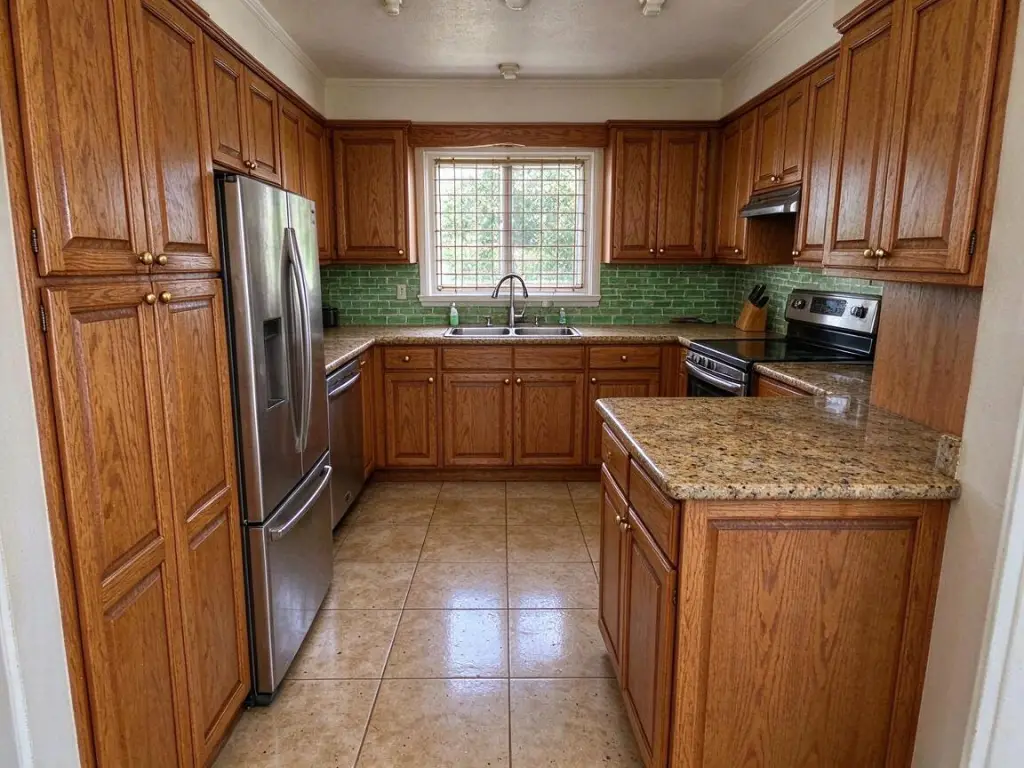
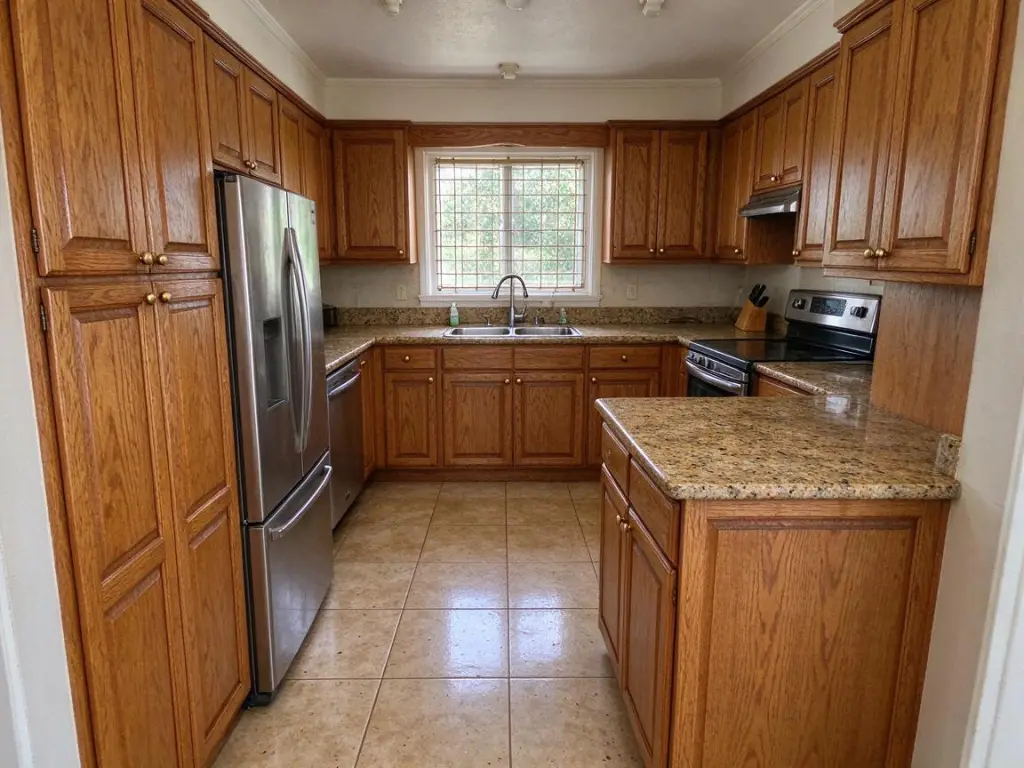
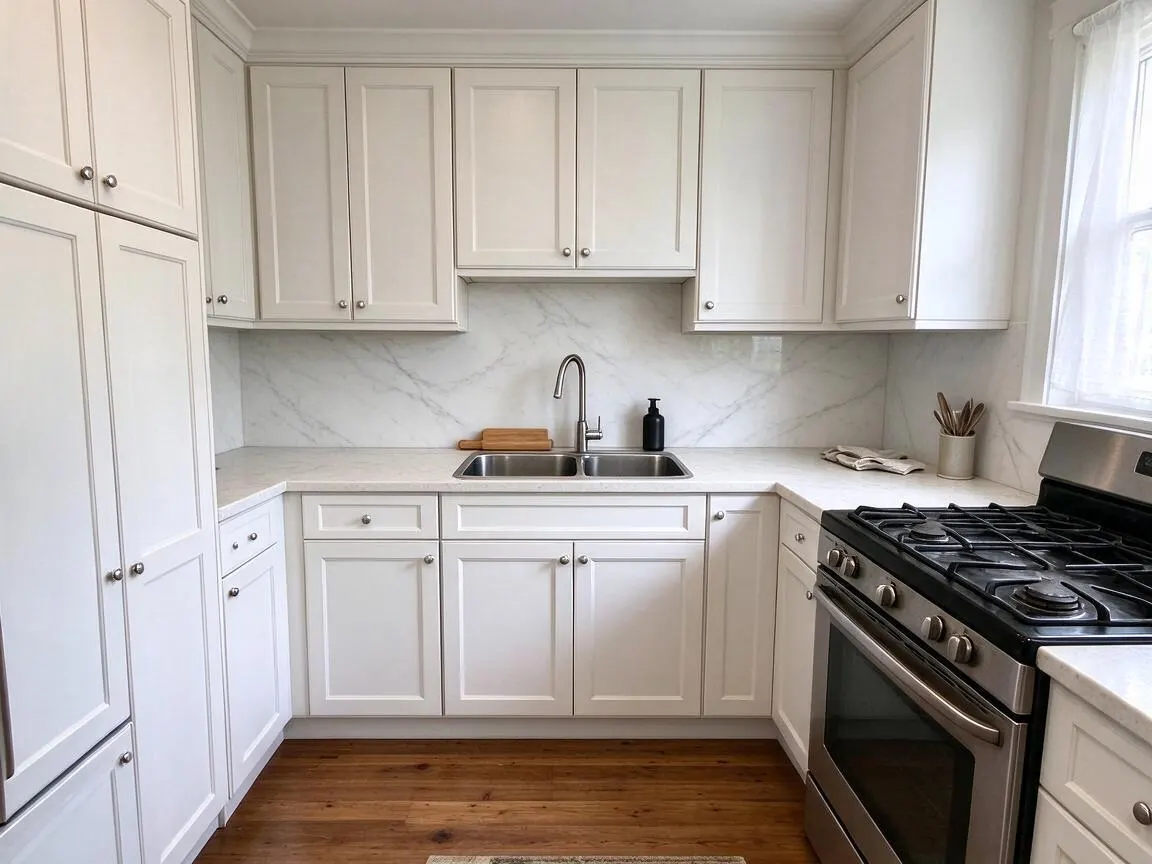
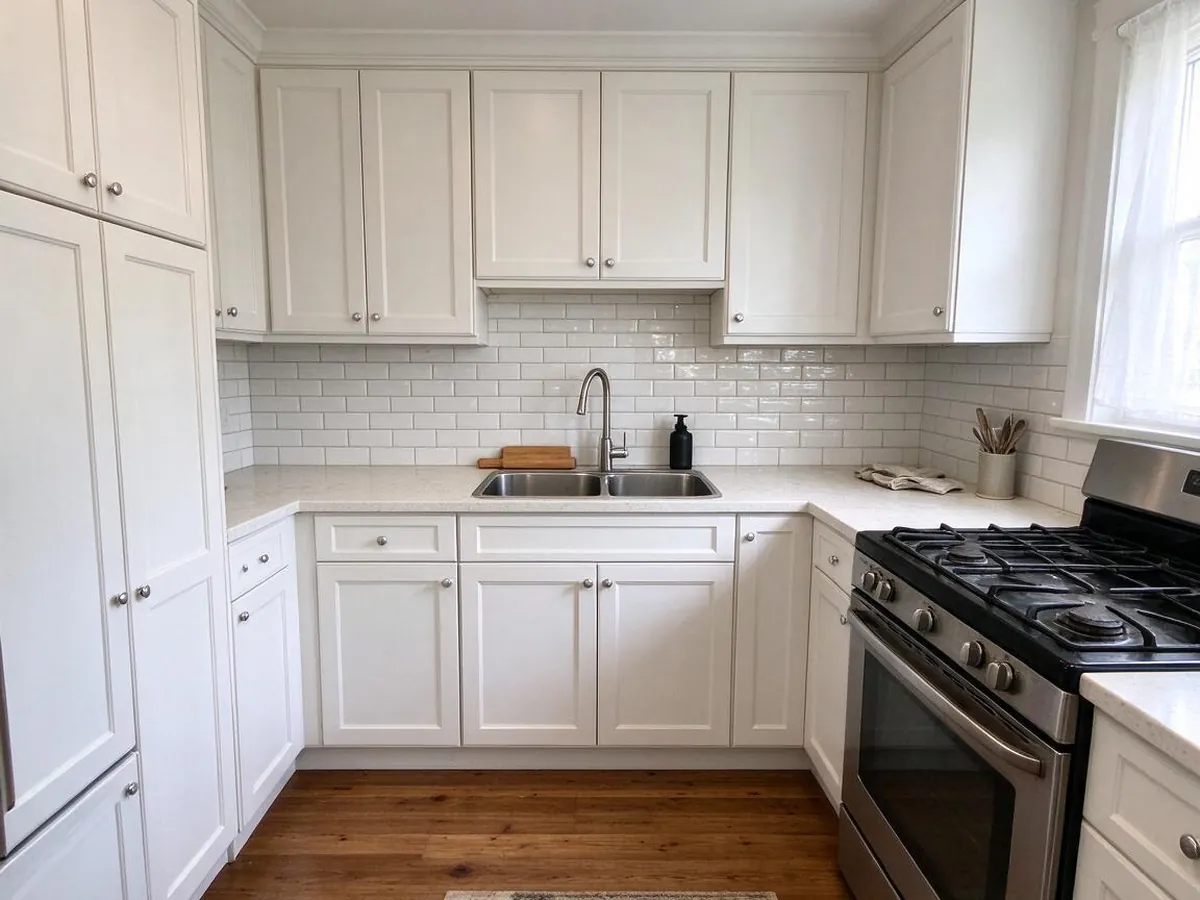
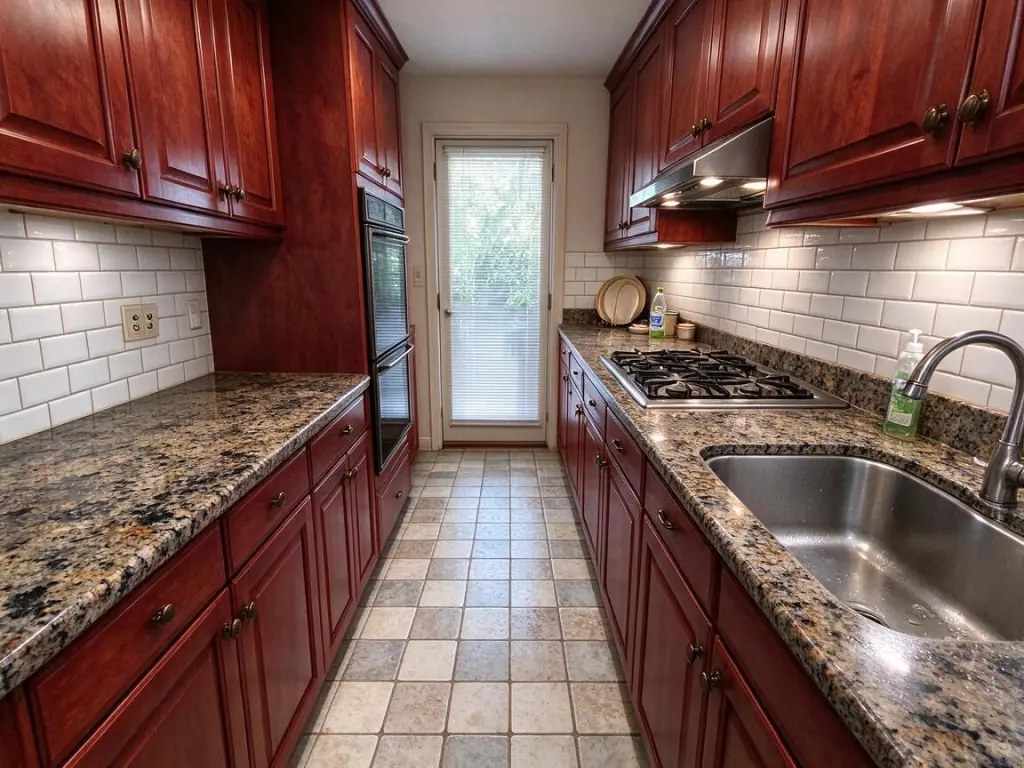
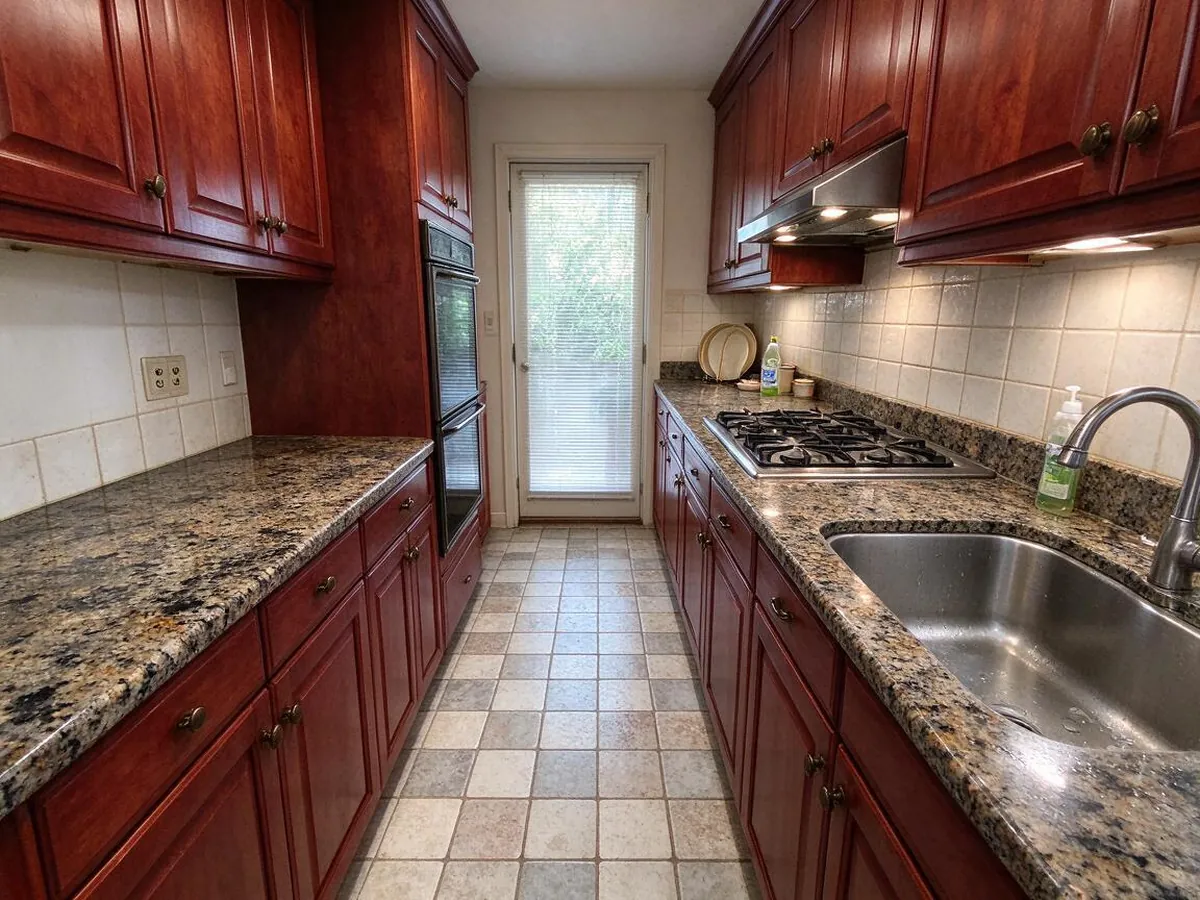
Quick answer: A backsplash visualizer shows new tile on a photo of your own kitchen. On AI Kitchen Redesign the tool opens on "Change one thing → Backsplash": upload a photo, pick white subway tile, green zellige, white marble slab, white herringbone or terracotta, and only the backsplash changes. Each preview uses one image, and your first one is free after Google sign-in. In the UK the same thing is usually called a splashback.
Why preview a backsplash first?
Tile is easy to love in a showroom and hard to judge next to your own counters and cabinets. A backsplash is often part of a larger refresh: NerdWallet, citing Hanley Wood data, puts kitchen remodels at around $28,500 for a minor refresh [1].
Trying a few tiles on your own photo shows which one works with what you already have.
Which backsplash styles can I try?
Presets include white subway tile, green zellige tile, white marble slab, white herringbone tile and terracotta tile. You can also describe a color, size or pattern, for example "matte navy 2x8 tile in a vertical stack".
Does it change anything else?
No. Only the wall surface between the countertop and the upper cabinets changes. Counters, cabinets, appliances and the window stay as they are.
Backsplash design software, configurator or photo visualizer?
Tile brands and kitchen planners offer splashback configurators and backsplash design software. MSI's Multi-Surface Visualizer and Daltile's "View in a Room" can place their own tile on a demo room or your photo, and kitchen planners build a 3D model. They are useful for one exact product or a precise layout, but only with that brand's tiles, or in a kitchen that is not yours.
A photo visualizer works the other way around: you start from a picture of your own kitchen, so the new tile sits next to your real counters, cabinets and light. It runs in the browser, so there is nothing to download. When you have picked a tile, the free backsplash tile calculator tells you how many tiles to buy.
Tips for a good backsplash preview
Clear small appliances off the counter so the wall is visible, and shoot straight on in daylight. Use the preview to narrow your choice, then hold a real tile sample against the wall.
How do I use it? 3 simple steps
- 1
Upload a kitchen photo
Make sure the wall between the counter and the upper cabinets is visible.
- 2
Pick a backsplash
Choose a preset tile or slab, or describe the exact tile you have in mind.
- 3
Compare and decide
Slide between before and after and try a few options on the same photo.
Frequently asked questions
Is this backsplash visualizer tool free?
Yes, you can try it without paying. Sign in with Google and you get 3 free redesign images of your own photo, marked with a small watermark. No credit card is needed. It is one time and does not refresh every day. Beyond that, plans start at $14 a month for 25 images (or $144 a year), with no watermark, and you can cancel anytime from the billing page.
Is this a backsplash generator or design software?
It is a free online backsplash generator: no software to install. Upload a photo of your kitchen and it draws the new tile or slab on your own wall. In the UK this is often called a splashback; it works the same way.
Can I upload a photo of my own kitchen?
Yes. The new backsplash is drawn on your real kitchen photo.
How many credits does one preview use?
Changing one material makes one image and uses one credit. A full style redesign makes two images and uses two. Sign in with Google and your first 3 images are free, with no credit card.
Will it keep my layout, walls and windows?
That is the whole point. Every request tells the AI to keep the original layout, walls, windows, doors and camera angle, and to change only surfaces, colors, fixtures and furniture. AI is not perfect, so we back it up: if a result moves a wall or window, tap "AI moved my walls or windows" under the image. We refund that image right away and redo it with stricter rules.
Is my photo private?
Your photos and designs are private to your account. Nobody else can see them unless you create a share link yourself, and you can delete any design from your history at any time. We use your photo only to create the images you ask for and never sell it or use it in public galleries. Please avoid uploading photos with people in them.