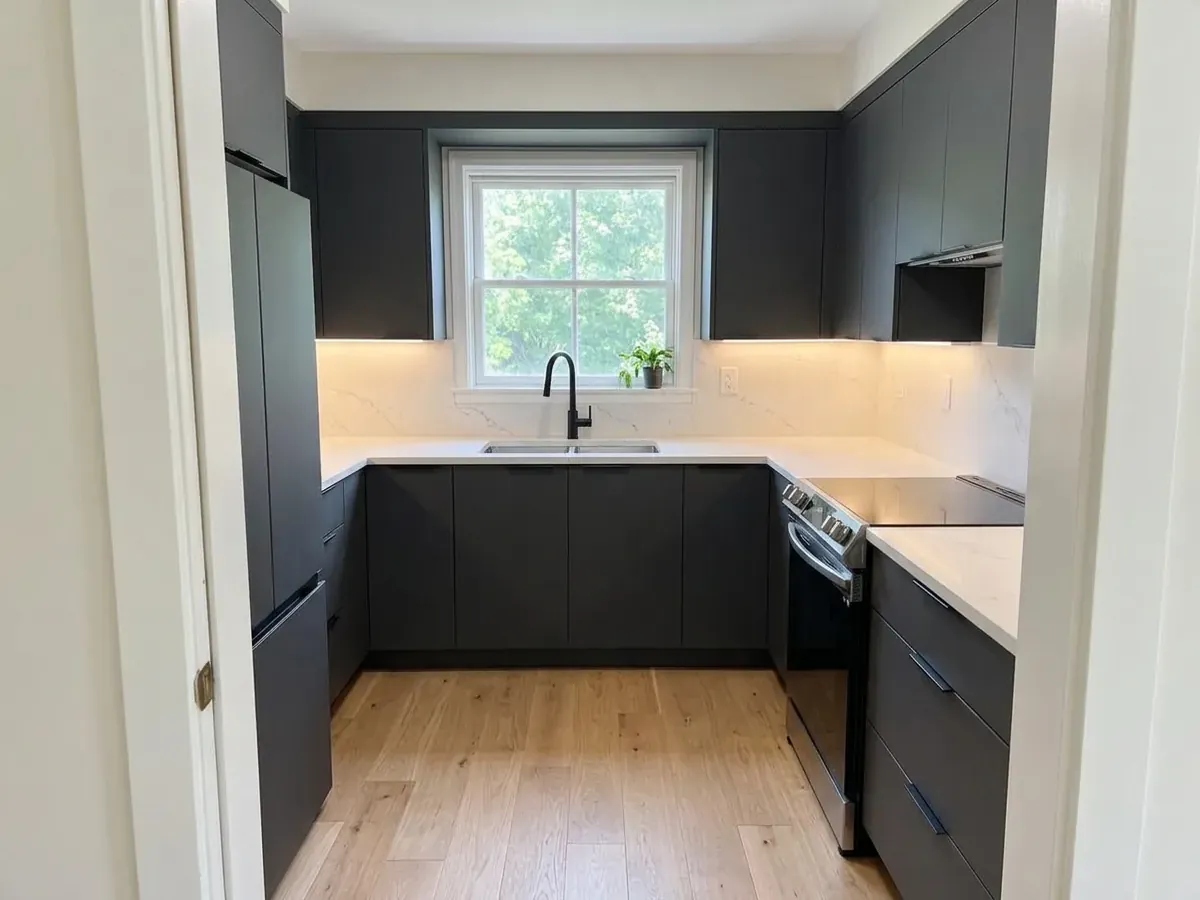
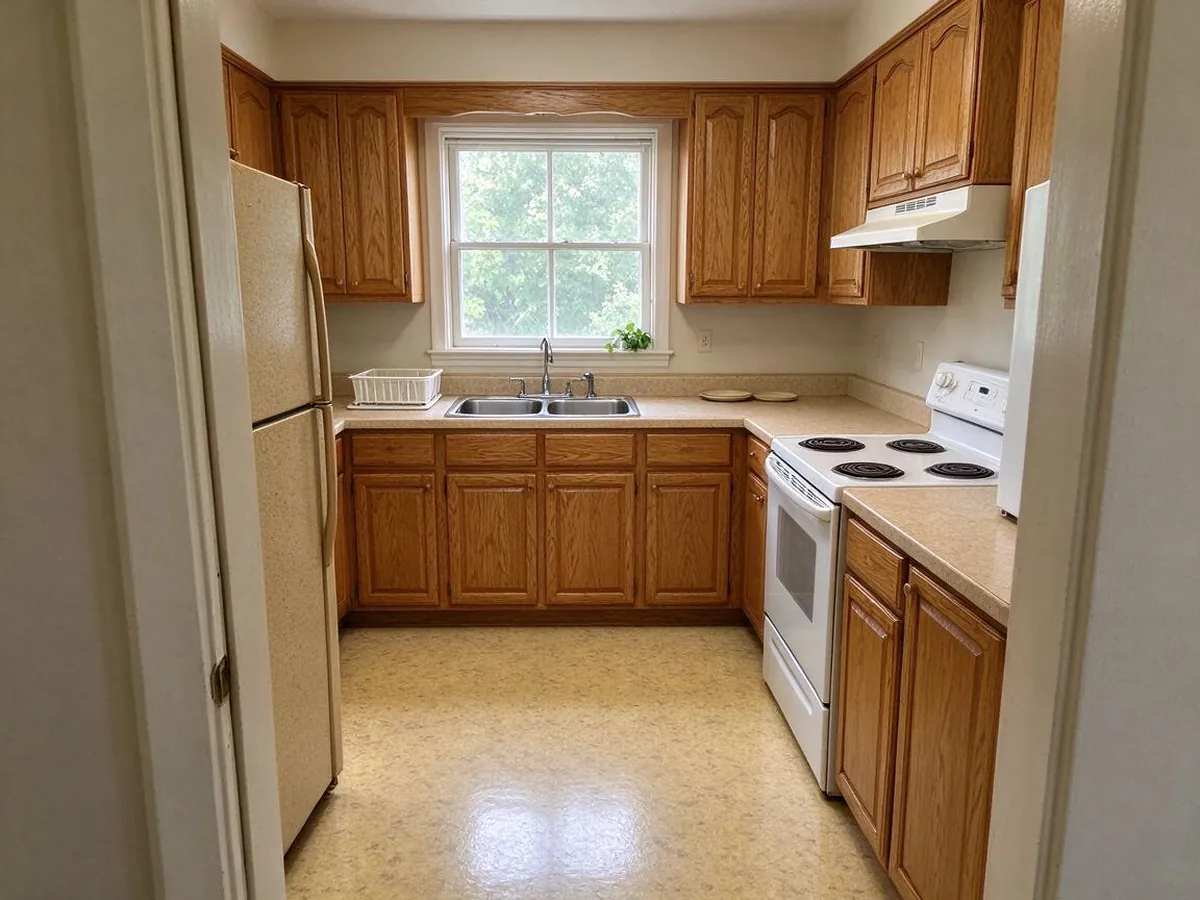
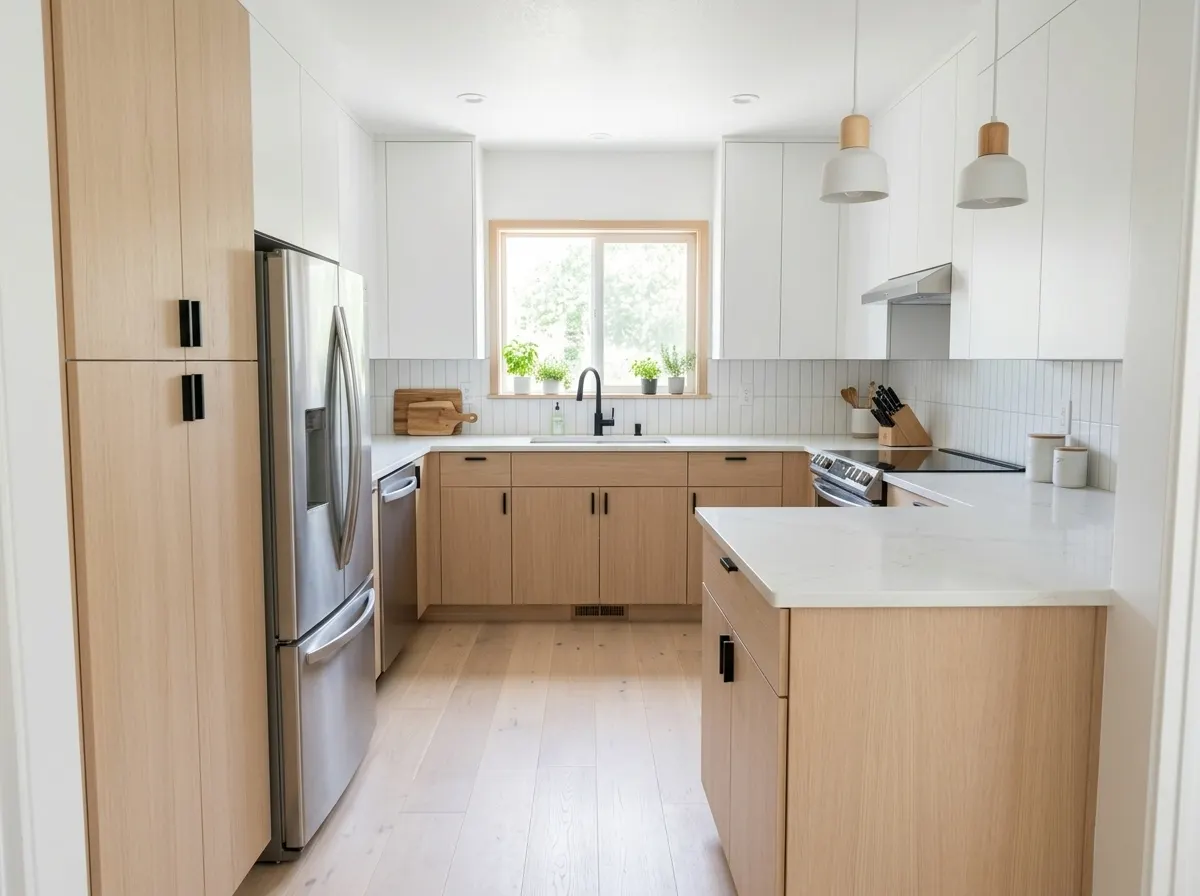
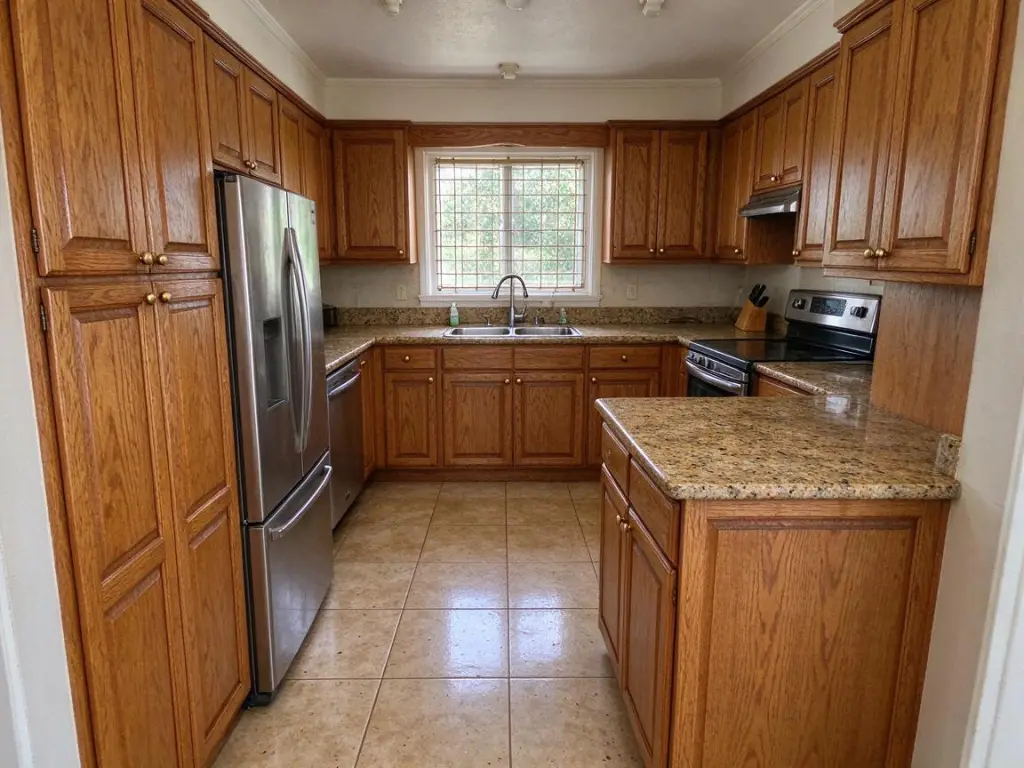
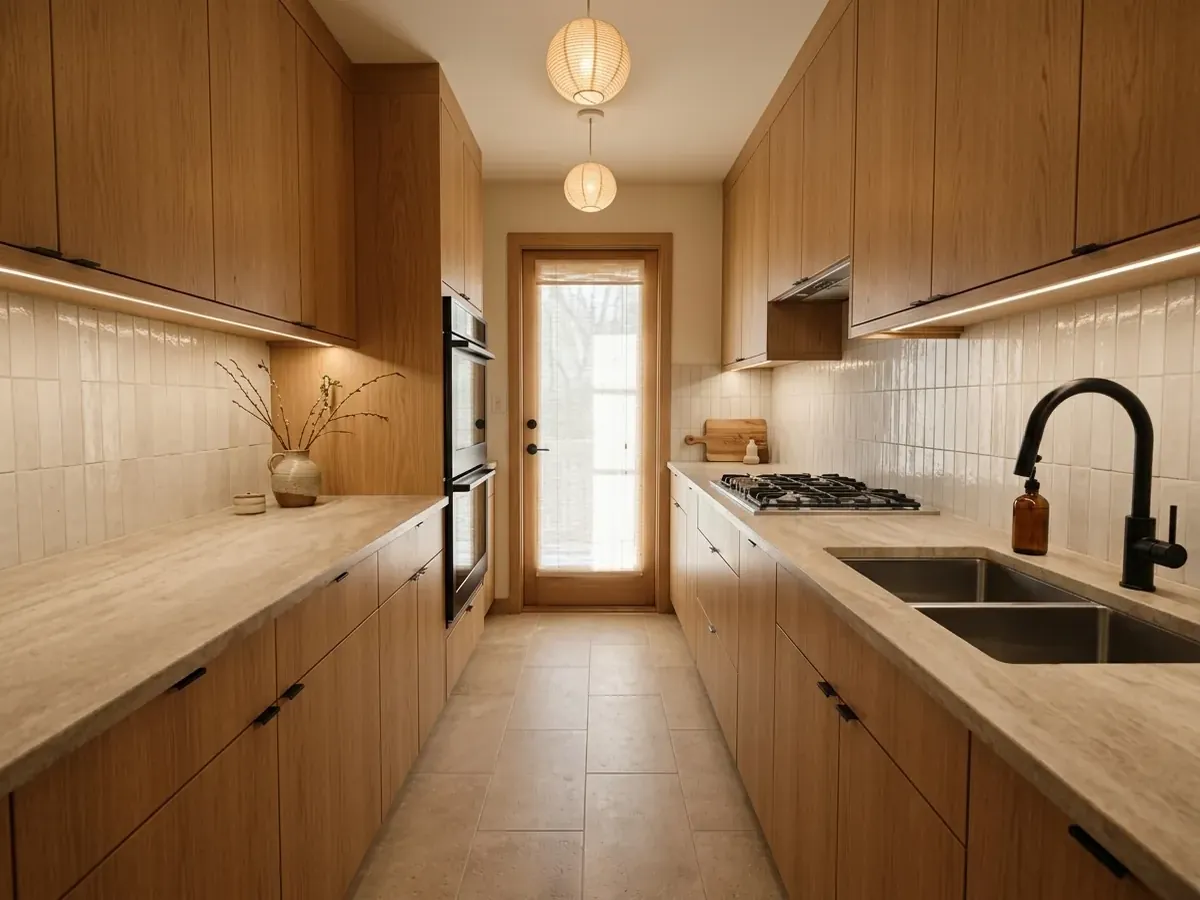
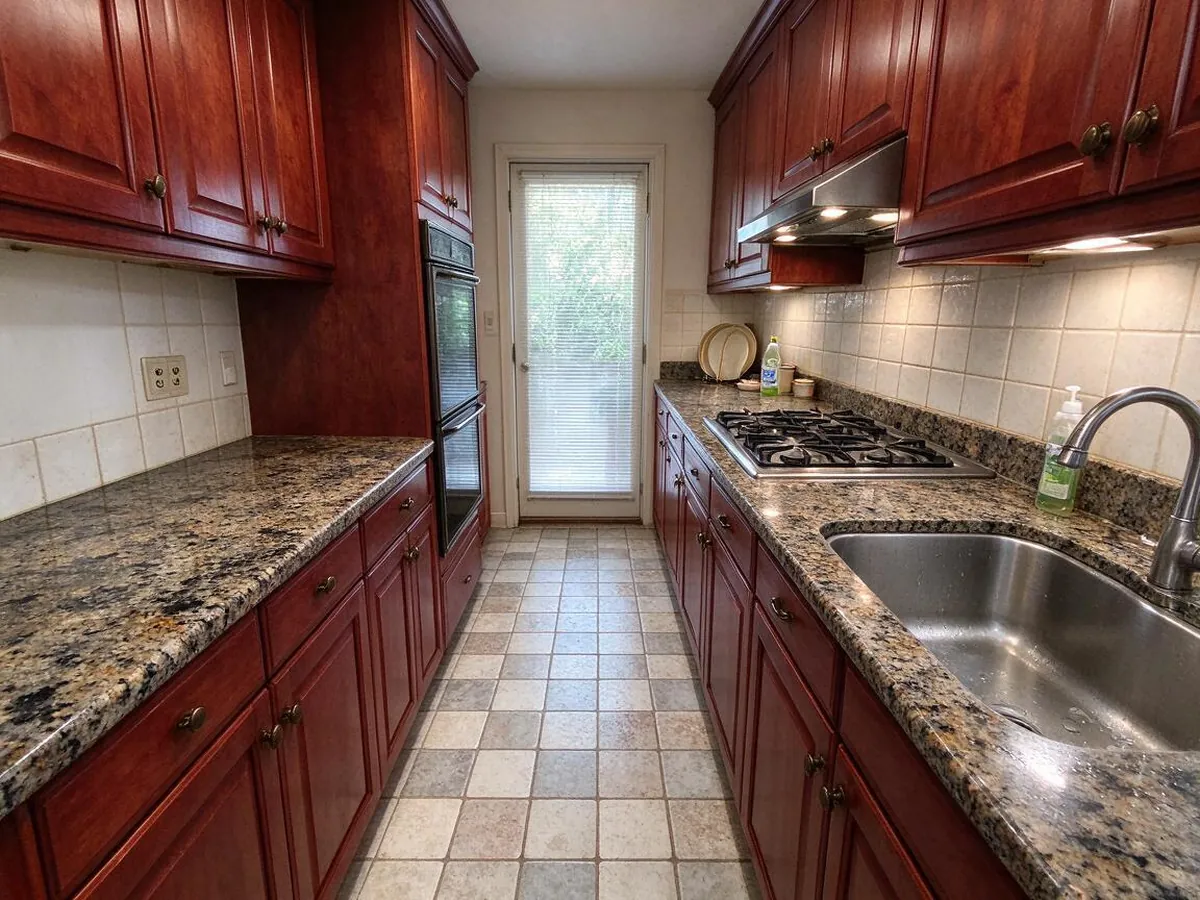
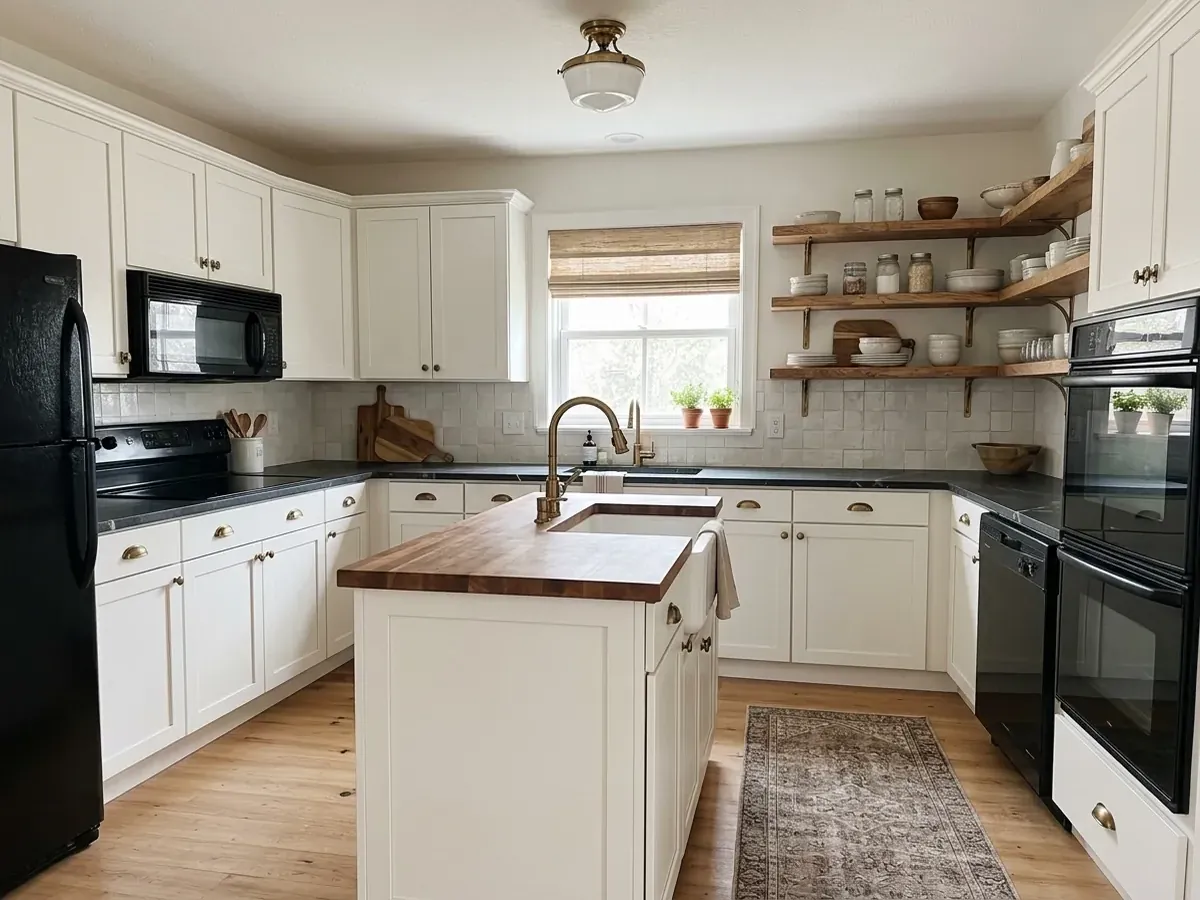
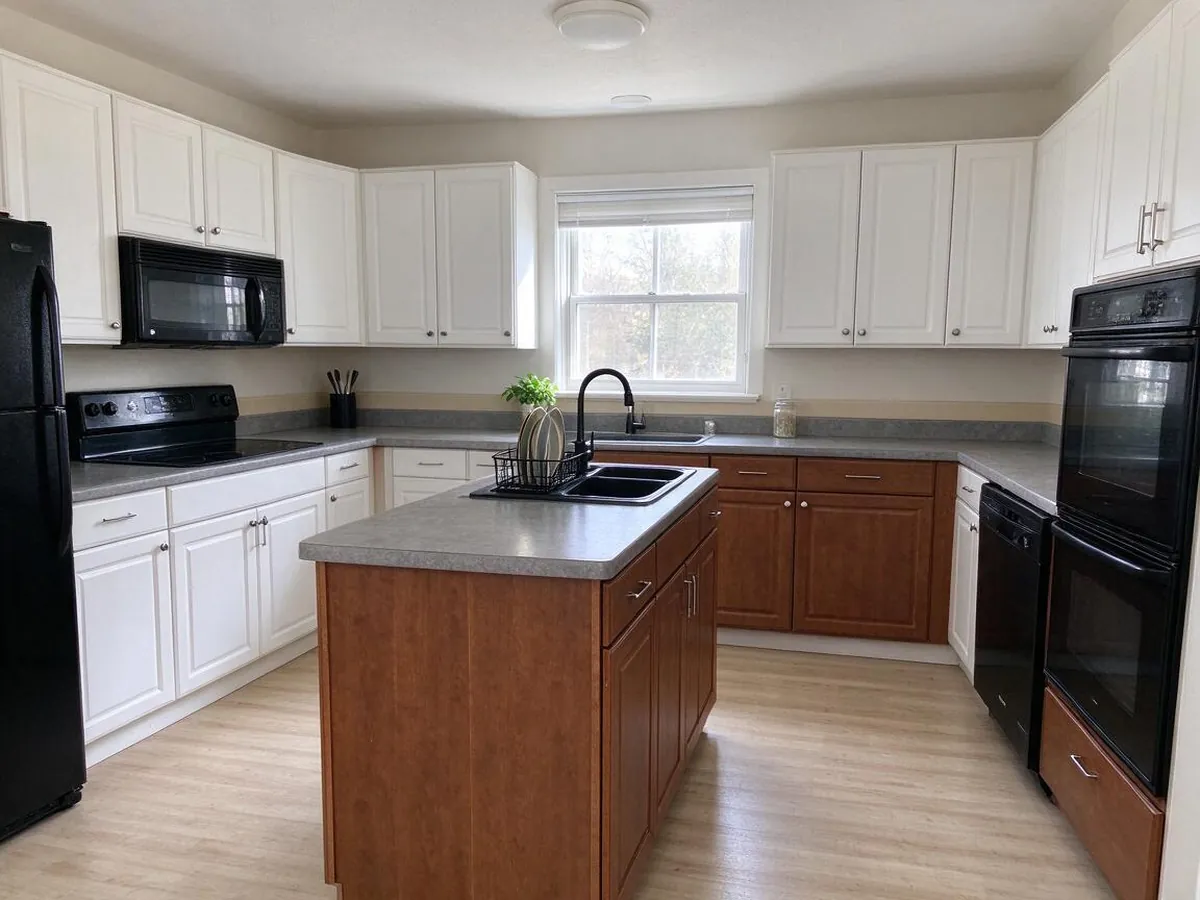
Quick answer: A kitchen visualizer shows what your kitchen could look like after a remodel. On AI Kitchen Redesign you upload a photo of your own kitchen and get two realistic redesigns in about 30 seconds, with the walls, window and cabinet layout kept in place. It runs in the browser, needs no app, and your first 3 images are free after Google sign-in, no credit card.
Why visualize a kitchen before you remodel?
Remodels are expensive to get wrong. In the 2025 U.S. Houzz & Home Study, the median spend on a major remodel of a small kitchen was $35,000, and $55,000 for a large one [1]. NerdWallet, citing Hanley Wood data, puts kitchen remodels at around $28,500 for a minor refresh and over $160,000 for a major upscale one [2].
Seeing a few directions on your own photo first costs cents. It helps you rule out a style, agree with your family, and show a contractor exactly what you mean.
How is this different from a 3D kitchen planner?
3D planners make you measure the room and build it from scratch, which is useful for moving walls and cabinets but slow when you only want to see finishes. This visualizer starts from a photo of the kitchen you already have, so the result looks like your real room in your real light.
If you are changing the layout, use a planner or a kitchen designer. If you are keeping the layout and choosing a look, a photo visualizer is faster.
What can I change in my kitchen?
A full redesign changes cabinets, counters, backsplash, flooring, paint, lighting and styling together in one of 18 kitchen styles, such as Modern, Scandinavian, Japandi, Industrial, Rustic Farmhouse, Minimalist, Coastal or Mid-Century.
Change one thing keeps everything else and swaps a single material: cabinet color, countertop, backsplash, floor or wall color. That is the fastest way to compare, say, sage green and navy cabinets on the same photo.
Will the visualizer keep my layout?
Yes. Every request asks the AI to keep the walls, window, doors and camera angle. If a result moves them anyway, click "AI moved my walls or windows?" under the image to get that image back and redo it with stricter rules.
Tips for an accurate preview
Shoot from a corner or the doorway so the full cabinet run is in frame, open the blinds, and avoid flash glare on glossy doors. Treat the results as visual concepts, not construction drawings, and confirm materials with real samples.
How do I use it? 3 simple steps
- 1
Upload your kitchen photo
Take one level photo from the doorway in daylight. JPG, PNG, WebP and iPhone HEIC all work.
- 2
Pick a style or one material
Choose Modern, Scandinavian, Japandi, Farmhouse and more, or switch to "Change one thing" to try only cabinets, counters, backsplash, floor or paint.
- 3
Compare and keep the best
Drag the before/after slider, try a few more directions, then download the one you like or send a link to your contractor.
Frequently asked questions
Is this kitchen visualizer tool free?
Yes, you can try it without paying. Sign in with Google and you get 3 free redesign images of your own photo, marked with a small watermark. No credit card is needed. It is one time and does not refresh every day. Beyond that, plans start at $14 a month for 25 images (or $144 a year), with no watermark, and you can cancel anytime from the billing page.
How can I visualize my kitchen remodel before I start?
Upload a photo of your kitchen as it is today and pick a style, or change one thing such as the cabinets or countertop. You get realistic images of your own room in about 30 seconds, which you can compare and share with your contractor before anything is ordered.
Can I use a kitchen visualizer with my own photo?
Yes. Upload a phone photo of your kitchen, including iPhone HEIC, and the redesign is drawn on your real room.
Will it keep my layout, walls and windows?
That is the whole point. Every request tells the AI to keep the original layout, walls, windows, doors and camera angle, and to change only surfaces, colors, fixtures and furniture. AI is not perfect, so we back it up: if a result moves a wall or window, tap "AI moved my walls or windows" under the image. We refund that image right away and redo it with stricter rules.
How many credits does one preview use?
Changing one material makes one image and uses one credit. A full style redesign makes two images and uses two. Sign in with Google and your first 3 images are free, with no credit card.
Is my photo private?
Your photos and designs are private to your account. Nobody else can see them unless you create a share link yourself, and you can delete any design from your history at any time. We use your photo only to create the images you ask for and never sell it or use it in public galleries. Please avoid uploading photos with people in them.