Two-tone kitchen cabinet ideas
Short answer: The two-tone layouts that work most reliably are dark lower cabinets with light uppers (navy or green below, white above), a single contrasting island (green, navy or wood) with matching perimeter cabinets, and wood lowers with white or open uppers. Keep it to two cabinet colors plus a neutral counter, and put the darker color lower so the room stays light at eye level.
What to know
Darker color goes down
Dark lowers anchor the room; dark uppers with light lowers often look top-heavy, especially with low ceilings.
The island is the easiest split
Painting only the island a contrast color is the simplest two-tone, works in most layouts and can be changed later without touching the rest.
Split by plane, not randomly
Change color at a clear line: all uppers vs all lowers, or island vs perimeter. Mixing colors within one run looks accidental.
Tie them with hardware
Use the same pulls on both colors so the kitchen still reads as one design.
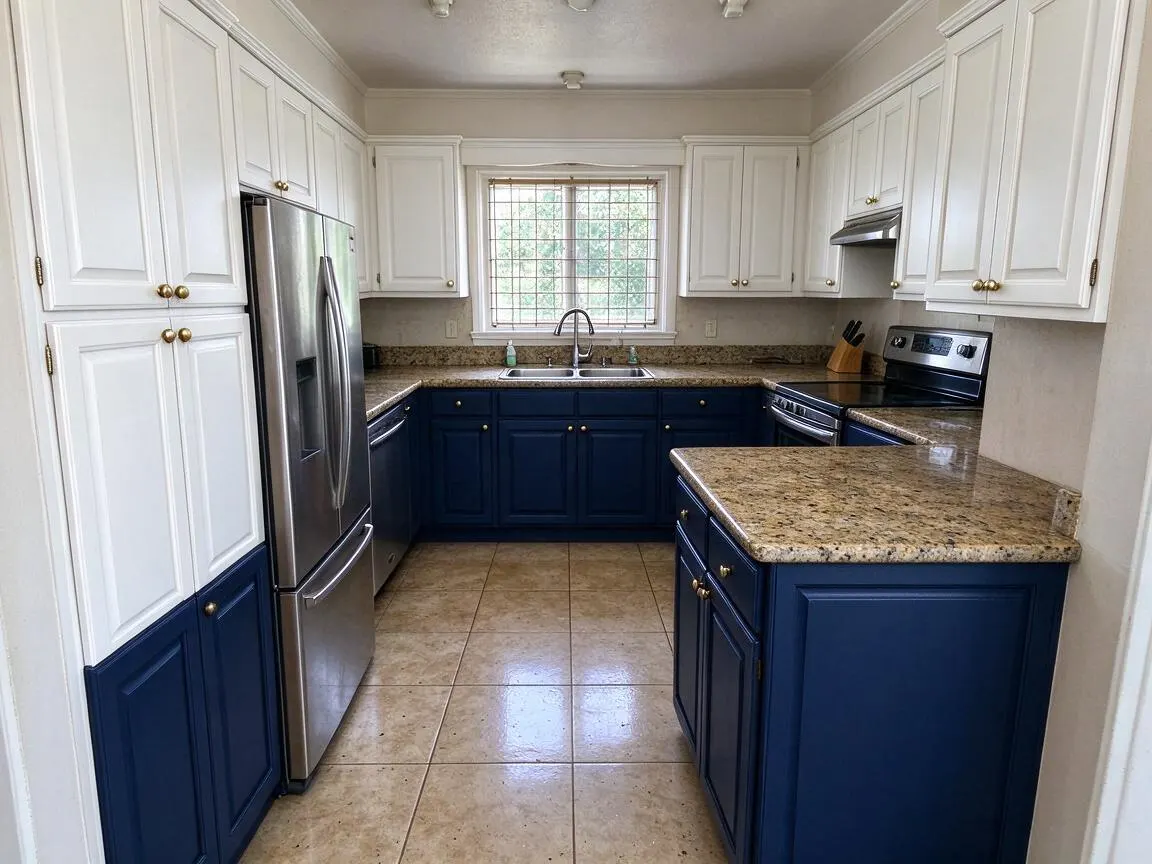
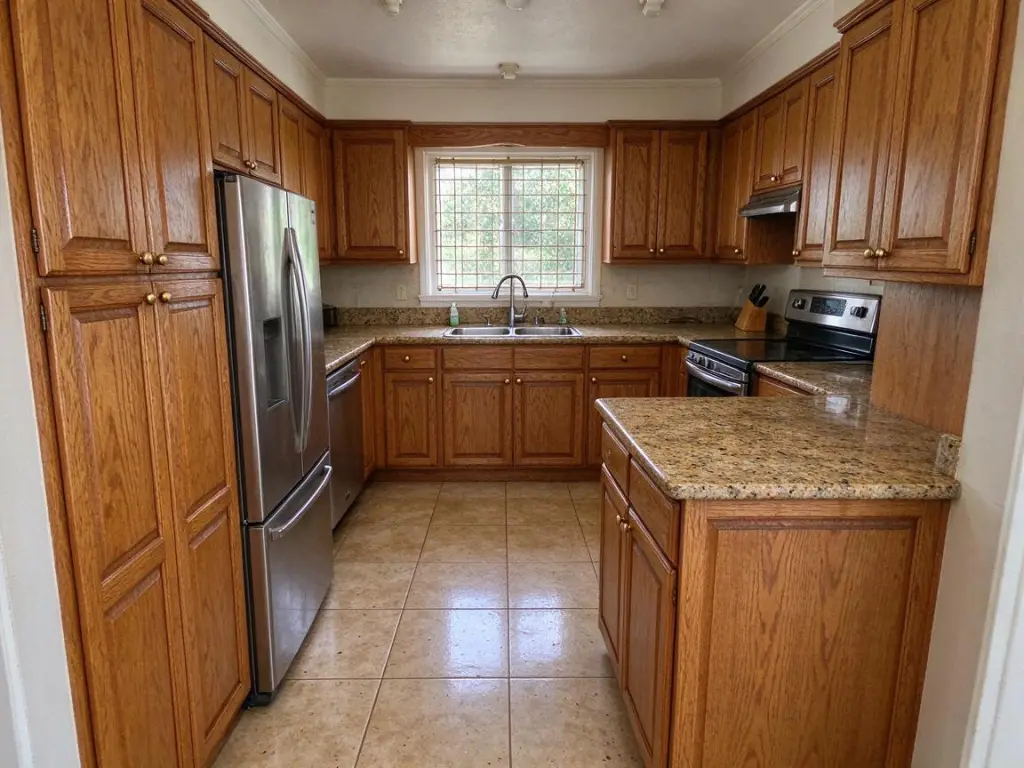 BeforeAfter
Pairings worth trying
Navy lowers and white uppers: crisp and classic, and forgiving in small kitchens. Brass or nickel hardware both work.
Sage or olive lowers with cream uppers: soft and warm, good with butcher block or white quartz and light oak floors.
White perimeter cabinets with a natural oak or walnut island: brings wood warmth into a white kitchen and makes the island the focal point.
Charcoal island with light gray or white perimeter: a modern pairing that suits stainless appliances and gray-veined quartz.
When two-tone is not a good idea
Very small kitchens with only a few cabinets can look chopped up in two colors. If you only have one short run of uppers, a single color plus open shelving often looks cleaner.
If your counter or floor is already busy, such as speckled granite or patterned tile, adding two cabinet colors can be one color too many.
How to see it on your own kitchen
- Take a straight photo of your kitchen in daylight from the doorway or a corner, then upload it below (iPhone photos work as they are).
- The tool opens on "Change one thing" with cabinets selected. Pick a preset or type the exact cabinets you have in mind.
- Sign in with Google: the first 3 images are free, no credit card. Plans start at $14 a month for 25 images.
- In about 30 seconds you get the same kitchen with only the cabinets changed. Drag the slider to compare before and after, then download the one you like or keep editing one detail at a time.