Kitchen lighting ideas over an island
Short answer: The usual choice over an island is two or three pendants hung about 30 to 36 in above the countertop, spaced evenly with about 6 in or more from each end, or one long linear fixture over a long, narrow island. Put them on a dimmer so the island works as bright prep space and as softer evening light.
What to know
Size pendants to the island
A common guide is that the combined width of the pendants is roughly a third to a half of the island length. Very small pendants over a long island look lost.
Odd or even
Two pendants suit islands up to about 6 ft; three suit longer islands. A single large fixture can also work over a short island.
Glass vs solid shades
Clear glass keeps sight lines open in a small kitchen. Solid metal shades direct light down onto the counter and cut glare.
Keep recessed lights for the work
Pendants are mostly for mood and focus; recessed lights or a ceiling fixture still need to light the aisles around the island.
Mind sight lines to the living area
In open-plan rooms, pendants at eye level from the sofa can block the view. Clear glass or a slim linear fixture keeps the line of sight open.
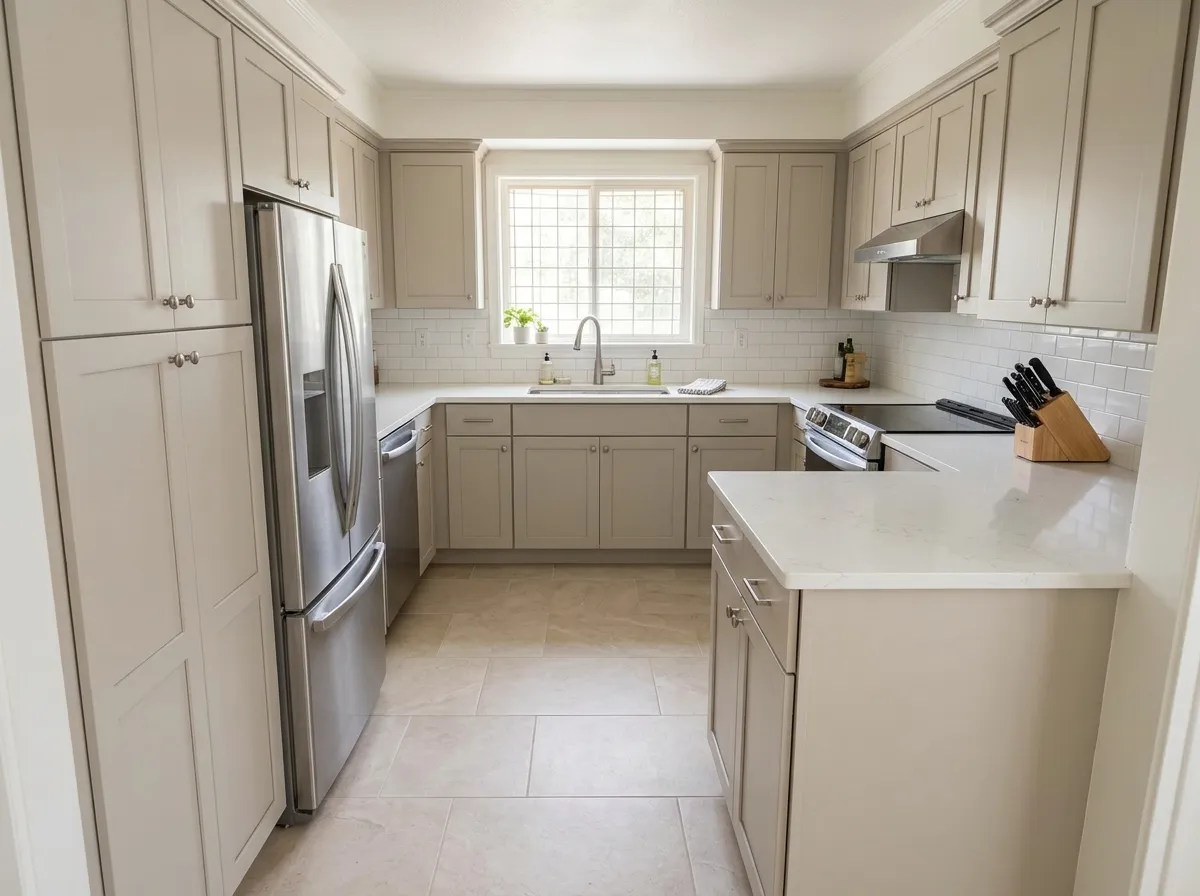
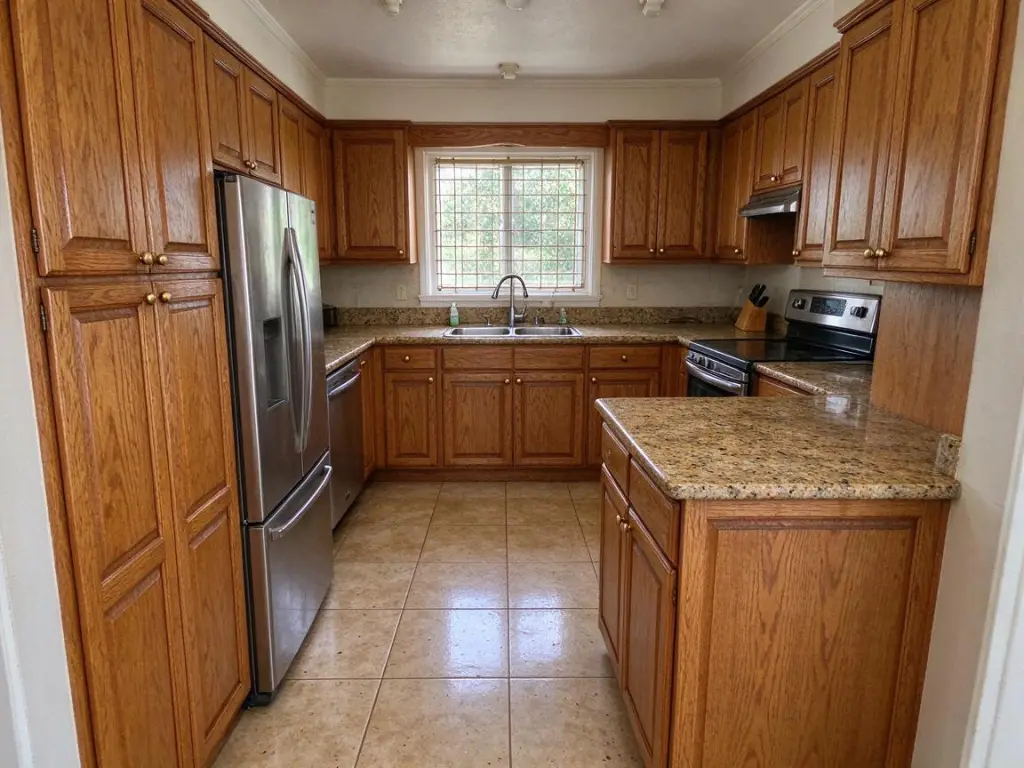 BeforeAfter
Choosing a finish that fits the kitchen
Match the pendant finish to something else in the room: brass with brass cabinet pulls, black with a black faucet, or white glass in a light Scandinavian kitchen. Mixing one metal for pendants and another for hardware is fine if each appears more than once.
Hang pendants a little higher, around 36 in, if they are wide or if people standing at the island would otherwise look straight into them. In rooms with high ceilings, choose a longer rod or chain rather than raising the fixture.
A full redesign in the photo tool restyles the lighting along with the cabinets and counters, and you can type the fixture you have in mind, such as brass globe or black dome pendants, to see it over your own island before buying.
How to see it on your own kitchen
- Take a straight photo of your kitchen in daylight from the doorway or a corner, then upload it below (iPhone photos work as they are).
- Keep the "Full redesign" level selected and choose a style. Optionally add a photo of a cabinet or tile you like as a material reference.
- Sign in with Google: the first 3 images are free, no credit card. Plans start at $14 a month for 25 images.
- In about 30 seconds you get two variations that keep your walls and windows. Drag the slider to compare before and after, then download the one you like or keep editing one detail at a time.