Kitchen lighting ideas without an island
Short answer: Without an island, the lighting goes where the work happens: recessed lights or a track along the perimeter counters, under-cabinet strips, and one decorative fixture over the kitchen table, the sink or the center of the room. Wall sconces beside open shelves or above a window add the character pendants usually provide.
What to know
Let the table take the pendant
If there is a breakfast table, it becomes the natural place for a statement pendant or chandelier.
Run lights along the counters
Place recessed lights or track heads in a line roughly above the front edge of the counters, not in a grid across the middle of the floor.
Use sconces for style
Sconces over open shelving or the range wall bring decorative light to the walls, which matters when there is no island to hang fixtures over.
One central fixture still helps
A semi-flush or flush fixture in the middle of the room gives general light and a focal point.
Light open shelves from above
A small picture-light or LED strip under the top shelf makes open shelving a focal point, which gives the room a center when there is no island.
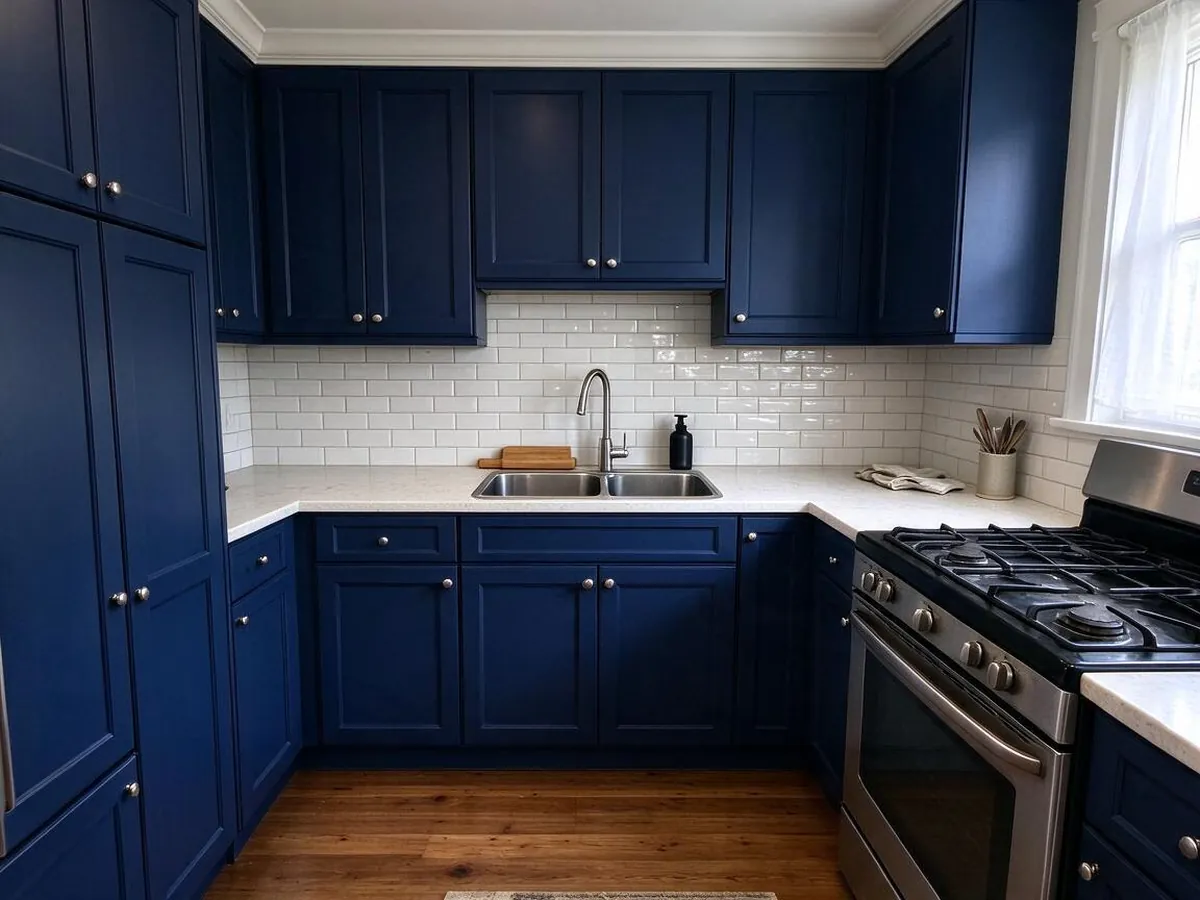
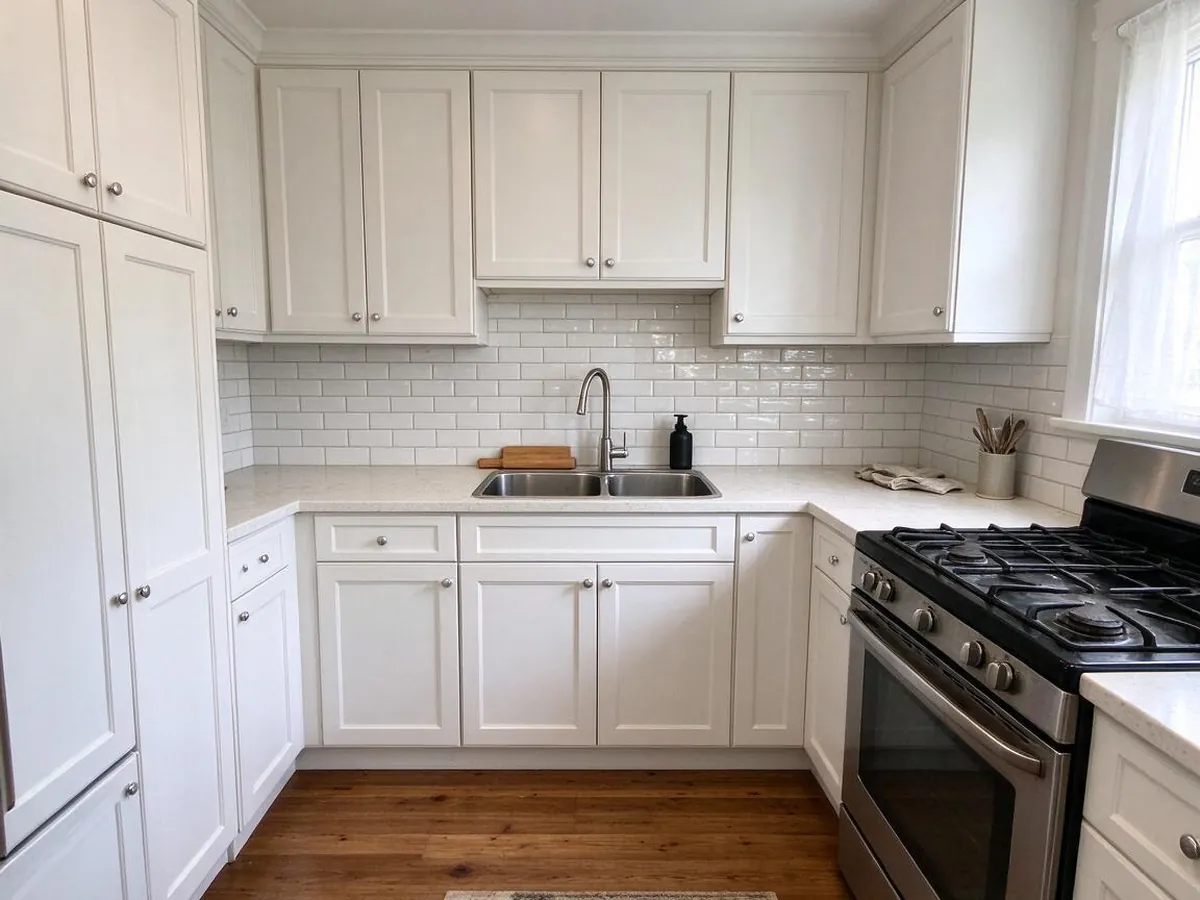 BeforeAfter
Planning by layout
In a galley, two rows of recessed lights, one over each run, work better than a single row down the middle. In an L or U, follow the counters with lights and put one decorative fixture where the legs meet or over the sink.
In a one-wall kitchen, a track or rail parallel to the wall is often the simplest option, with under-cabinet strips below. If the kitchen opens to a dining area, the dining pendant can be the decorative piece for both.
To see how a fixture style changes the room, run a redesign in the photo tool and describe the sconce or ceiling light you have in mind; your walls and layout stay as they are.
How to see it on your own kitchen
- Take a straight photo of your kitchen in daylight from the doorway or a corner, then upload it below (iPhone photos work as they are).
- Keep the "Full redesign" level selected and choose a style. Optionally add a photo of a cabinet or tile you like as a material reference.
- Sign in with Google: the first 3 images are free, no credit card. Plans start at $14 a month for 25 images.
- In about 30 seconds you get two variations that keep your walls and windows. Drag the slider to compare before and after, then download the one you like or keep editing one detail at a time.