Kitchen makeover on a budget
Short answer: A budget kitchen makeover keeps the layout, counters and appliances and changes what you see most: cabinet paint, new pulls and knobs, under-cabinet lighting, a new faucet and fresh wall color. Choose the cabinet color first, since every other choice follows it, and preview it on a photo of your own kitchen before buying paint.
What to know
Cabinets set the budget look
Cabinets are the largest visible surface. Painting them, even in a classic white or soft green, changes the room more than any other single step.
Hardware is a small, visible upgrade
Replacing dated brass or plastic knobs with matte black, brushed brass or nickel pulls finishes the paint job. Match the hole spacing to avoid filling and redrilling.
Lighting hides older finishes
Warm, even light from LED strips makes older counters and floors look cleaner than a single harsh ceiling light does.
Leave expensive items alone
Counters, flooring and appliances cost the most to replace. Choose a cabinet color that works with what you have instead.
Change the faucet at the same time
A new faucet in the same finish as the pulls ties the makeover together and costs little compared with replacing a counter.
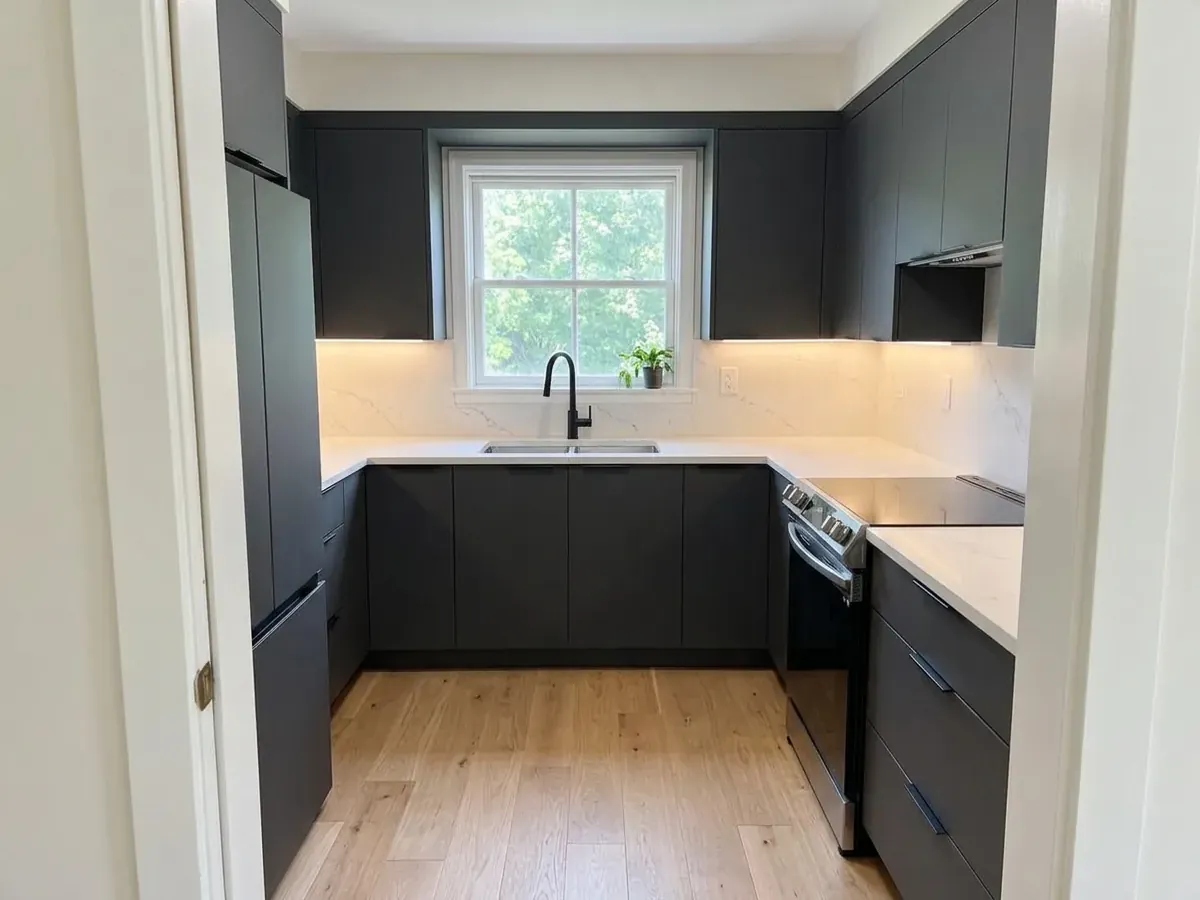
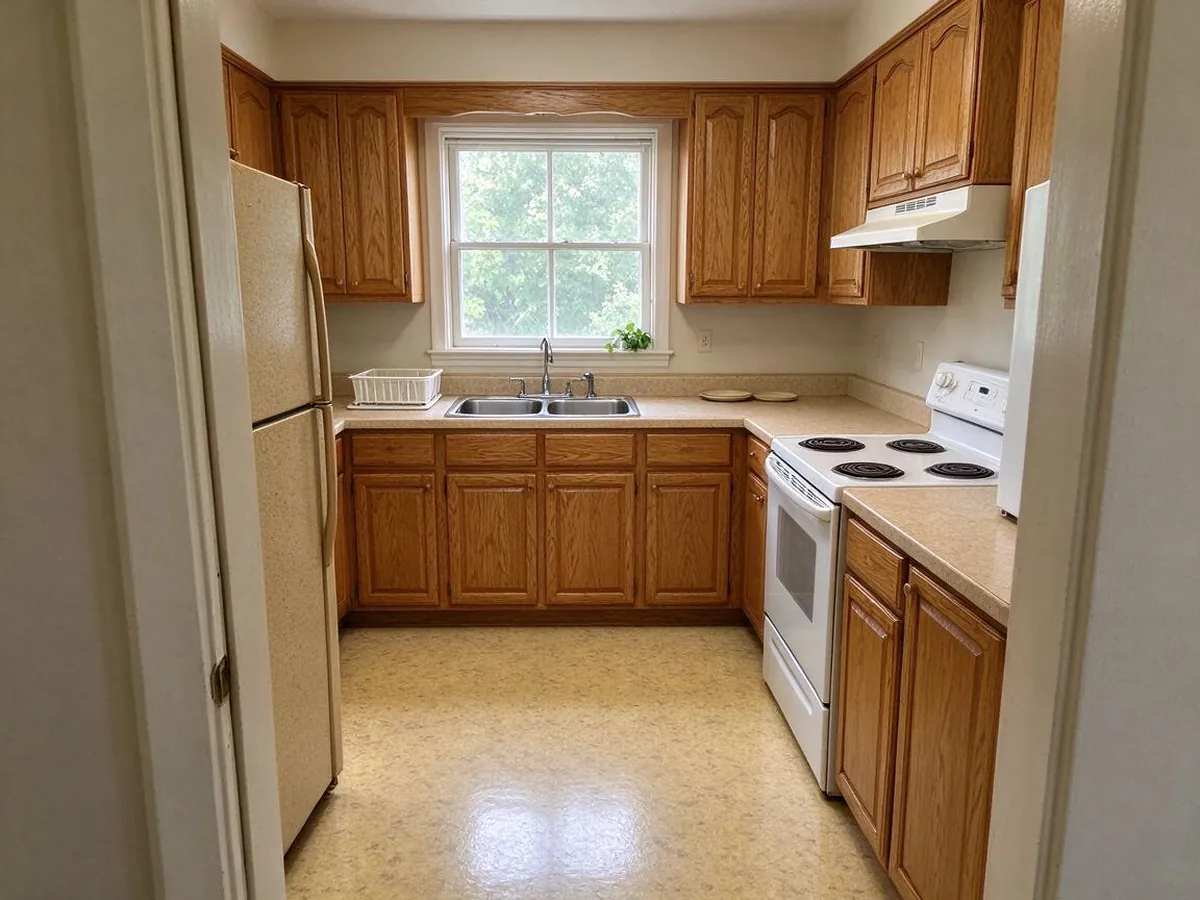 BeforeAfter
Planning a budget makeover
List what stays and what changes. Most budget makeovers keep the counters and floor, so photograph the kitchen and note their colors. A tan granite rules out some cabinet colors; a gray laminate rules out others. Choosing cabinet paint around what stays avoids a makeover that looks half finished.
Then price it. The free calculators at /cabinet-painting-calculator and /kitchen-remodel-cost-calculator show how paint, materials and labor add up, and whether hiring a painter for the cabinets fits the budget.
Finally, test the look. Upload a photo and keep the Light refresh level, which changes paint, hardware, lights and decor only. The first 3 images are free after Google sign-in, so you can check a color before spending anything.
How to see it on your own kitchen
- Take a straight photo of your kitchen in daylight from the doorway or a corner, then upload it below (iPhone photos work as they are).
- Keep the "Light refresh" level selected and choose a style. Optionally add a photo of a cabinet or tile you like as a material reference.
- Sign in with Google: the first 3 images are free, no credit card. Plans start at $14 a month for 25 images.
- In about 30 seconds you get two variations that keep your walls and windows. Drag the slider to compare before and after, then download the one you like or keep editing one detail at a time.