Kitchen refresh or full remodel: which do I need?
Short answer: You need a refresh if the layout works and the cabinets are sound but the kitchen looks dated, a remodel if counters, cabinet fronts or flooring are worn or the wrong material, and a full redesign only if the layout itself fails you, such as no counter space, a blocked walkway or a sink in the wrong place. Decide by what is broken rather than by budget alone.
What to know
Refresh: looks dated, works fine
Paint, hardware, lighting, a faucet and decor. Everything structural stays.
Remodel: surfaces are worn
New cabinet fronts or cabinets, countertops, backsplash and flooring, keeping the sink and range where they are.
Full redesign: layout is the problem
Moving the sink, range or walls, adding an island. This is where plumbing, electrical, gas and permits come in.
Check the cabinet boxes
Water-damaged or sagging boxes push you from refresh to remodel no matter how good the paint job would be.
Appliance age matters
If several appliances are near the end of their life, a remodel that replaces them together can make more sense than a refresh around them.
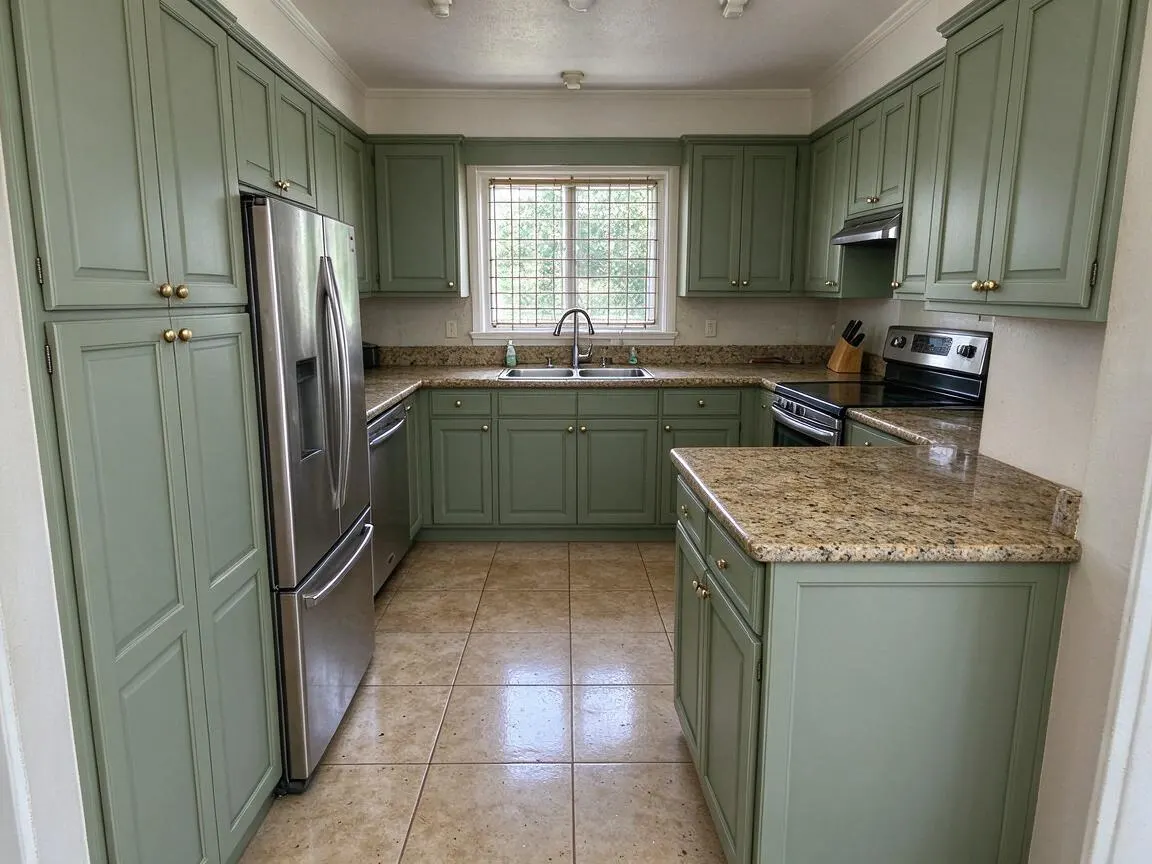
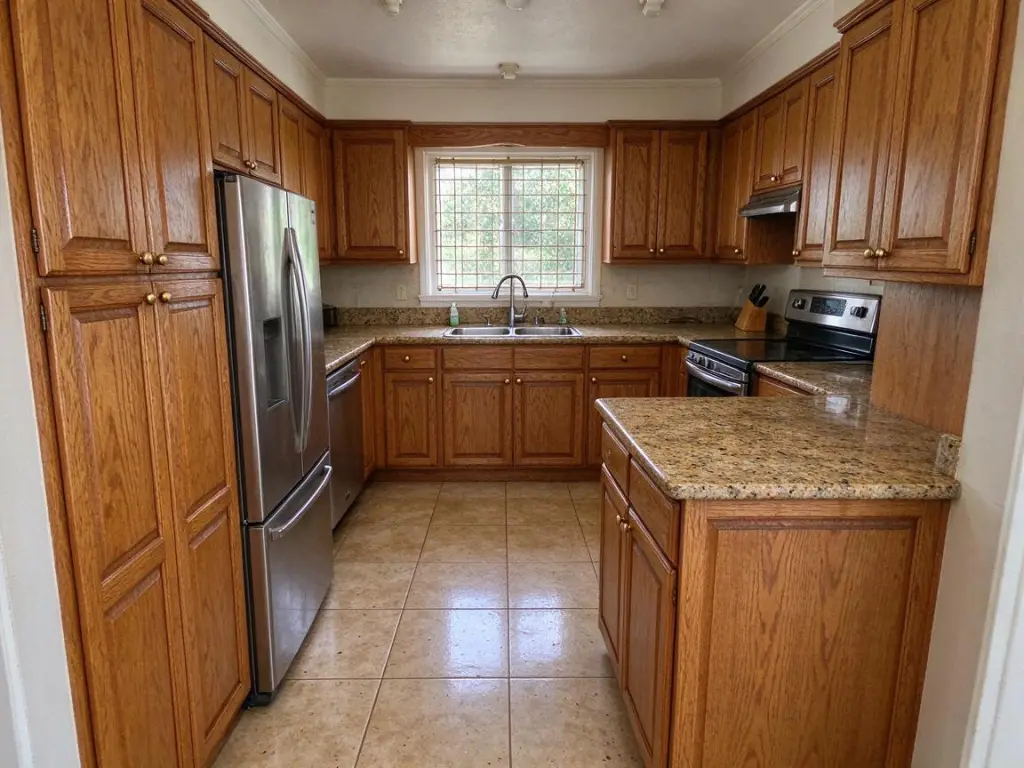 BeforeAfter
A quick way to decide
Write down your three biggest complaints. If they are about color, light or style, a refresh solves them. If they are about chipped counters, peeling cabinet fronts or a damaged floor, you need a remodel. If they are about not enough counter, people bumping into each other or the fridge being too far away, the layout is the problem.
Price the options with the free calculator at /kitchen-remodel-cost-calculator. Enter your cabinet length and surface areas, then fill in only the parts each option replaces to see how quickly the scope changes the total.
The photo tool has the same three levels: Light refresh, Remodel and Full redesign. Running your kitchen through the first two shows whether a refresh is enough or whether only new counters and fronts give the look you want. Layout changes are drawn in the free planner at /free-kitchen-planner, not in the photo tool.
How to see it on your own kitchen
- Take a straight photo of your kitchen in daylight from the doorway or a corner, then upload it below (iPhone photos work as they are).
- Keep the "Light refresh" level selected and choose a style. Optionally add a photo of a cabinet or tile you like as a material reference.
- Sign in with Google: the first 3 images are free, no credit card. Plans start at $14 a month for 25 images.
- In about 30 seconds you get two variations that keep your walls and windows. Drag the slider to compare before and after, then download the one you like or keep editing one detail at a time.