What backsplash goes with white quartz countertops?
Short answer: White quartz works with almost anything, and the best results come from either a white backsplash with texture, such as glossy zellige, handmade subway or the same quartz run up the wall, or one deliberate color like green, blue or terracotta tile. Decide first whether you want counter and wall to read as one calm surface or as a contrast.
What to know
Two whites must agree
White quartz ranges from bright white to warm off-white. A tile white that is slightly different from the counter can make one of them look dirty, so compare samples side by side in daylight.
Plain on plain needs texture
Solid white quartz under flat white tile can look unfinished. Gloss, a handmade surface or a pattern like herringbone gives the wall depth while keeping it white.
Veined quartz wants a quiet wall
If the quartz has Calacatta-style veins, keep the tile plain or continue the same slab up the wall. A second veined material next to it usually clashes.
Color has room here
Because the counter is neutral, white quartz is the best base for a colored backsplash. Green, blue and clay tones are common because they pair with both white and wood cabinets.
Cabinets steer the color
With white cabinets, a colored backsplash gives the kitchen its focus. With wood or green cabinets, a textured white tile is often enough, because the cabinets already bring color.
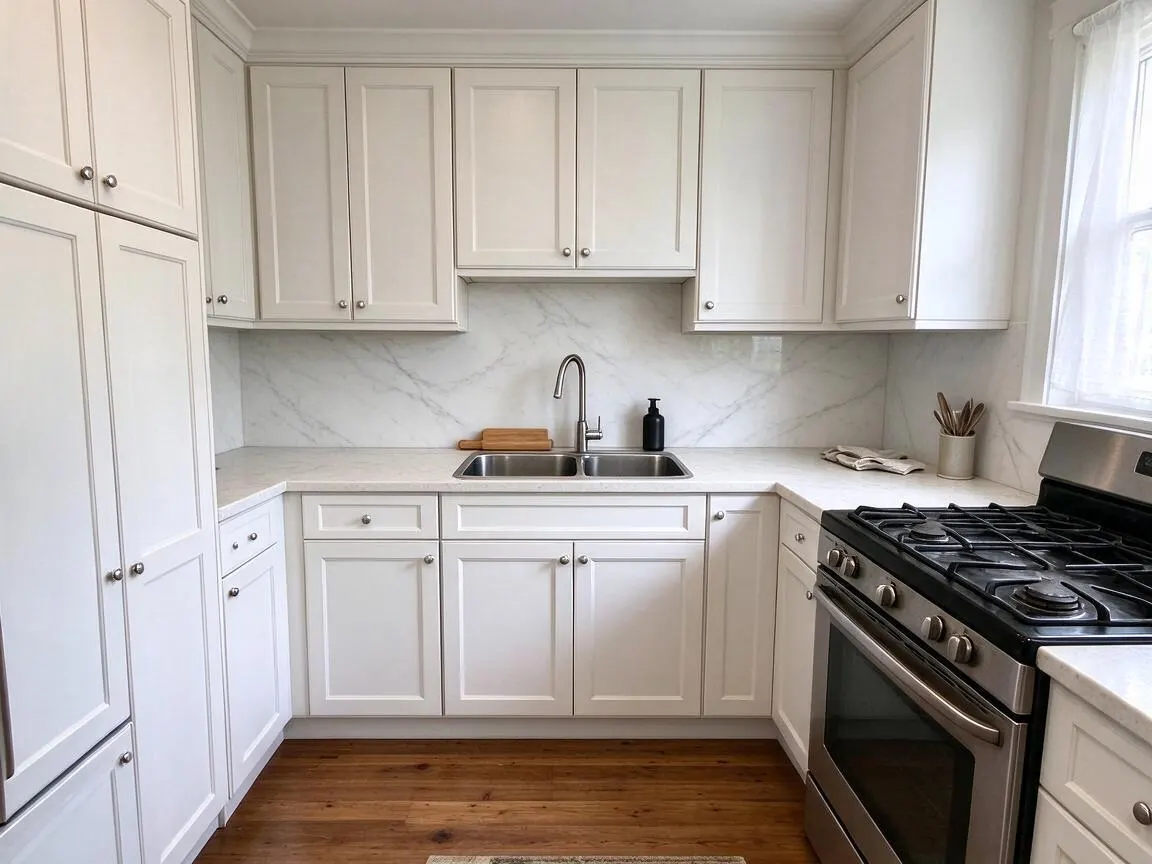
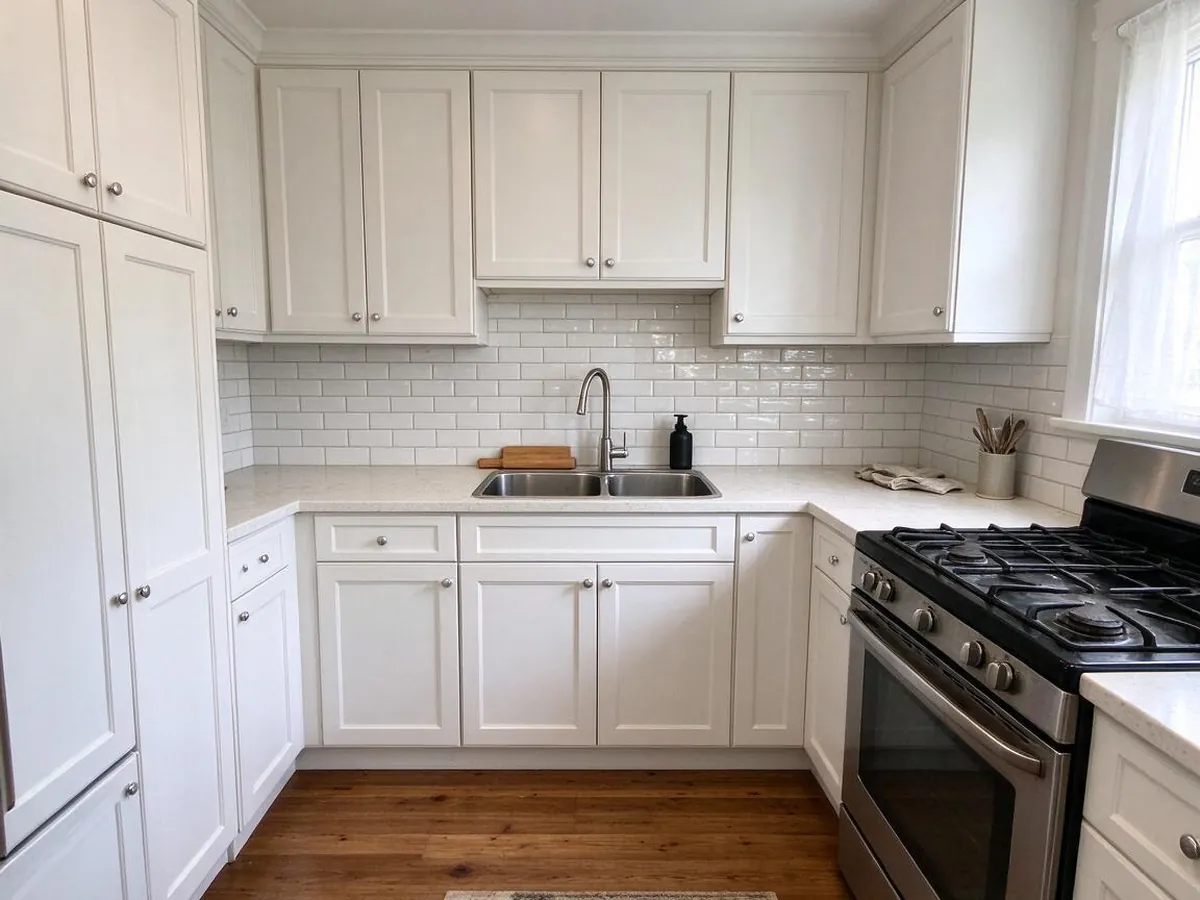 BeforeAfter
Same quartz up the wall, or tile?
Running the countertop quartz up the wall, either as a short strip or full height, gives a grout-free surface that is easy to wipe. It works best with veined quartz, where the pattern continues from counter to wall.
Tile is usually less costly per square foot and gives you more choice of color and texture. With solid white quartz, tile is often the better choice, because a full white slab can look like a blank wall.
If you choose tile, bring a quartz offcut or sample to the tile store. Quartz whites are hard to judge from a website photo, and the comparison takes a minute in person.
How to see it on your own kitchen
- Take a straight photo of your kitchen in daylight from the doorway or a corner, then upload it below (iPhone photos work as they are).
- The tool opens on "Change one thing" with backsplash selected. Pick a preset or type the exact backsplash you have in mind.
- Sign in with Google: the first 3 images are free, no credit card. Plans start at $14 a month for 25 images.
- In about 30 seconds you get the same kitchen with only the backsplash changed. Drag the slider to compare before and after, then download the one you like or keep editing one detail at a time.