What color cabinets go with white quartz countertops?
Short answer: White quartz is the easiest countertop to pair, so it suits navy, charcoal, sage or forest green, and natural white oak or walnut cabinets, all of which give it clear contrast. White cabinets also work, but pick a cabinet white a shade warmer or softer than the quartz so the two do not look like mismatched whites.
What to know
Check the quartz undertone
Some white quartz is pure white, some leans warm cream and some has gray veining. Gray-veined quartz goes with blue, gray and charcoal cabinets; creamy quartz goes with green and wood.
Dark cabinets show it off
Navy or charcoal below white quartz gives the strongest outline at counter height and makes a small kitchen feel crisp rather than smaller.
White-on-white needs a step in shade
If the cabinets and quartz are the same white, any slight difference in undertone looks like a mistake. A clearly softer cabinet white avoids that.
Wood adds what white quartz lacks
White quartz is smooth and cool. Oak or walnut cabinets bring texture and warmth, which is why this pairing is common in Scandinavian and Japandi kitchens.
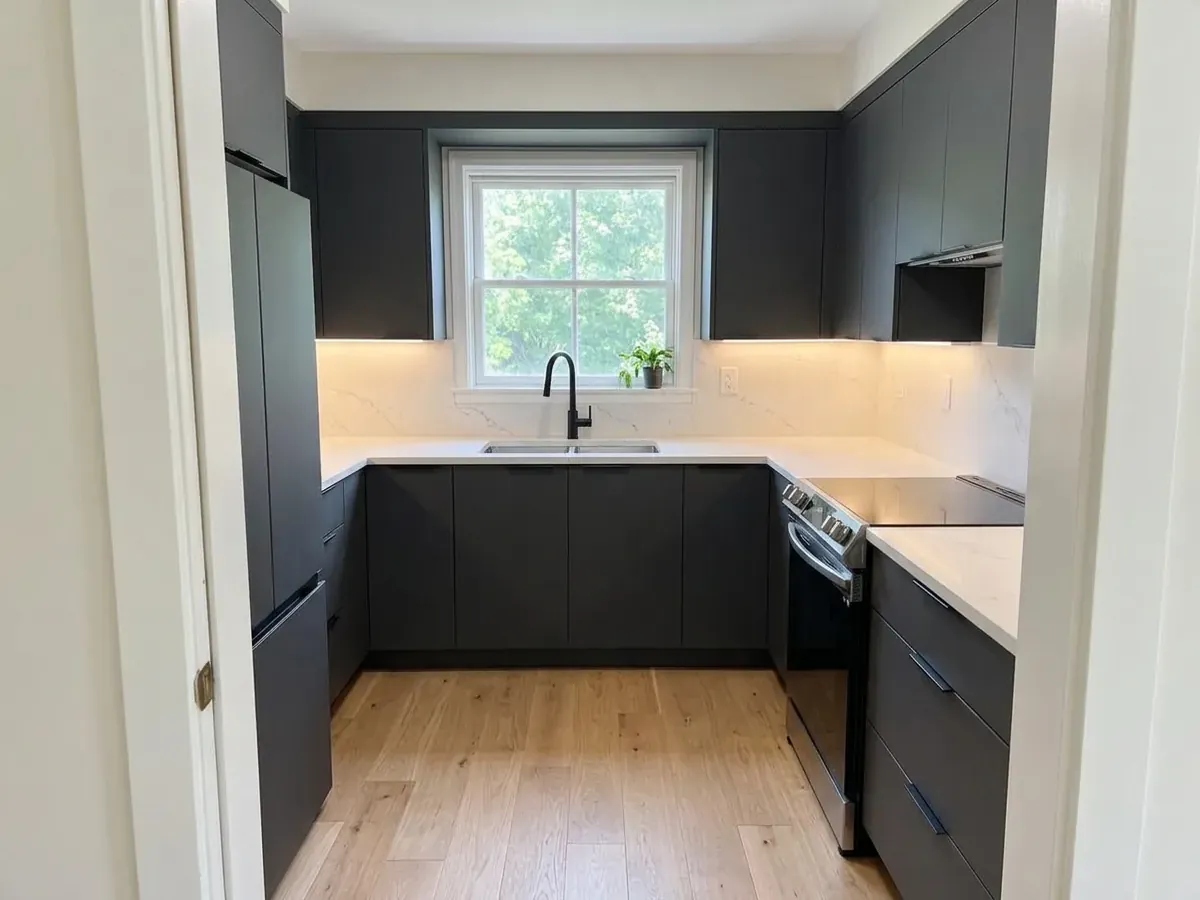
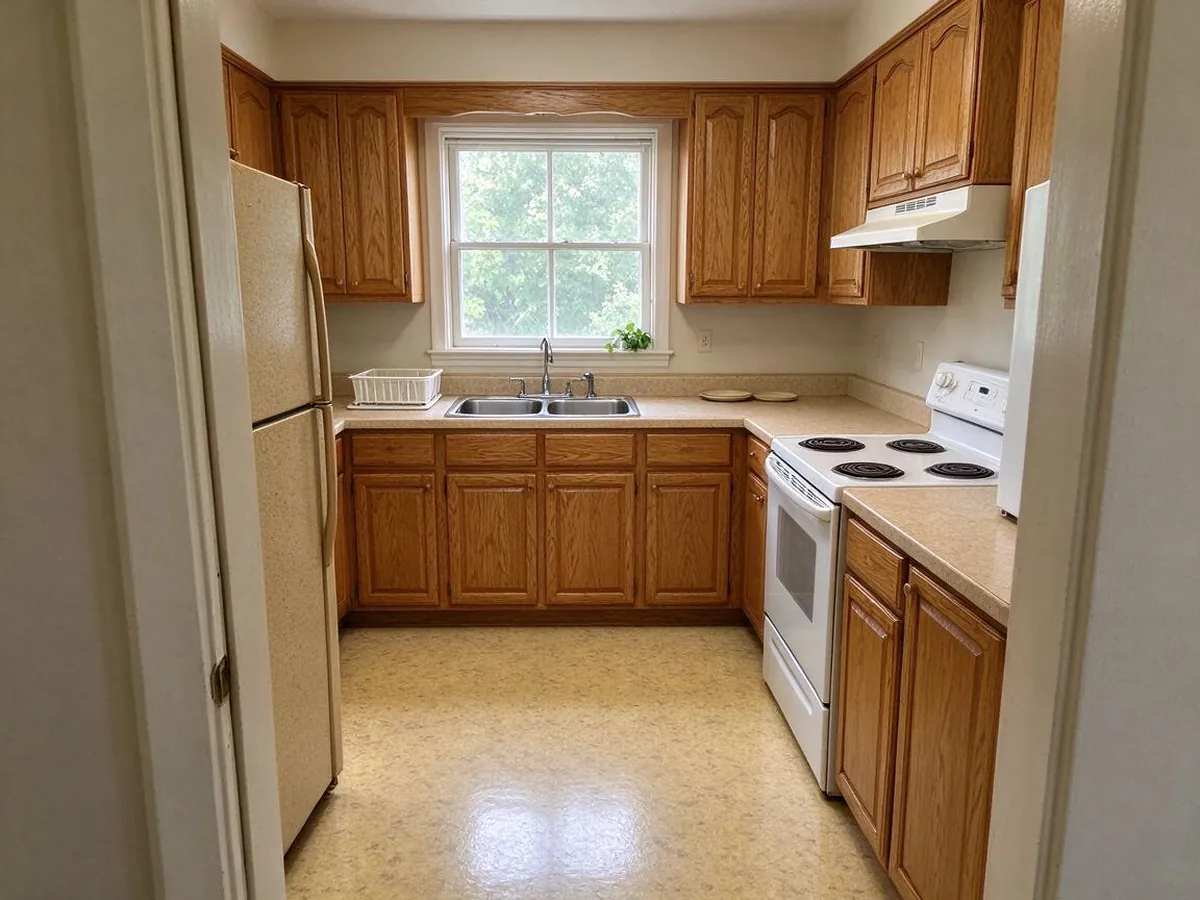 BeforeAfter
Making the choice with your floor and light
Because the quartz is neutral, let the floor decide. Light oak floors suit almost every cabinet color. A dark walnut floor plus white quartz is a strong frame for white or light gray cabinets. Gray tile floors look best with navy, gray-blue or white cabinets.
Light matters too. In a north-facing kitchen, charcoal and navy look darker than on the sample. In a sunny room, white cabinets with white quartz can feel glaring, so a soft green or wood tone calms it.
Seeing the color on the whole run of cabinets in your own photo shows these effects much more clearly than a swatch held against the counter.
Hardware and fixtures are worth planning at the same time. Brass looks warm on green and navy above white quartz, black hardware suits wood and white, and brushed nickel keeps gray and charcoal kitchens quiet.
How to see it on your own kitchen
- Take a straight photo of your kitchen in daylight from the doorway or a corner, then upload it below (iPhone photos work as they are).
- The tool opens on "Change one thing" with cabinets selected. Pick a preset or type the exact cabinets you have in mind.
- Sign in with Google: the first 3 images are free, no credit card. Plans start at $14 a month for 25 images.
- In about 30 seconds you get the same kitchen with only the cabinets changed. Drag the slider to compare before and after, then download the one you like or keep editing one detail at a time.