What color backsplash goes with sage green cabinets?
Short answer: Sage is a soft gray-green, so warm white, cream and light stone backsplashes keep it fresh, and a white zellige or glossy subway adds texture without fighting the color. Avoid a backsplash in a stronger green, which makes sage look dull, and a cold bright white, which makes it look gray.
What to know
Sage already has gray in it
Because sage is muted, it needs a backsplash that is clean but warm. Cream and warm white keep the green visible; blue-white pulls out the gray.
Texture over color
Sage is a quiet color, and a quiet plain tile can make the whole kitchen look flat. Handmade zellige, a gloss glaze or a pattern layout gives depth while staying light.
Soft pink and clay work as accents
A pale terracotta or blush tile complements sage. Keep it light so the kitchen does not look like a strong red and green scheme.
Mind the old granite strip
If sage cabinets sit over existing tan granite with a short granite backsplash, tiling above that strip in cream or warm white connects the stone and the paint.
Sage shifts with daylight
In north light sage leans gray; in warm afternoon light it leans green. Look at backsplash samples in the room at both times before choosing.
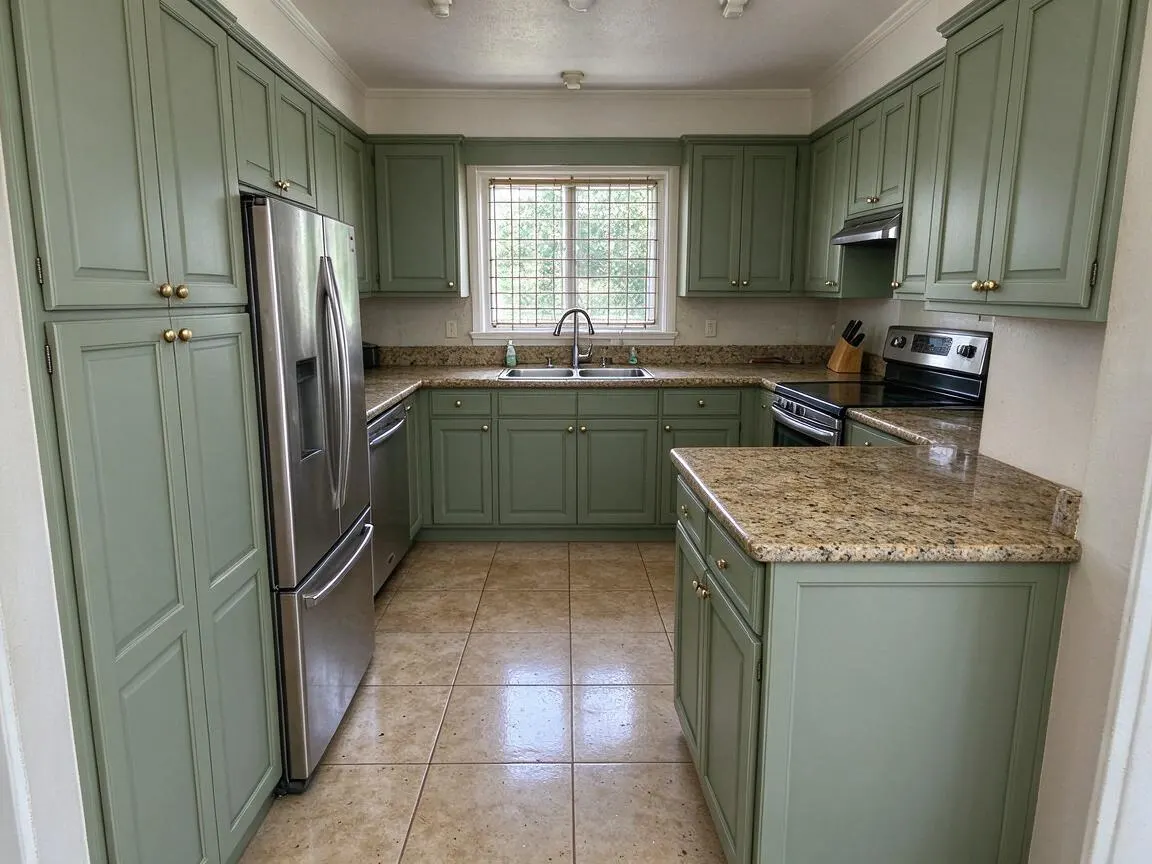
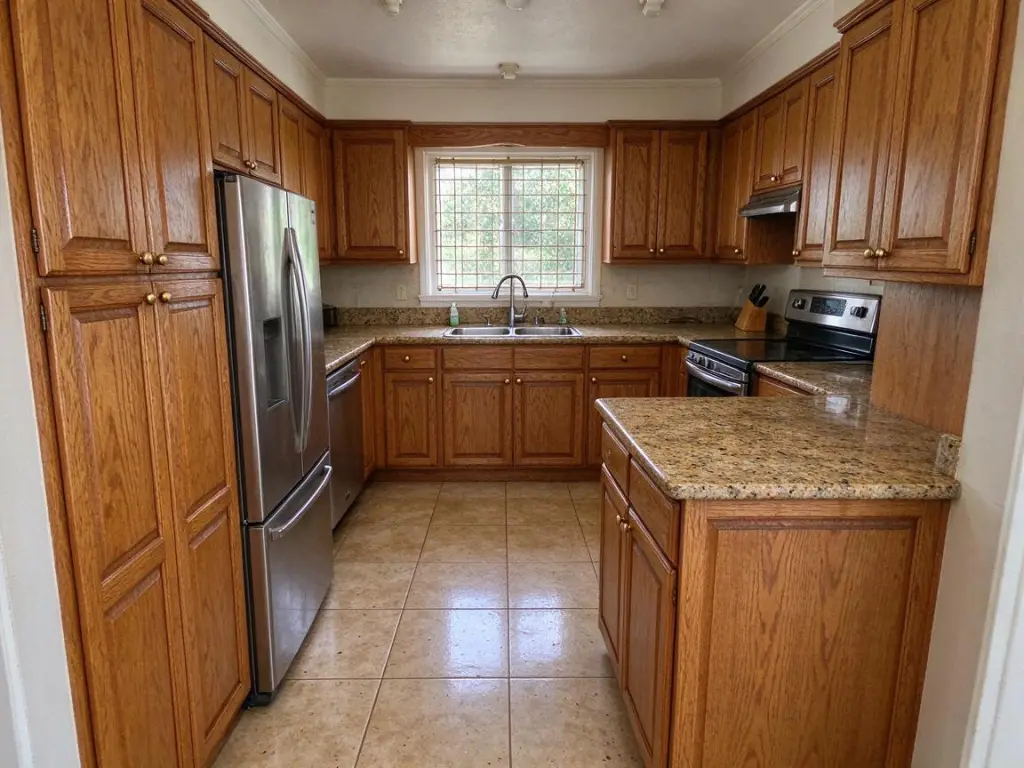 BeforeAfter
Sage with different countertops
With white quartz or marble, a white or cream zellige gives a soft, light kitchen. With butcher block, cream square tile or a warm white subway suits a cottage or farmhouse look.
With tan or brown granite, choose a cream or warm beige that matches the lightest fleck. This is the most common situation when oak cabinets are painted sage and the granite stays.
With dark counters, keep the backsplash as light as possible so sage, dark stone and tile read as three clear layers.
How to see it on your own kitchen
- Take a straight photo of your kitchen in daylight from the doorway or a corner, then upload it below (iPhone photos work as they are).
- The tool opens on "Change one thing" with backsplash selected. Pick a preset or type the exact backsplash you have in mind.
- Sign in with Google: the first 3 images are free, no credit card. Plans start at $14 a month for 25 images.
- In about 30 seconds you get the same kitchen with only the backsplash changed. Drag the slider to compare before and after, then download the one you like or keep editing one detail at a time.