What hardware goes with green cabinets?
Short answer: Brass, brushed or unlacquered, is the classic hardware for green cabinets because its warm gold tone sits naturally with green; bronze and matte black also suit sage and olive, and polished nickel works with dark forest or bottle green for a cooler, more formal look. Stainless or chrome bar pulls tend to look the most out of place on soft greens.
What to know
Brass and green are a natural pair
Gold and green sit next to each other in many natural palettes. Brass knobs or cup pulls on sage shaker doors are a classic English and cottage combination.
Black for a modern sage kitchen
Matte black bar pulls on flat sage doors with a white counter look cleaner and more modern than brass.
Dark green takes shine
Deep green can carry polished brass or polished nickel; on pale sage, shiny finishes can look too strong, so pick brushed.
Repeat it in the faucet or lights
A brass faucet or brass pendant ties the hardware to the room so it does not look like a single accent.
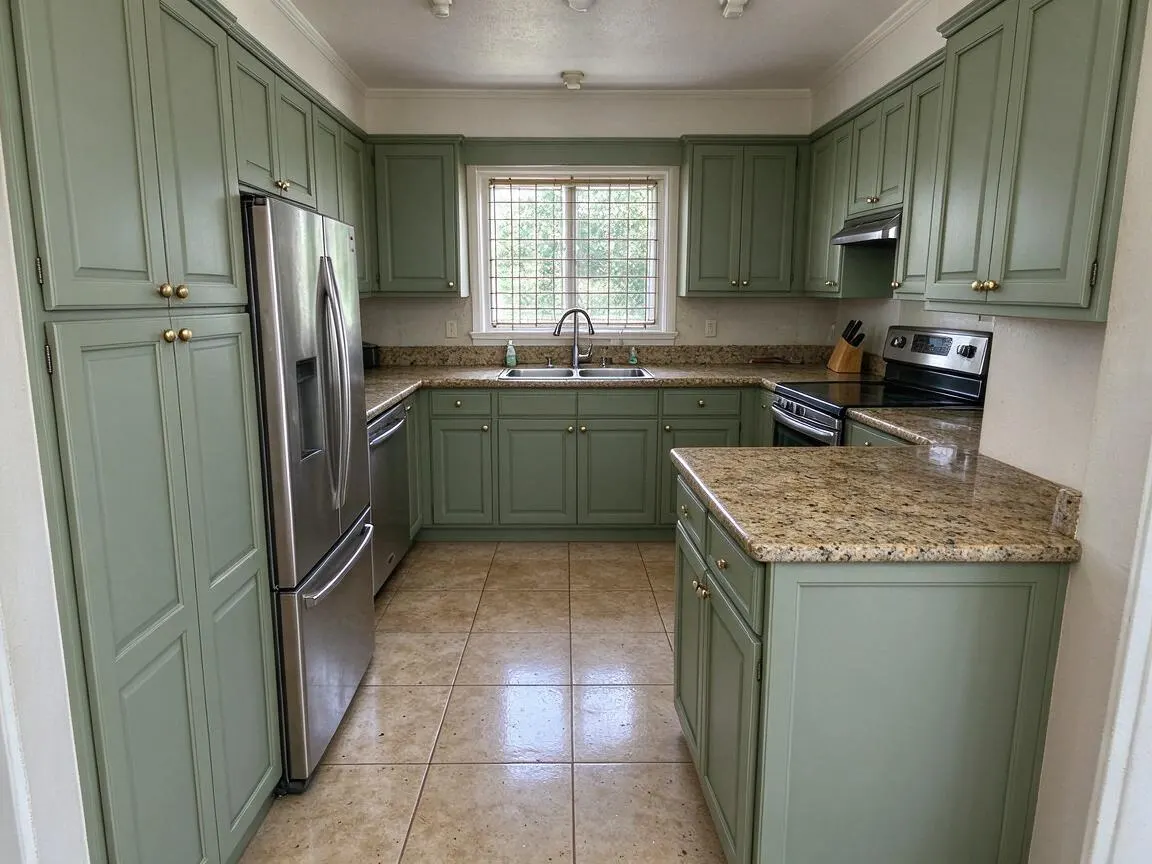
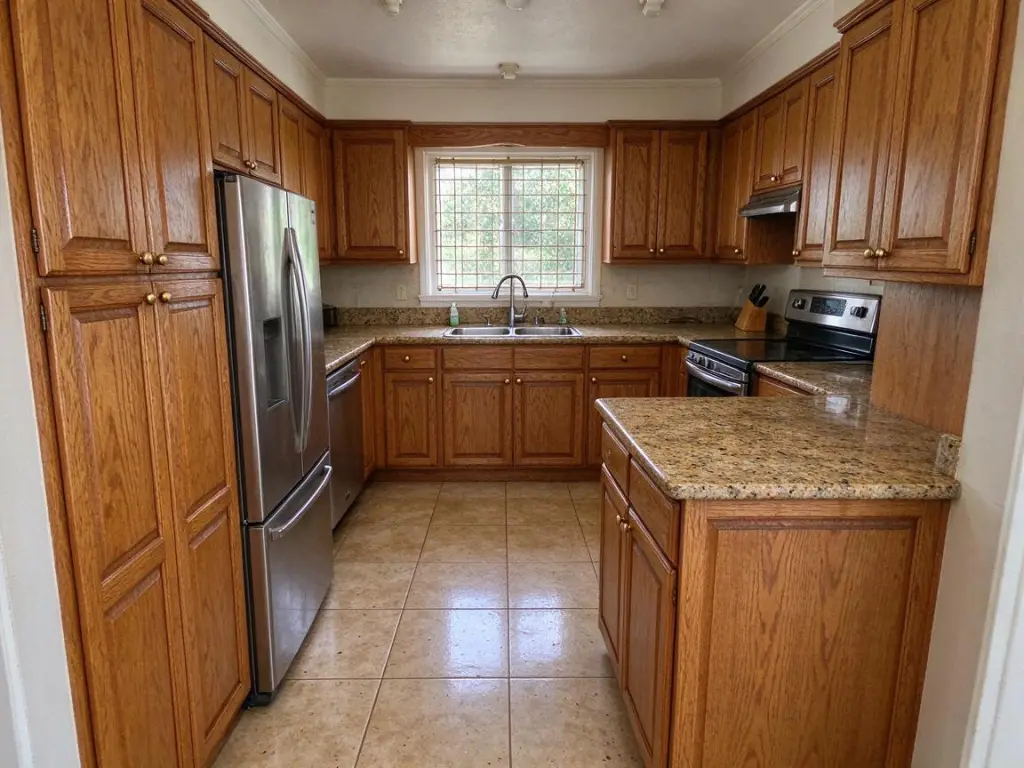 BeforeAfter
Choosing the finish for your green
On a photo of your kitchen, select the cabinets target and type the green and the metal together. The cabinet change includes the hardware finish you type, so you can test brass against black without repainting anything.
Describe the shade and the metal together, such as "sage green shaker cabinets with unlacquered brass cup pulls" or "forest green cabinets with polished nickel knobs", then compare two finishes.
Unlacquered brass will darken with use and develop a patina where hands touch it. If you want it to stay bright, choose lacquered or PVD-coated brass.
Shape matters along with finish. Cup pulls and round knobs look traditional on green shaker doors, while long slim bar pulls look modern on flat green doors. Mixing knobs on doors with cup pulls on drawers is a common, tidy combination.
How to see it on your own kitchen
- Take a straight photo of your kitchen in daylight from the doorway or a corner, then upload it below (iPhone photos work as they are).
- The tool opens on "Change one thing" with cabinets selected. Pick a preset or type the exact cabinets you have in mind.
- Sign in with Google: the first 3 images are free, no credit card. Plans start at $14 a month for 25 images.
- In about 30 seconds you get the same kitchen with only the cabinets changed. Drag the slider to compare before and after, then download the one you like or keep editing one detail at a time.