What color cabinets go with black countertops or black granite?
Short answer: Black countertops look best above light cabinets such as warm white, cream, light oak or pale sage, because the contrast makes the dark surface look intentional instead of heavy. Dark cabinets like navy or charcoal can also work with black counters, but only when the floor, backsplash and walls are light enough to keep the room from going dim.
What to know
Contrast decides how the counter reads
A black top over white cabinets reads as a crisp line. The same top over dark brown or espresso cabinets merges into one dark mass at counter height.
Match the warmth of the white to the counter finish
Honed or leathered black soapstone and granite look softer and pair well with creamy whites. Polished black quartz is cooler and suits a brighter white.
Wood softens the black
Light or medium oak cabinets add warmth that black and white alone lack, which is useful in kitchens that feel cold.
Dark-on-dark needs light elsewhere
If you want charcoal or navy cabinets, a white backsplash and a light floor keep the counters from disappearing.
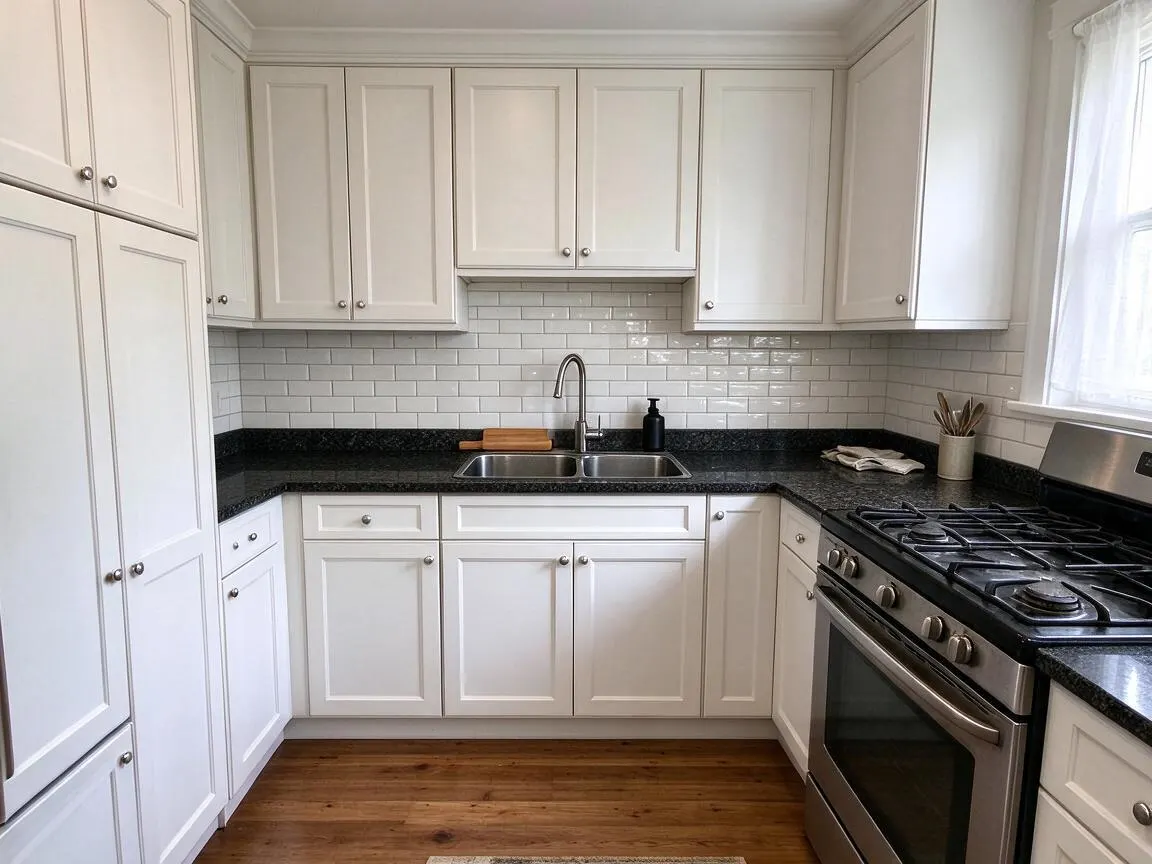
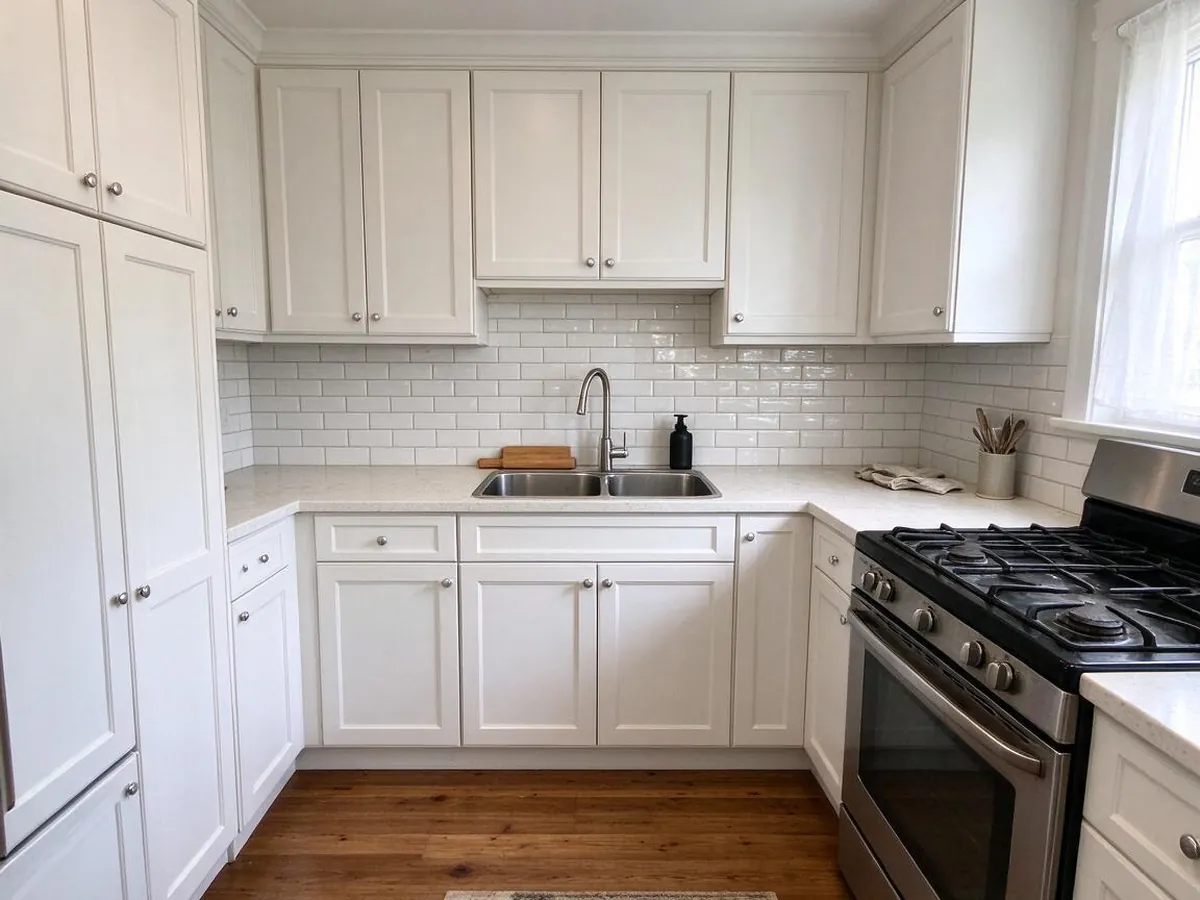 BeforeAfter
Choosing between white, wood and color
Start with what else is staying. Black counters next to a pale oak or light tile floor give you room to go darker on the cabinets. A dark floor plus black counters usually calls for white or cream cabinets so the room has a light middle layer.
Fingerprints and water spots show more on black counters, and crumbs show on white cabinets less than on dark ones, so very busy kitchens often land on cream or light wood cabinets as the practical middle.
Hardware ties the scheme together: matte black pulls echo the counter, while brass or brushed nickel adds a second metal that keeps a black-and-white kitchen from looking flat.
If the black counter is only on the island, you have more freedom: the perimeter cabinets can follow the walls and floor, and the island base can be painted a color that sits well with black, such as navy, olive or natural wood.
How to see it on your own kitchen
- Take a straight photo of your kitchen in daylight from the doorway or a corner, then upload it below (iPhone photos work as they are).
- The tool opens on "Change one thing" with cabinets selected. Pick a preset or type the exact cabinets you have in mind.
- Sign in with Google: the first 3 images are free, no credit card. Plans start at $14 a month for 25 images.
- In about 30 seconds you get the same kitchen with only the cabinets changed. Drag the slider to compare before and after, then download the one you like or keep editing one detail at a time.