Do white cabinets with black countertops look good?
Short answer: Yes, white cabinets with black countertops are a classic high-contrast pairing that suits modern, farmhouse and traditional kitchens alike. It looks best with a slightly soft white on the doors, a honed or leathered black counter that hides water spots, and black repeated once or twice more in the room, such as hardware, a light fixture or window frames.
What to know
Repeat the black
A single dark stripe of counter can feel disconnected. Black pendants, cabinet pulls, a faucet or window frames make the counter part of a scheme.
Pick the finish before the stone
Polished black shows fingerprints, crumbs and water marks. Honed or leathered black granite, soapstone or matte black quartz look softer and are easier to live with.
Backsplash softens the line
White subway tile keeps it crisp; a light marble slab or zellige adds texture; a gray or patterned tile bridges the contrast in a small room.
Warm it up if it feels cold
Black and white alone can look stark. Wood shelves, a wood island top, or brass hardware bring warmth without breaking the scheme.
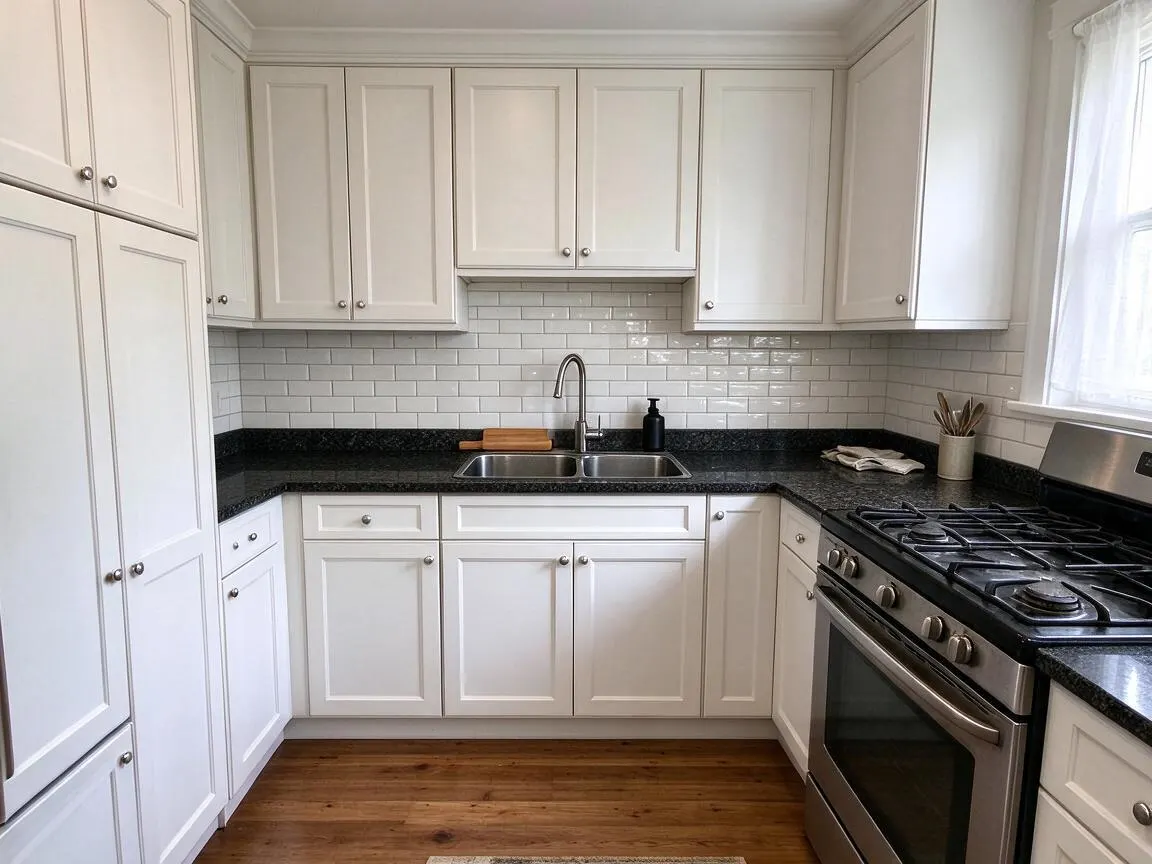
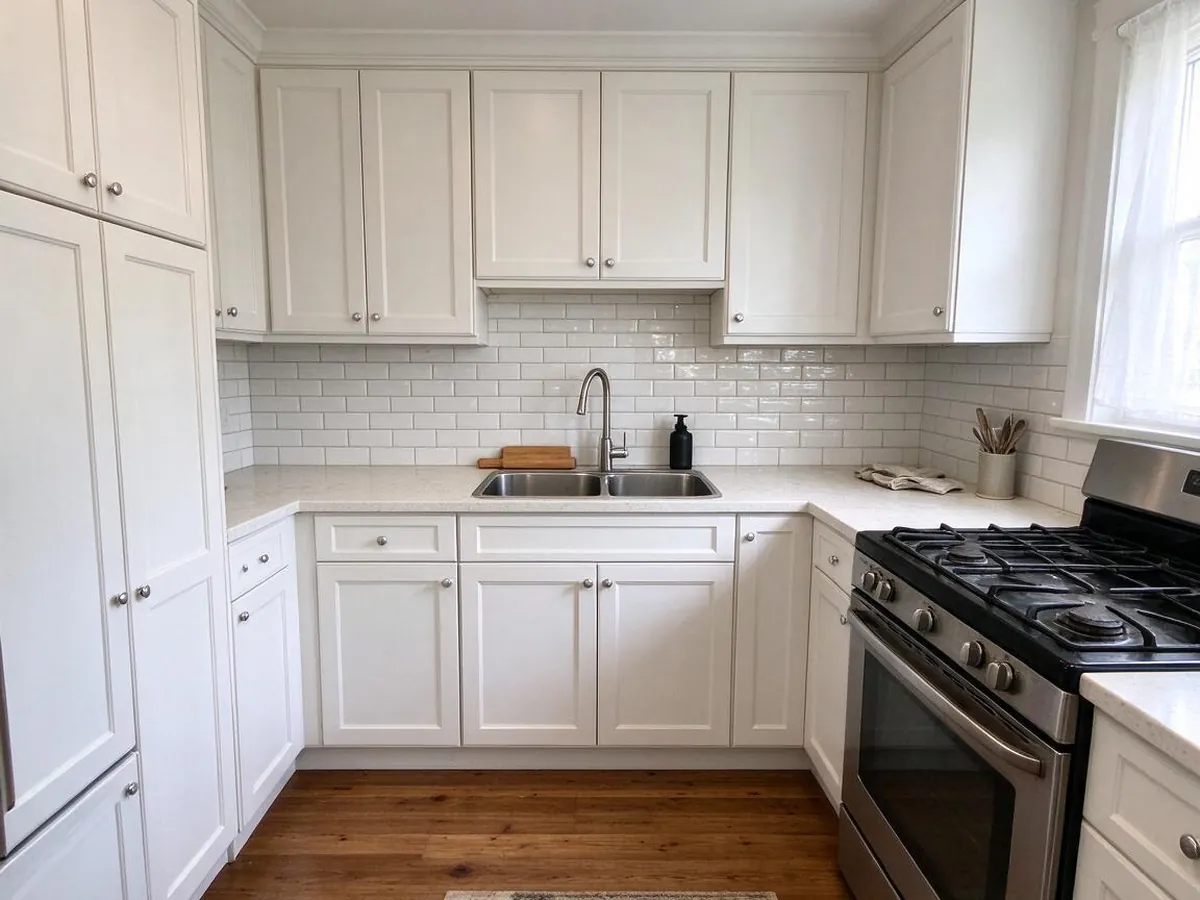 BeforeAfter
Making the contrast work in different kitchens
In a large kitchen with a lot of base cabinets, black counters give structure and stop all the white from blurring together. In a very small kitchen, consider black only on the island or one run, with a lighter counter elsewhere.
Pair the counter thickness with the cabinet style: a thin square edge for slab doors, a standard or eased edge for shaker. A thick black edge on a small kitchen can look heavy.
Floors decide how bold it feels. A light wood floor keeps it airy; a dark floor makes the whole lower half dark, so the white uppers and walls then carry the room.
How to see it on your own kitchen
- Take a straight photo of your kitchen in daylight from the doorway or a corner, then upload it below (iPhone photos work as they are).
- The tool opens on "Change one thing" with countertop selected. Pick a preset or type the exact countertop you have in mind.
- Sign in with Google: the first 3 images are free, no credit card. Plans start at $14 a month for 25 images.
- In about 30 seconds you get the same kitchen with only the countertop changed. Drag the slider to compare before and after, then download the one you like or keep editing one detail at a time.