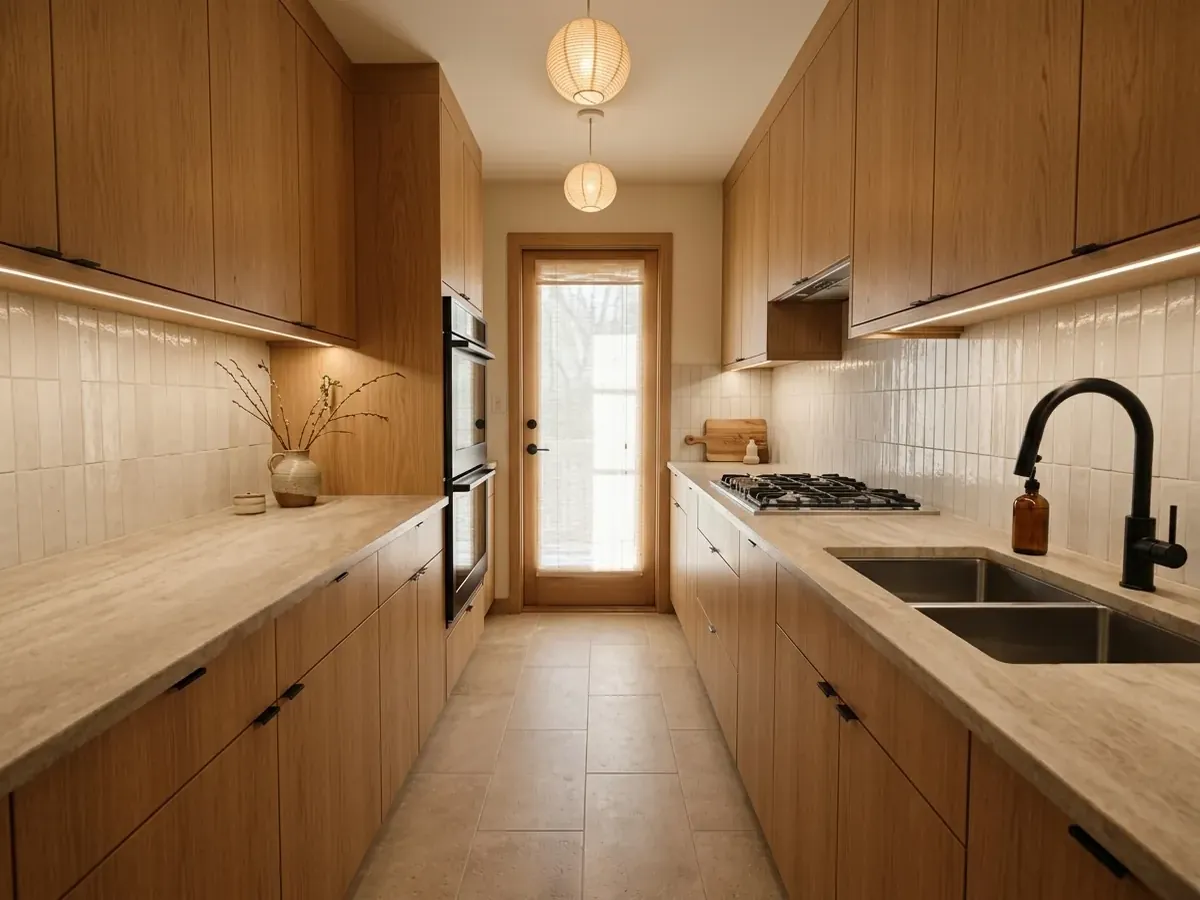
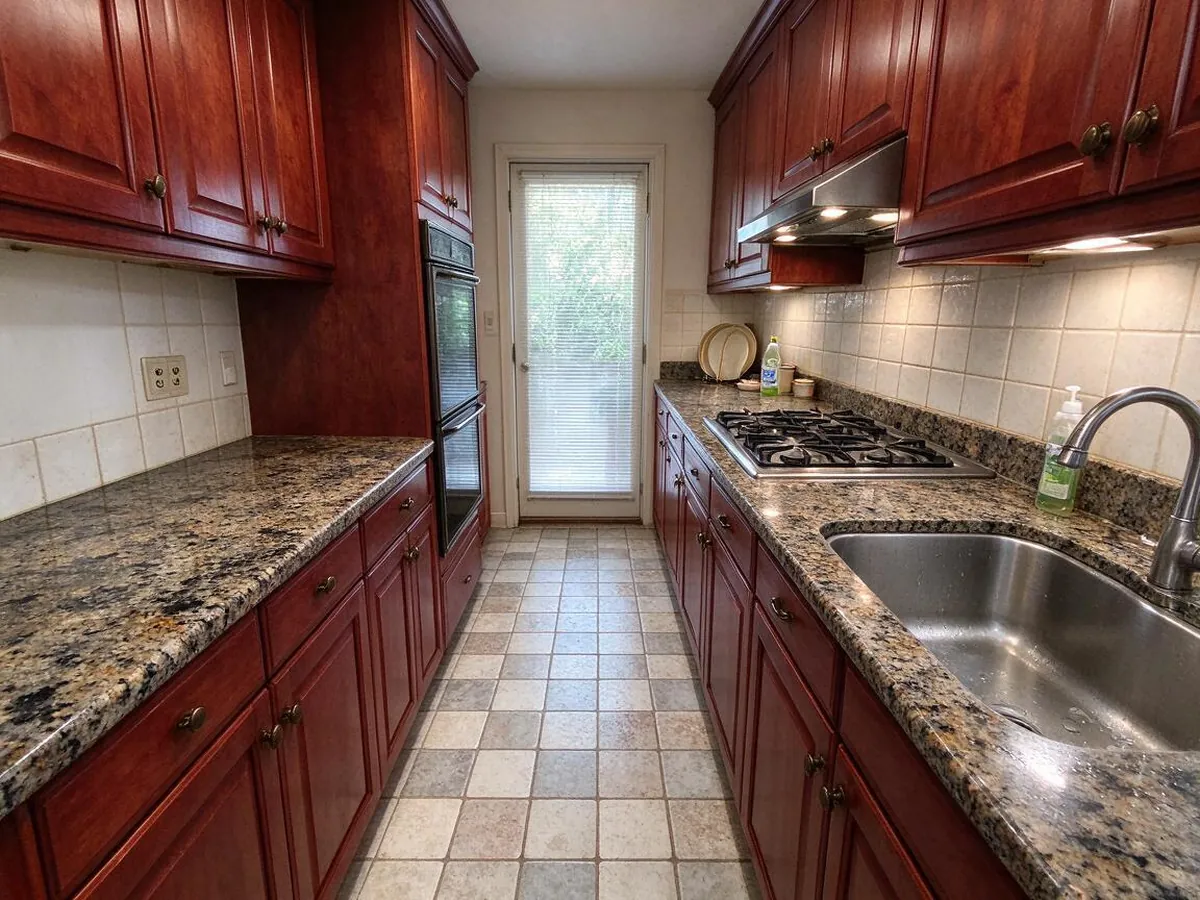
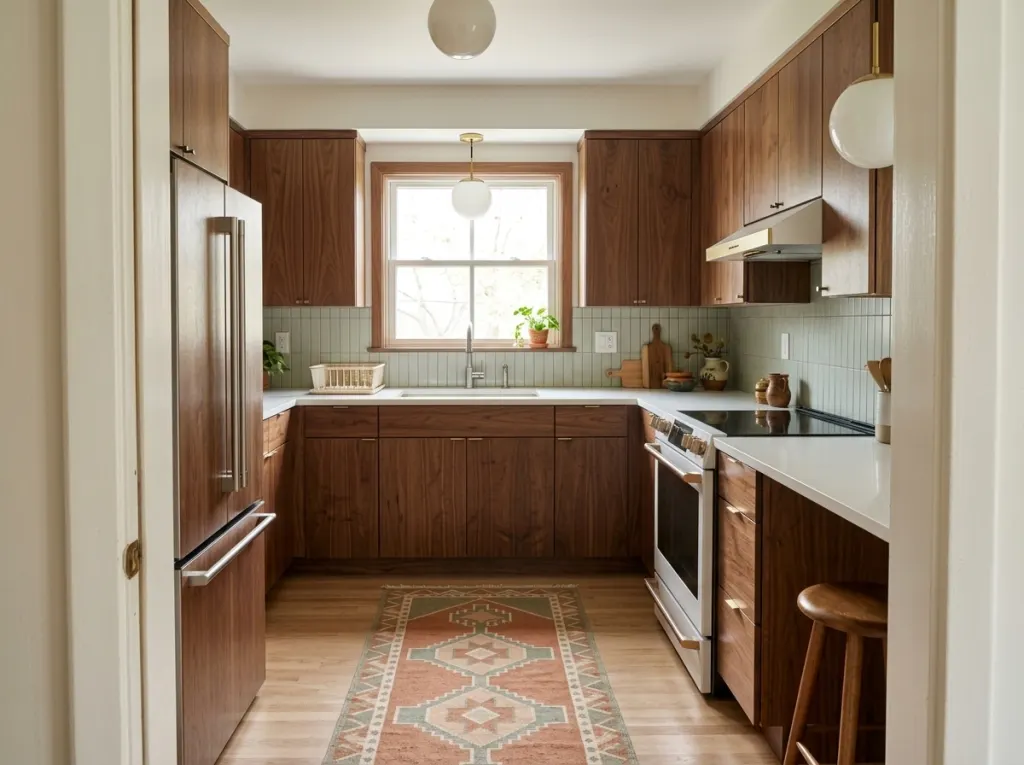
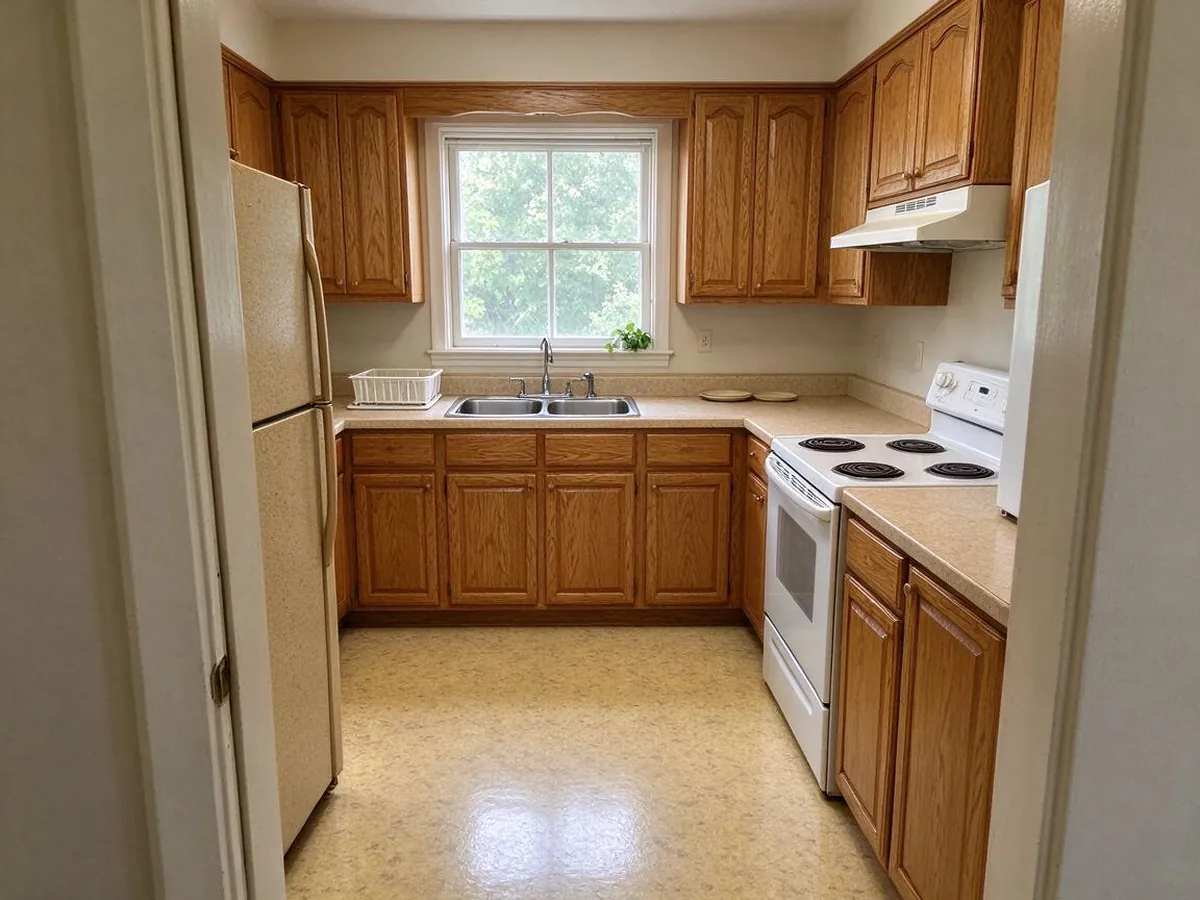
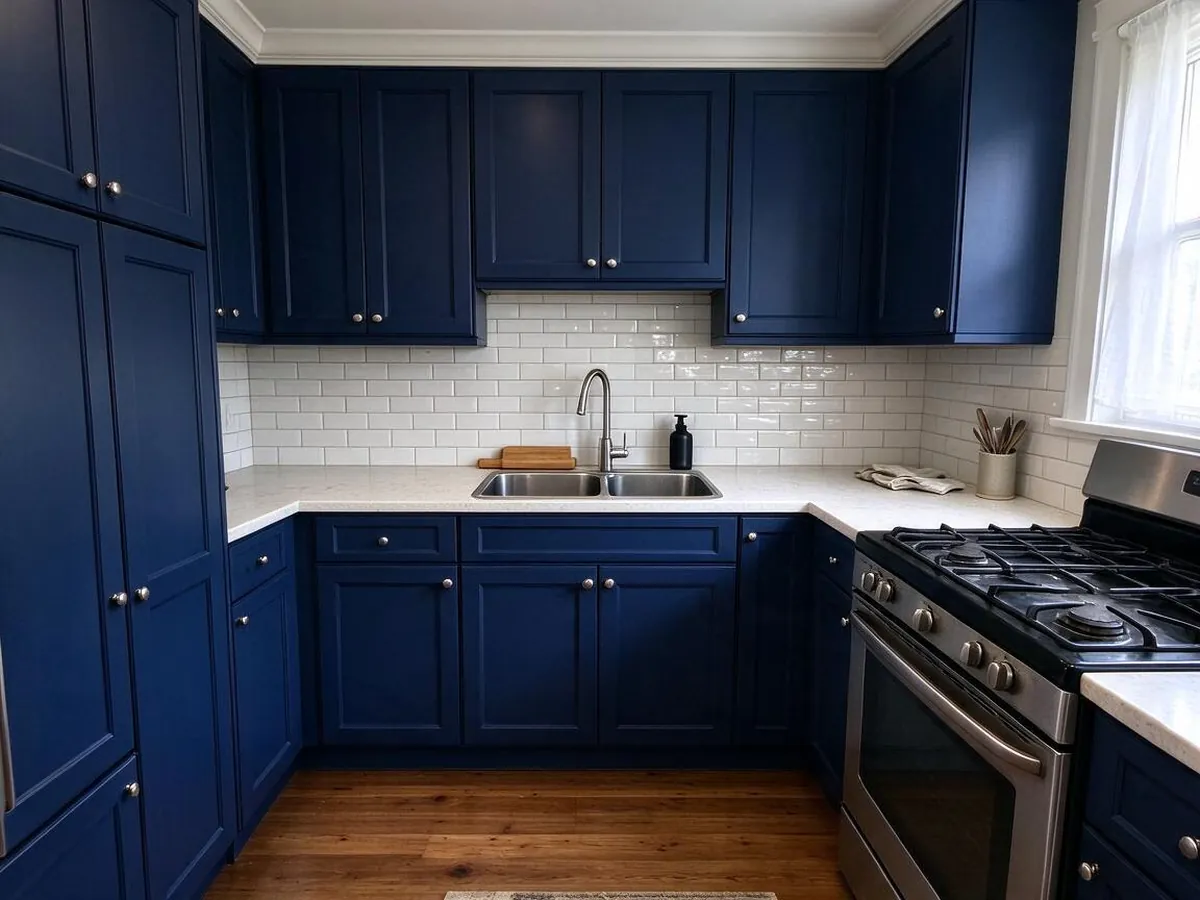
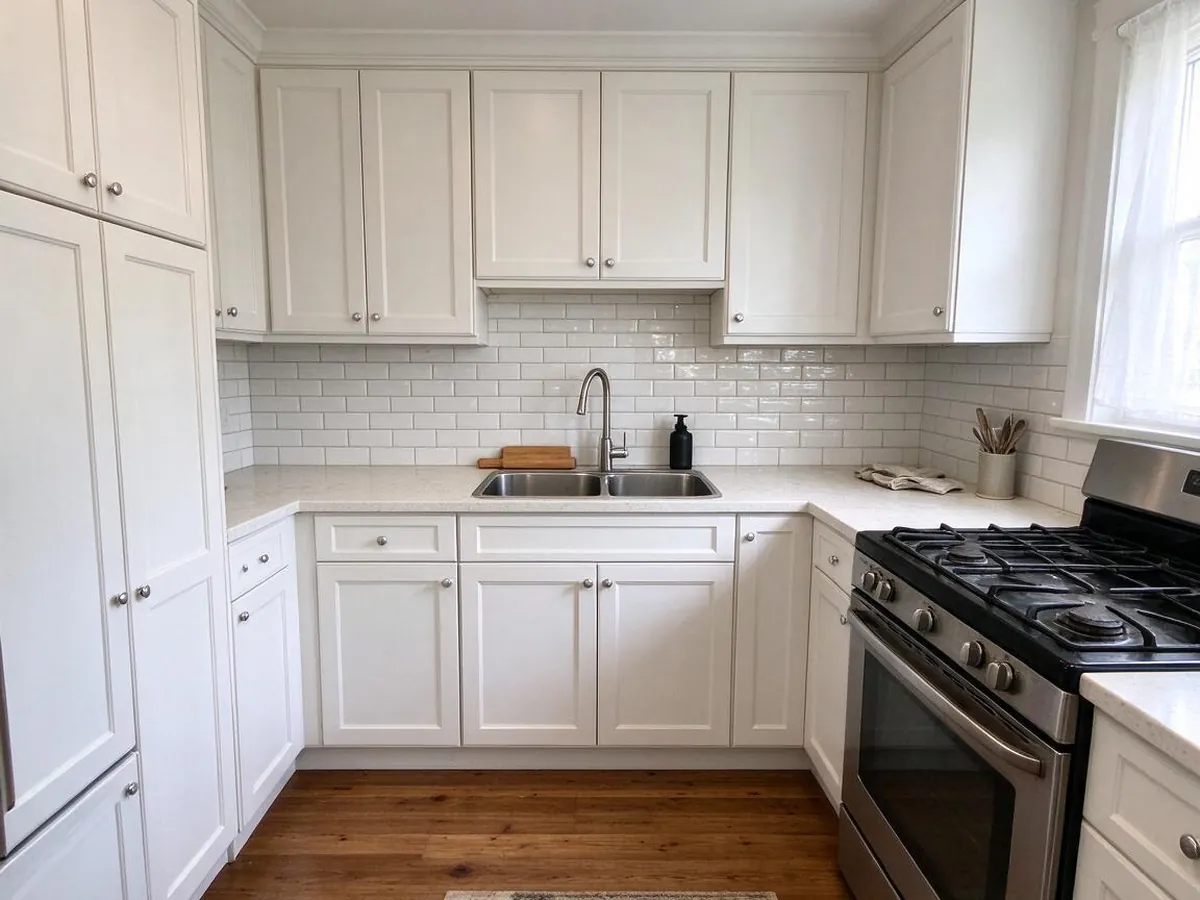
Quick answer: Yes, AI can design the look of your kitchen: it restyles a photo of your own room in about 30 seconds and gives two variations, but it does not measure, draw construction plans or move walls, so use the free 2D planner for layout. The first 3 images are free after Google sign-in with no credit card, and paid plans start at $14 a month for 25 images.
What AI can and cannot do for your kitchen
Where does AI fit in a real kitchen budget?
In the 2025 U.S. Houzz & Home Study of nearly 22,000 homeowners, the median spend on a major remodel of a small kitchen (under 200 sq ft) was $35,000, and $55,000 for a large kitchen [1]. NerdWallet, citing Hanley Wood data, puts kitchen remodels at around $28,500 for a minor refresh and over $160,000 for a major upscale one [2].
AI does not replace the people who measure, plan and build. It helps with the choices before them: style, colors and finishes. Getting those clearer early is cheap, with the first 3 images free and plans from $14 a month for 25 images.
What can AI do for my kitchen design?
It can take one photo of your kitchen and redraw it in 18 styles, at three change levels: Light refresh, Remodel and Full redesign. It can change just one thing, such as the cabinets or the floor, and it can match the finishes from a reference photo you upload.
That covers the visual questions people get stuck on: which cabinet color, which counter, whether a darker floor works, which overall style suits the room.
What can AI not do when designing a kitchen?
It does not measure the room, draw floor plans or elevations, check plumbing, gas or electrical, or price materials. It also keeps your layout on purpose, so it will not show a moved sink, a new window or an added island.
The image is a picture of a goal. A kitchen designer or contractor still needs to measure and plan before anything is ordered.
Can AI design my kitchen layout?
Not this photo tool. For layout, use the free 2D kitchen planner on this site to place cabinets, appliances and an island on a floor plan. Once the layout is settled, use a photo of the finished space, or one close to it, to try styles and finishes here.
How accurate is an AI kitchen design?
Accurate enough to judge colors, materials and overall style in your own room. Not accurate enough to read dimensions from. The AI keeps the walls, windows, doors and camera angle, and if a result moves a wall or window you can report it: that image is refunded and redone with stricter rules, up to three reports a day.
How do I use it? 3 simple steps
- 1
Upload a photo of your kitchen
One level photo from the doorway or a corner, in good light.
- 2
Let the AI restyle it
This page opens on Full redesign. Pick a style, or switch to Remodel or Light refresh to keep more of the room.
- 3
Use the 2D planner for layout
If you need to change where things go, sketch the layout in the free 2D kitchen planner, then come back to try finishes.
Frequently asked questions
Do I still need a kitchen designer or contractor?
Yes, for measuring, planning and building. The AI helps you decide what you want it to look like, so that conversation starts from a clear picture.
Can AI create a floor plan for my kitchen?
This tool does not. Use the free 2D kitchen planner to sketch a layout, then come back here to try finishes on a photo.
Is this AI kitchen design tool free?
Yes, you can try it without paying. Sign in with Google and you get 3 free redesign images of your own photo, marked with a small watermark. No credit card is needed. It is one time and does not refresh every day. Beyond that, plans start at $14 a month for 25 images (or $144 a year), with no watermark, and you can cancel anytime from the billing page.
Will it keep my layout, walls and windows?
That is the whole point. Every request tells the AI to keep the original layout, walls, windows, doors and camera angle, and to change only surfaces, colors, fixtures and furniture. AI is not perfect, so we back it up: if a result moves a wall or window, tap "AI moved my walls or windows" under the image. We refund that image right away and redo it with stricter rules.
How is this different from asking ChatGPT or Gemini?
General chat tools can edit photos, but you have to write long prompts and they often shift windows, change the camera angle or invent a different room. Here the layout rules are built in, styles and materials are one click, you get two options side by side with a before-and-after slider, and you can keep editing one detail at a time. If it does drift, you get the image back.