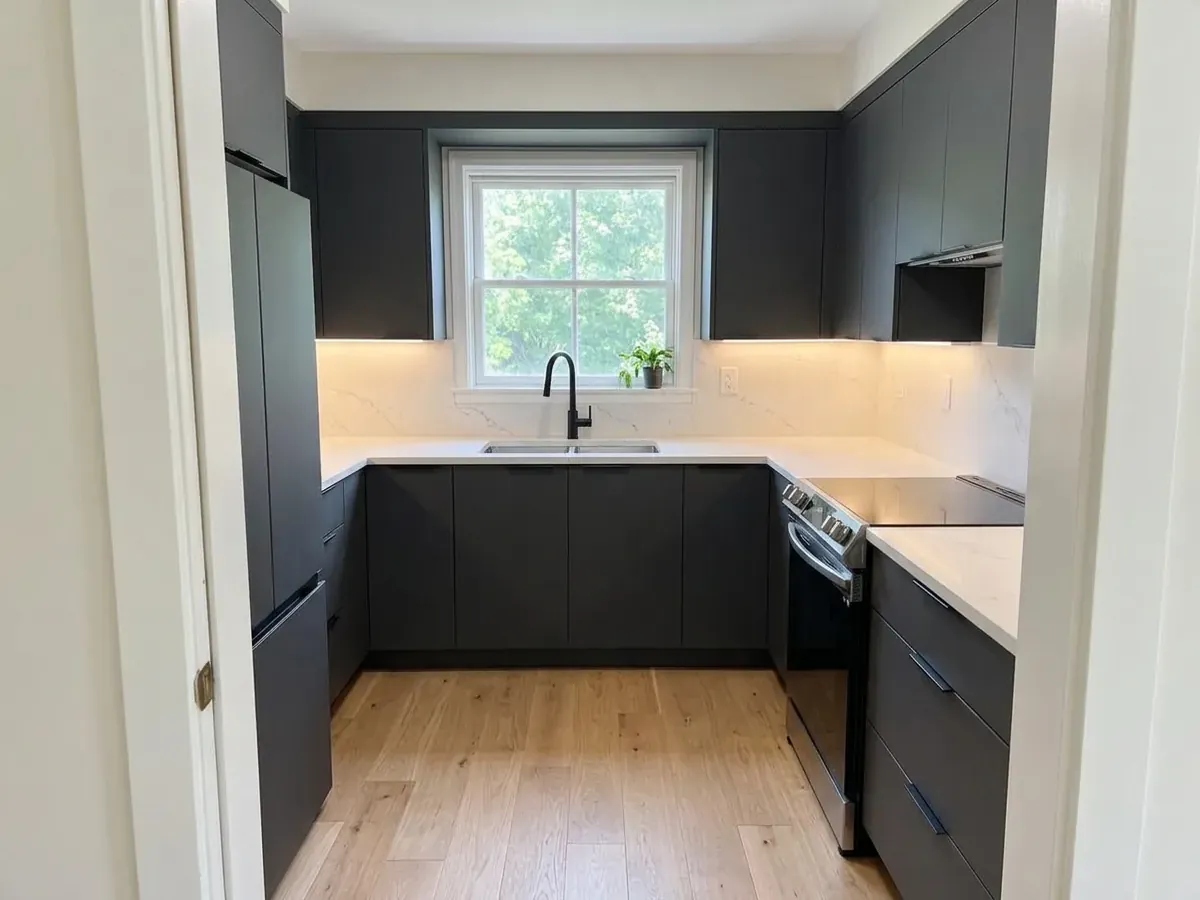
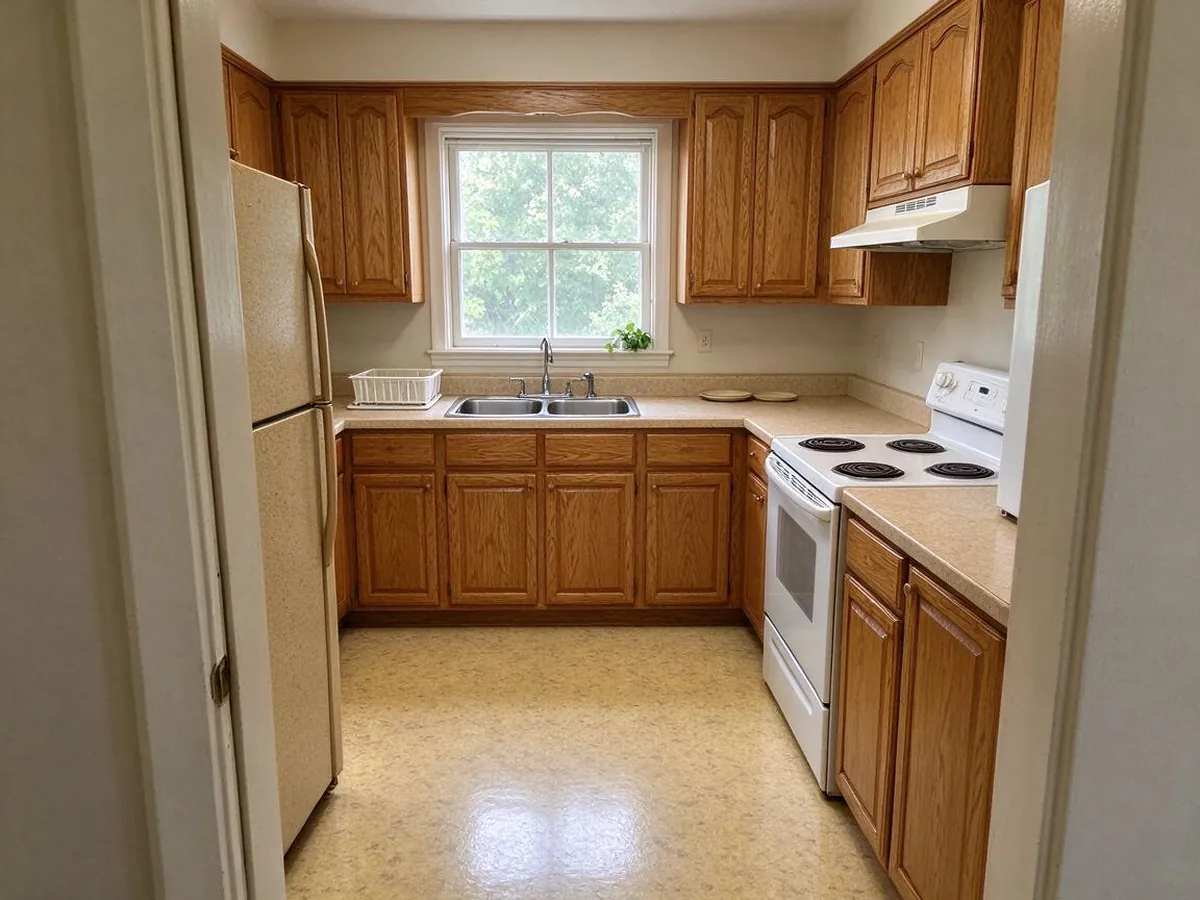
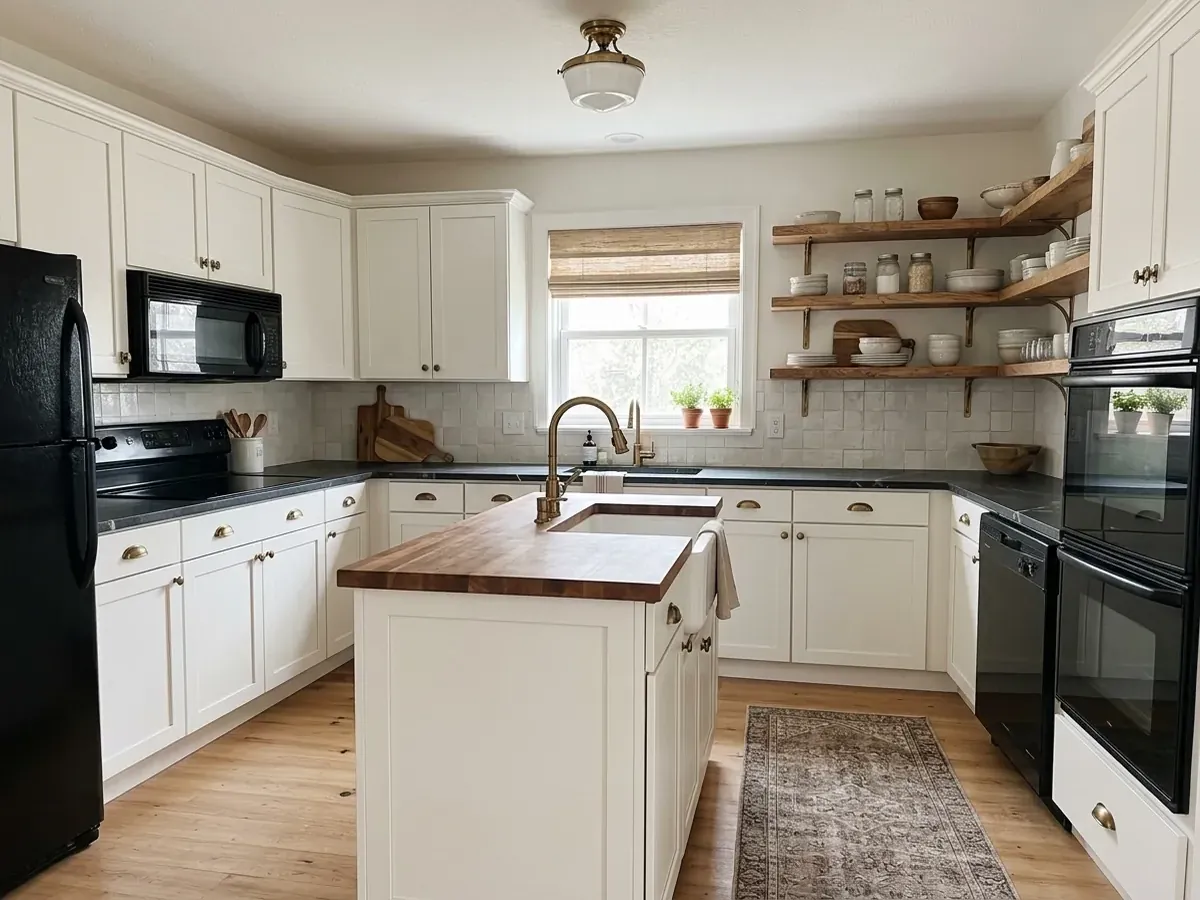
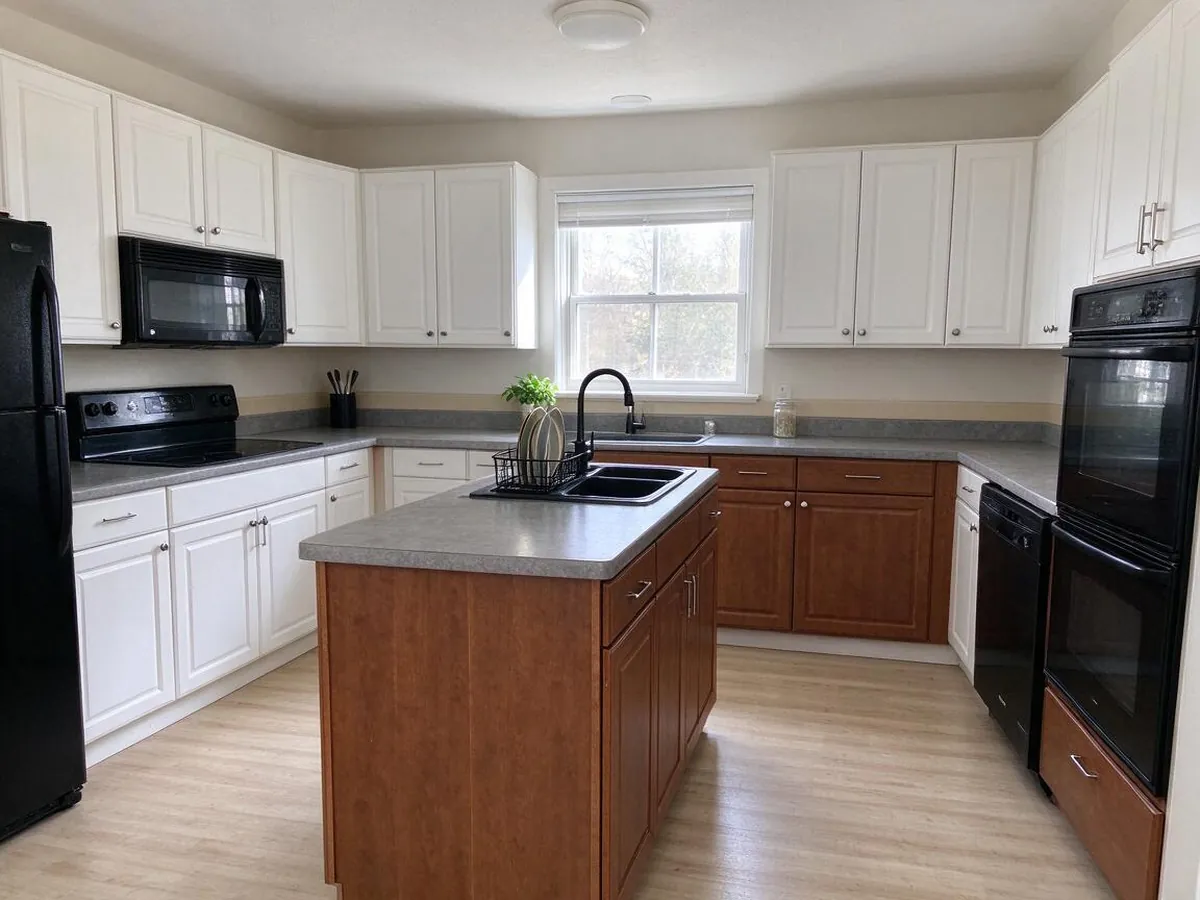
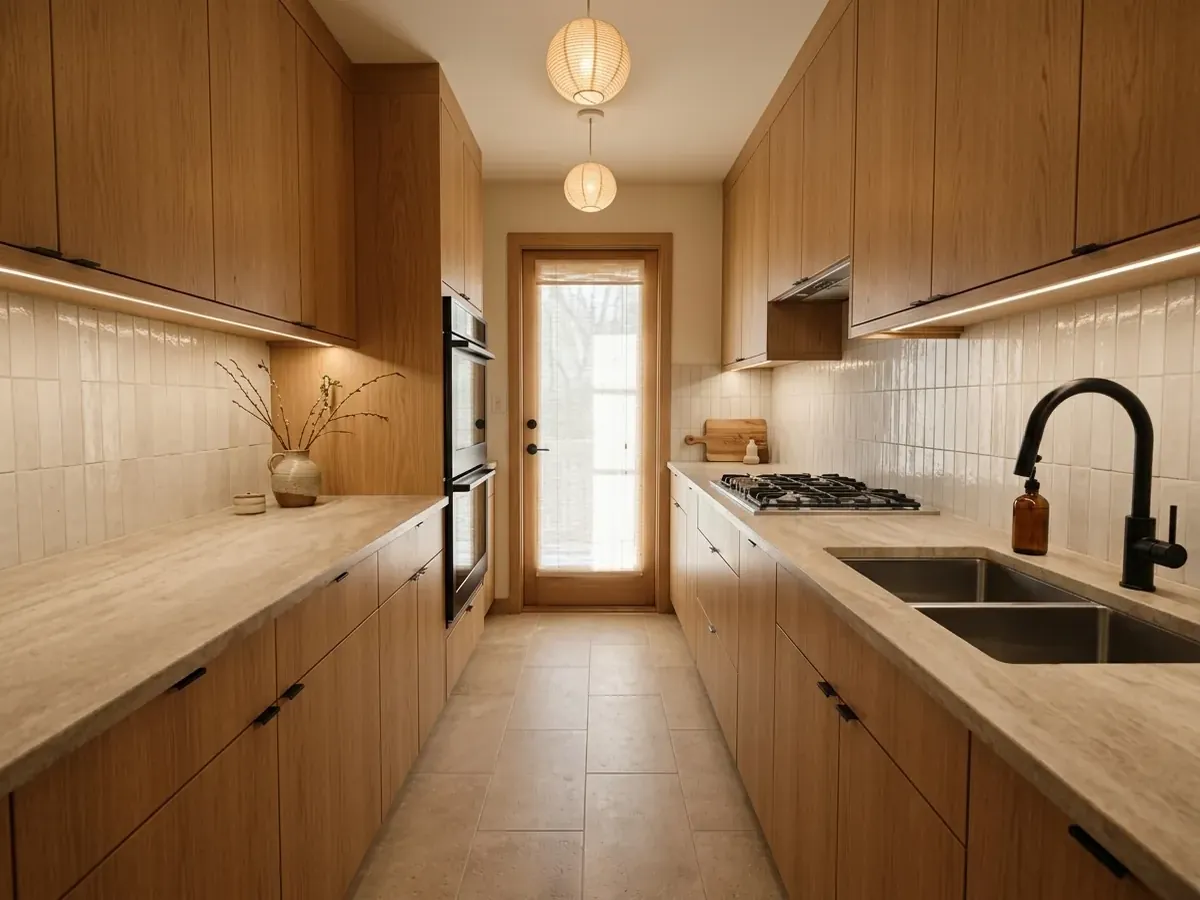
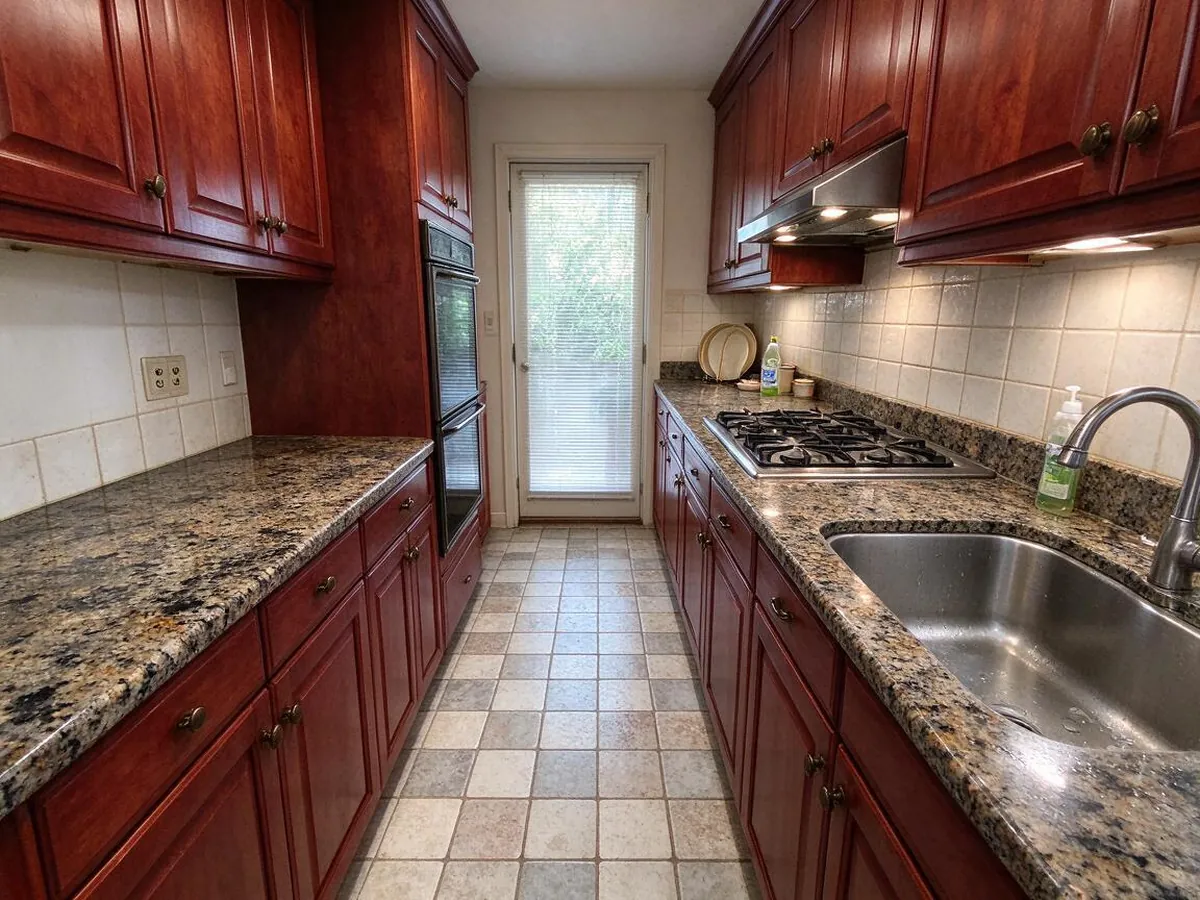
Quick answer: Upload one photo of your kitchen and the AI keeps its walls, windows, doors and camera angle while it redesigns the cabinets, counters, floor, paint and lighting, giving you two variations in about 30 seconds. The first 3 images are free after Google sign-in with no credit card, and paid plans start at $14 a month for 25 images.
Questions about designing from a photo
Why start a kitchen design from a photo of your own kitchen?
In the 2025 U.S. Houzz & Home Study of nearly 22,000 homeowners, the median spend on a major remodel of a small kitchen (under 200 sq ft) was $35,000, and $55,000 for a large kitchen [1]. NerdWallet, citing Hanley Wood data, puts kitchen remodels at around $28,500 for a minor refresh and over $160,000 for a major upscale one [2].
Inspiration photos show other people's kitchens with other windows and other light. A design drawn on your own photo shows the choice in the room you will actually live in, before money goes on samples or orders. The first 3 images are free and plans start at $14 a month for 25 images.
How should I take a kitchen photo for AI design?
Shoot in daylight with the kitchen lights on. Stand in the doorway or a corner, hold the phone level at standing height and step back far enough to get the cabinets, the counter and a strip of floor in the frame.
Clear the counters if you can, because the AI treats clutter as part of the room. A normal wide-angle phone photo is fine, including iPhone HEIC files. Avoid extreme corners where the walls look bent, and avoid photos with people in them.
What does the AI keep from my photo?
The walls, windows, doors and camera angle stay as they are, and the sink, range and refrigerator are kept in place. That is why the result still reads as your kitchen and not a different room.
AI is not perfect. If a result moves a wall or a window, tap the report link under the image. That image is refunded and redone with stricter rules, up to three reports a day.
What changes in an AI kitchen design from a photo?
That depends on the change level. Light refresh changes paint, hardware, lights and decor. Remodel changes cabinet fronts, counters, backsplash and floor but keeps the layout. Full redesign changes everything inside the room.
To change just one surface, use "Change one thing" and pick the cabinets, countertop, backsplash, floor or wall color. To steer the finishes, add a reference photo of a cabinet, tile or counter you like.
Can I use an old photo or a listing photo?
Yes, as long as the kitchen is clearly visible and the photo is reasonably sharp. Older photos and real estate listing photos work the same way as a new one. A dark or very blurry photo gives the AI less to hold on to, so the walls and windows are more likely to drift.
How do I use it? 3 simple steps
- 1
Take the photo
Daylight, lights on, phone held level at standing height. Step back until the cabinets, counter and some floor are in frame.
- 2
Upload and pick a style
This page starts on Full redesign. Choose Remodel or Light refresh if you want to keep more of what is in the photo.
- 3
Check what changed
Drag the before/after slider over the two variations. If a wall or window moved, report it and the image is redone.
Frequently asked questions
Is this AI kitchen design tool free?
Yes, you can try it without paying. Sign in with Google and you get 3 free redesign images of your own photo, marked with a small watermark. No credit card is needed. It is one time and does not refresh every day. Beyond that, plans start at $14 a month for 25 images (or $144 a year), with no watermark, and you can cancel anytime from the billing page.
Which photo formats can I upload?
Normal phone photos work, including iPhone HEIC. One clear, level photo of the kitchen is all you need.
Can I upload a photo of a kitchen I like as a reference?
Yes. Add it as a material reference photo. The AI keeps your own kitchen from the main photo and matches the cabinet, tile or counter finishes from the reference.
Will it keep my layout, walls and windows?
That is the whole point. Every request tells the AI to keep the original layout, walls, windows, doors and camera angle, and to change only surfaces, colors, fixtures and furniture. AI is not perfect, so we back it up: if a result moves a wall or window, tap "AI moved my walls or windows" under the image. We refund that image right away and redo it with stricter rules.
Is my photo private?
Your photos and designs are private to your account. Nobody else can see them unless you create a share link yourself, and you can delete any design from your history at any time. We use your photo only to create the images you ask for and never sell it or use it in public galleries. Please avoid uploading photos with people in them.