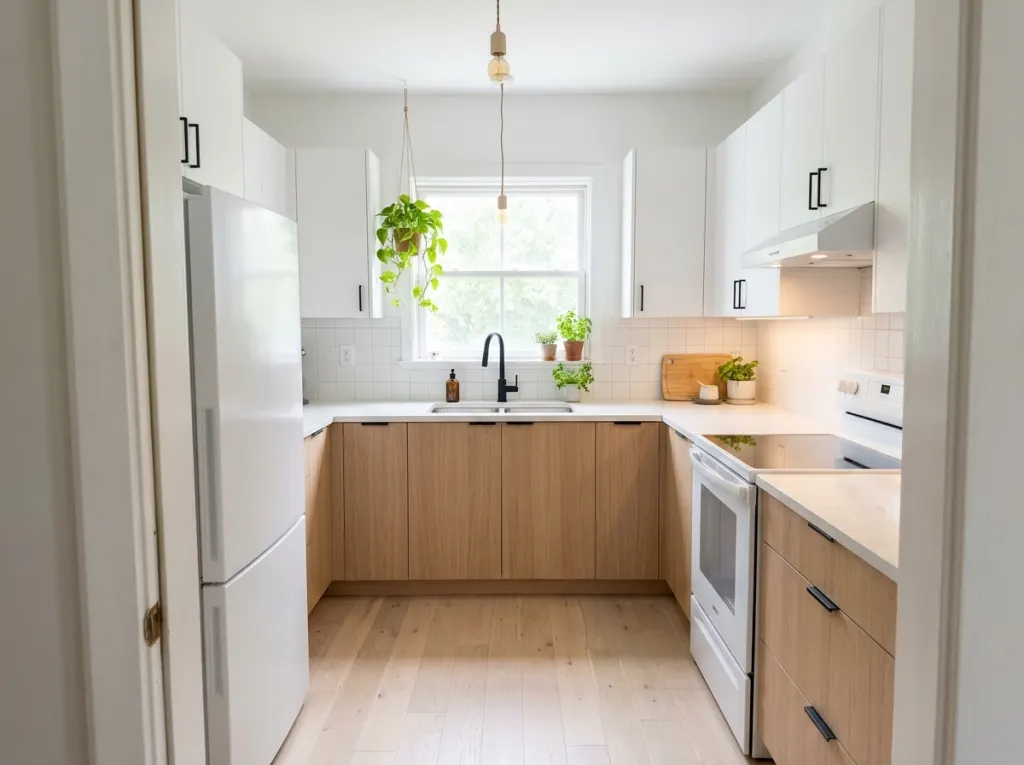
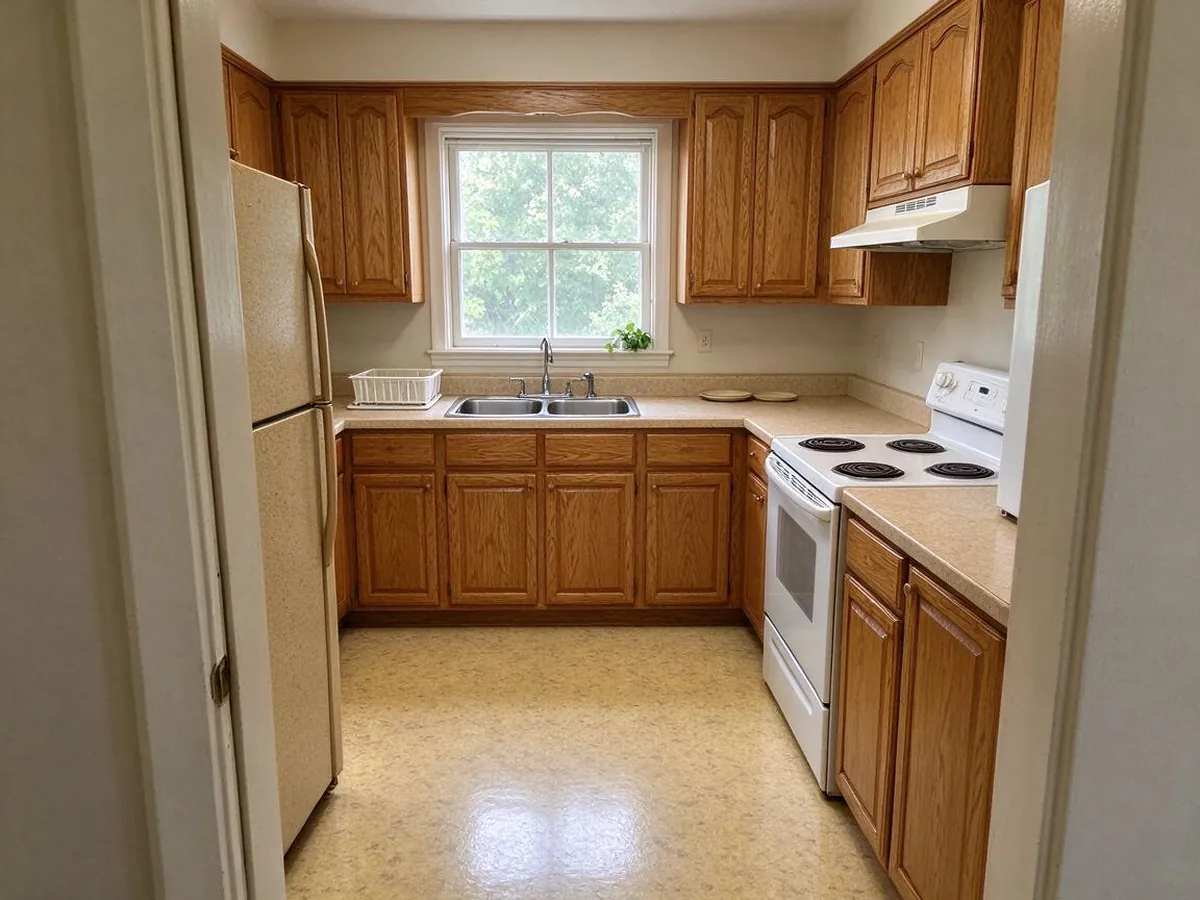
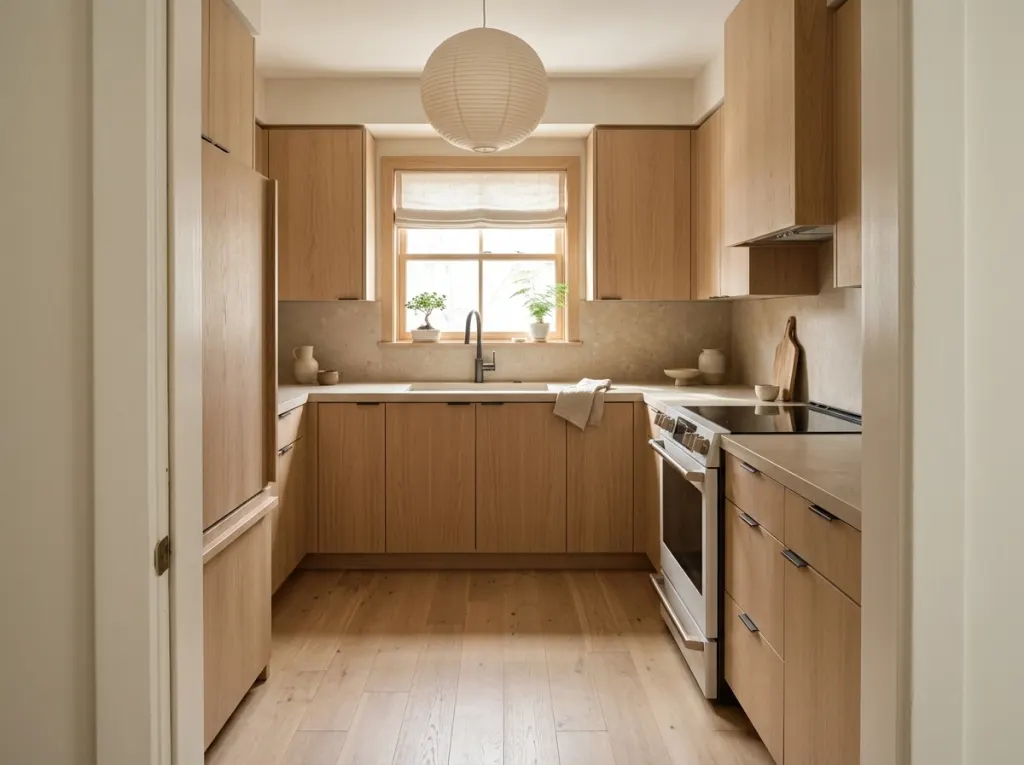
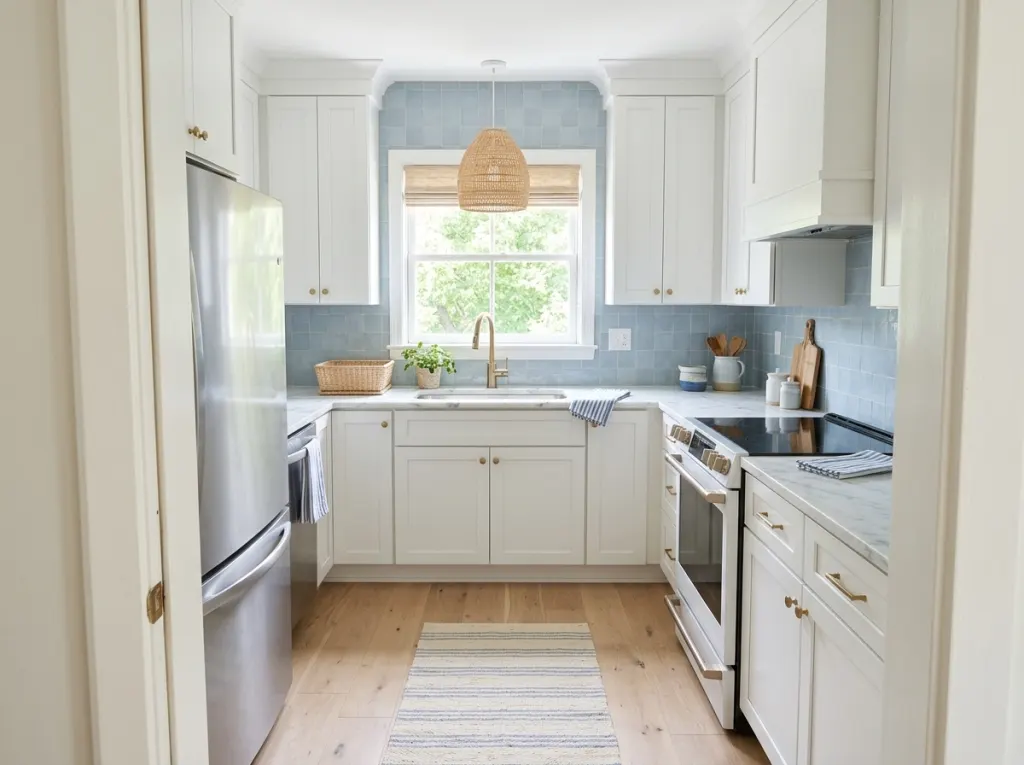
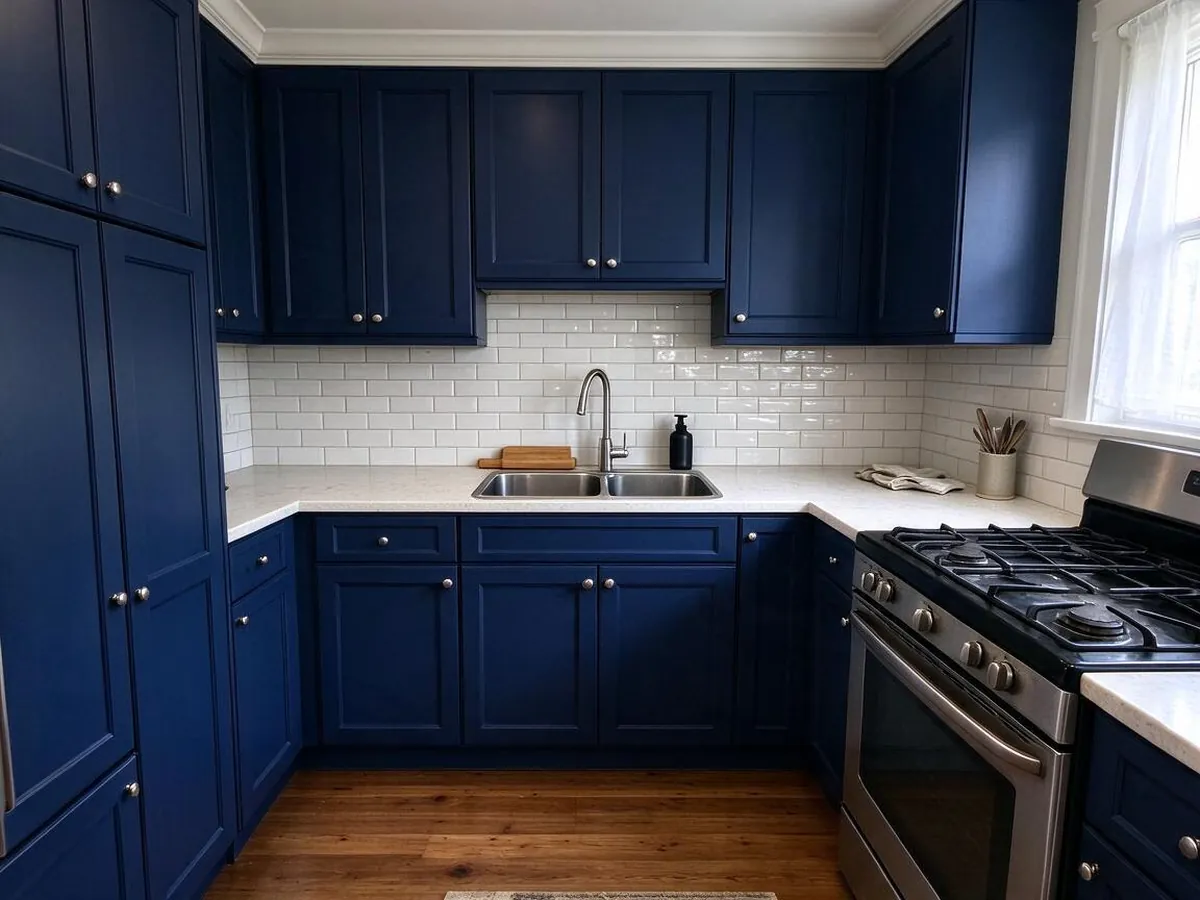
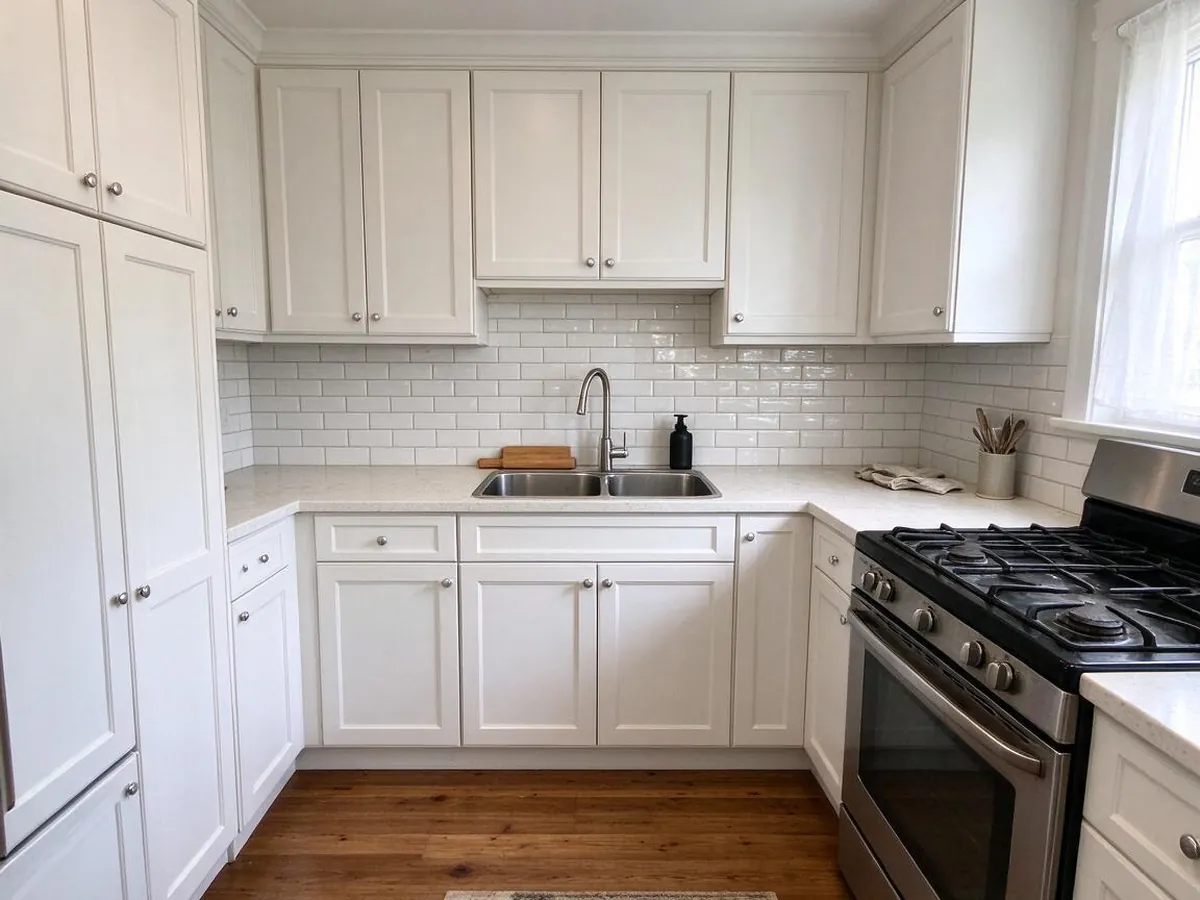
Quick answer: To redesign your kitchen from a photo, upload one picture, pick one of 18 styles, and get two redesigned versions of your own room in about 30 seconds, with the walls, windows and doors kept. The first 3 images are free after Google sign-in with no credit card, and paid plans start at $14 a month for 25 images.
Questions about redesigning your kitchen
Why see the redesign before you spend on the remodel?
In the 2025 U.S. Houzz & Home Study of nearly 22,000 homeowners, the median spend on a major remodel of a small kitchen (under 200 sq ft) was $35,000, and $55,000 for a large kitchen [1]. NerdWallet, citing Hanley Wood data, puts kitchen remodels at around $28,500 for a minor refresh and over $160,000 for a major upscale one [2].
Most regret after a remodel is about how it looks: a cabinet color that turned out too dark, a counter that fights the floor. Redesigning on a photo first lets you catch that early. The first 3 images are free and plans start at $14 a month for 25 images.
Where do I start if I want to redesign my kitchen?
Start with the direction, not the details. Run your photo through two or three styles that are far apart, for example Scandinavian, Industrial and French Country. Seeing them side by side usually makes it clear which way you lean.
Then decide how much should change. Full redesign shows the whole idea. Remodel keeps your layout and appliance positions. Light refresh keeps the cabinets, counters and floor and changes paint, hardware and lights.
How do I redesign my kitchen from a photo without losing what I like?
Keep the parts you like by choosing a lower change level, or by using "Change one thing", which edits only the cabinets, countertop, backsplash, floor or wall color.
If there is a finish you already know you want, such as a tile you saw in a showroom, add a photo of it as a material reference and the design will match it.
How do I get my family to agree on a kitchen design?
Show everyone the same room. Each run gives two variations, and the before/after slider makes the difference obvious. Save the favorites, share a link, and settle one choice at a time: first the cabinets, then the counter, then the floor.
What do I do with the design once I like it?
Download the image and take it to a showroom or contractor along with real samples. It is a picture of the goal, not a measured drawing. Someone still needs to measure the room, check plumbing and electrical, and price the materials. For a first budget, the free kitchen remodel cost calculator helps.
How do I use it? 3 simple steps
- 1
Photograph your kitchen as it is
No need to tidy everything. Just clear the counters, turn the lights on and hold the phone level.
- 2
Try two or three styles
This page opens on Full redesign so you can see very different directions first. Drop to Remodel or Light refresh later to stay closer to what you have.
- 3
Settle one choice at a time
Keep the best version, then use "Change one thing" on cabinets, counter, backsplash, floor or walls. Download the result for your contractor.
Frequently asked questions
Is this kitchen redesign tool free?
Yes, you can try it without paying. Sign in with Google and you get 3 free redesign images of your own photo, marked with a small watermark. No credit card is needed. It is one time and does not refresh every day. Beyond that, plans start at $14 a month for 25 images (or $144 a year), with no watermark, and you can cancel anytime from the billing page.
Can I redesign my kitchen from a photo on my phone?
Yes. It runs in the phone browser. Take the photo, upload it, pick a style, and the two versions appear in about 30 seconds.
Can I go back to an earlier version?
Yes. Your designs stay in your history, so you can return to any version and change one detail from there.
Will it keep my layout, walls and windows?
That is the whole point. Every request tells the AI to keep the original layout, walls, windows, doors and camera angle, and to change only surfaces, colors, fixtures and furniture. AI is not perfect, so we back it up: if a result moves a wall or window, tap "AI moved my walls or windows" under the image. We refund that image right away and redo it with stricter rules.
Is my photo private?
Your photos and designs are private to your account. Nobody else can see them unless you create a share link yourself, and you can delete any design from your history at any time. We use your photo only to create the images you ask for and never sell it or use it in public galleries. Please avoid uploading photos with people in them.