What backsplash goes with navy blue cabinets?
Short answer: White and warm white backsplashes are the most reliable with navy cabinets, white marble or marble-look tile adds movement, and a cream or pale gray zellige softens the contrast. If the navy is only on the lower cabinets with white uppers, keep the backsplash light so the top half of the room stays bright.
What to know
Contrast is the point
Navy is close to black in low light. A light backsplash keeps the cabinet color visible and stops the room from closing in.
Avoid blue close to navy
Mid-blue tile next to navy can look like a near miss. If you want blue on the wall, go much lighter, like a pale powder blue.
Two-tone kitchens
With navy lowers and white uppers, a white or marble backsplash runs between them and makes the white uppers look intentional.
Metal finish changes the mood
Brass with navy and white tile looks warm and classic; chrome or nickel looks crisp and cooler.
The countertop sets the brightness
White quartz or marble counters with navy cabinets can take any light backsplash. With a dark counter, the backsplash has to be the lightest surface in the room.
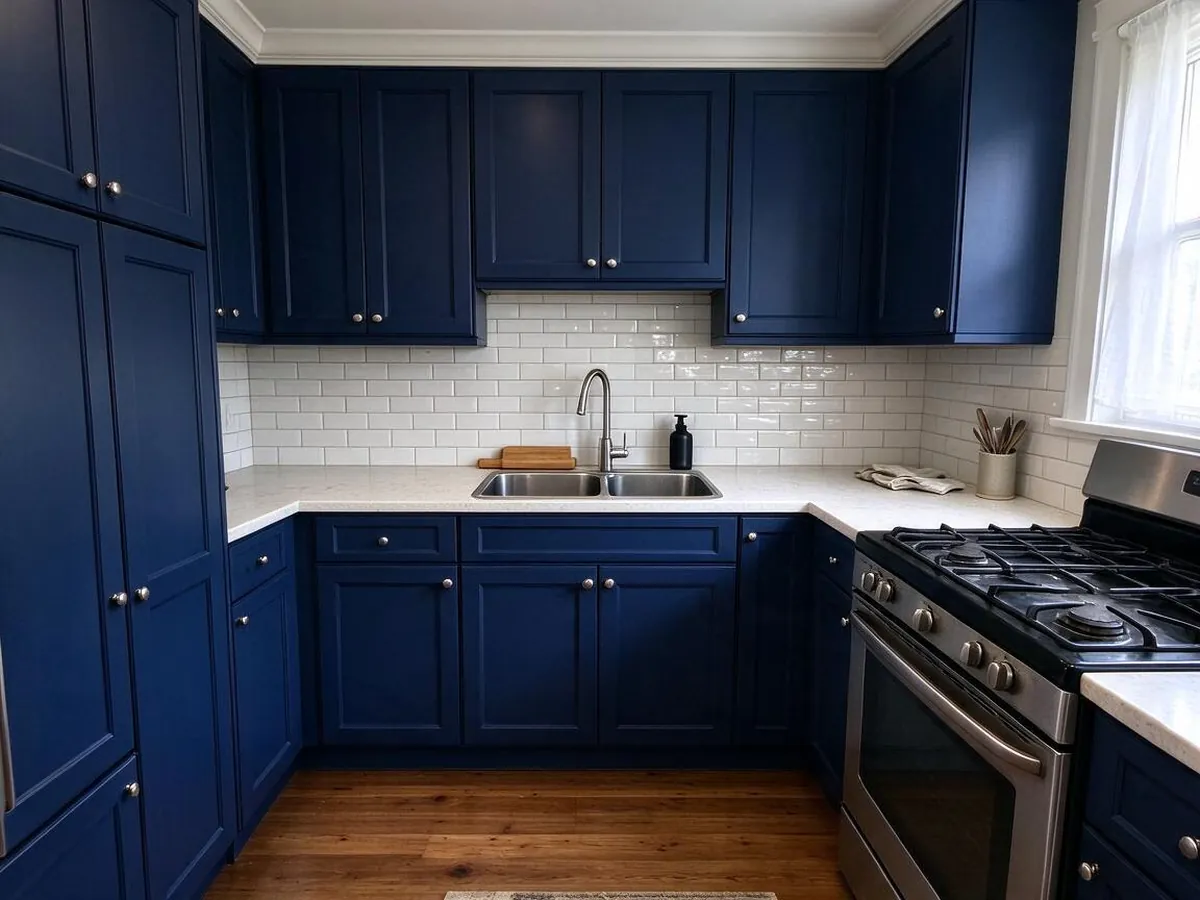
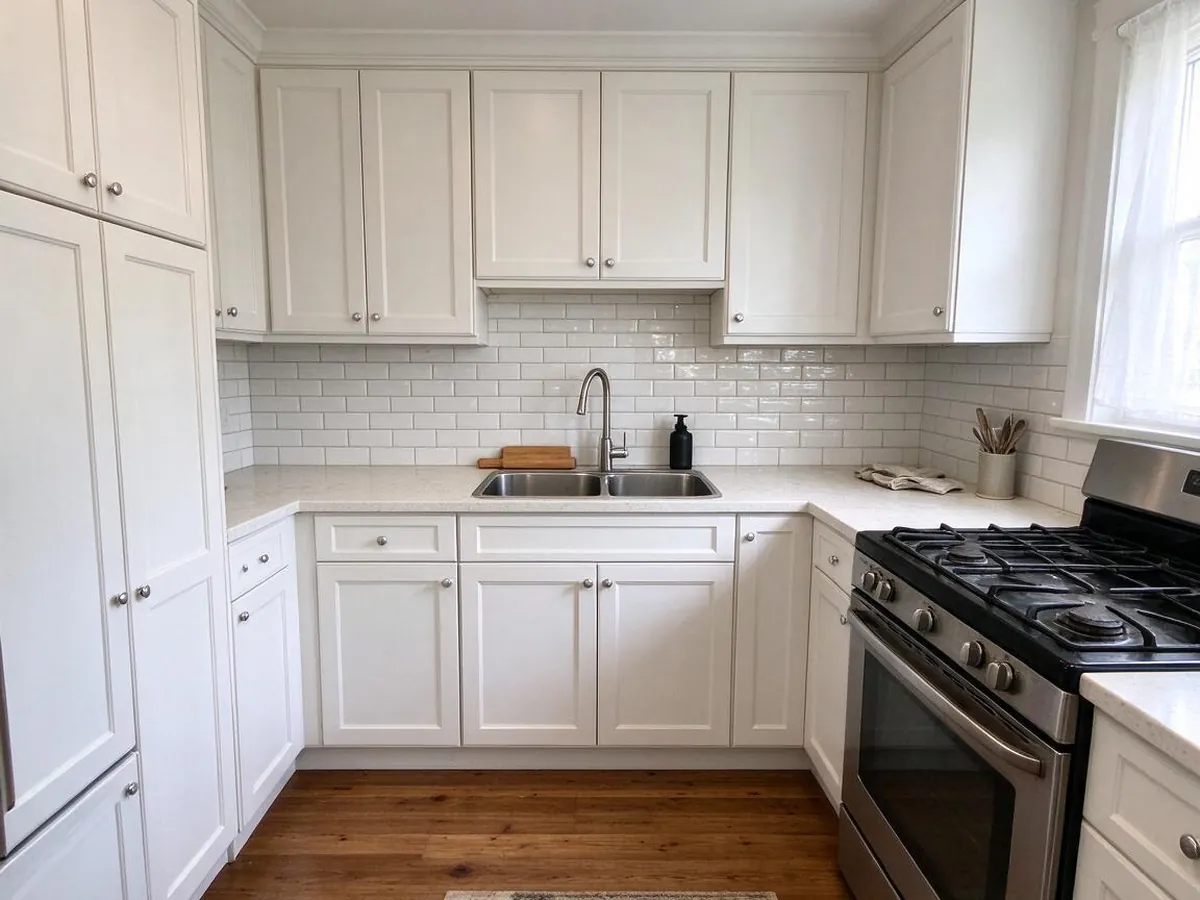 BeforeAfter
Pattern and color with navy
A patterned cement or porcelain tile in navy and white can look good with navy cabinets, but only when the counter is plain, such as solid white quartz.
Warm materials balance navy well. A cream zellige, a warm white subway or even a pale terracotta keeps the kitchen from feeling cold.
In a small or north-facing kitchen, choose a glossy light tile and good under-cabinet lighting. Navy absorbs light, and the backsplash is the main surface that can return it.
If only the island is navy and the perimeter cabinets are white, the backsplash only touches the white cabinets. Choose it for them and let the island stand on its own.
How to see it on your own kitchen
- Take a straight photo of your kitchen in daylight from the doorway or a corner, then upload it below (iPhone photos work as they are).
- The tool opens on "Change one thing" with backsplash selected. Pick a preset or type the exact backsplash you have in mind.
- Sign in with Google: the first 3 images are free, no credit card. Plans start at $14 a month for 25 images.
- In about 30 seconds you get the same kitchen with only the backsplash changed. Drag the slider to compare before and after, then download the one you like or keep editing one detail at a time.