What hardware goes with navy cabinets?
Short answer: Brushed or polished brass is the most popular hardware on navy cabinets because the warm gold stands out clearly against deep blue; polished or brushed nickel looks crisp and nautical, and matte black gives a quieter, more modern look that almost disappears on dark doors. Choose brass if you want the hardware to be a feature, and black if you want the navy color to do the talking.
What to know
Brass gives the strongest contrast
Gold against navy is high contrast in both color and brightness, which is why it is so common on navy islands.
Black is almost invisible
Matte black on navy has low contrast. That suits flat-panel modern kitchens where you want clean lines; on shaker doors it can look like the pulls are missing.
Nickel for a cooler scheme
Polished nickel or brushed nickel on navy with white counters and stainless appliances gives a coastal, nautical look.
Two-tone kitchens
With navy lowers and white uppers, using the same metal on both helps tie the two colors together.
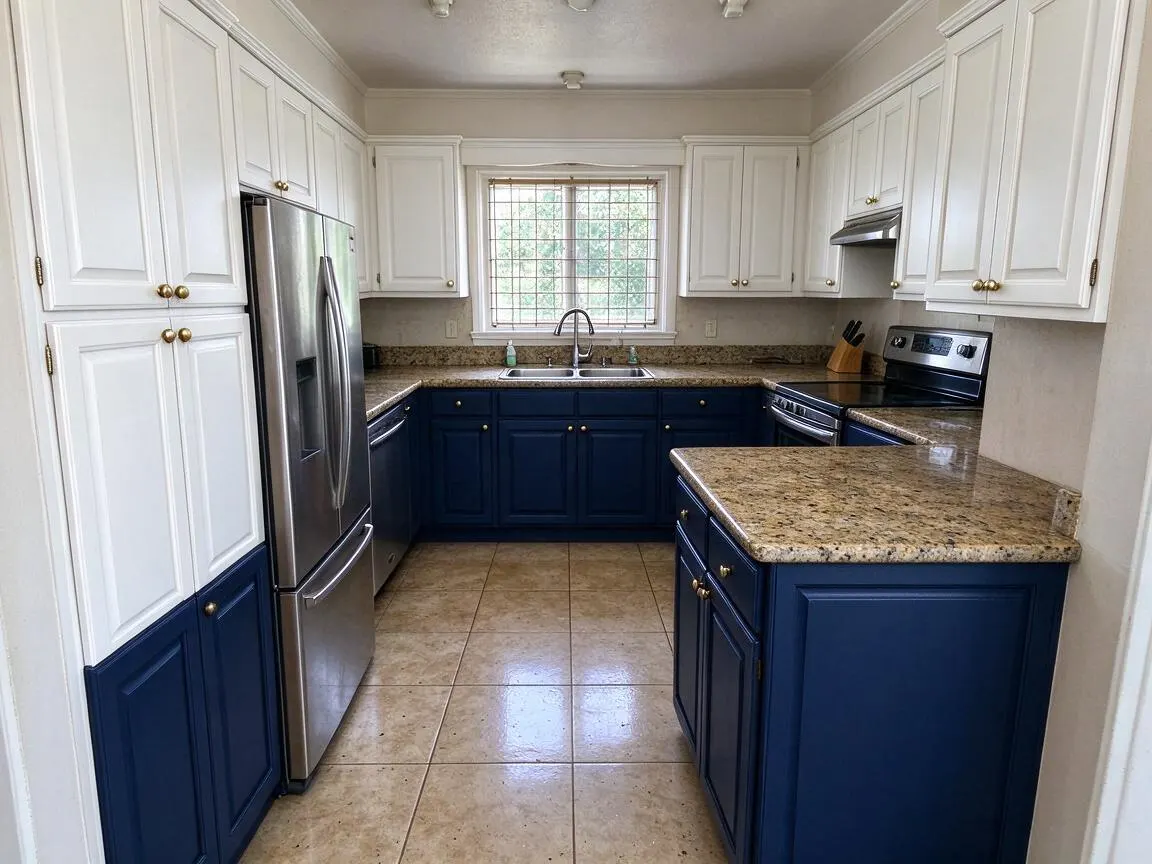
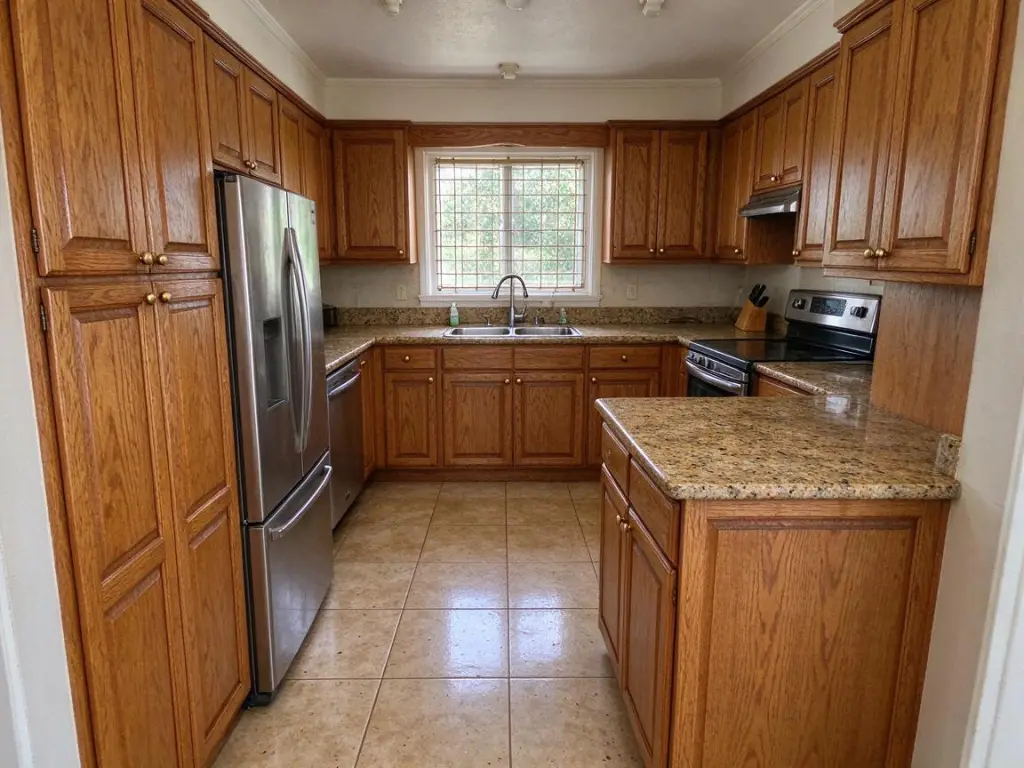 BeforeAfter
Seeing the options on your cabinets
The cabinets target in the tool handles this: the description you type can include the hardware finish along with the door color, and only the cabinets and their pulls change.
For navy, try "navy blue shaker cabinets with brushed brass bar pulls" and then "navy blue shaker cabinets with polished nickel knobs" on the same photo and compare.
Look at your faucet and appliances before choosing. Stainless appliances and a chrome faucet lean toward nickel; a brass faucet or brass lights lean toward brass.
Navy islands are often the main focal point, so their hardware is seen up close every day. Pulls with a solid weight and a brushed finish feel better in the hand and hide fingerprints, which matters more on an island used for prep and seating.
How to see it on your own kitchen
- Take a straight photo of your kitchen in daylight from the doorway or a corner, then upload it below (iPhone photos work as they are).
- The tool opens on "Change one thing" with cabinets selected. Pick a preset or type the exact cabinets you have in mind.
- Sign in with Google: the first 3 images are free, no credit card. Plans start at $14 a month for 25 images.
- In about 30 seconds you get the same kitchen with only the cabinets changed. Drag the slider to compare before and after, then download the one you like or keep editing one detail at a time.