What cabinet color goes with dark wood floors?
Short answer: Dark wood floors such as walnut, espresso or dark-stained oak look best under light cabinets: white, cream, pale gray, or a soft sage or blue. Dark cabinets on a dark floor can work only in a bright room with a white countertop and backsplash, since otherwise the lower half of the kitchen goes nearly black.
What to know
Light cabinets frame the floor
White or cream base cabinets create a clear line above a dark floor, which makes both look deliberate and keeps the room bright.
Do not match wood to wood
Dark wood cabinets on a dark wood floor rarely match exactly, and close-but-different browns look like a mistake. Pick contrast instead.
Undertone of the floor
Red-brown stains suit cream and warm white. Cool, nearly black stains suit crisp white and pale gray.
Dust shows on dark floors, not on mid-tone cabinets
Dark floors show dust and crumbs; mid-tone cabinets like sage hide marks better than bright white, a useful middle ground for busy kitchens.
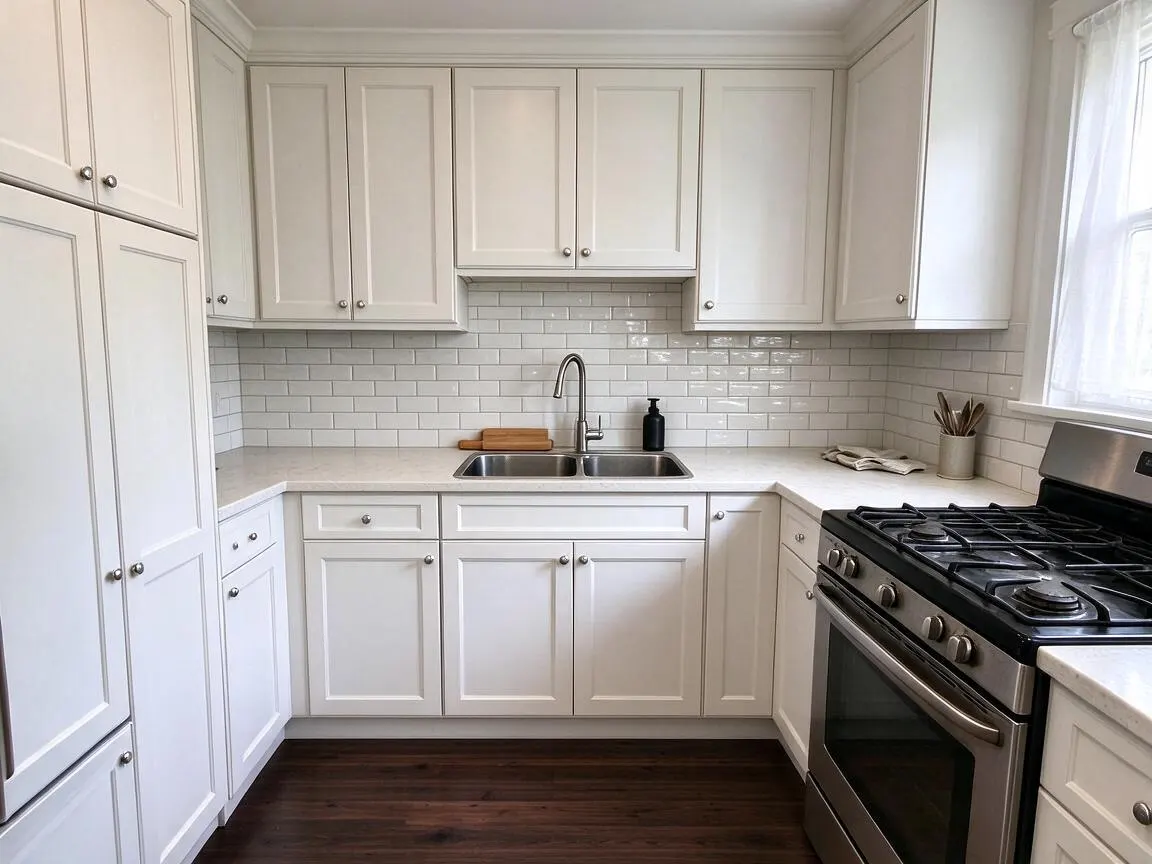
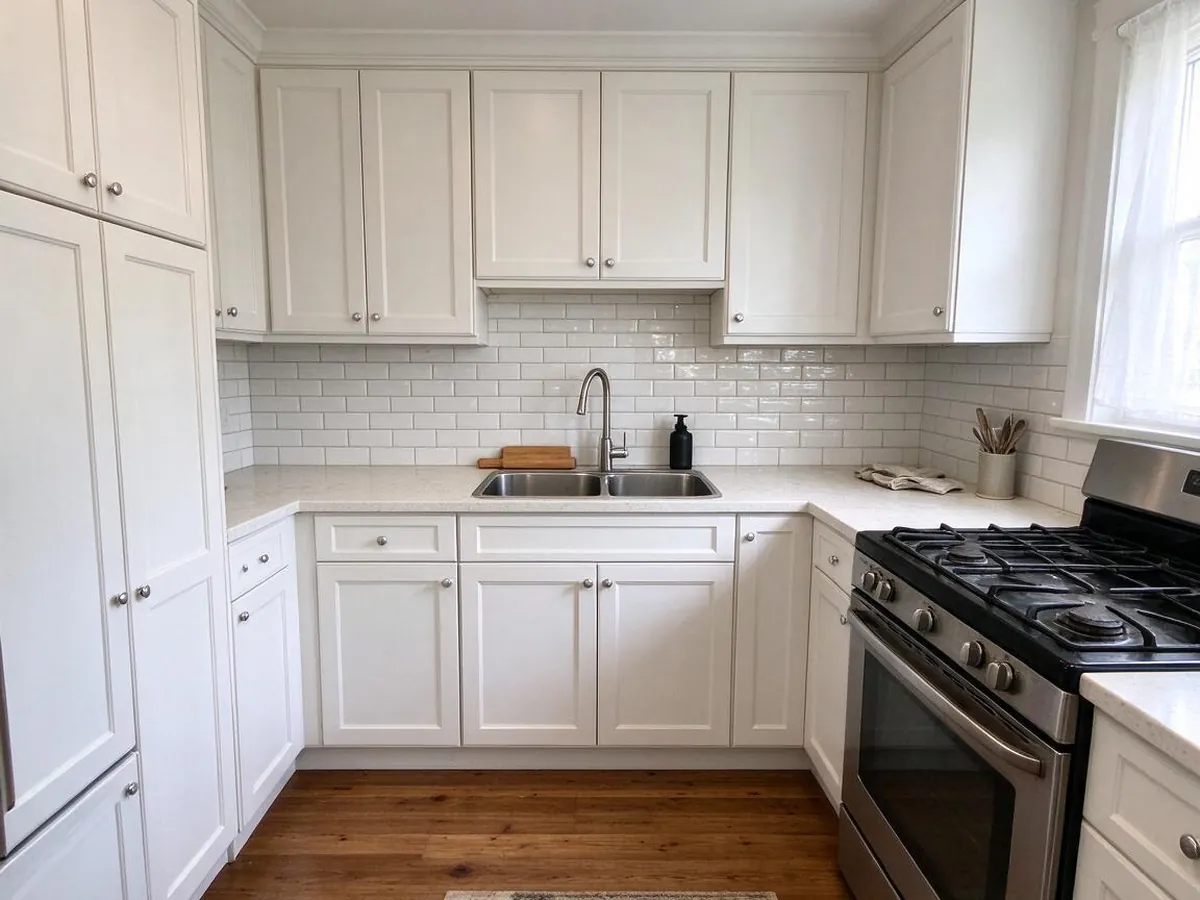 BeforeAfter
If you want darker cabinets anyway
Navy, deep green and charcoal cabinets can sit on a dark floor if you put light materials between them: a white quartz or marble-look counter and a light backsplash. That light band keeps the cabinets and floor from merging.
Another route is two-tone: dark lower cabinets and white uppers. The dark lowers sit close to the floor, and the white uppers keep the eye-level part of the kitchen light.
Small kitchens and rooms with one window are where dark-on-dark goes wrong most often, so test it on a photo of your actual room before buying paint.
Hardware is a small but visible link between floor and cabinets. Oil-rubbed bronze or dark bronze pulls on white cabinets repeat the dark floor at eye level, while brass makes white cabinets over a dark floor feel warmer and more traditional.
How to see it on your own kitchen
- Take a straight photo of your kitchen in daylight from the doorway or a corner, then upload it below (iPhone photos work as they are).
- The tool opens on "Change one thing" with cabinets selected. Pick a preset or type the exact cabinets you have in mind.
- Sign in with Google: the first 3 images are free, no credit card. Plans start at $14 a month for 25 images.
- In about 30 seconds you get the same kitchen with only the cabinets changed. Drag the slider to compare before and after, then download the one you like or keep editing one detail at a time.