What floor goes with green kitchen cabinets?
Short answer: Green kitchen cabinets look best on natural, warm floors: light or natural oak under sage green, warmer mid-tone wood or terracotta under dark forest and olive green, and a black and white checkerboard for a classic, slightly vintage look. Cool gray tile is the weakest pairing, because it pulls the green toward a dull gray-green.
What to know
Green and wood come from nature
Green cabinets and wood floors look natural together. Natural oak is the default; walnut works with lighter sage for contrast.
Terracotta sits opposite green
Red-orange and green are complementary, so terracotta tile makes dark green look richer. With pale sage, choose a softer, dusty terracotta.
Checkerboard suits green
A black and white or cream and green checkerboard floor with green shaker cabinets is a classic English and cottage look.
Light green needs some depth below
Very pale sage over a pale floor can look washed out. A mid-tone floor gives the room a base.
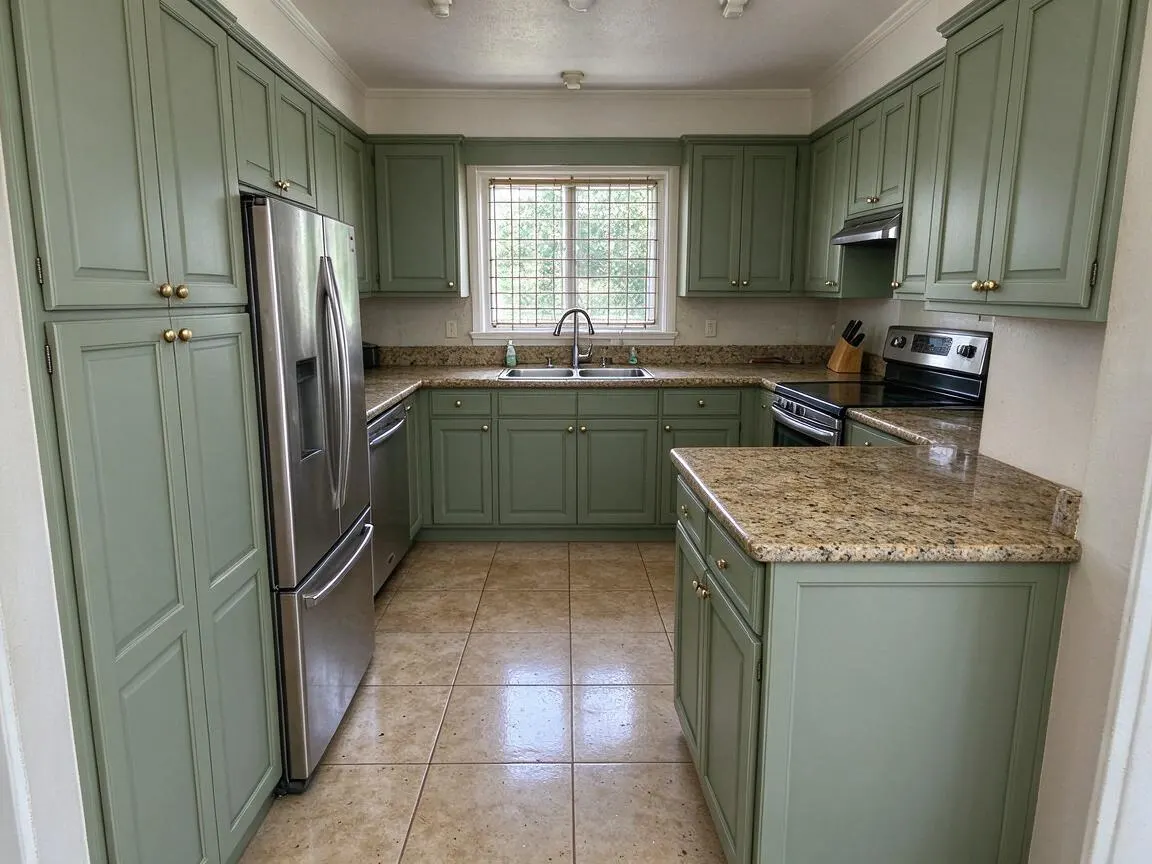
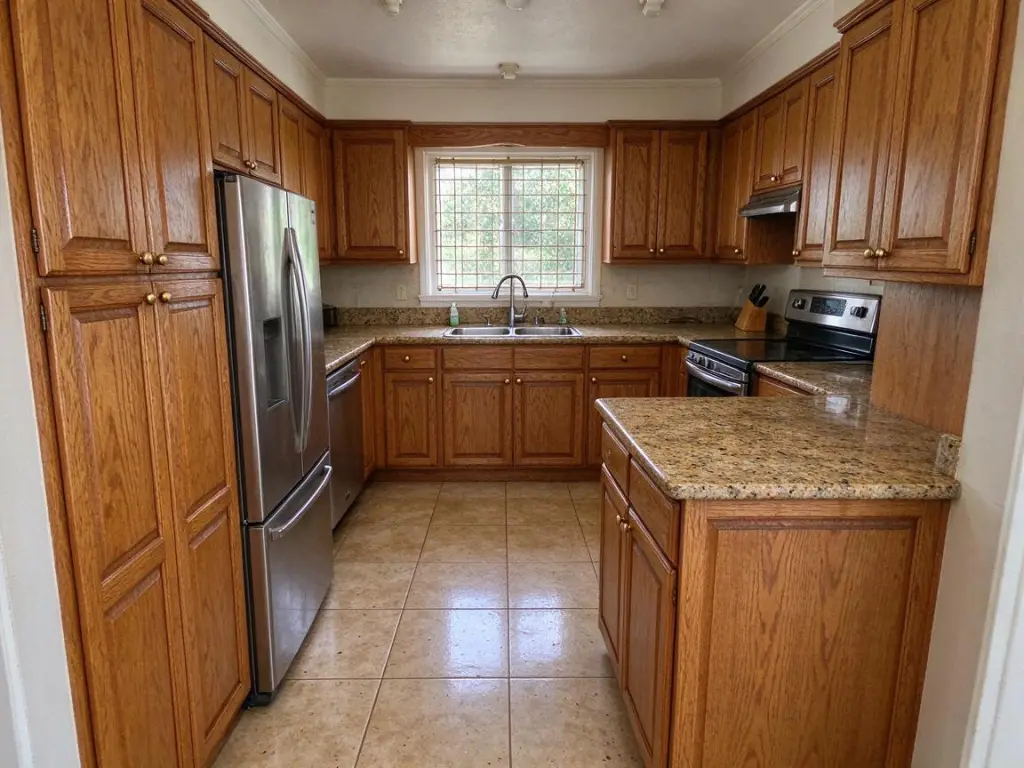 BeforeAfter
Pairings by shade of green
Sage and pale green: light or natural oak plank, cream limestone-look tile, or a soft checkerboard. Brass hardware ties green and oak together.
Olive and mid green: mid-tone oak, terracotta, or warm encaustic-look tile. Avoid very cool gray tile.
Forest, bottle and emerald green: honey or mid-brown wood, herringbone oak, terracotta, or a black and white checkerboard for contrast.
Think about the rooms next door. If the green kitchen opens into a living area with oak floors, continuing the oak is usually better than a separate tile, because the green cabinets then sit on the same warm base as the rest of the house.
If you are keeping an existing beige or tan tile, check its undertone against the green before painting. A neutral beige sits fine under sage; a pink or yellow beige can turn the green muddy. Trying the green on a photo of your own kitchen, with the current floor in place, shows this before you buy paint.
How to see it on your own kitchen
- Take a straight photo of your kitchen in daylight from the doorway or a corner, then upload it below (iPhone photos work as they are).
- The tool opens on "Change one thing" with floor selected. Pick a preset or type the exact floor you have in mind.
- Sign in with Google: the first 3 images are free, no credit card. Plans start at $14 a month for 25 images.
- In about 30 seconds you get the same kitchen with only the floor changed. Drag the slider to compare before and after, then download the one you like or keep editing one detail at a time.