How much does it cost to redo kitchen cabinets?
Short answer: The cost of redoing cabinets depends mostly on the method, from painting (least) to refacing to replacing (most), then on how many doors and drawer fronts you have and whether you hire out. For painting, the free calculator at /cabinet-painting-calculator works from your door and drawer fronts; for new cabinets, enter your cabinet length in /kitchen-remodel-cost-calculator.
What to know
Door and drawer count drives painting cost
Painters price by piece more than by kitchen size, and each front needs cleaning, priming and two coats on both sides.
Refacing adds new doors
Refacing keeps the boxes, covers them in veneer and adds new doors, drawer fronts and hardware. Door style and material set most of the price.
Replacement adds removal and install
New cabinets mean tearing out the old ones, often replacing counters too, so the cost reaches well beyond the boxes.
DIY trades money for time
Doing it yourself mainly saves labor, but a cabinet painting job takes many days of drying between coats.
Hardware and hinges add up
Soft-close hinges and new pulls are often added during a cabinet redo and are counted per door, so include them in the per-piece budget.
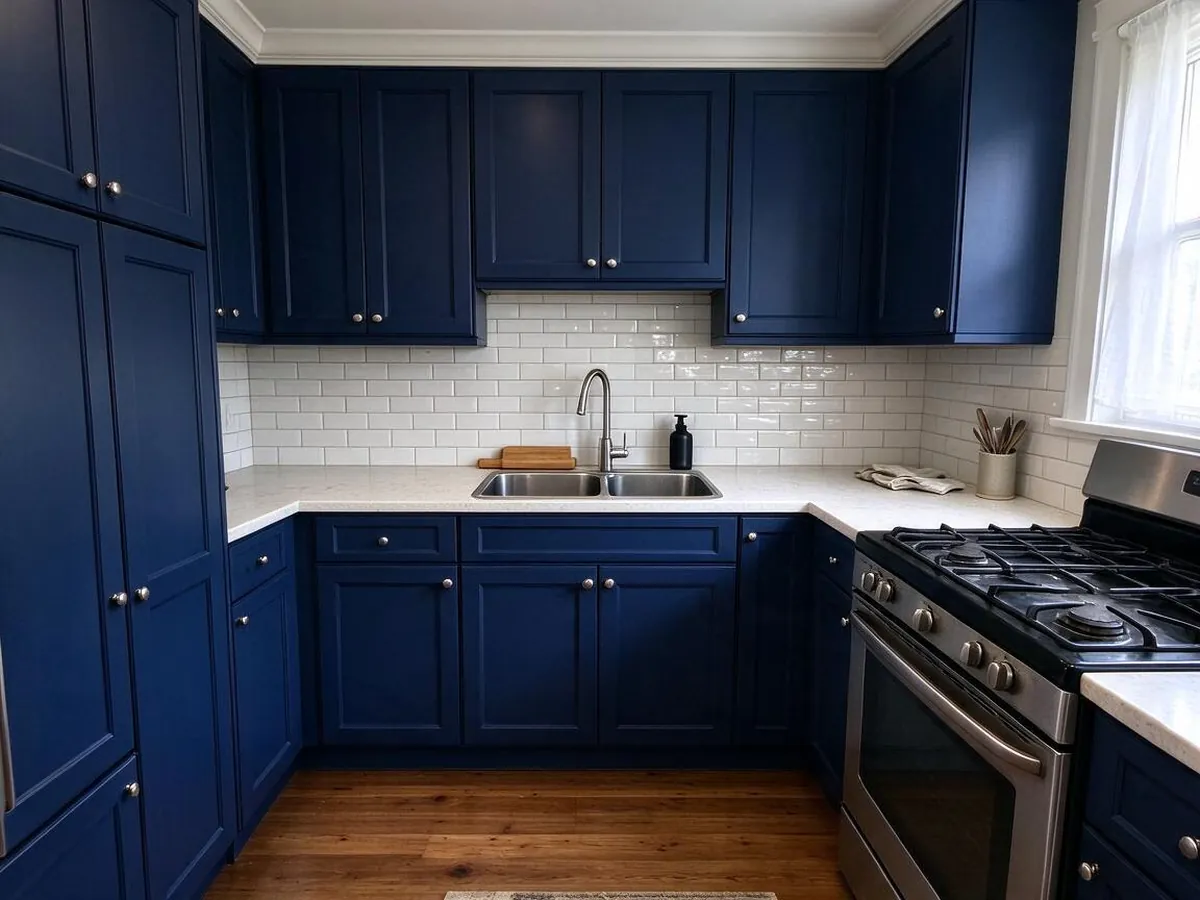
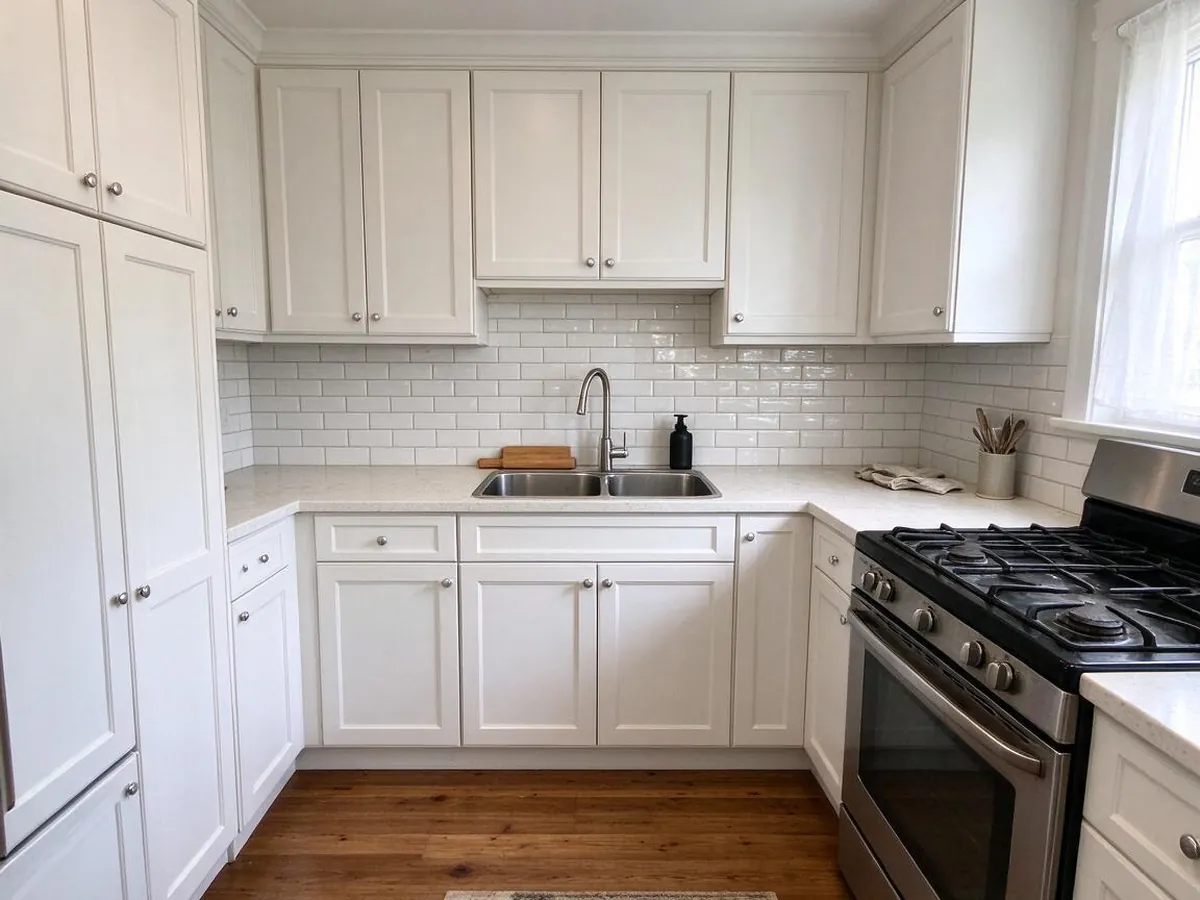 BeforeAfter
What else changes the price
Condition matters: grease build-up, peeling thermofoil or water damage add prep or rule out painting. Finish matters too: a sprayed factory-like finish costs more than brushed and rolled paint. Hardware is easy to forget, and pulls for a full kitchen add up.
Rather than relying on a generic number, use the calculators. /cabinet-painting-calculator estimates the paint needed, the DIY paint cost and the cost of hiring a painter from your door and drawer fronts. /kitchen-remodel-cost-calculator prices new cabinets by length within a wider remodel.
Before paying for any method, preview the color. The tool opens on "Change one thing" with cabinets selected, so you can see your kitchen with only the cabinets changed and keep the rest as it is.
How to see it on your own kitchen
- Take a straight photo of your kitchen in daylight from the doorway or a corner, then upload it below (iPhone photos work as they are).
- The tool opens on "Change one thing" with cabinets selected. Pick a preset or type the exact cabinets you have in mind.
- Sign in with Google: the first 3 images are free, no credit card. Plans start at $14 a month for 25 images.
- In about 30 seconds you get the same kitchen with only the cabinets changed. Drag the slider to compare before and after, then download the one you like or keep editing one detail at a time.