Can I paint kitchen cabinets without sanding?
Short answer: Yes, you can usually skip full sanding if you degrease the cabinets thoroughly, wipe them with a liquid deglosser, and use a bonding primer made for glossy surfaces before the topcoat. What causes peeling is skipping the cleaning or the primer; a light scuff with a fine sanding sponge is still worth doing on very glossy spots and areas around handles.
What to know
Degreasing is not optional
Kitchen cabinets carry cooking grease, especially near the range and handles. Paint will not bond to it, sanded or not.
Bonding primer does the work of sanding
Primers sold as bonding or adhesion primers are made to grip glossy finishes. Follow the label for dry time before painting.
Thermofoil and laminate are different
Plastic-coated doors need a primer specified for that surface, and peeling thermofoil cannot be painted over successfully.
Use a cabinet enamel
Waterborne alkyd or urethane-modified enamels level well and harden more than wall paint, which matters for doors that are touched daily.
Fill dents before priming
Wood filler in dents and old hardware holes must be sanded smooth locally, even in a no-sand job, or they show through the new paint.
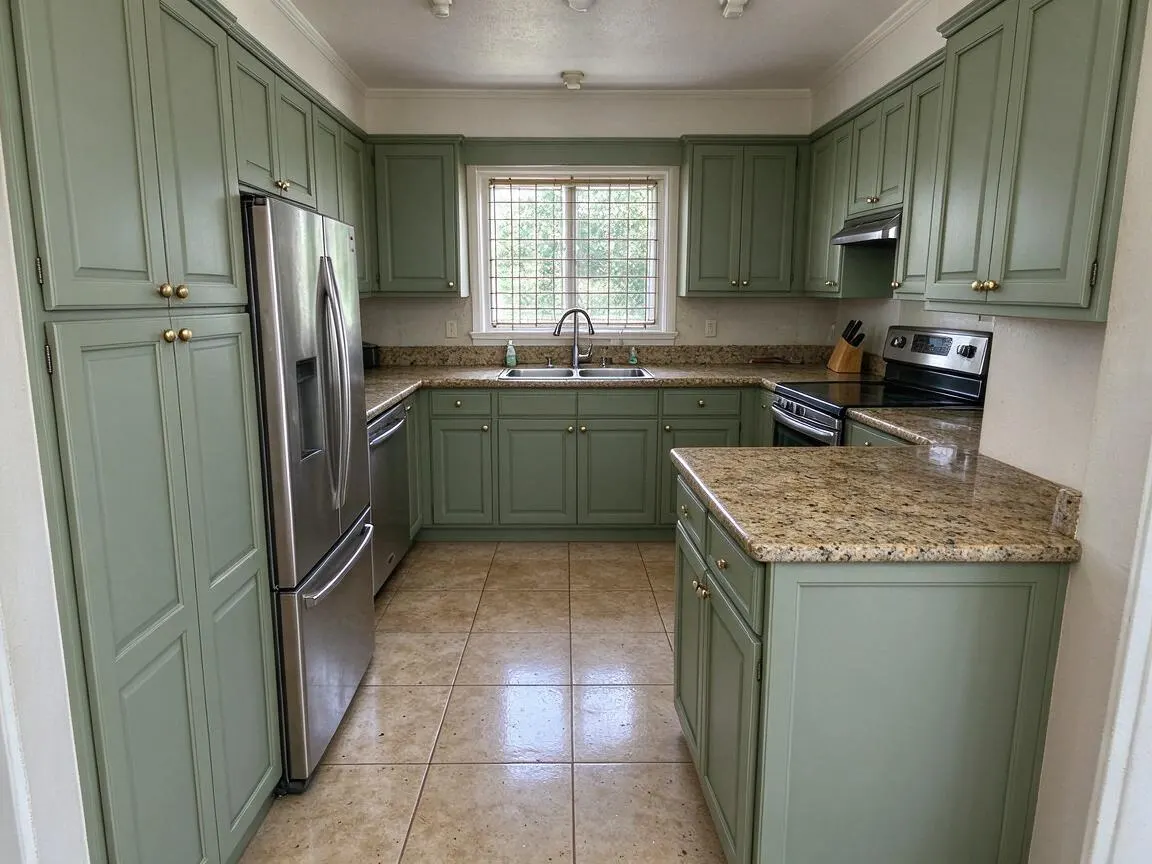
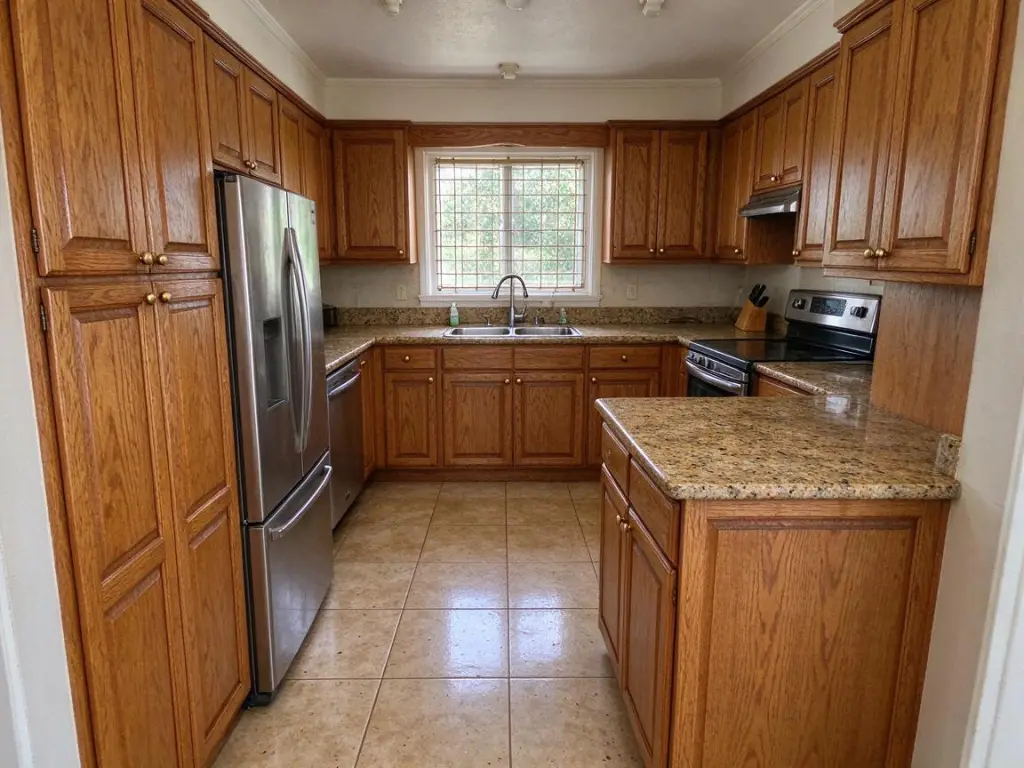 BeforeAfter
A no-sand process
Remove the doors and drawer fronts and label each one with its location. Clean every surface with a degreaser, rinse and let it dry. Wipe on a liquid deglosser if the finish is shiny, then apply a bonding primer. Give it the full cure time on the label before the first coat of enamel, and allow drying time between coats.
Painting on a flat surface reduces drips. Do backs first, then fronts, and keep the doors off until the paint has cured enough not to stick when closed, which is longer than dry-to-touch.
To estimate how much paint you need, and the cost of doing it yourself against hiring a painter, use /cabinet-painting-calculator. To pick the color first, preview it on your own kitchen with "Change one thing" set to cabinets.
How to see it on your own kitchen
- Take a straight photo of your kitchen in daylight from the doorway or a corner, then upload it below (iPhone photos work as they are).
- The tool opens on "Change one thing" with cabinets selected. Pick a preset or type the exact cabinets you have in mind.
- Sign in with Google: the first 3 images are free, no credit card. Plans start at $14 a month for 25 images.
- In about 30 seconds you get the same kitchen with only the cabinets changed. Drag the slider to compare before and after, then download the one you like or keep editing one detail at a time.