Kitchen benchtop ideas (Australia)
Short answer: Popular benchtop choices in Australian kitchens now include porcelain and sintered stone slabs, natural stone, timber, good quality laminate and stainless steel, with warm whites, soft concrete greys and timber tones leading the colour choices. Since engineered stone was banned in Australia from July 2024, anyone who wanted a Caesarstone-style white benchtop is now usually looking at porcelain, natural stone or a high-pressure laminate with a marble look.
What to know
Engineered stone is off the table
The national ban on engineered stone means new quotes are for alternatives. Porcelain and sintered stone give a similar thin, even marble or concrete look; ask your fabricator what they now offer.
Thin edges suit open-plan living
A 12 to 20 mm porcelain benchtop with a mitred waterfall end on the island is a common look in new builds; a thicker 40 mm edge suits Hamptons and traditional kitchens.
Timber for coastal and Scandi homes
Spotted gum, blackbutt and Tasmanian oak tops warm up white or soft green cabinetry. Seal them well near the sink and cooktop.
Laminate has improved a lot
Modern laminates with a matte, marble or timber look suit rentals, investment properties and tight budgets, and can be swapped later.
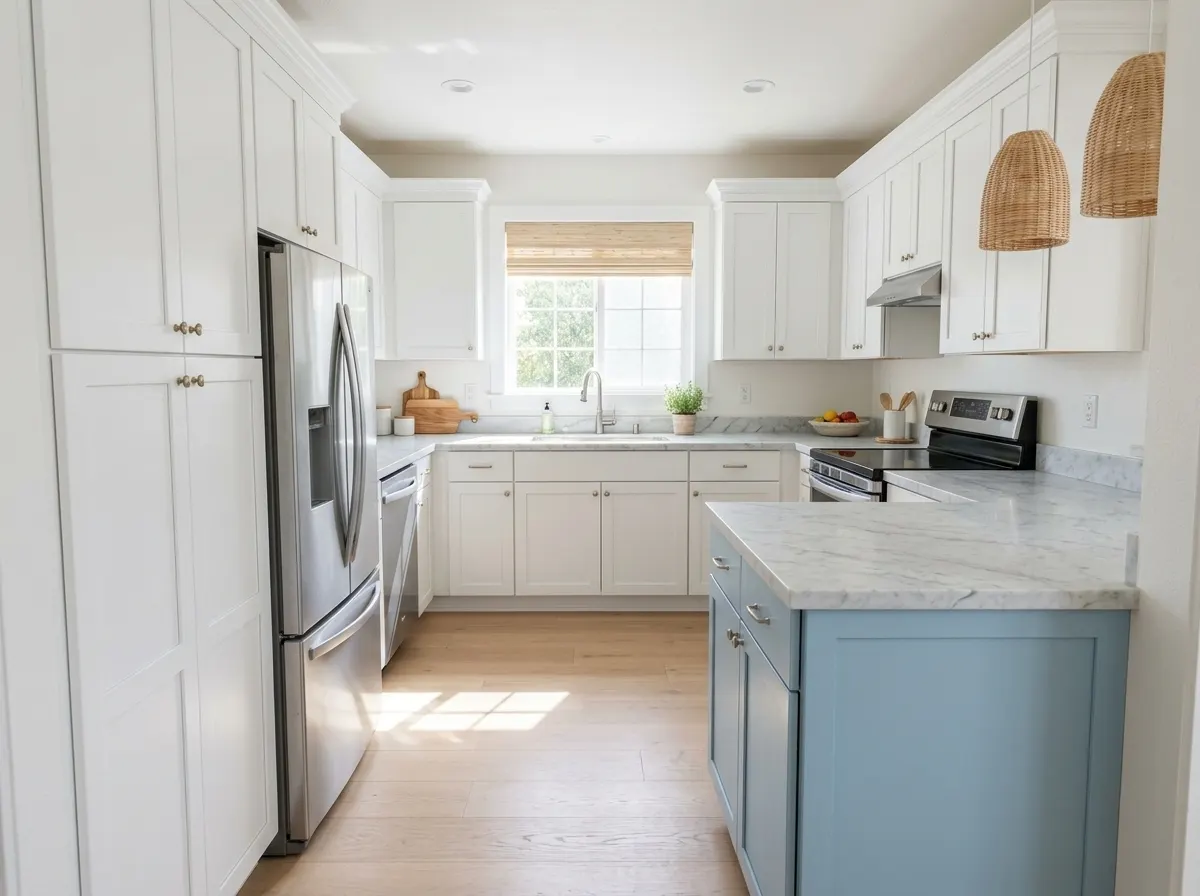
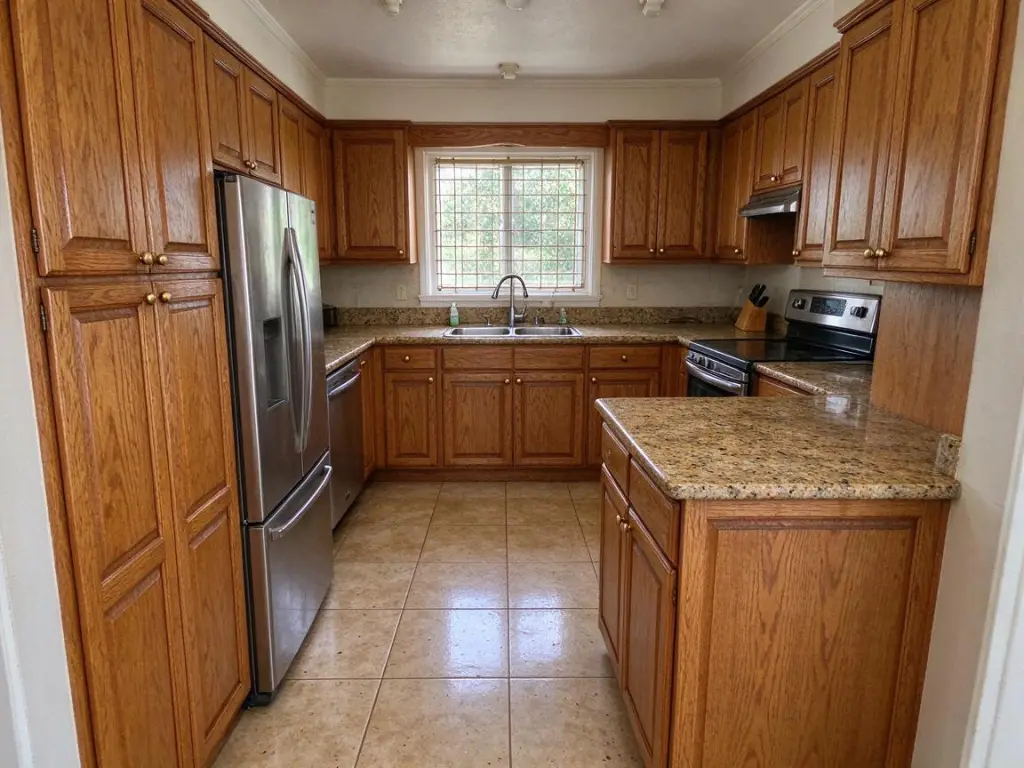 BeforeAfter
Matching the benchtop to your cabinetry and splashback
Hamptons and coastal kitchens with white or soft blue shaker cabinetry usually pair with a white marble-look benchtop and a white or pale gloss splashback. A timber island top is a common warm accent.
Modern kitchens with flat matte doors in warm white, greige or charcoal look good with a concrete-look porcelain benchtop and a slim edge, sometimes running the same slab up as the splashback.
Japandi and Scandi kitchens pair timber veneer cabinetry with a plain white or light concrete-look benchtop. Keep tapware brushed nickel or black and the splashback simple, such as a vertical stack of finger tiles.
How to see it on your own kitchen
- Take a straight photo of your kitchen in daylight from the doorway or a corner, then upload it below (iPhone photos work as they are).
- The tool opens on "Change one thing" with countertop selected. Pick a preset or type the exact countertop you have in mind.
- Sign in with Google: the first 3 images are free, no credit card. Plans start at $14 a month for 25 images.
- In about 30 seconds you get the same kitchen with only the countertop changed. Drag the slider to compare before and after, then download the one you like or keep editing one detail at a time.