Is there splashback design software that uses a photo?
Short answer: Yes, you can upload a photo of your kitchen and change only the splashback, trying green zellige, white subway tile, a marble slab or a back-painted glass panel while your benchtop, cabinets and floor stay exactly as they are. You can also add a photo of a tile you saw in a showroom as a material reference, which is the quickest way to see whether it suits your benchtop.
What to know
Change only the splashback
Holding everything else still is the point: the splashback has to work with the benchtop and cabinets you already have, so those must stay unchanged in the comparison.
Pattern and grout matter at full height
A herringbone or a dark grout reads strongly behind a cooktop and up to the rangehood. Try the same tile with light and dark grout in your description to see the difference.
Slab versus tile
A single slab or glass panel has no grout lines and suits a busy benchtop; a handmade tile adds texture to a plain one. Seeing both on your photo usually settles it.
Quantity is a separate step
The image does not measure. The free backsplash tile calculator on this site works out how much tile to order from wall area, with no sign-in.
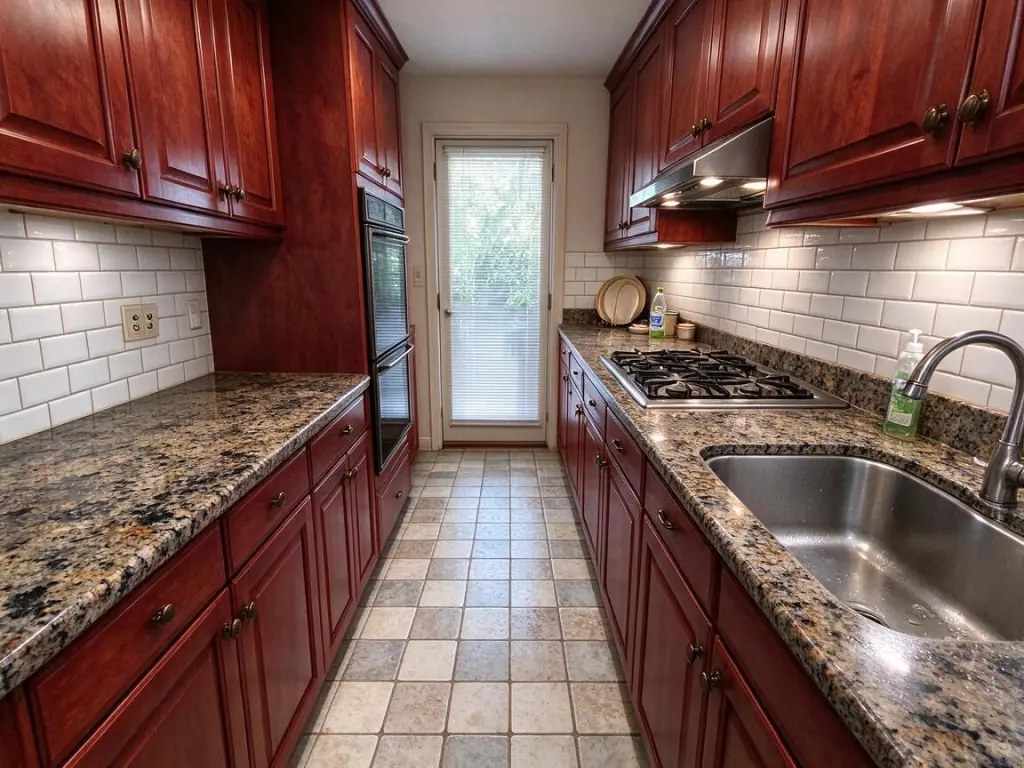
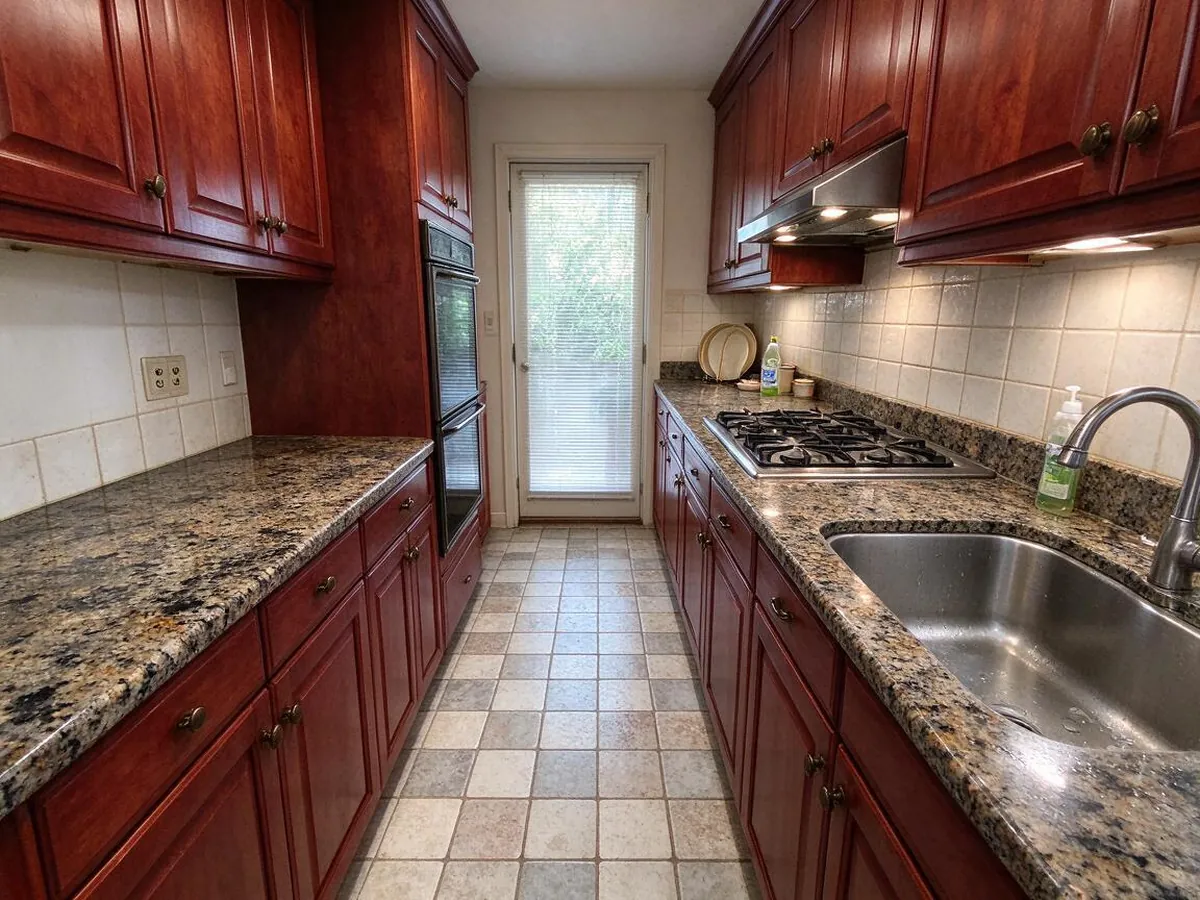 BeforeAfter
Getting a realistic splashback preview
Photograph the splashback wall straight on or from a slight angle, with the benchtop clear. Appliances like toasters and kettles hide the area you are judging and get redrawn as clutter.
Be specific in your description: '75x300 mm gloss white subway tile, stacked vertically, white grout' gives a far more useful result than 'modern tiles'. Tile size and layout are approximate in any AI image, so confirm with a real tile held against the wall.
Generic image chatbots can also try this if you tell them to keep the benchtop, cabinets and window unchanged, but they often restyle more than you asked. A tool with a single-element mode avoids writing that keep list each time.
How to see it on your own kitchen
- Take a straight photo of your kitchen in daylight from the doorway or a corner, then upload it below (iPhone photos work as they are).
- The tool opens on "Change one thing" with backsplash selected. Pick a preset or type the exact backsplash you have in mind.
- Sign in with Google: the first 3 images are free, no credit card. Plans start at $14 a month for 25 images.
- In about 30 seconds you get the same kitchen with only the backsplash changed. Drag the slider to compare before and after, then download the one you like or keep editing one detail at a time.