How to upgrade a builder-grade kitchen
Short answer: Builder-grade kitchens look plain because of small missing details, so upgrade those: add crown molding or extend cabinets to the ceiling, replace the basic hardware and faucet, tile the backsplash to the underside of the uppers, swap the standard ceiling light for pendants, and paint the island a contrasting color. The cabinets are usually sound, so keeping the boxes and upgrading around them is good value.
What to know
Finish the cabinet tops
Builder cabinets often stop short of the ceiling with a gap above. Crown molding, filler panels or a row of small top cabinets makes them look custom.
Add a real backsplash
Many builder kitchens have only a 4 in splash of the counter material. Tiling the full wall up to the uppers is one of the most visible upgrades.
Replace the dome light
A single flush dome light is a builder-grade signature. Pendants over the island and recessed lights over the counters change the room at night.
Give the island its own color
Painting only the island in navy, green or black adds character to a white kitchen without repainting everything.
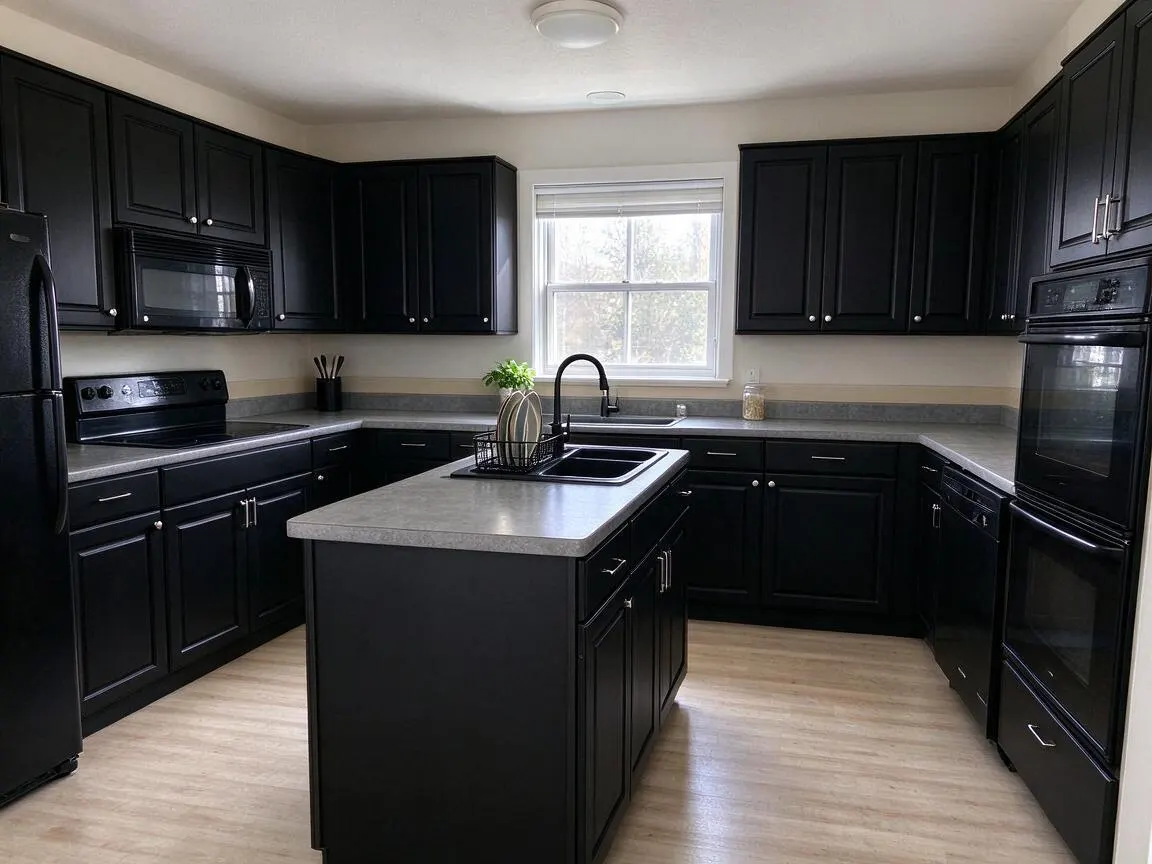
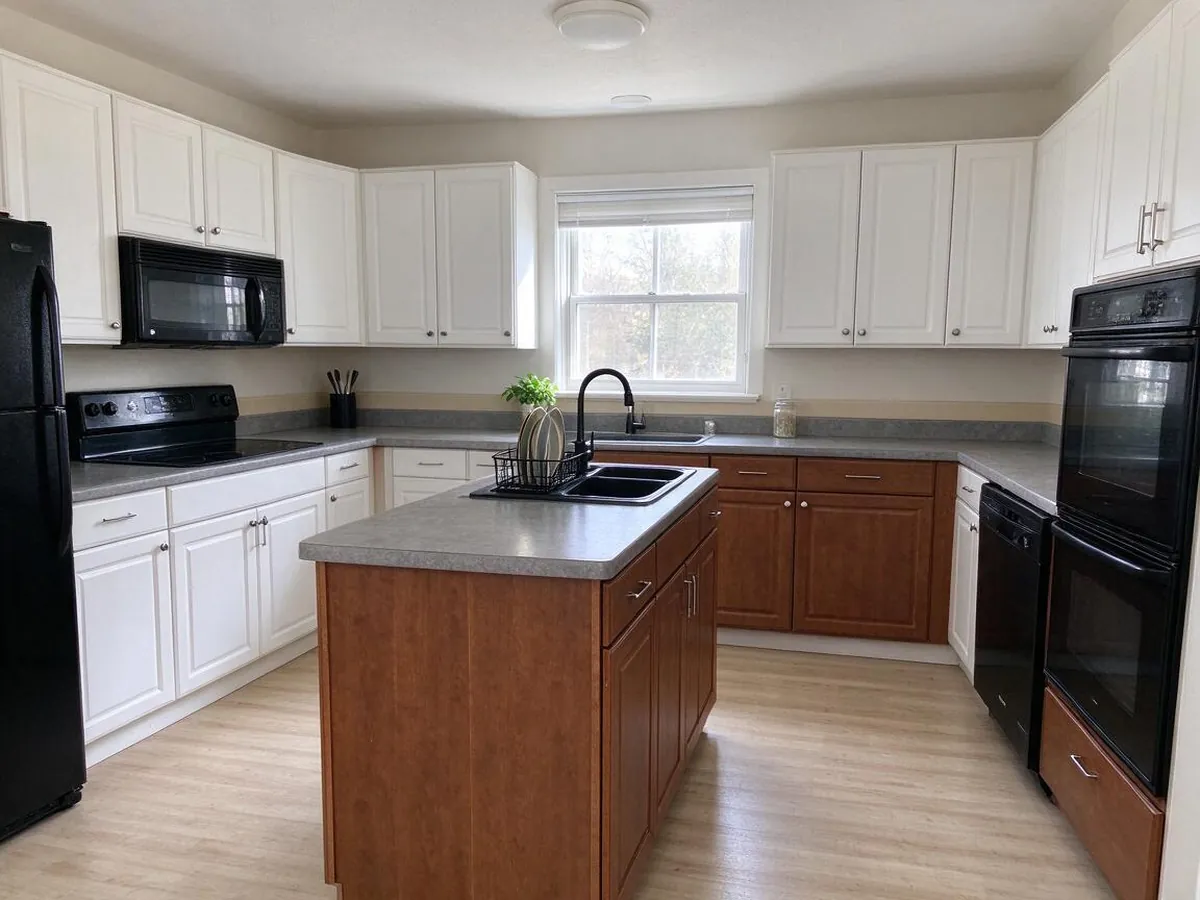 BeforeAfter
Where builder kitchens fall short and how to fix it
Builder-grade kitchens tend to share flat or simple shaker doors in white or gray, gray or white laminate counters, a short splash, black or stainless appliances and a basic chrome faucet. None of it is broken; it is generic. The fix is adding layers of detail rather than replacing things.
If you do replace one big item, make it the counter. Laminate is the most obvious builder-grade surface, and quartz or butcher block lifts the whole kitchen. The other upgrades can follow over time.
The example below is a builder-grade kitchen with flat white cabinets and gray laminate, shown with matte black cabinets. You can try a cabinet color or counter on your own kitchen with the "Change one thing" option.
How to see it on your own kitchen
- Take a straight photo of your kitchen in daylight from the doorway or a corner, then upload it below (iPhone photos work as they are).
- Keep the "Light refresh" level selected and choose a style. Optionally add a photo of a cabinet or tile you like as a material reference.
- Sign in with Google: the first 3 images are free, no credit card. Plans start at $14 a month for 25 images.
- In about 30 seconds you get two variations that keep your walls and windows. Drag the slider to compare before and after, then download the one you like or keep editing one detail at a time.