What countertop goes with cherry cabinets?
Short answer: Cherry cabinets look best with counters that balance their red-brown color: cream or ivory quartz for a lighter room, black granite or soapstone for a rich traditional look, or a green-gray stone that sits opposite red on the color wheel. Avoid stones with pink, rust or red flecks, which pile more red onto an already red wood.
What to know
Cherry darkens and reddens over time
Natural cherry deepens with light exposure. A counter that looks fine with a fresh sample door may clash later, so compare against your actual cabinets, not the showroom chip.
Green-gray is the friendly opposite
Soapstone and some granites have a green-gray cast that quietly balances red wood. This is why soapstone shows up so often in traditional cherry kitchens.
Cream beats bright white
A stark white counter next to dark cherry can feel like a hard line. Cream, ivory or a white with warm veins softens the contrast and works with the wood.
Galley kitchens need the lighter option
Cherry on both walls of a narrow kitchen already absorbs a lot of light. A light counter reflects light back up into the space; a black one makes the corridor feel narrower.
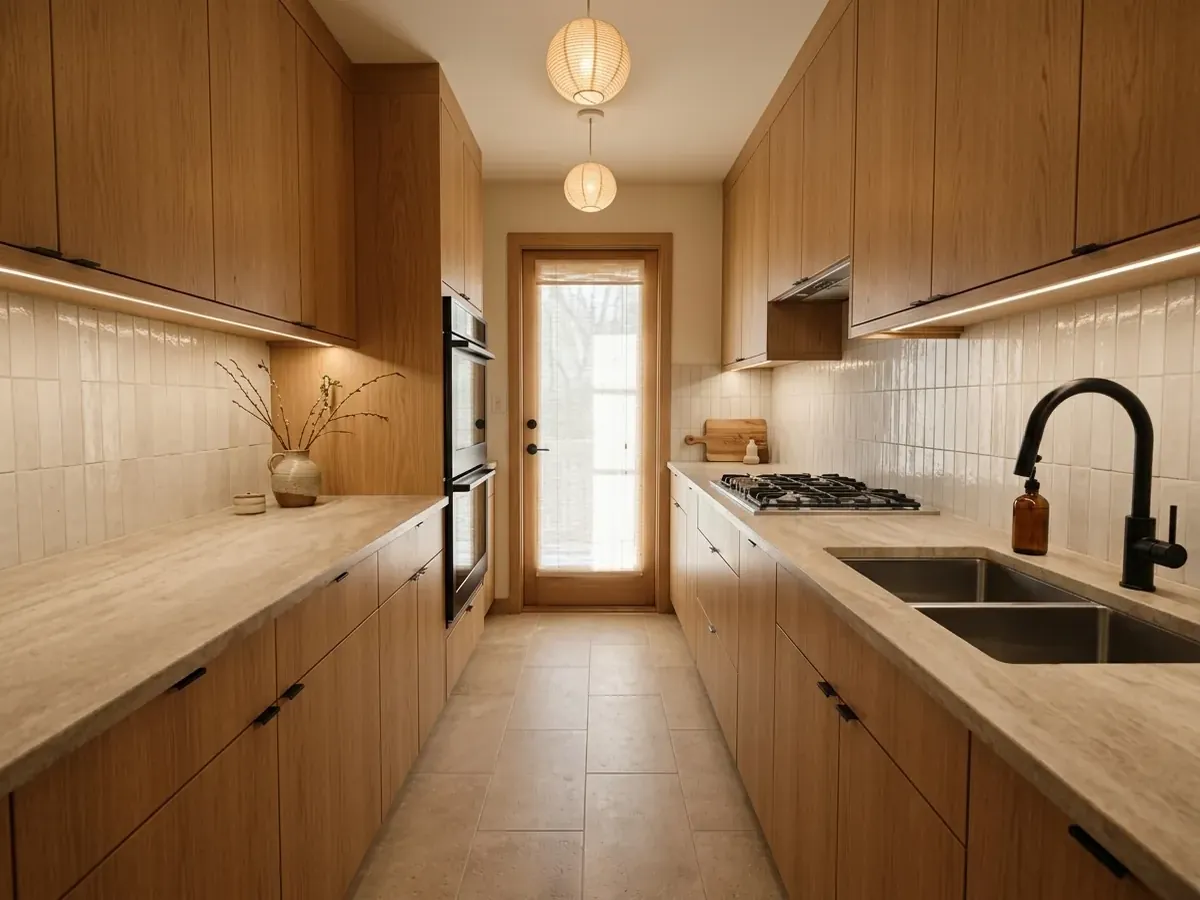
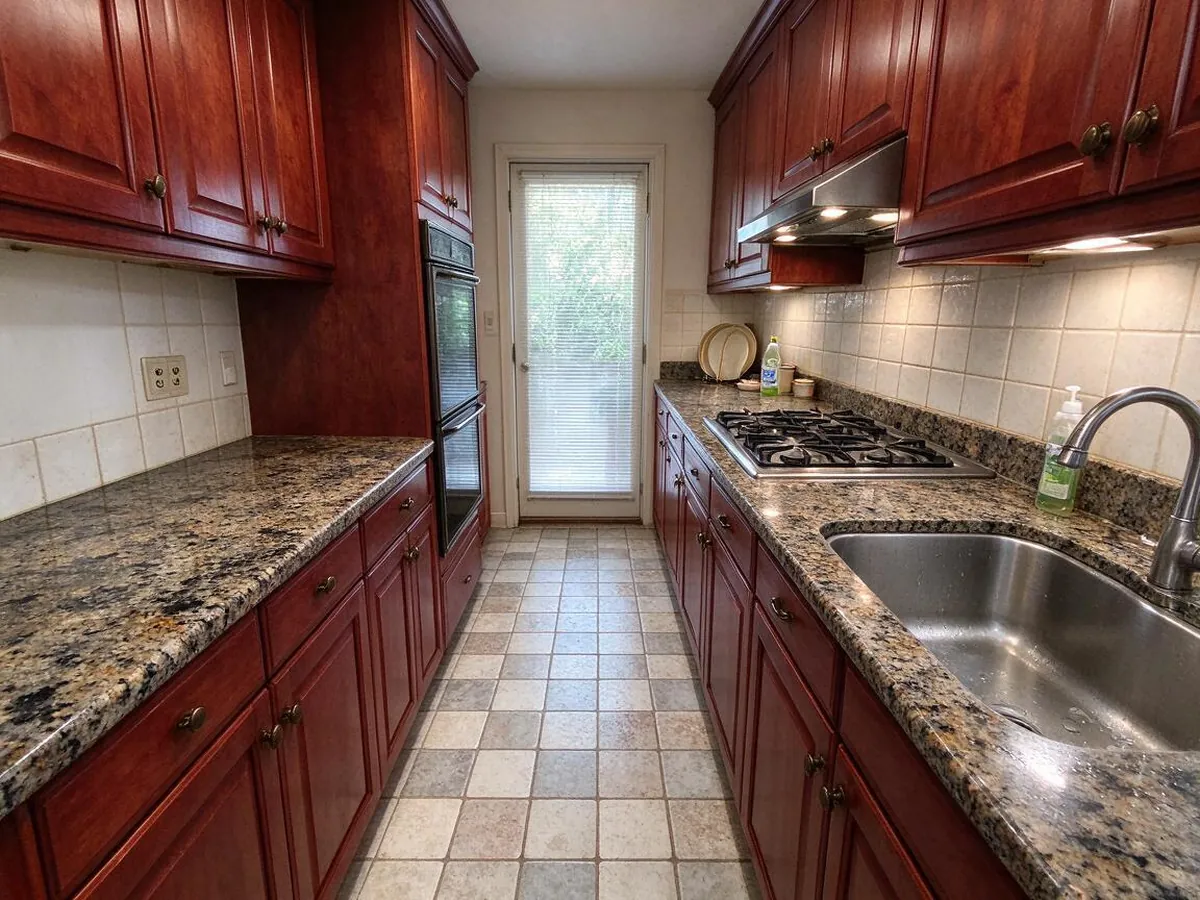 BeforeAfter
Updating a cherry kitchen without losing the wood
The busy speckled granite that came with many cherry kitchens usually has brown, black and red flecks that blend into the wood. Replacing it with a calm cream quartz or a solid dark stone makes the cabinets stand out as a feature instead of part of a brown mass.
Backsplash and wall color carry the rest. With cream counters, a warm white tile and a soft greige wall keep things light. With black counters, a cream or soft green backsplash adds the contrast cherry needs.
If the doors themselves feel too heavy, try the counter change first on a photo. It is a smaller project than refinishing cherry, which is hard to paint well because the wood is often finished with a thick lacquer.
How to see it on your own kitchen
- Take a straight photo of your kitchen in daylight from the doorway or a corner, then upload it below (iPhone photos work as they are).
- The tool opens on "Change one thing" with countertop selected. Pick a preset or type the exact countertop you have in mind.
- Sign in with Google: the first 3 images are free, no credit card. Plans start at $14 a month for 25 images.
- In about 30 seconds you get the same kitchen with only the countertop changed. Drag the slider to compare before and after, then download the one you like or keep editing one detail at a time.