What countertop goes with wood cabinets?
Short answer: Pick the counter by the tone of the wood: light woods like white oak and maple suit white quartz, concrete gray or black; mid-tone woods like stained oak and hickory suit white or gray marble looks; and dark woods like walnut, espresso and cherry suit cream, warm white or soapstone. In almost every case a counter with quiet pattern looks better than a busy one, because the wood grain already supplies texture.
What to know
Light wood: go bright or go bold
Pale white oak and birch flat-panel cabinets look Scandinavian with white quartz, more industrial with concrete gray, and graphic with matte black.
Mid wood: marble looks and warm gray
Hickory, stained oak and alder have plenty of color variation. A white counter with soft veins calms it; warm gray quartz is the low-risk middle option.
Dark wood: lift the room
Walnut and espresso cabinets absorb light. Cream, ivory or warm white counters bring brightness back, and soapstone works where the room has good daylight.
Use the undertone, not just the depth
Red-based woods want warm or green-gray counters; yellow-based woods want warm whites; neutral woods tolerate cool grays. Hold the sample next to the door in daylight to see which way it leans.
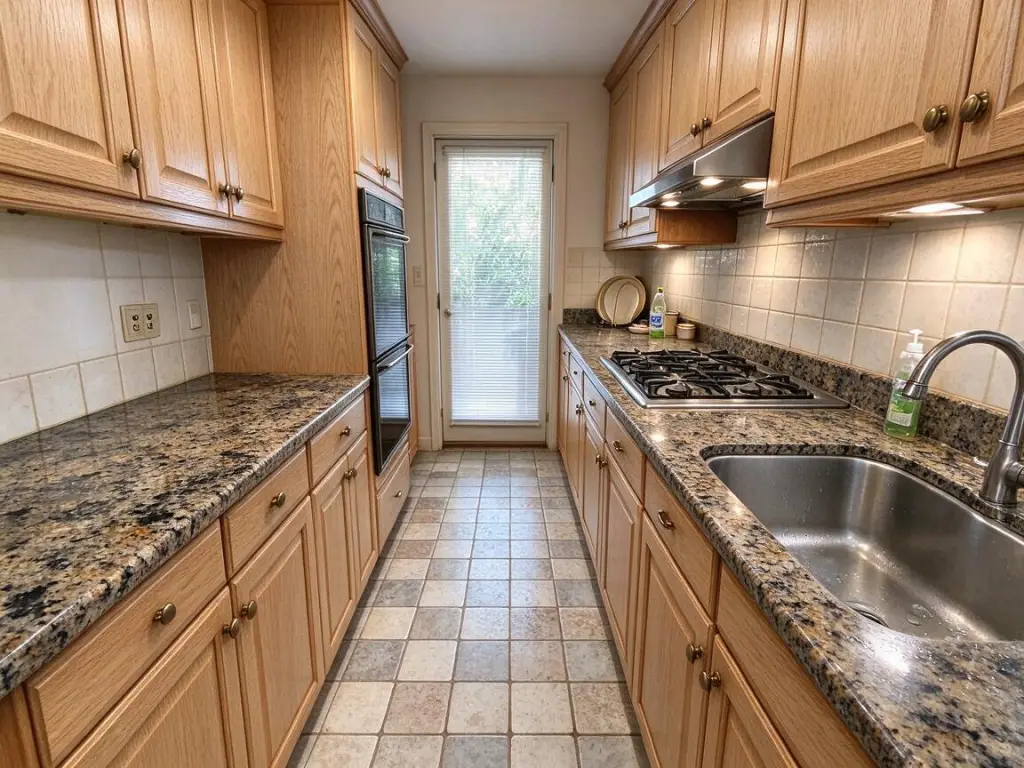
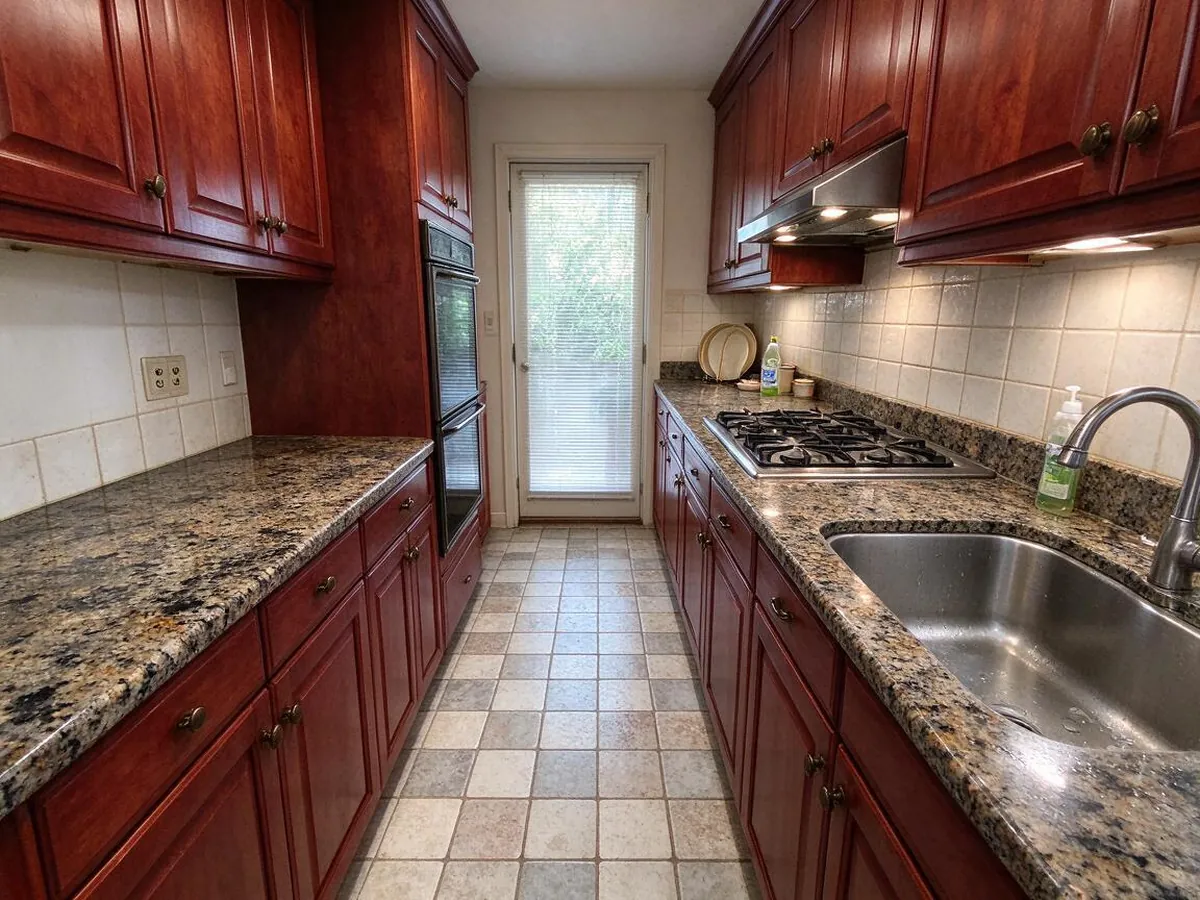 BeforeAfter
Wood counters with wood cabinets
Butcher block next to wood cabinets only works when the two woods clearly differ. Walnut tops on pale white oak, or light maple tops on dark stained cabinets, read as a choice; two similar mid-tones read as a near miss.
A safer path is to keep stone or quartz on the perimeter and put the wood counter on an island with painted base cabinets in a color like sage, navy or off-white.
Edge and thickness also shape the look. A slim, square-edged white quartz turns slab wood cabinets modern, while a thicker eased edge suits shaker and raised-panel doors.
How to see it on your own kitchen
- Take a straight photo of your kitchen in daylight from the doorway or a corner, then upload it below (iPhone photos work as they are).
- The tool opens on "Change one thing" with countertop selected. Pick a preset or type the exact countertop you have in mind.
- Sign in with Google: the first 3 images are free, no credit card. Plans start at $14 a month for 25 images.
- In about 30 seconds you get the same kitchen with only the countertop changed. Drag the slider to compare before and after, then download the one you like or keep editing one detail at a time.