How can I see a new floor in my kitchen before buying?
Short answer: Upload a photo of your kitchen to a tool that changes only the floor, type the plank or tile you are considering, and you see it under your real cabinets, counters and light; then bring home two or three samples and lay them on the floor before ordering. Here the floor target keeps everything else in the photo and returns the result in about 30 seconds, with the first 3 images free after Google sign-in.
What to know
Shoot the photo with plenty of floor
Stand in the doorway and angle the camera slightly down so the floor fills the lower third of the frame. A photo that shows mostly cabinets gives the floor too little space to judge.
Name the pattern and size
Write "wide-plank light oak, 7 in planks", "12 by 24 in warm gray porcelain" or "black and white checkerboard on the diagonal". Layout and size change the look as much as color.
Compare a few options
Run the floor change for a light, a mid and a dark option, then compare. Most people know which contrast they like once they see all three.
Then count boxes
The image does not measure the room. Use the flooring calculator for square footage and the number of boxes with waste.
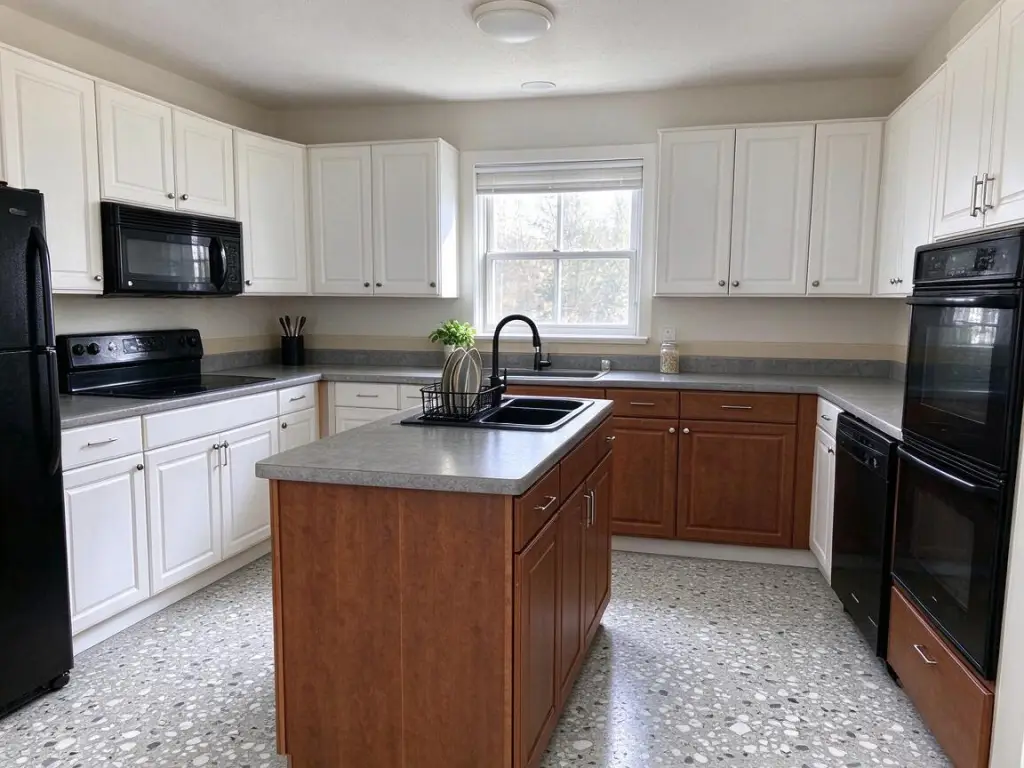
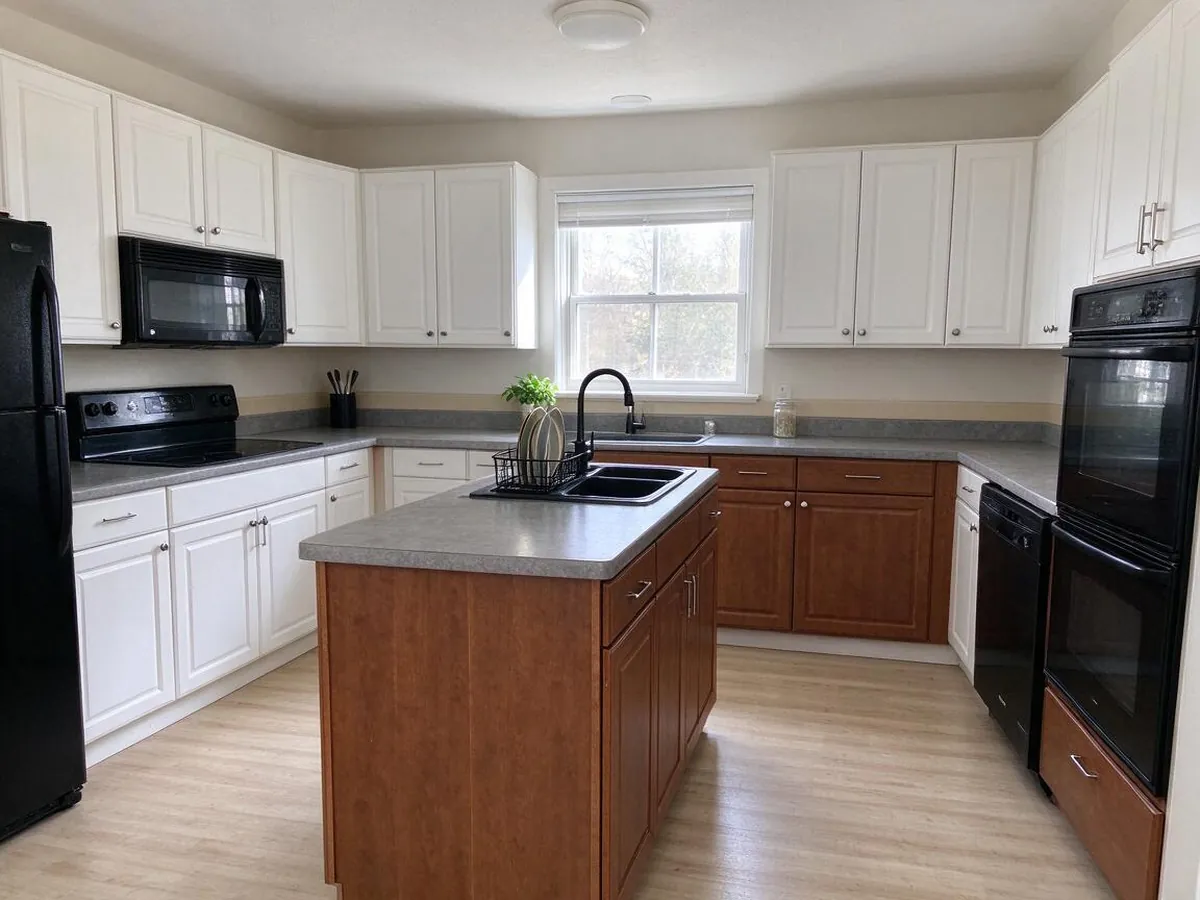 BeforeAfter
Why samples are still needed
A rendered floor shows color, pattern and contrast well, but not texture, gloss or exactly how the tone shifts under your bulbs. A physical sample in morning and evening light catches that.
Lay samples where the floor meets the base cabinets and next to the existing floor in the adjoining room. Transitions are where a wrong choice is most visible.
If you plan to change cabinets or paint as well, change the floor on top of that result, so you judge the combination you will actually live with.
How to see it on your own kitchen
- Take a straight photo of your kitchen in daylight from the doorway or a corner, then upload it below (iPhone photos work as they are).
- The tool opens on "Change one thing" with floor selected. Pick a preset or type the exact floor you have in mind.
- Sign in with Google: the first 3 images are free, no credit card. Plans start at $14 a month for 25 images.
- In about 30 seconds you get the same kitchen with only the floor changed. Drag the slider to compare before and after, then download the one you like or keep editing one detail at a time.