What countertop goes with blue cabinets?
Short answer: Blue cabinets look best with white or light marble-look quartz for crisp contrast, warm wood butcher block for a softer feel, or concrete gray for a modern look. Navy and deep blue take bright white and Calacatta looks well, while lighter powder or dusty blue looks better with warm whites and wood than with stark white.
What to know
Navy loves white veining
Navy cabinets with a white counter and gray or gold veins is a classic pairing because the deep blue makes the white look clean and the veins stop it looking flat.
Wood warms blue down
Blue is a cool color. Oak or walnut on an island or open shelves brings warmth back, especially in a north-facing kitchen.
Light blue needs gentle contrast
Powder blue and dusty blue are soft colors. Very bright white counters can make them look washed out; cream, warm white and light wood keep them looking fresh.
Metal finish sets the mood
Brass hardware with navy and a marble look reads elegant; matte black or stainless with navy and concrete gray reads modern.
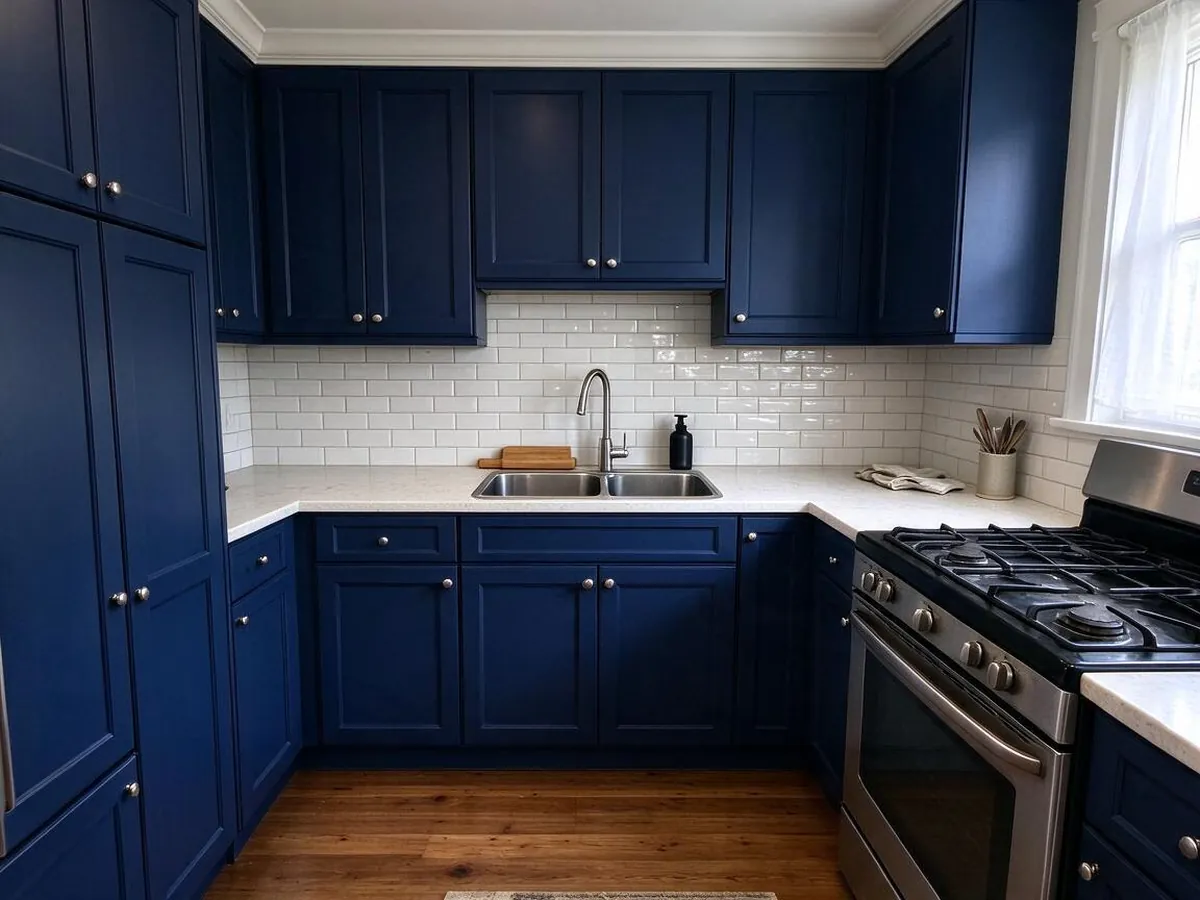
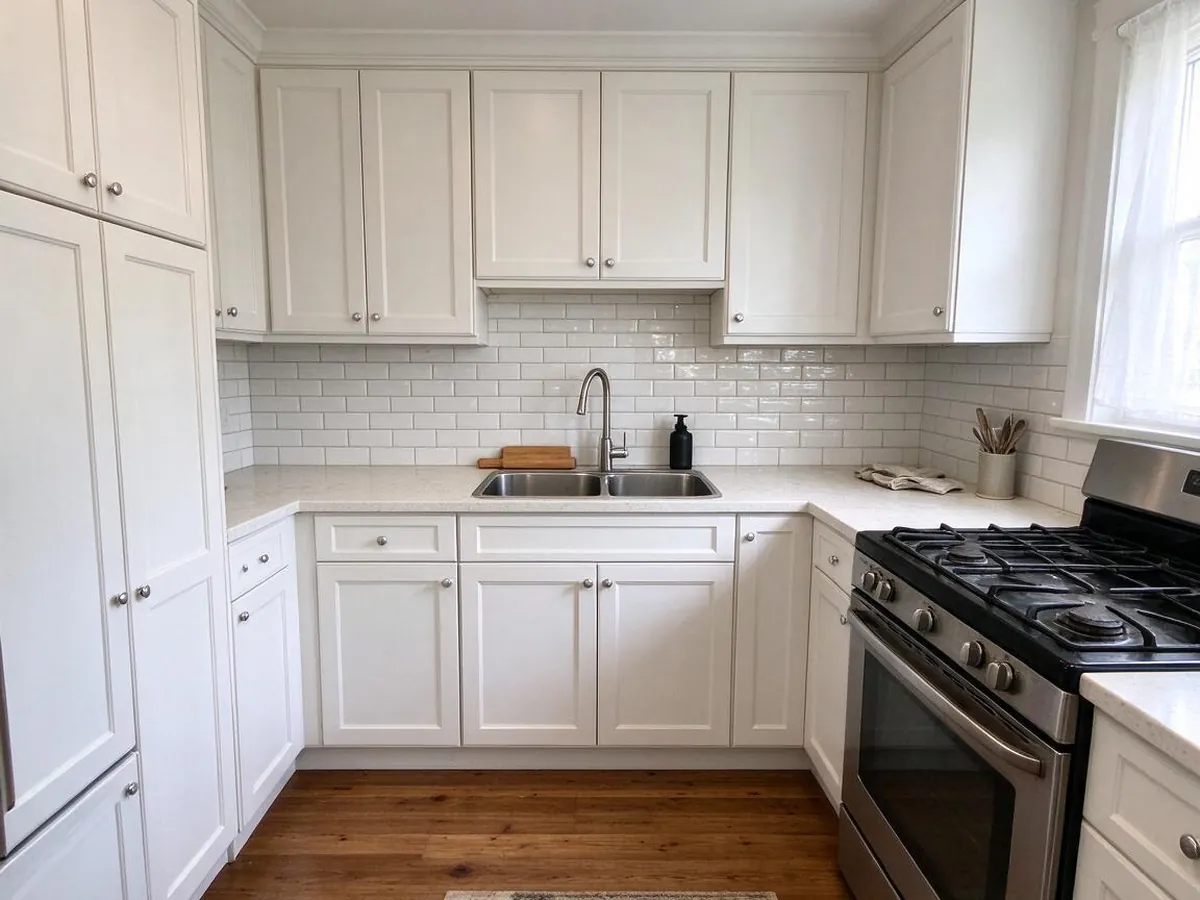 BeforeAfter
Two-tone blue kitchens
A common layout puts blue on the lower cabinets or island and white on the uppers. In that case the counter sits between the two colors, and a white or light marble-look surface links the white uppers to the blue lowers.
If the whole kitchen is blue, a light counter becomes the main light surface in the room, so lean toward white or a light warm stone rather than gray.
Black counters with blue cabinets are possible but low contrast; they suit a bright room with lots of daylight and light floors.
To test options on your own kitchen, change the cabinets to the blue you are considering first, then run the countertop change on that result. Each edit keeps the rest of the photo, so you compare counters against your actual floor and walls rather than a showroom image.
How to see it on your own kitchen
- Take a straight photo of your kitchen in daylight from the doorway or a corner, then upload it below (iPhone photos work as they are).
- The tool opens on "Change one thing" with countertop selected. Pick a preset or type the exact countertop you have in mind.
- Sign in with Google: the first 3 images are free, no credit card. Plans start at $14 a month for 25 images.
- In about 30 seconds you get the same kitchen with only the countertop changed. Drag the slider to compare before and after, then download the one you like or keep editing one detail at a time.